The Connection Between Leaks and Deepfakes
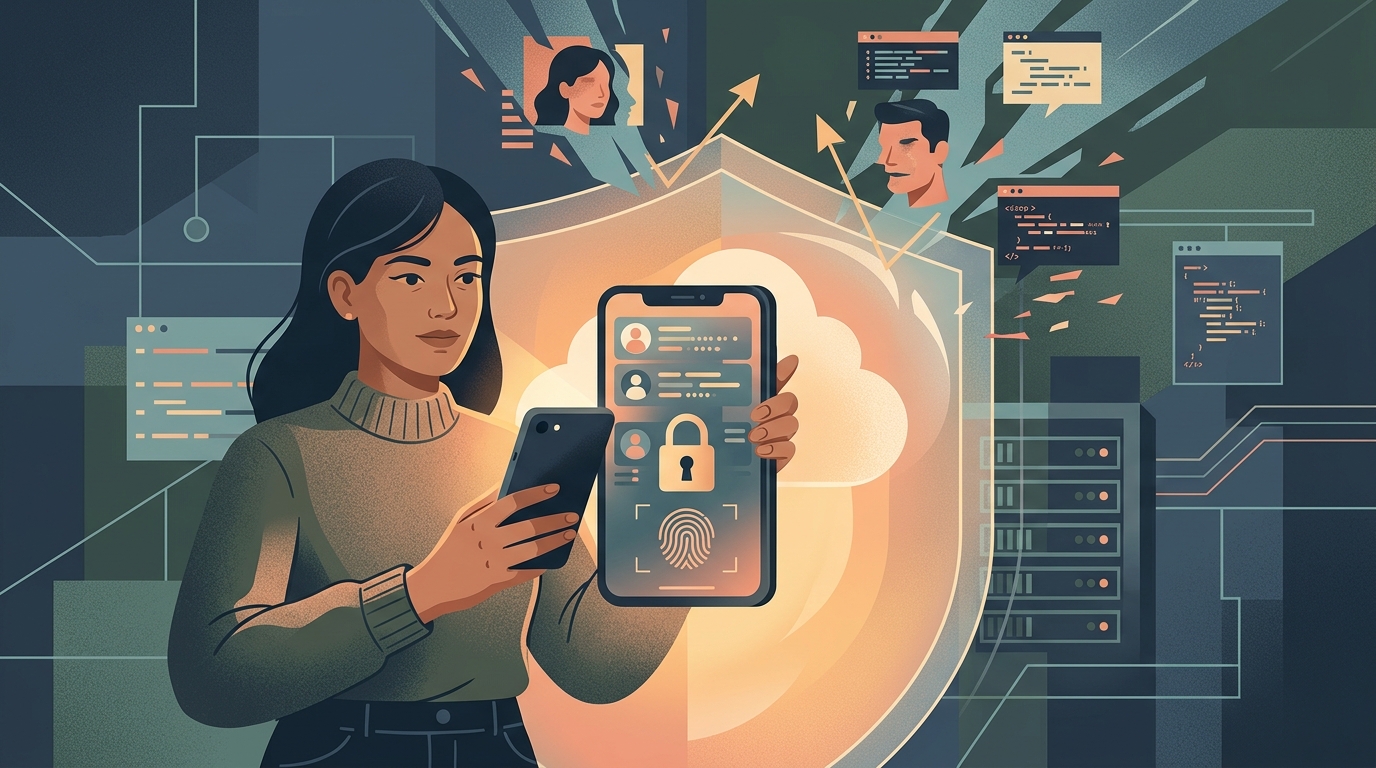
It is easy to think of data breaches and deepfakes as two separate problems. A breach steals your password, while a deepfake steals your face. But in reality, they are deeply connected. Scammers use the personal information exposed in data leaks—like your phone number, email, and family connections—to make their deepfake attacks hyper-targeted and convincing.
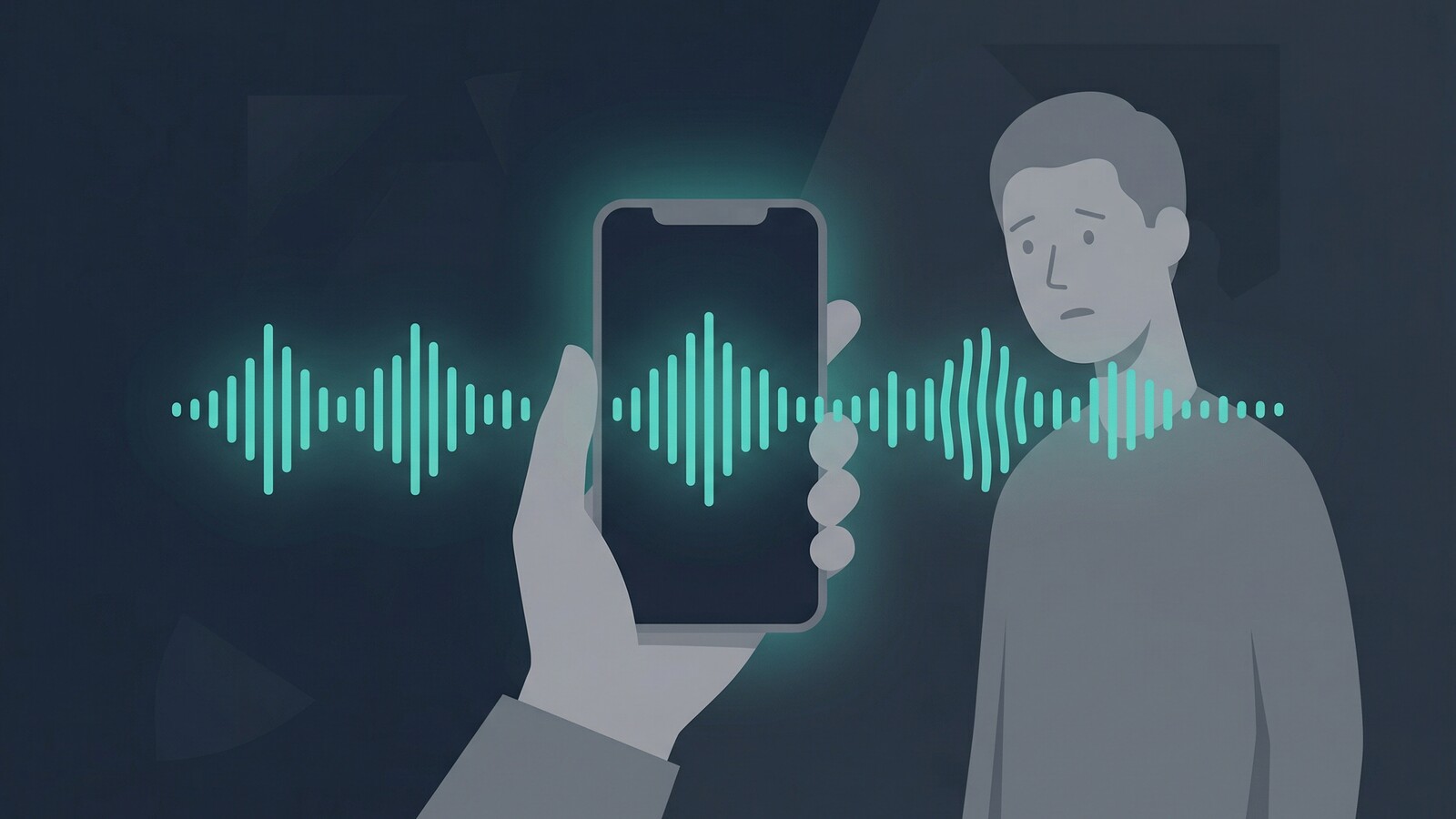
When an attacker knows your mother's name from a data broker leak, and has a voice sample from your public social media, they can generate an AI voice clone and call her asking for emergency money. This is no longer science fiction; it is a common scam.
Editor's Note
The quality of AI generation is doubling every few months. The only reliable defense is limiting the raw data (audio and video of you) available to the public.
How Data Leaks Expose You
A data leak happens when a company you trust accidentally or maliciously exposes your private information. This data often ends up on dark web marketplaces.
What attackers look for:
- Email addresses and passwords.
- Phone numbers and physical addresses.
- Social security numbers and financial details.
- Security question answers (like your first pet's name).
The long-term risk
Once your data is leaked, you cannot get it back. You can only change your passwords and monitor your credit.
How Deepfakes Use Your Face and Voice
Deepfakes require source material. They scrape public profiles, YouTube videos, and TikToks to train AI models to mimic your exact likeness and voice cadence.
Common deepfake scams:
- Voice cloning for emergency scams targeting family members.
- Video deepfakes to bypass biometric security or authorize wire transfers.
- Synthetic media used for extortion or reputational damage.
- Fake job interviews or executive impersonation.
Why they are dangerous
We are wired to trust what we hear and see. Overcoming that biological instinct requires establishing new security habits and verification protocols with your loved ones.
Comparing the Threats
| Threat Type | How It Operates | Primary Defense |
|---|---|---|
| Data Breaches | Corporate servers are hacked, exposing user databases. | Unique passwords, 2FA, credit freezes. |
| Voice Cloning | AI models analyze public audio clips to mimic your voice. | Make social accounts private; establish safe words. |
| Face Swapping | Photos and videos are mapped onto an attacker's movements. | Limit high-res public photos; use watermarks. |
| Network Snooping | Attackers intercept unencrypted traffic on public Wi-Fi. | Use a reliable VPN on your Apple devices. |
Real-World Scenarios
Understanding how these threats manifest in daily life is the first step to spotting them.
You receive an urgent voice note from your boss.
They ask you to immediately wire funds to a new vendor. Instead of complying, hang up and call them back on a known, verified number to confirm.
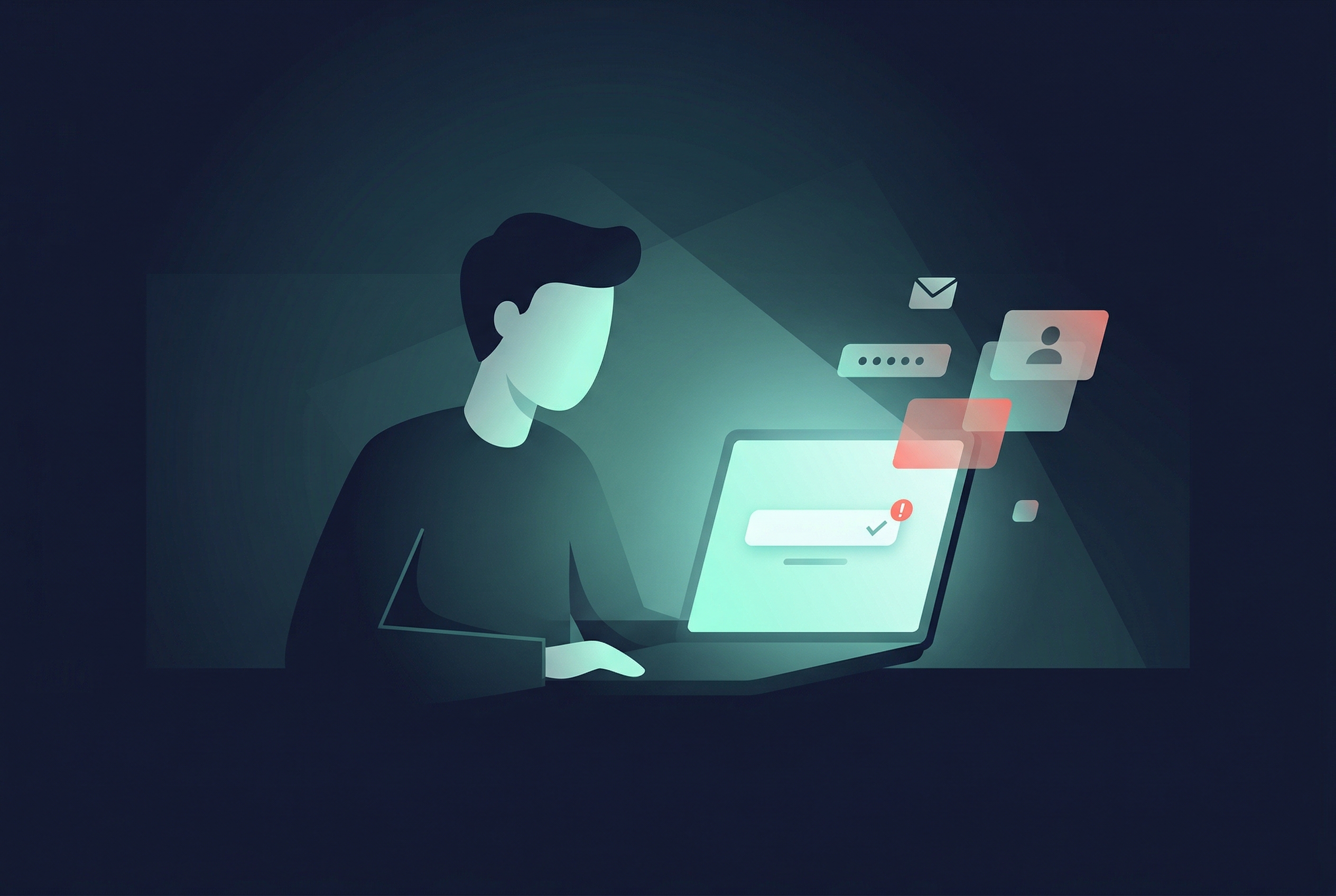
You get a text with a password reset code you didn't request.
This means an attacker has your password from a data leak and is trying to bypass your two-factor authentication. Do not share the code, and immediately change your password.
A family member calls from an unknown number in distress.
The voice sounds exactly like them, claiming they are in an accident and need bail money. Ask a question only they would know, or use a pre-agreed family safe word.
You are working from a local coffee shop on your MacBook.
You connect to "Free Cafe Wi-Fi". An attacker on the same network could intercept your session cookies. Always activate your VPN before connecting.
The Zero-Trust Mindset
In an era of AI impersonation, you can no longer trust caller ID, familiar voices, or seemingly private messages. Verify everything.
4 Steps to Lock Down Your Identity
- Audit your public profiles. Set your social media accounts to private. Delete old, unused accounts that might get breached.
- Establish a family safe word. Agree on a random word with your family. If someone calls with an emergency, they must provide the safe word.
- Use a password manager. Never reuse passwords. A password manager generates and stores unique, complex passwords for every site.
- Encrypt your traffic. Think of a VPN as a digital guardian angel operating silently in the background of your iPhone or Mac. Free VPN US is completely free and encrypts your connection to prevent local data interception. It also includes a built-in private browser, ensuring your daily searches and website visits remain unseen by data brokers.
By shrinking your digital footprint and securing your daily habits, you make yourself a significantly harder target for automated scams and deepfakes.
Frequently Asked Questions
Can a deepfake be made from just one photo?
Yes, modern AI tools can create a passable face-swap or animation from a single high-quality image, though more data creates a more convincing fake.
How do I know if my data was leaked?
You can use services like Have I Been Pwned to check if your email address or phone number has appeared in known public data breaches.
Does a VPN protect me from deepfakes?
A VPN does not stop someone from copying your public photos. However, it encrypts your connection to prevent attackers from intercepting your private data and using it for targeted attacks.
Are voice clones actually convincing?
Yes. AI voice cloning can replicate accent, tone, and pacing with just a few seconds of source audio, making them incredibly difficult to distinguish from the real person over the phone.
Diving Deeper into Digital Identity
Understanding the mechanics of identity theft helps you stay one step ahead.
Related Privacy Guides
Encrypt Your Connection Today
Don't let data leaks and network snooping expose your identity. Let our free app be your digital guardian angel. Use Free VPN US to secure your iOS and Mac traffic and browse with confidence.
- 100% Free to use
- Built-in private browser
- Silent background protection