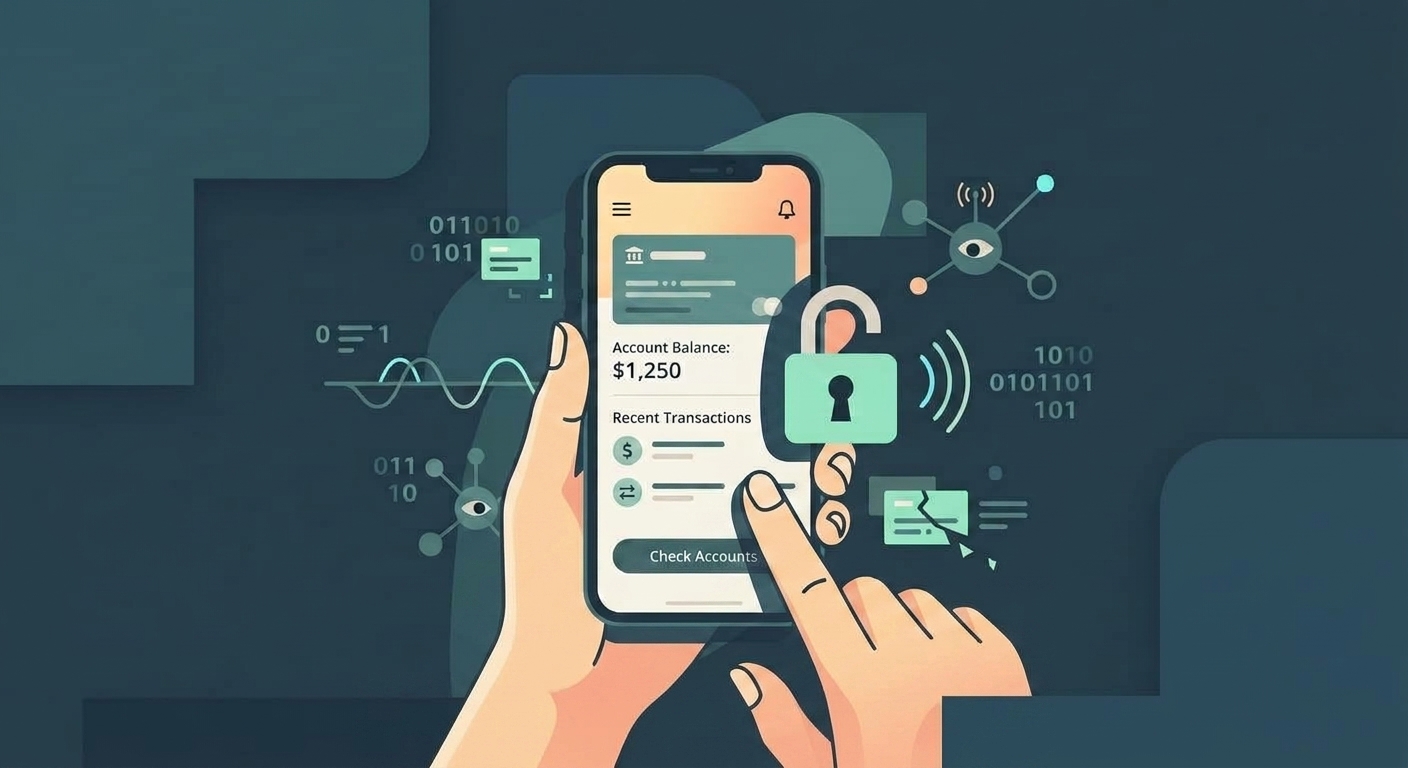
The Guide to Safe Mobile Banking on Hotel Wi-Fi
Traveling often means relying heavily on your iPhone or Mac to keep your life running smoothly. Whether you need to pay a credit card bill, transfer funds for an emergency, or check your balance, mobile banking on the go is unavoidable.
However, the convenience of hotel Wi-Fi comes with invisible risks. When you connect to a shared, public network, your sensitive financial data can be intercepted or stolen by attackers on the same network.
This guide breaks down the specific threats you face when banking on hotel Wi-Fi—from deceptive login portals to interception techniques—and provides practical steps to keep your money secure.
1. The Captive Portal Trap (Evil Twin Attacks)
The Situation:
You arrive at your hotel and pull out your iPhone to connect to the Wi-Fi. You select the network named "Guest_WiFi_5G" and are redirected to a login page (a captive portal) asking for your room number and email address.
Why it happens:
Hotels use captive portals to manage bandwidth and ensure only paying guests use the network. However, attackers can easily execute an "Evil Twin" attack. They set up a rogue Wi-Fi router nearby, broadcasting a network name identical or very similar to the hotel's legitimate network.
Because iPhones naturally connect to the strongest signal, your device might connect to the attacker's router instead of the hotel's. The attacker then serves a fake captive portal. While you think you are authenticating with the hotel, you are handing your details to a hacker who now controls the traffic flowing between your Mac or iPhone and the internet.
What to do:
- Verify the exact network name: Ask the front desk for the exact name of the official Wi-Fi network. Pay attention to subtle misspellings (e.g., "HoteI_WiFi" instead of "Hotel_WiFi").
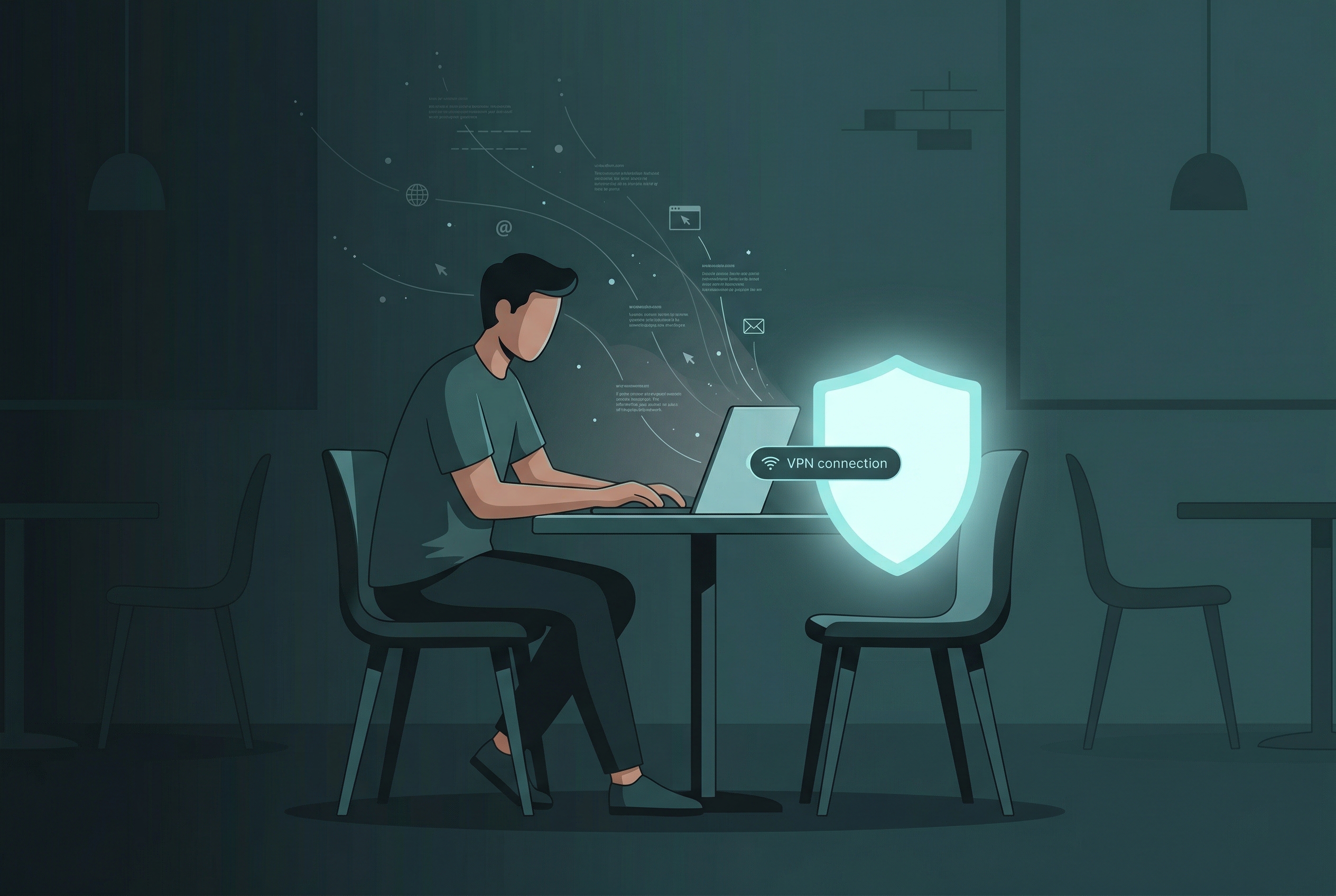
- Use a VPN immediately: Before entering any information into a captive portal, connect to a privacy-first Virtual Private Network (VPN) like VPN US for iOS or Mac. A VPN encrypts your connection, making your traffic unreadable to anyone operating an Evil Twin network.
- Beware of unusual requests: Legitimate hotel Wi-Fi rarely asks for a credit card number just to grant standard internet access. If a portal asks for excessive personal data, disconnect immediately.
2. Man-in-the-Middle (MitM) Attacks and Network Sniffing
The Situation:
You are sitting in the hotel breakfast area, connected to the legitimate hotel Wi-Fi, and decide to quickly check your bank balance.
Why it happens:
Public Wi-Fi networks often lack "client isolation," meaning devices connected to the network can "see" each other. Attackers on the same network can use packet-sniffing software to capture data transmitted over the air.
In a Man-in-the-Middle (MitM) attack, the hacker tricks the network into routing your traffic through their machine before it reaches the internet. This allows them to read or record unencrypted data in real time.
What to do:
- Assume the network is hostile: Treat all hotel Wi-Fi as if someone is actively watching the traffic.
- Rely on a VPN: Even if an attacker successfully intercepts your traffic, a VPN ensures all they see is heavily encrypted gibberish. They cannot see that you are connecting to a bank or view your account data.
- Keep your Apple devices updated: iOS and macOS updates frequently patch vulnerabilities that attackers exploit to facilitate MitM attacks.
3. SSL Stripping and HTTPS Downgrades
The Situation:
You open Safari on your Mac, type your bank's web address, and hit enter. The site loads normally, and you proceed to enter your login credentials.
Why it happens:
Banks use HTTPS to encrypt the connection between your browser and their servers. However, when you type a URL without explicitly typing "https://", your browser usually sends an initial, unencrypted HTTP request. The bank's server then redirects you to the secure HTTPS version.
In an SSL Stripping attack, a hacker intercepts that initial HTTP request. They connect to the bank securely on your behalf but maintain an unencrypted connection with you. They present a site that looks identical to your bank, but any data you enter is sent in plain text straight to the attacker.
What to do:
- Use the official iOS banking app: Dedicated mobile banking apps on your iPhone rely on "certificate pinning." The app is hardcoded to only trust the specific security certificate issued by the bank. If an attacker presents a fake certificate, the app will recognize the mismatch and refuse to connect.
- Look for the padlock: If you must use Safari or another browser on your Mac, manually type "https://" before the URL and verify the padlock icon appears before entering credentials.
4. Session Hijacking (Sidejacking)
The Situation:
You securely log into your banking portal on the hotel Wi-Fi, review your statements, and leave the browser tab open while you read the news. Later, you notice unauthorized transactions.
Why it happens:
When you log in, the bank's server gives your browser a "session cookie"—a temporary ID proving you are authenticated so you don't have to log in on every page.
If this session cookie is transmitted over an unencrypted connection or intercepted via a MitM attack, a hacker can steal it. Once the attacker has your active session cookie, they can inject it into their own browser and impersonate you, accessing your account without needing your password.
What to do:
- Log out immediately: The moment you finish checking your balance, explicitly click the "Log Out" button. Do not just close the app or the browser tab. Logging out invalidates the session cookie.
- Never leave banking tabs idle: Limit your exposure time. Do what you need to do and close the session.
5. The Cellular Data Alternative: The Ultimate Fallback
The Situation:
You have a high-value transaction to complete and cannot risk any potential vulnerabilities on the hotel's infrastructure.
Why it happens:
Sometimes, the most effective security strategy is avoiding the hostile environment altogether. Cellular networks (4G/5G) are vastly more secure against the opportunistic hackers found in hotels. Cellular traffic is encrypted by default between your iPhone and the cell tower.
What to do:
- Disconnect from Wi-Fi entirely: Turn off the Wi-Fi toggle in your iPhone's Control Center.
- Use your cellular data plan: Conduct your banking transaction using your carrier's network.
- Personal Hotspot: If you must use your Mac for the transaction, use your iPhone as a personal hotspot.
Conclusion
Mobile banking while traveling shouldn't require compromising your financial security. The threats on hotel Wi-Fi are real, but you retain control by shifting from passive trust to active defense. Defaulting to cellular data for sensitive transactions, relying exclusively on official iOS banking apps, and maintaining a strict habit of using a no-logs VPN like VPN US are the cornerstones of safe travel banking.
Follow-Up Questions (FAQs)
1. Is my iOS banking app actually safer than using Safari on hotel Wi-Fi?
Yes, significantly safer. Official banking apps use "certificate pinning," meaning the app is hardcoded to only communicate with servers possessing the bank's exact security certificate. If a hacker intercepts the connection and presents a fake certificate, the app will instantly reject the connection, protecting your credentials. Browsers are more susceptible to SSL stripping attacks.
2. If I see "HTTPS" in the URL, does that mean I'm completely safe on hotel Wi-Fi?
No. HTTPS only means the connection between your device and the website server is encrypted. It does not protect you from phishing sites designed to look like your bank or attacks like SSL stripping where the attacker downgrades your connection before you reach the HTTPS site. You still need a VPN to secure your entire data stream.
3. Are free VPNs safe to use on hotel Wi-Fi?
It depends entirely on the provider's privacy policy. A trustworthy service like VPN US offers a practical, ad-supported free tier that gives you essential encryption for everyday browsing, though it may have time limits or fewer region options. Premium plans simply remove the ads and restrictions for a smoother, unlimited experience. The real danger comes from shady apps that log your data and sell it. Always ensure your VPN has a strict, transparent no-logs policy—meaning they never track or store your activity, whether you use the free or paid version.
4. Can a hacker compromise my iPhone or Mac just by being on the same hotel Wi-Fi?
While less common than intercepting traffic, it is possible if your Apple devices have unpatched software or file-sharing features left open. This is why keeping iOS and macOS updated and disabling features like AirDrop for "Everyone" in public spaces is crucial.
5. How can I tell if the hotel Wi-Fi is actually an Evil Twin network?
It can be very difficult to tell visually. An Evil Twin will have the exact same name as the legitimate network and may present a flawless copy of the hotel's login page. The best defense is proactive: verify the exact network name with hotel staff, connect to a trusted VPN before authenticating, and be suspicious if the portal asks for unusual personal information.
Keep Reading
Protect Your Financial Data
Encrypt your connection before checking your bank account. Keep your passwords safe from snoops on hotel and airport Wi-Fi.
- Secure Encryption
- No Log Policy
- One-Tap Connection