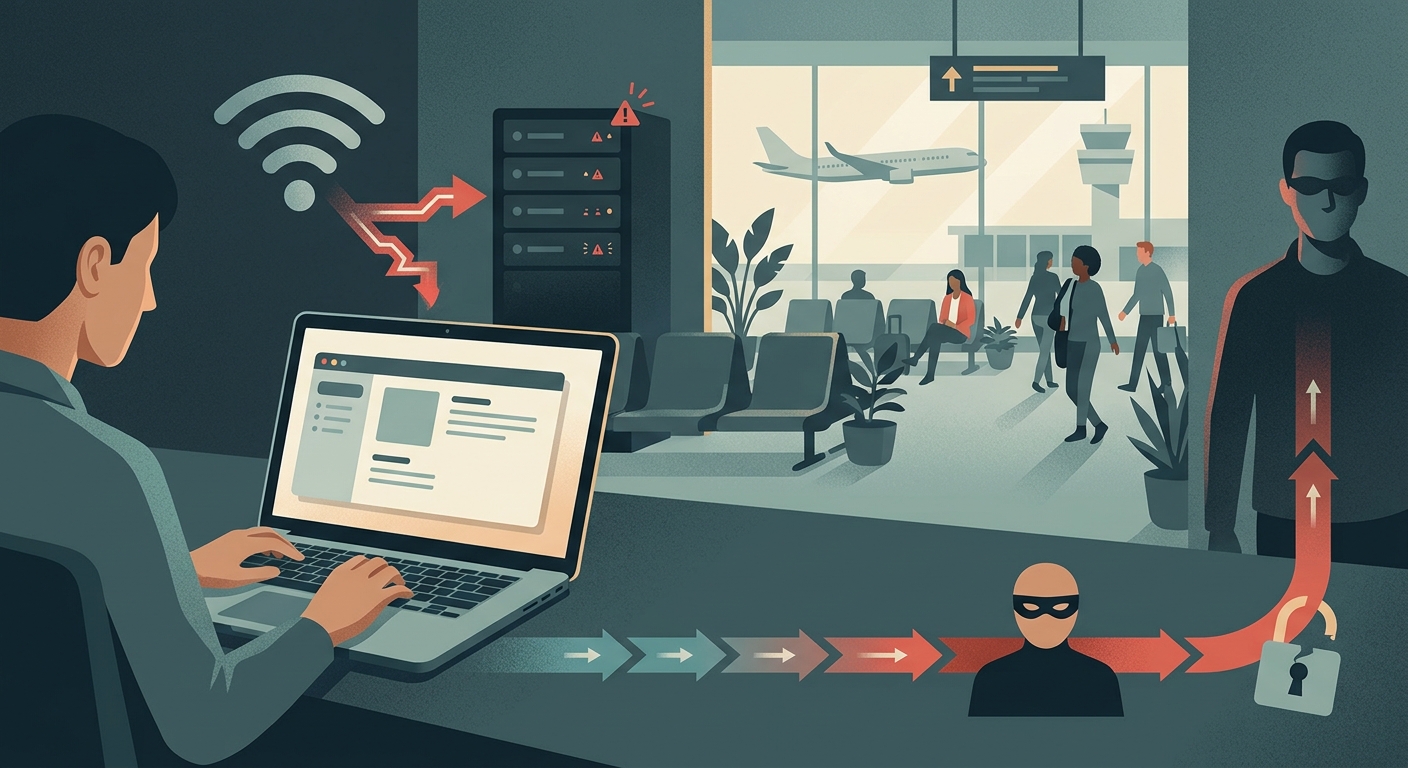
How the 'Evil Twin' Attack Works on Your Mac
An Evil Twin attack relies on deception. Hackers use portable Wi-Fi pineapples or modified routers to broadcast a network name identical to the airport's official network.
Because your Mac is designed to make connecting to the internet seamless, it will often automatically connect to the network broadcasting the strongest signal. Once connected, the attacker serves you a fake captive portal.
Security Note
Always be suspicious of public Wi-Fi that requires more than a simple terms of service agreement. Legitimate airport Wi-Fi will never ask for your system password or sensitive app credentials.
The Fake Captive Portal: Stealing Your Passwords
When you connect to an Evil Twin, the attacker forces your browser to a 'captive portal.' (This is why opening sensitive links inside the Free VPN US built-in private browser adds a layer of safety—it isolates your session from your main Safari or Chrome data.)
How portals steal data:
- Pixel-perfect replicas of Google or Apple ID logins.
- Urgency tactics claiming you need to 'Verify your account'.
- Capturing passwords in plain text.
- Prompting for fake software updates.
The Result
Entering your password here sends it straight to the attacker.
Session Hijacking: Snooping on Your Traffic
Even if you don't type a password into a fake portal, an Evil Twin network is dangerous. The hacker controls the router and can perform a Man-in-the-Middle (MitM) attack.
What hackers can do:
- Intercept unencrypted traffic.
- Perform SSL-stripping to remove HTTPS.
- Steal session cookies to access accounts.
- Monitor browsing history in real-time.
The Result
With your session cookies, they can access your email or social media without even needing your password.
Is It Safe to Connect?
| Scenario | Risk Level | Action Required |
|---|---|---|
| Network asks for Terms of Service acceptance only | Medium | Connect, but turn on Free VPN US immediately. |
| Network asks for email/social login | High | Use a dummy email, then secure your connection with Free VPN US. Never use your primary password. |
| Network asks for Mac system password or Apple ID | Critical | Disconnect immediately. Forget the network. |
| Using personal phone hotspot | Low | Safe. VPN is still recommended for privacy. |
Real-World Scenarios at the Airport
Here is how to evaluate the risk before you connect.
What if there are two networks with the same name?
This is a massive red flag. One of them is likely an Evil Twin.
My Mac connected automatically. Am I compromised?
If you haven't typed anything, probably not. 'Forget' the network immediately.
I need to check my bank account.
Never do this on public Wi-Fi without an encrypted connection. Read more about safe mobile banking while traveling before you log in. Open Free VPN US first, and consider using the built-in private browser to keep banking cookies strictly separated from your daily web traffic.
Is a phone hotspot safer?
Yes, using your cellular data hotspot is much safer than public Wi-Fi.
Security Insight
Hackers often name their networks 'Free Airport Wi-Fi 5G' or 'Premium Guest Wi-Fi' to sound more appealing than the actual official network.
How to Protect Your Mac
- Disable Auto-Join Go to System Settings > Wi-Fi. Turn off 'Ask to join new networks' and ensure your Mac doesn't automatically connect to known but unsecured networks.
- Verify the Network Name Check the airport's official signage or ask an employee for the exact Wi-Fi name. Don't guess.
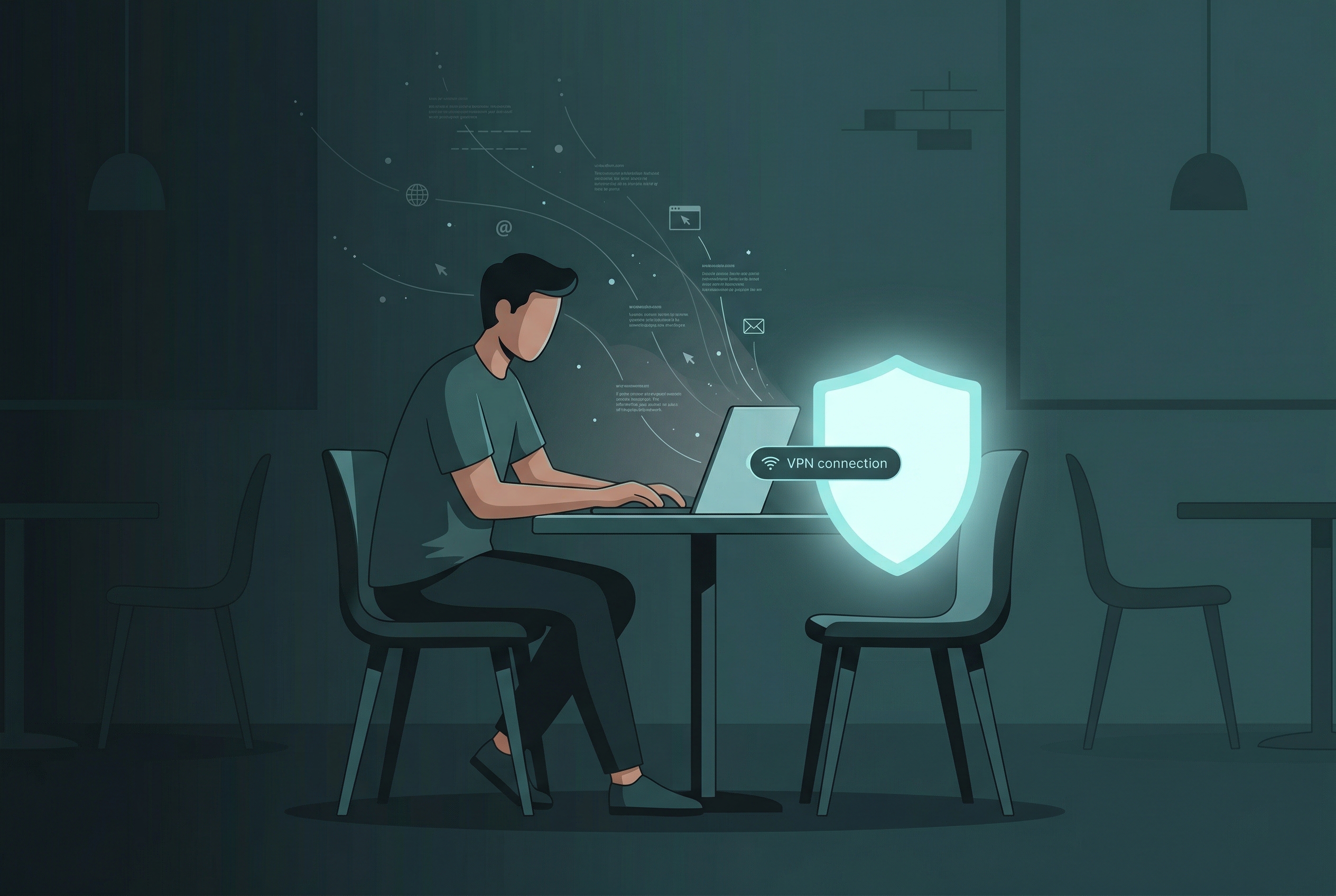
- Turn On Your VPN Before you connect, turn on Free VPN US. It encrypts all your traffic, making it unreadable to anyone intercepting it. For an extra layer of security, use our built-in private browser so your activity stays isolated from your main apps.
- Enable the macOS Firewall Ensure your Mac's built-in firewall is active (System Settings > Network > Firewall) to block unsolicited incoming connections.
If in doubt, assume the Wi-Fi network is compromised and use your phone's cellular hotspot instead.
Frequently Asked Questions
Can a hacker see my passwords if I use airport Wi-Fi?
Yes. If you connect to an Evil Twin network or if the traffic isn't encrypted, a hacker can intercept plain text passwords and session cookies.
Does HTTPS protect me on public Wi-Fi?
HTTPS provides a strong layer of encryption for websites, but sophisticated attackers controlling the network can sometimes use SSL-stripping to downgrade your connection to unencrypted HTTP.
What is an Evil Twin attack?
It's a rogue Wi-Fi hotspot set up by a hacker to mimic a legitimate public network, tricking users into connecting so the hacker can monitor their traffic.
How does Free VPN US help on airport Wi-Fi?
Free VPN US creates a secure, encrypted tunnel between your Mac and the internet. Even if you connect to a hacker's network, they cannot read or manipulate your data. Our built-in private browser also keeps your session isolated for extra safety.
More on Public Wi-Fi Security
Additional questions travelers often have.
Related Security Guides
Don't connect at the airport without protection.
Get Free VPN US and encrypt your Mac's internet connection with a single click. Stay safe from Evil Twins and Wi-Fi snoops.
- Military-grade encryption
- One-click connection
- 100% Free to use