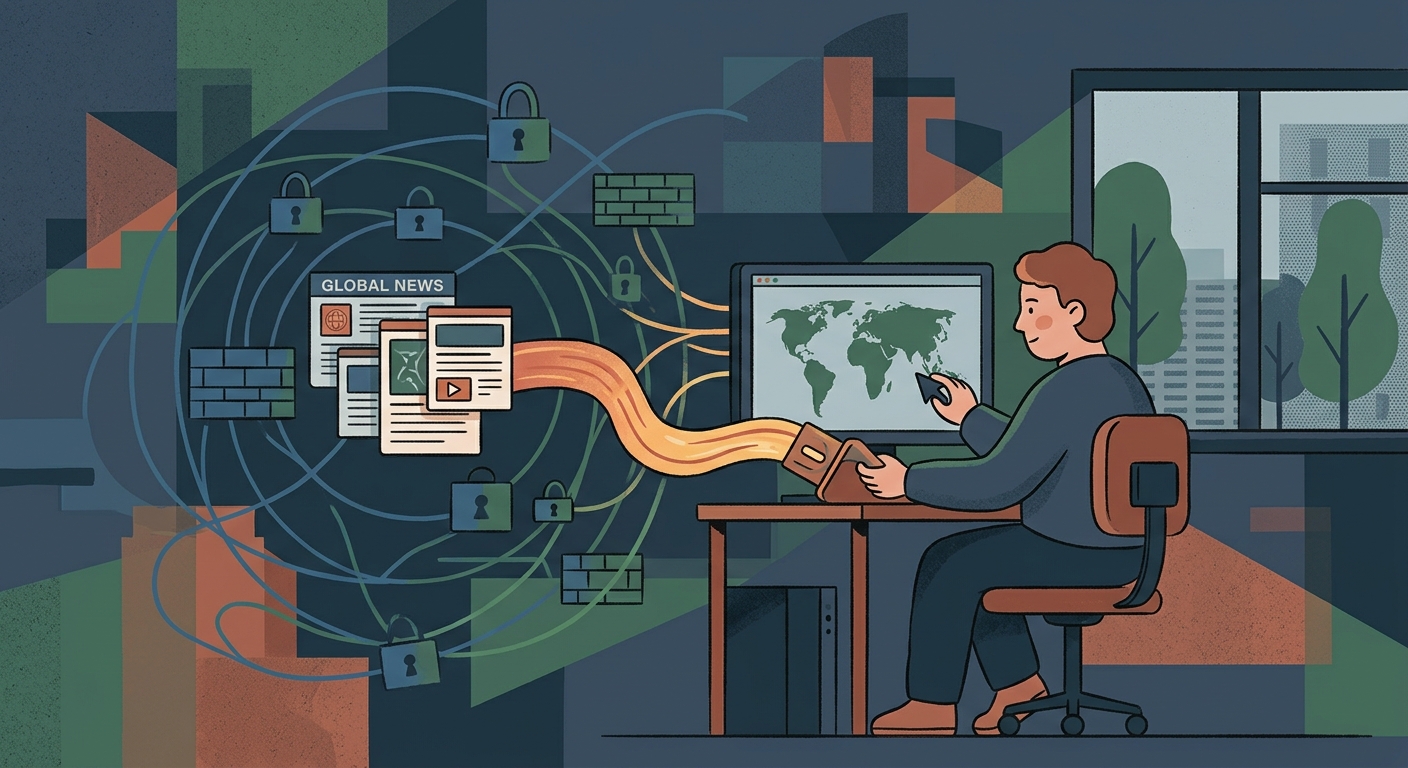
Standard Firewalls vs. Deep Packet Inspection
A standard network firewall looks at the outside of your data packet. It checks the destination IP address and port, and if they are on a blocklist, the connection is dropped. This is easy to bypass with a standard VPN on your iPhone or Mac.
Deep Packet Inspection goes further. It opens the 'envelope' of your connection to analyze the packet payload and connection handshake. Even if your traffic is encrypted, DPI can recognize the behavioral pattern of a VPN protocol and block it, effectively cutting you off from unfiltered news.
Why This Matters for News
When local news is restricted, independent global journalism becomes vital. DPI is increasingly used to block the exact tools people rely on to reach those outside sources.
Standard VPN Connections
Standard VPN protocols use strong encryption, but they announce what they are. When a firewall sees this traffic, it knows you are using a VPN.
Where it works best:
- Everyday home and public Wi-Fi security.
- Bypassing simple DNS or IP blocks.
- Accessing geo-restricted streaming content.
- Networks without active behavioral monitoring.
When it fails:
If the network uses DPI, standard protocols (like default WireGuard or OpenVPN) are easily identified and blocked.
Obfuscated (Stealth) Connections
Obfuscation wraps your encrypted traffic in another layer, making it look like standard, uninteresting web traffic (like regular HTTPS).
Where it is essential:
- Networks using advanced DPI firewalls.
- Regions with strict national internet censorship.
- Workplace or university networks with tight filtering.
- Accessing blocked global news platforms.
The tradeoff:
Obfuscation adds overhead. Connections might be slightly slower because of the extra layer of disguise.
Comparing Connection Methods
| Network Type | Standard VPN | Obfuscated Connection |
|---|---|---|
| Home Network | Fast and Secure | Unnecessary overhead |
| Public Wi-Fi (Cafe/Airport) | Usually works well | Use if standard fails |
| Strict Corporate Firewall | Often blocked | Reliable access |
| DPI / Censored Region | Blocked instantly | Essential for access |
Common Access Scenarios
Different networks require different approaches to access global news.
My standard VPN connects, but news sites won't load.
The network might be throttling known VPN ports or doing partial inspection. Switch to an obfuscated setting to blend in with normal web traffic.
My VPN fails to connect entirely on this network.
This is a classic sign of DPI blocking the protocol handshake. Standard connections will not work; you need a stealth protocol to disguise the connection.
The connection drops randomly when reading articles.
Active DPI can reset connections if it detects prolonged VPN-like behavior. Obfuscation helps maintain a stable connection by mimicking normal HTTPS.
I'm traveling to a region known for strict censorship.
Prepare in advance. Ensure you have an app capable of traffic obfuscation installed before you arrive, as access to the app itself might be blocked later.
The Role of HTTPS
Because so much of the internet relies on secure HTTPS traffic, networks cannot block it without breaking everything. Obfuscation works by hiding your traffic inside this 'too-big-to-block' category.
How to Bypass DPI
- Enable Obfuscation In your app settings, look for 'Stealth', 'Obfuscation', or 'Shadowsocks' and turn it on.
- Change the Port If allowed, set the connection port to 443, the standard port for HTTPS traffic.
- Connect to a Reliable Region Choose a server in a region with strong press freedoms and unfiltered internet access.
- Verify Access Open an independent global news site to confirm your traffic is bypassing the local filters.
If the connection is slow, try a different server in the same open region. The goal is stability first, speed second.
Frequently Asked Questions
What exactly is Deep Packet Inspection (DPI)?
DPI is a method of analyzing data sent over a network. Instead of just reading the destination, it examines the contents and patterns of the data to block specific tools or services.
Does obfuscation slow down the connection?
Yes, slightly. Wrapping your traffic to disguise it takes extra processing, which can result in a minor speed drop. However, it's worth the trade-off for access.
Can DPI read my encrypted messages?
No. If your traffic is encrypted (like with HTTPS or a VPN), DPI cannot read the contents of your messages. It can only see the 'shape' of the traffic.
Why do networks use DPI?
Networks use DPI to enforce usage policies, manage bandwidth, or, in many cases, block access to specific websites, news sources, and communication tools.
Deep Dive Questions
More technical details about bypassing network filters.
More on Internet Freedom
Bypass DPI and Read Freely
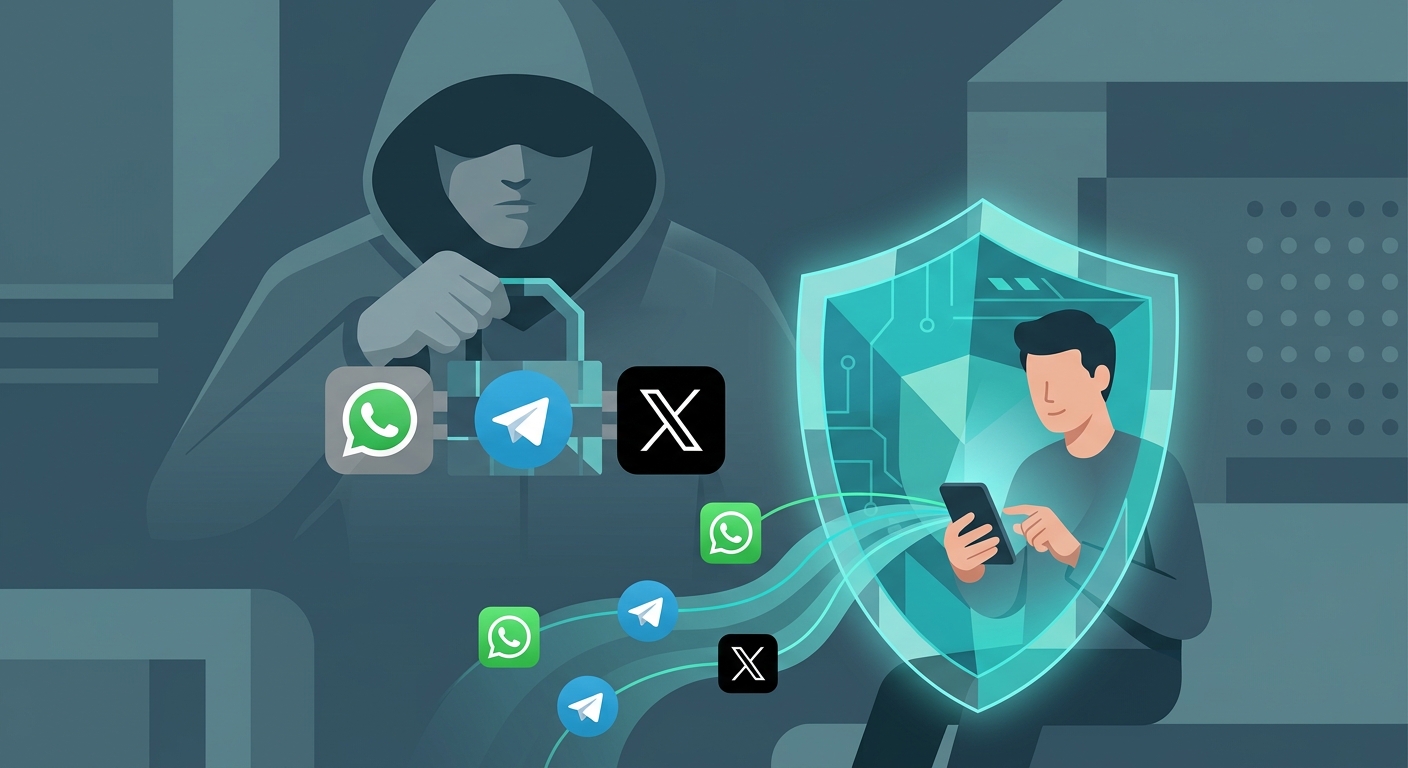
Get Free VPN US—a completely free app for your iPhone, iPad, or Mac—to obfuscate your traffic and access independent news without restrictions.
- Bypass strict network blocks
- Access unfiltered global news
- Keep your browsing private