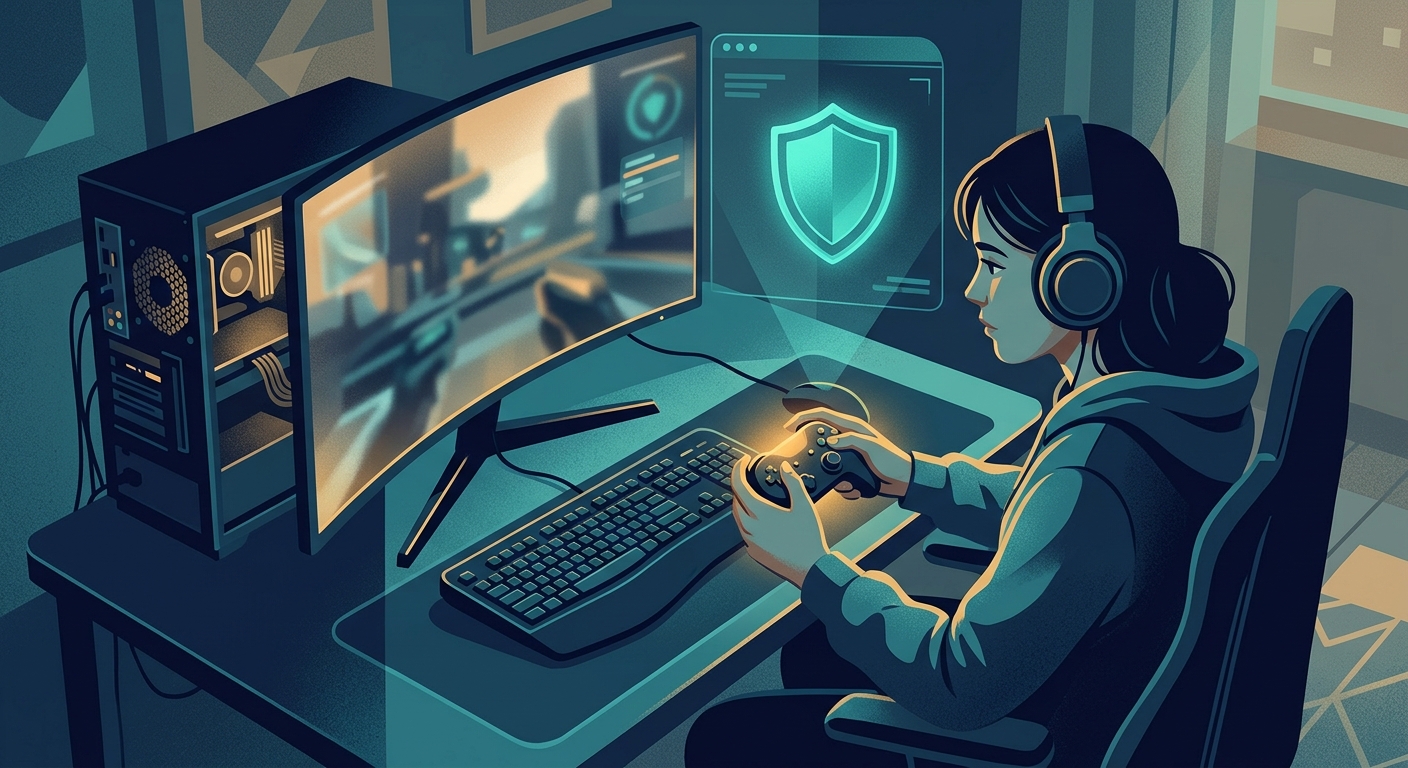
The Real Cost of Account Hijacking
Here's how account hijacking usually unfolds: A competitive player is grinding ranked matches at a gaming café when their account is compromised. Within hours, their cosmetics inventory is stripped. Rare skins worth hundreds of dollars—some not even available anymore—are gone. Seasonal progress, earned rewards, and account reputation vanish. By the time they notice their password doesn't work, the attacker has already changed the recovery email, locked them out, and sold items on underground marketplaces.
This isn't a worst-case scenario. It happens to thousands of gamers every week. The psychological impact is real: years of progress erased, money wasted on cosmetics, and the violation of knowing someone else controlled your account.
Why Gaming Accounts Are Prime Targets
Gaming accounts contain real value. These platforms monetize cosmetics, rare seasonal items, and collections that accumulate over years. A single legendary skin in some games costs $15-30. Collectors with hundreds or thousands of dollars worth of cosmetics are extremely attractive targets.
Beyond items, accounts themselves are valuable. High-level accounts with rare cosmetics sell for hundreds to thousands of dollars on resale sites. Seasonal exclusives and limited-edition cosmetics create artificial scarcity that attracts thieves.
Attackers also target accounts for:
- Credential harvesting: Stolen gaming accounts often share passwords with email, banking, or social media accounts
- Account farming: Compromised accounts are used to grind progression and generate sellable assets
- Identity fraud: Account information is used to create fake identities across multiple services
- Botnet recruitment: Compromised systems become part of larger attack networks
Your gaming account is the entrance to a larger attack chain. Protect it accordingly.
The Threat Vector: Public Wi-Fi and Gaming Credentials
Public Wi-Fi creates an ideal environment for account theft. When you log into your gaming account at a café, airport, hotel, tournament venue, or dorm network, your credentials travel across an unencrypted network where attackers can intercept them.
Here's what an attacker can see on unprotected public Wi-Fi:
- Your login username and password (if the connection isn't encrypted)
- Your recovery email address during signup or password reset
- Two-factor authentication codes as they're transmitted
- Session cookies that stay active even after you log out
- Your IP address, device information, and browsing behavior
Many gamers assume that HTTPS keeps them safe. But HTTPS only encrypts the destination—it doesn't protect you from network-level attacks or malicious hotspots. A fake "CoffeeMate-WiFi" that mimics the legitimate café network can intercept everything before your encrypted connection begins.
How Account Hijacking Works on Untrusted Networks
Method 1: Man-in-the-Middle (MITM) Attack
An attacker positions themselves between your device and the router. All your traffic passes through them. Even with HTTPS, they capture:
- Your login credentials during the authentication process
- Authentication tokens that remain valid across sessions
- Recovery email addresses during account recovery flows
- SMS codes before they're encrypted by the app
The attacker doesn't need your password after interception—they often have session tokens that grant immediate access.
Method 2: Credential Interception on Unencrypted Connections
Some game launches or authentication flows don't use full encryption. Attackers running packet sniffers see your credentials in plain text. A single unprotected login attempt hands them everything needed to access your account.
Method 3: DNS Spoofing and Fake Hotspots
Attackers create fake Wi-Fi hotspots with names nearly identical to legitimate ones—"HotelWiFi_5G" instead of "Hotel_WiFi." When you connect and try to log in, the fake network presents a cloned login page that captures your credentials. You may not notice the difference for days.
Method 4: Cookie and Session Hijacking
Even after you log out, your session cookies may remain valid for a short window. Attackers capture these cookies and use them to access your account without needing your password at all. To your account's perspective, they're already you.
Real Scenarios: Where Gaming Accounts Get Hijacked
The Café Grind
A player stops at a café to log in for their daily login bonus. They connect to the public Wi-Fi without thinking. An attacker has already set up a fake hotspot with a nearly identical name. The player logs in, plays for an hour, then leaves. By the next morning, their inventory is empty.
The Tournament Run
A competitive player is at a LAN tournament or esports event. Tournament Wi-Fi is unreliable, so they've hotspotted to their phone. Another player at the event runs a packet sniffer and intercepts credentials. The compromised account is locked down immediately—the victim doesn't discover it until after the tournament ends.
The Hotel Login
While traveling for work, a gamer logs into their account from their hotel room. Hotel Wi-Fi has weak encryption. An attacker on the same network captures the session token. The attacker maintains access even after the victim logs out and leaves the hotel.
The Dorm Network
College gamers share dorm Wi-Fi with hundreds of other students. A malicious student runs monitoring software that captures credentials from everyone on the network. The victim discovers their account locked when they try to log in the next day.
The Coffee Run Between Matches
A casual player connects to coffee shop Wi-Fi just to check their account or redeem a gift code. The connection is intercepted. They don't think twice because it only took 30 seconds. But 30 seconds is enough for an attacker to capture authentication tokens and lock them out of recovery options.
Step-by-Step Protection: How to Secure Your Gaming Account
Step 1: Enable Two-Factor Authentication (2FA) — Mandatory
Two-factor authentication is the single most important defense against account hijacking. Even if an attacker steals your password, they cannot access your account without the second authentication factor.
For Steam: Enable via Account > Manage my account security. Add your phone number and confirm the code sent via SMS. Steam also supports authenticator apps (Google Authenticator, Authy)—use this for stronger security.
For Epic Games: Go to Settings > Account and enable Two-Factor Authentication. You can use SMS or an authenticator app. Epic also offers backup codes—save these somewhere safe.
For Riot Games (League, Valorant): Navigate to Account > Credentials and enable Two-Factor Authentication. Riot strongly recommends authenticator apps over SMS for better security.
For PlayStation Network: Go to Account Settings > Security > Two-Step Verification. Add your phone number or authenticator app.
For Xbox Live: Visit account.microsoft.com > Security, then set up Two-Step Verification with SMS or an authenticator app.
Why authenticator apps are better: SMS codes can be intercepted. Authenticator apps (Google Authenticator, Microsoft Authenticator, Authy) generate codes that expire every 30 seconds and cannot be intercepted remotely. Use apps when available.
Step 2: Use Strong, Unique Passwords with a Password Manager
Your gaming account password should be:
- At least 16 characters long
- Unique to each account (never reuse passwords)
- A random mix of uppercase, lowercase, numbers, and symbols
- Never something predictable (birthdate, pet names, favorite games)
Reusing passwords turns one breach into a chain of account takeovers. A single compromised service means your gaming account, email, and bank are all at risk.
Use a password manager: Bitwarden, 1Password, and LastPass store complex passwords securely and auto-fill them when needed. You only remember one master password—problem solved.
Many gamers avoid password managers thinking they're risky. A password manager is far safer than reusing simple passwords across multiple accounts.
Step 3: Never Log In on Public Wi-Fi Without Free VPN US
This is the hard rule: do not enter your gaming credentials on public Wi-Fi unless your traffic is encrypted through Free VPN US.
What "without Free VPN US" means: unprotected access where your device connects directly to the network. Even if the network has a password, it doesn't encrypt individual user traffic—everyone on the network can potentially see everyone else.
If you must log in on public Wi-Fi:
- Ensure your Free VPN US is connected before opening the gaming app
- Verify the Free VPN US connection shows "protected" or "connected" status
- Connect through your personal hotspot (your phone's data) instead of public Wi-Fi
- Wait until you're on a secure network (home, work, trusted Free VPN US)
In practice: Most account hijacking happens during casual logins on public Wi-Fi. Redeeming a gift code or checking daily bonuses feels low-stakes. Attackers know exactly when you're careless.
Step 4: Use Free VPN US on Public Networks
Free VPN US encrypts your login credentials and traffic on public networks, preventing attackers from intercepting your password or authentication codes. On café or hotel Wi-Fi, Free VPN US creates a secure tunnel that hides your credentials from eavesdropping.
Here's how it works: Instead of your credentials traveling in plain text, they're encrypted before leaving your device. An attacker monitoring the network sees only encrypted data. Without the encryption key, it's useless.
When to use Free VPN US for gaming:
- Any login attempt on public Wi-Fi (café, airport, hotel, tournament)
- Accessing account settings or security features remotely
- Redeeming gift codes or making in-app purchases on public networks
- Checking your email on public Wi-Fi (especially for password resets)
Free VPN US is most critical for account credentials. While you're playing games online, your gameplay isn't compromised as much as your account login. Protect the login specifically.
Free VPN US doesn't replace other security measures. Strong passwords, 2FA, and careful network practices are still essential. Free VPN US is one layer in a complete security strategy.
Step 5: Lock Down Your Platform Settings
Steam: Go to Account Details and review Authorized Locations. Log out of any devices you don't recognize. Check Authorized Devices and remove unfamiliar computers. Enable Guard Mode to confirm logins from new locations.
Epic Games: Visit Accounts > Connections and review connected third-party services (Discord, PlayStation, Xbox). Remove any unauthorized connections. Check Login Activity for unfamiliar IPs or locations.
Riot Games: Review your account's Security page for authorized devices. Check Login History for unusual activity. Change your recovery email to one only you can access.
PlayStation Network: Check your devices in Settings > Security > Devices. Remove any console or device you don't recognize. Review Primary Console settings.
Xbox: Visit account.microsoft.com > Security > Recent Activity and review all logins. Change your recovery phone number if it's not current.
Your recovery email and phone: This is critical. If your email or phone is compromised, attackers can reset your password and lock you out permanently. Use recovery email addresses that are unique to gaming accounts only, and phone numbers that only you control.
Recognize and Avoid Phishing Attacks
Attackers often don't crack accounts directly. They trick you into handing over credentials through phishing.
Common gaming account phishing scams:
- "Your account has suspicious activity. Verify here..." (link goes to a fake login page)
- "Claim your free cosmetics" with a link to an imposter site
- Discord DMs from "Support" asking for account verification
- Fake account security warnings in emails
- Fake tournament registration or rewards pages
How to avoid phishing:
- Never click links in unsolicited emails or messages—always navigate directly to the official site
- Check the exact URL before entering any credentials (phishing sites use nearly identical URLs)
- Official support will never ask for your password via email or DM
- Verify security alerts by logging in directly from your device, not from a link
- Use your platform's official mobile app for login—not links from third parties
What to Do If Your Gaming Account Is Hijacked
Immediate actions (within the first hour):
- Stop using the account immediately
- Change your password from a different, secure device (not the one that might be compromised)
- Review and enable two-factor authentication if not already active
- Check for unauthorized recovery email addresses or phone numbers—remove them
- Review login activity and remove any sessions from unknown locations
- Document everything: times, screenshots of unauthorized activity, items missing, accounts affected
Contact platform support:
- Steam: steam.com/support
- Epic Games: www.epicgames.com/help
- Riot Games: support.riotgames.com
- PlayStation: support.playstation.com
- Xbox: support.xbox.com
When contacting support, provide:
- Your account username and email
- When you discovered the compromise
- What was stolen (items, cosmetics, progression)
- Screenshots of unauthorized activity
- Proof of purchase for any cosmetics or battle passes
- Creation date or account age
What to expect: Most platforms will initiate an investigation. Recovery timelines vary from days to weeks. Some platforms will restore stolen items; others won't. This is why prevention is far better than recovery—prevention is guaranteed.
Your Security Checklist
Account hijacking is preventable. Attackers counting on you skipping these steps are betting on weak passwords, no 2FA, and casual logins on public Wi-Fi.
Your defense is simple:
- Enable 2FA immediately (non-negotiable)
- Use unique, strong passwords with a password manager
- Connect through VPN before logging in on public Wi-Fi
- Monitor your account regularly for unauthorized activity
- Keep your device and OS updated with the latest security patches
These steps block most account hijacking vectors. Compromised accounts almost always lack 2FA or were accessed over unprotected public Wi-Fi.
Your gaming account represents years of progression and real money. Protect it like you'd protect your email or bank account. To attackers, it's worth exactly that much.
Frequently Asked Questions
What are the signs your gaming account has been hijacked?
Common signs include unauthorized login attempts, missing items or skins from your inventory, unexpected changes to account settings, friends reporting suspicious messages from you, or your account being locked. If you notice any of these signs, change your password immediately and contact platform support.
Why are gaming accounts targeted by hackers?
Gaming accounts are valuable targets because they contain high-value cosmetics, rare skins, seasonal passes, and years of progression. Hackers steal accounts to resell items on black market platforms or monetize the accumulated progress. Popular games with cosmetic economies are especially targeted.
Is two-factor authentication necessary for gaming accounts?
Yes, two-factor authentication (2FA) is one of the most critical security measures for gaming accounts. Even if attackers steal your password, they cannot access your account without the second authentication factor. It's the single most important step you can take.
Can Free VPN US prevent gaming account hijacking?
Free VPN US is one protective layer that encrypts your login credentials and browsing activity on public networks, preventing attackers from intercepting your password. However, Free VPN US alone doesn't stop account hijacking. Use Free VPN US combined with strong passwords, two-factor authentication, and careful network practices for maximum protection.
Keep Your Account Safe
Got more questions? Here are the most common ones.
Keep Reading
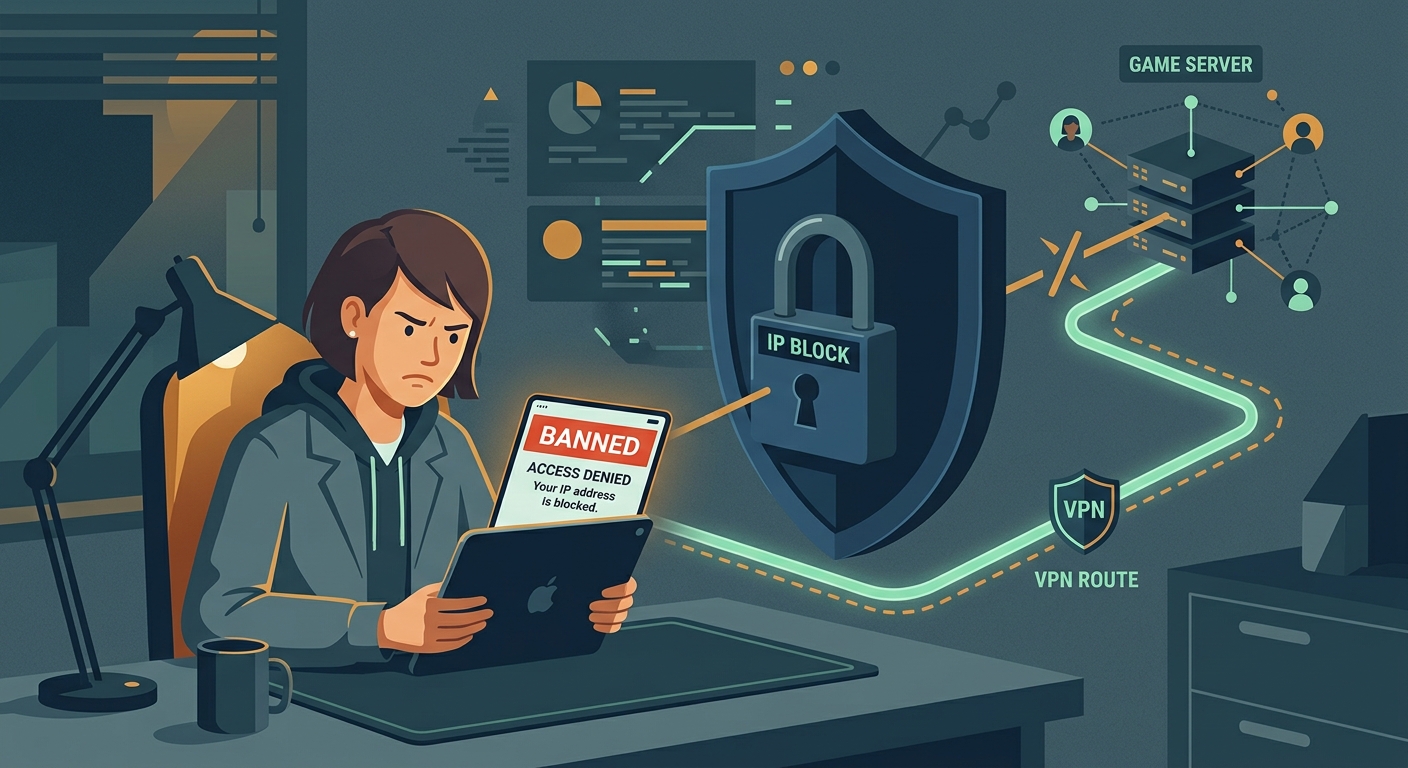
Encrypt Your Gaming Credentials on Public Wi-Fi
Free VPN US encrypts your login credentials and browsing on public networks, preventing attackers from intercepting your gaming account password.
- One-tap VPN activation
- Automatic encryption on public Wi-Fi
- No account required
- Works on all platforms