The Situation: You Shared a Photo, They Got a Map
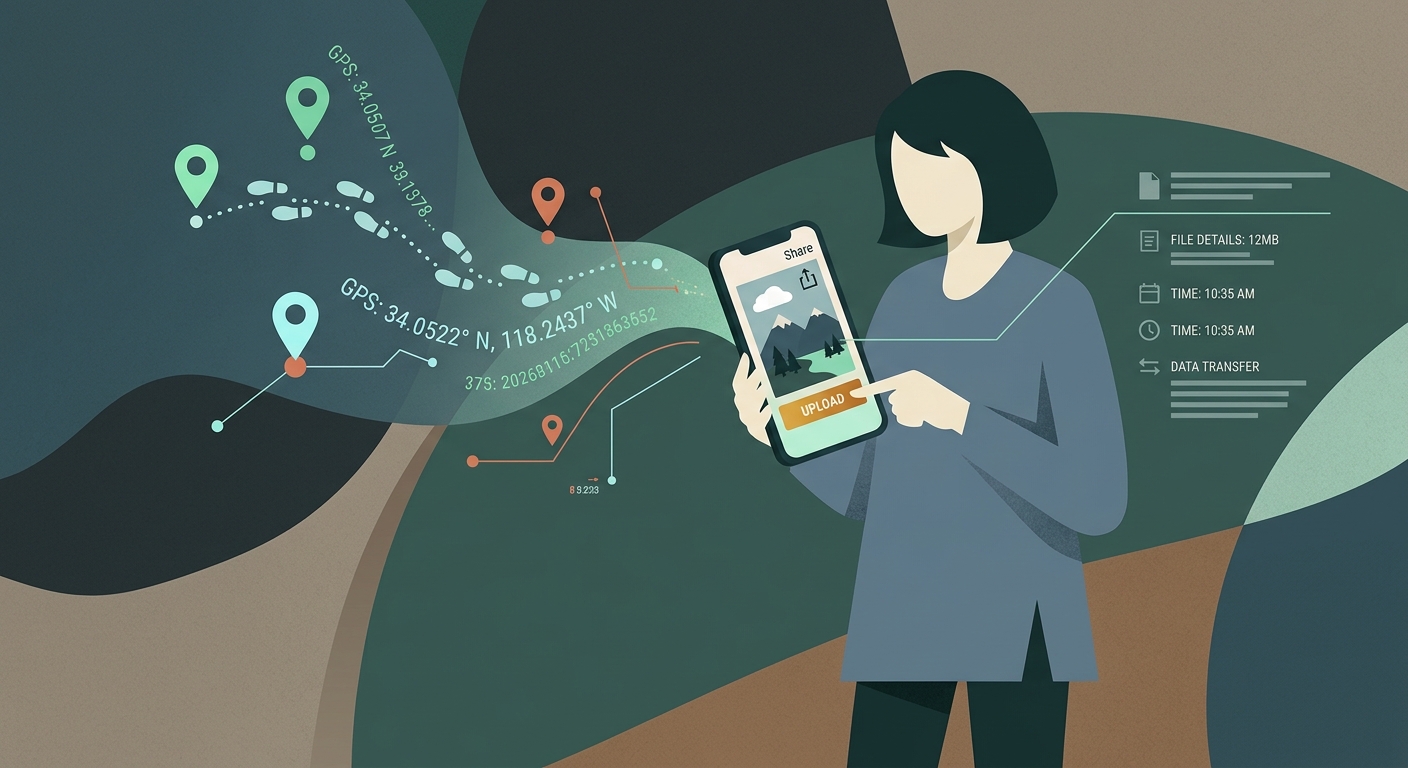
Imagine taking a photo of your new dog in your backyard and posting it to a local community board or texting it to an online buyer. To you, it is just a cute picture. But anyone who downloads that image can open its properties and see the exact GPS coordinates of your home. They can drop those coordinates into Google Maps and see a pin directly on your roof.
This happens because modern smartphones are designed to make your life easier by organizing photos by location. To do this, the camera accesses your phone’s GPS the moment you press the shutter, embedding the latitude and longitude directly into the file. This hidden layer of information is called EXIF (Exchangeable Image File Format) data.
A Silent Tracker
You will never get a pop-up warning you that your location is attached to an image before you hit send. It happens entirely in the background.
Why It Happens: The Anatomy of EXIF Data
EXIF data was originally created for photographers to remember the camera settings they used—like shutter speed, aperture, and ISO. But as cameras moved to smartphones, EXIF evolved into a digital fingerprint.
What exactly is hiding in your photos?
- Exact GPS coordinates (Latitude, Longitude, Altitude).
- The exact date and time the photo was taken.
- The make and model of the device (e.g., iPhone 15 Pro).
- Software versions and camera settings.
The Problem with Sharing
While major platforms like Instagram or Facebook strip this data during the upload process to save space, many other methods do not. If you send an image via email, an uncompressed messaging app, AirDrop, or upload it to a personal blog, that metadata travels with the file.
The Risks: What Can Strangers Do With This Data?
If someone has the original photo, extracting the data takes less than five seconds. They don’t need hacking skills; they just right-click the image, select "Properties" or "Get Info," and the GPS coordinates are right there.
Real-world privacy threats:
- Stalking and tracking your daily routines or home address.
- Identifying where your children go to school or play.
- Burglars knowing when you are on vacation away from home.
- Doxxing your location on public forums or classifieds.
The False Sense of Security
Many people believe that just turning off "Location Services" generally on their phone fixes this. But camera apps often have their own specific permission overrides that keep tagging photos regardless.
Platform Breakdown: Who Scrubs Your EXIF Data?
| Platform/App | Does it remove EXIF data? | Risk Level |
|---|---|---|
| Facebook / Instagram / Twitter | Yes, metadata is stripped during compression. | Low |
| Email (Gmail, Apple Mail) | No. The raw file is sent with all data intact unless manually compressed. | High |
| iMessage / SMS text | iMessage retains data. Some Android SMS apps may strip it, but it varies. | Medium to High |
| Cloud Drives (Google Drive, Dropbox) | No. They store the exact original file, meaning anyone who downloads the link gets the metadata. | High |
Common Scenarios Where You Leak Location
It is easy to accidentally hand over your location without realizing it. Here is how it usually happens.
Selling items online (Craigslist, Facebook Marketplace)
You take a picture of a couch you want to sell. If the platform does not scrub the EXIF data, or if you email the high-res photo to a prospective buyer, they now have the GPS coordinates to your home.
Sharing photos with a new dating match
You send a cute photo from your apartment via iMessage to someone you just met online. They can now pinpoint where you live.
Posting to niche hobby forums
Many independent forums and message boards do not compress or strip images like major social networks do. Posting a picture of your garden could reveal your exact address to the entire board.
AirDropping photos at events
AirDrop transfers the exact, unaltered file. If you share photos with an acquaintance or a stranger at an event, they receive all the embedded metadata.
Take Control
You do not have to stop taking pictures. You just need to change one setting in your camera app to cut off the GPS feed.
What To Do: How to Remove Location Data
- Disable location tagging for new photos (iPhone): Go to Settings > Privacy & Security > Location Services > Camera. Change "Allow Location Access" to "Never."
- Disable location tagging for new photos (Android): Open the Camera app, go to Settings (gear icon), and toggle off "Location tags" or "Save location."
- Remove data before sharing (iPhone): When selecting a photo to send, tap "Options" at the top of the screen and toggle off "Location" before hitting send.
- Use a metadata scrubber: Download apps or use tools like EXIF Purge to bulk-remove metadata from old photos before uploading them anywhere sensitive.
Taking control of your photo data is just one piece of the puzzle. Just like you would hide your home address from strangers, you should also protect your online IP address. A VPN masks your digital location, ensuring your browsing habits cannot be traced back to your real-world identity.
Frequently Asked Questions
Can I see the EXIF data on my own photos?
Yes. On an iPhone, open the photo and swipe up to see a map and the exact coordinates. On Android, swipe up or tap the three dots and select "Details." On a computer, right-click the image and view "Properties" or "Get Info."
Does taking screenshots remove EXIF data?
Yes. A screenshot is a brand new image file generated by your screen, not your camera. It will not contain the GPS data of the original photo.
If I crop a photo, does the location data disappear?
No. Simple editing like cropping or applying filters usually preserves the EXIF data. You must explicitly remove it or compress the file through a scrubbing tool.
Are my old photos safe?
If they were taken with location services enabled, the data is still there. Anyone who downloads the original files from an archive, an old blog, or a shared drive can access the location history.
More Privacy Questions
Understanding your digital footprint.
Keep Reading


Take Back Control of Your Data
Stop leaving a trail of breadcrumbs across the internet. Protect your real location, encrypt your traffic, and browse securely on any device.
- Mask Your IP Address
- Encrypt Your Connection
- Block Unwanted Tracking