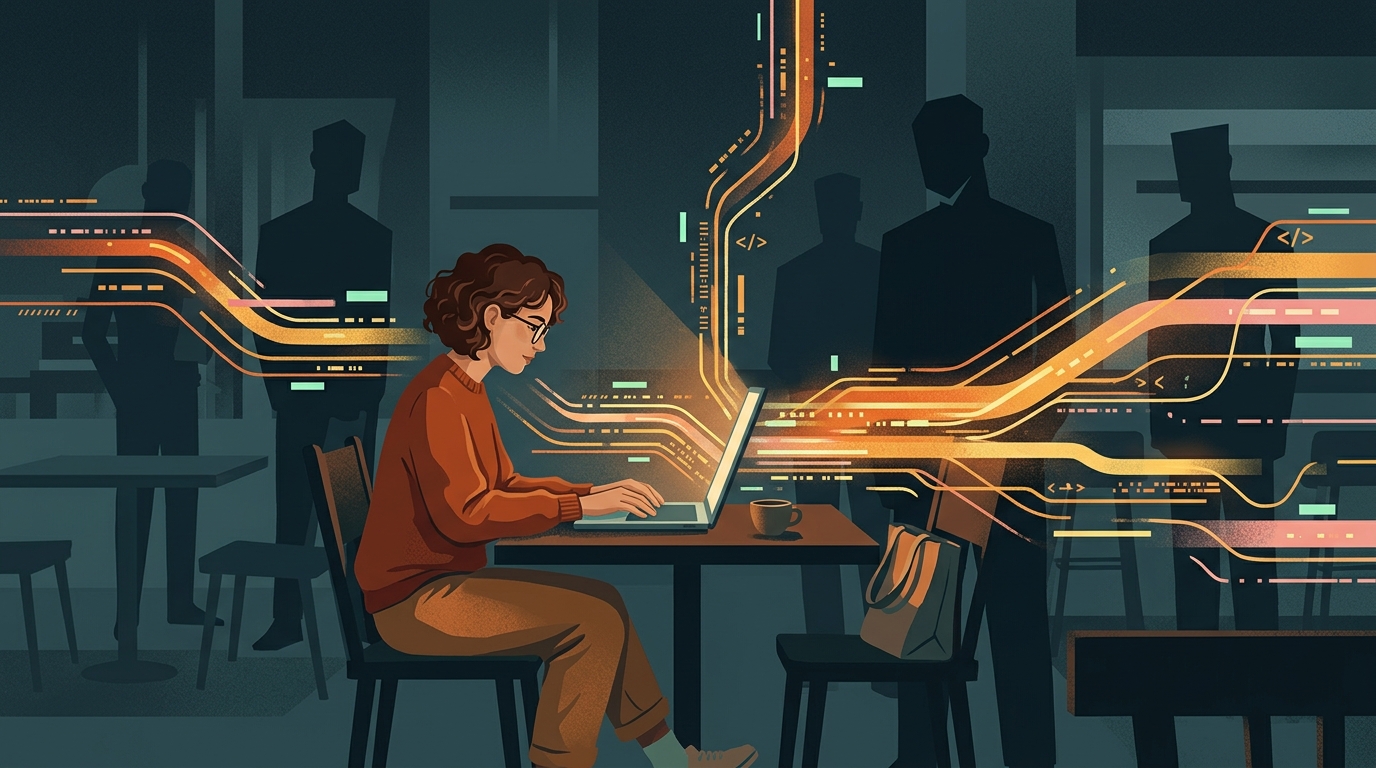
Clearing History vs. Hiding History
There is a massive difference between clearing your local browser history and actually keeping your browsing private. When you click 'Clear History' in Safari or Chrome, you are only deleting the local record on your device. It stops your roommate or partner from seeing what you searched for.
However, that local record is just the tip of the iceberg. Your Internet Service Provider already logged the connection. If you are on public Wi-Fi, the network router already saw the domains you requested. And the sites you visited have already logged your IP address and device fingerprint. To stop them, you need to change how you connect.
Incognito mode isn't a cloak
Incognito or Private mode only stops your browser from saving local history. It does absolutely nothing to hide your internet traffic from your ISP or network admin.
How to hide traffic from your ISP and Network Admin
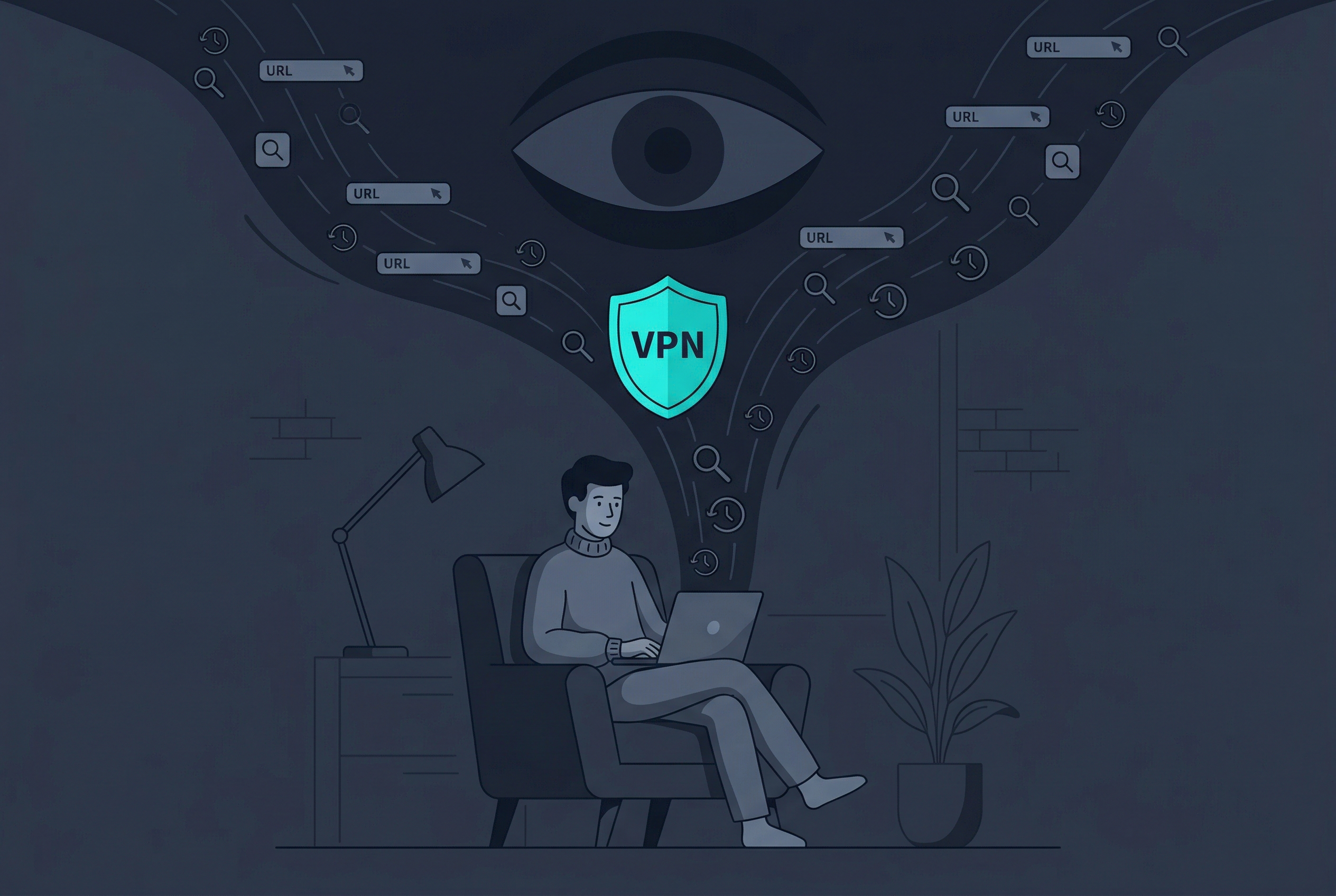
Your first layer of defense is hiding your network traffic. Whenever you use the internet, your traffic goes through a router and then to your ISP. By using a virtual private network (VPN), you wrap all of that data in an encrypted tunnel.
What a VPN hides:
- Stops your ISP from seeing which websites you visit.
- Prevents public Wi-Fi admins from logging your traffic.
- Masks your real IP address from the websites you connect to.
- Encrypts your entire device connection, including other apps.
The limitation:
A VPN hides your connection, but it doesn't stop trackers, cookies, or browser fingerprinting scripts from following you around once you arrive at a website. For that, you need a different tool.
How to stop trackers with a private browser
Even with a hidden IP address, advanced tracking scripts can identify you based on your 'browser fingerprint'—unique details about your screen size, fonts, and settings. This is where a dedicated private browser comes in.
Why you need a dedicated private browser:
- Smudges your browser fingerprint to make you invisible to trackers.
- Automatically dismisses annoying cookie banners.
- Blocks intrusive ads to declutter your browsing.
- Features a one-click Reader Mode for pure content without the noise.
The limitation:
A private browser stops tracking on the pages you visit, but on its own, it doesn't encrypt your entire device connection. That's why combining a private browser with different routing modes is the ultimate solution.
Choosing the right privacy tool
| Tool or Mode | What it does | Best for |
|---|---|---|
| System-wide VPN | Encrypts your entire device's internet connection. | Total device protection on public Wi-Fi. |
| Browser Proxy | A fast, encrypted route exclusively for browser traffic. | High-speed unblocking without affecting other apps. |
| The Tor Network | Routes your connection through randomized global nodes. | Maximum anonymity when speed is not a priority. |
| Anti-tracking Browsers | Blocks tracking scripts and smudges your digital fingerprint. | General browsing when you want to stop targeted ads. |
Common Scenarios: Who is watching?
Here is exactly who can see your history depending on your situation.
When you use school or work Wi-Fi
The IT admin can see every domain you visit. To stop this, use a System-wide VPN so all they see is encrypted data.
When you browse at home
Your ISP logs your browsing history and may sell it to advertisers. A VPN prevents them from seeing your activity.
When you shop online
Data brokers and trackers follow you from site to site to serve you ads. A private browser smudges your fingerprint to stop them.
When you need extreme privacy
If you need absolute anonymity, routing your traffic through the Tor network bounces it across multiple countries, making tracing nearly impossible.
The Golden Rule of Privacy
A VPN protects your connection. A Private Browser protects your identity on the page. You need both to truly hide your browsing history.
How to secure your browsing right now
If you want to apply these layers of protection without juggling multiple apps, an all-in-one privacy app is the most practical solution.
- Download a trusted privacy tool. Install an app like Free VPN US on your Mac or iOS device.
- Open the Private Browser. Use the built-in browser to automatically block trackers and dismiss cookie banners.
- Select your connection mode. Choose between a System-wide VPN, Browser Proxy, or Tor Mode depending on your immediate privacy needs.
- Browse freely. Enjoy the internet without leaving a trail of data behind.
It only takes a few seconds to set up, but it permanently stops ISPs, admins, and trackers from monitoring you.
Frequently Asked Questions
Can my Wi-Fi owner see my history if I delete it?
Yes. Deleting your history only removes it from your device. The Wi-Fi router already logged the connection when it happened.
Does Incognito mode hide my IP address?
No. Incognito mode only stops your browser from saving local history and cookies. Your IP address and network traffic are still fully visible.
How does the Tor Browser Mode work?
Tor routes your connection through a random, zig-zag path across three different computers globally, making it incredibly difficult to trace.
Will a VPN slow down my browsing?
There can be a slight speed drop due to encryption. However, using the 'Browser Proxy VPN' mode provides a high-speed lane specifically for your browser, minimizing lag.
More details
Additional questions about browser privacy.
Related Reads
Stop leaving a digital trail
Download Free VPN US to get military-grade encryption and a dedicated Private Browser in one app.
- Built-in Private Browser
- Tor & Proxy Modes
- Mac & iOS Ready