
Apple Tracking Transparency Limits and Mac Privacy vs. AI Scraping
Apple has built macOS into a privacy-first environment, but you quickly hit Apple tracking transparency limits on the open web. Built-in features keep local files safe, but AI scraping bots don't break into your computer—they intercept your web traffic once you connect.
Once your traffic hits the open web, your IP address, browsing habits, and unprotected network requests become visible to ISPs, trackers, and AI training bots silently scraping data.
Editor’s Note
Apple Intelligence processes many requests directly on your Mac or iPhone to keep your prompts private. This, however, does not stop third-party AI scrapers from tracking your general web activity.
The Reality of Apple Tracking Transparency Limits
Your Mac and iPhone's built-in features are designed to protect your identity from local threats and specific app behaviors.
Here’s what macOS does well:
- Prevents unauthorized apps from accessing your microphone, camera, or files.
- Stops cross-site tracking in Safari using Intelligent Tracking Prevention (ITP).
- Processes native Apple Intelligence requests locally, without sending data to the cloud.
- Hides your email address when using "Hide My Email" for signups.
The Limitation
None of these features encrypt your entire internet connection or hide your real IP address from the sites you visit outside of Safari.
How Mac Privacy Fails Against AI Scraping
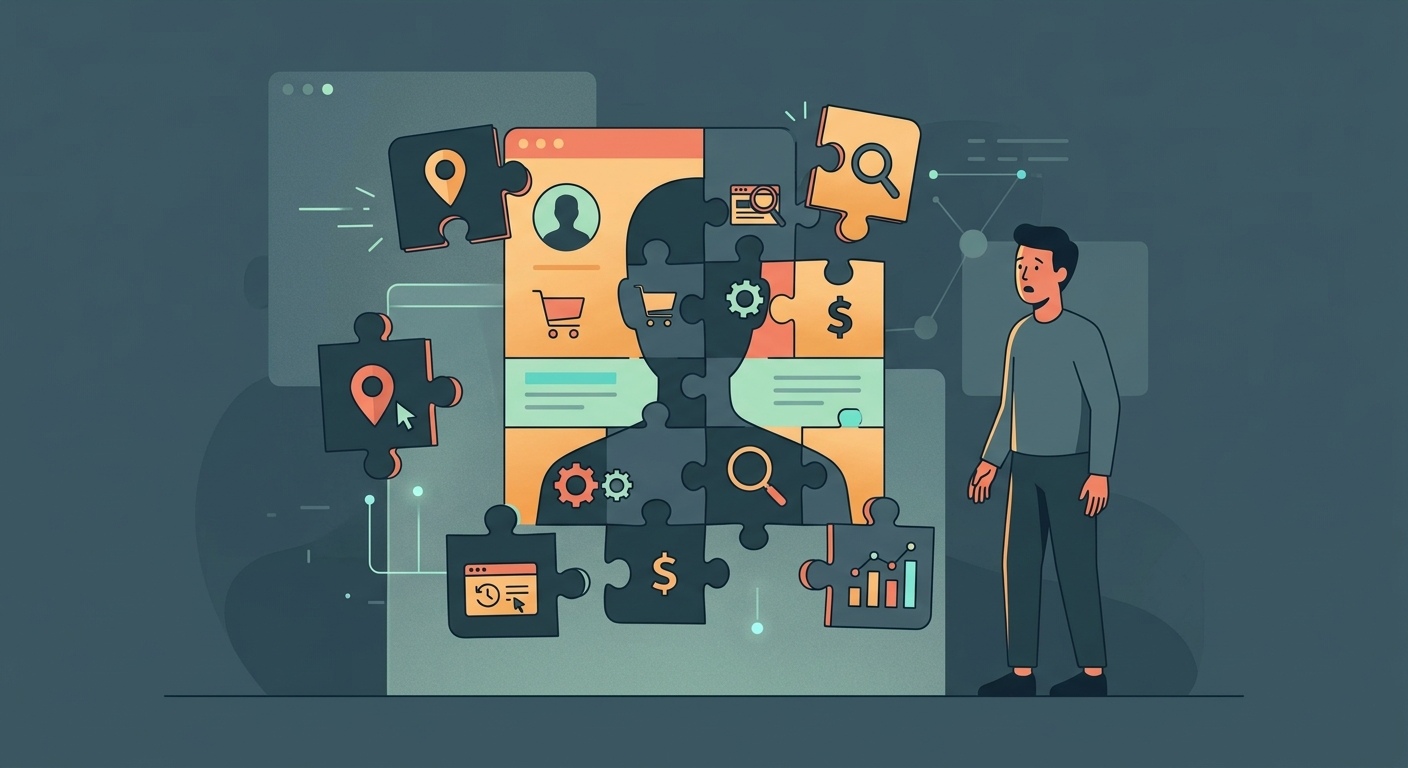
Because AI models require massive amounts of data, companies bypass basic Mac privacy defenses using AI scraping bots that collect everything unprotected.
What AI bots are looking for:
- Public forum posts, social media comments, and article interactions.
- Unprotected IP addresses to build geographic profiles of user behavior.
- Browsing habits intercepted over unsecured public Wi-Fi networks.
- Metadata attached to your web requests that Apple's basic protections don't mask.
The Real Threat
These scrapers don't need to hack your Mac or iOS device. They simply collect the breadcrumbs your devices leave behind every time they connect to a site.
Local Privacy vs. Network Privacy
| Threat Type | macOS Built-in Privacy | VPN Protection |
|---|---|---|
| App accessing camera | Blocked automatically | N/A (Local issue) |
| ISP logging your traffic | Visible | Encrypted & Hidden |
| AI bot tracking IP | Visible (unless iCloud Relay is on & used via Safari) | Hidden (replaces your IP) |
| Public Wi-Fi snooping | Vulnerable | Encrypted |
Scenarios: When Is Your Data Exposed?
Let’s look at common situations where Mac and iOS users assume they are private but are actually exposed to data harvesting.
"I am using Chrome on my MacBook at a coffee shop."
Chrome does not have Apple's Intelligent Tracking Prevention. Combined with public Wi-Fi, your browsing activity is highly exposed to network snooping and AI tracking bots.
"I rely on Safari's built-in tracker blocking."
Safari blocks known trackers, but it does not encrypt your connection. Your Internet Service Provider (ISP) and the network admin can still see every domain you visit.
"I use iCloud Private Relay."
Private Relay is great, but it only works in Safari. If you use Spotify, Chrome, Slack, or any other app, that traffic is completely unmasked.
"I have Apple Intelligence turned on."
Apple Intelligence protects the prompts you type into it. It does absolutely nothing to protect your general web browsing from third-party data harvesters.
The Core Insight
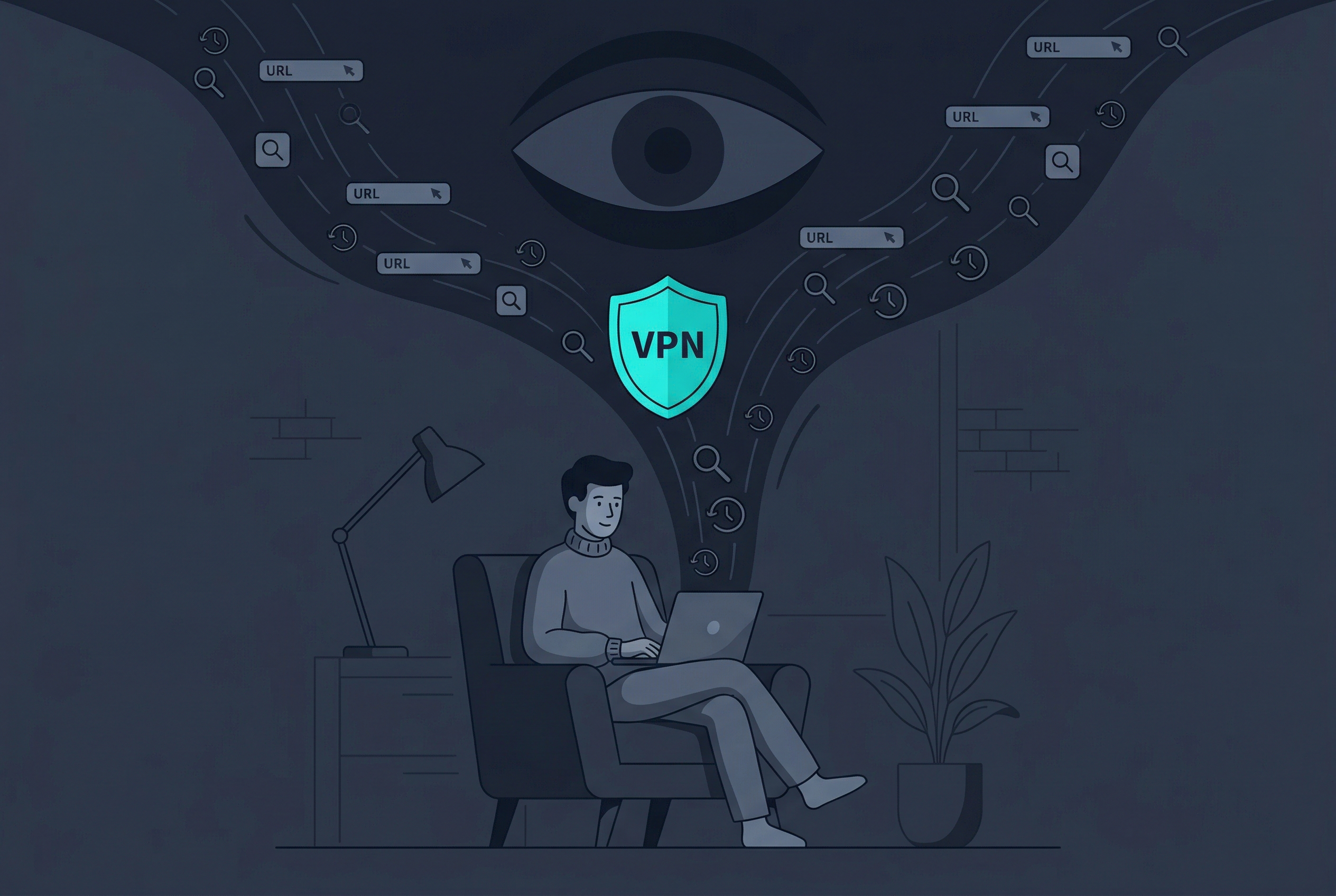
Privacy is not a single toggle. Device privacy (macOS) and network privacy (a VPN) solve two completely different problems. You need both.
4 Steps to Lock Down Your Mac’s Network
- Step 1: Encrypt your connection. Use a reliable VPN to lock down your network. Think of Free VPN US as a digital guardian angel—it operates silently in the background to encrypt your traffic and shield your identity, giving your Mac and iOS devices complete protection without getting in your way.
- Step 2: Mask your real IP address. Connecting to a VPN replaces your IP address, making it impossible for AI scrapers to tie your web activity back to your physical location.
- Step 3: Avoid unsecured public networks. Never connect to airport or cafe Wi-Fi without a VPN active. Scrapers and bad actors often monitor these networks for unencrypted data.
- Step 4: Audit your browser extensions. Rogue extensions can harvest your data directly from your browser. Remove anything you don't actively use or trust.
By combining Apple's device-level protections with a powerful MacBook VPN, you create a complete shield against AI scraping and modern data harvesting.
Frequently Asked Questions
Does Apple Intelligence share my data?
No. Apple Intelligence is designed to process requests locally on your Mac or securely via Private Cloud Compute without saving your data.
Isn't Safari enough to stop trackers?
Safari blocks many third-party trackers using ITP, but it doesn't hide your IP address from the websites you visit or encrypt your traffic from your ISP.
Can AI bots hack my Mac?
AI data harvesters generally don't hack devices. They scrape publicly available information and intercept unprotected web traffic to build profiles.
Does a VPN slow down my Mac?
A high-quality VPN will have a minimal impact on your speed, often unnoticeable during regular browsing and streaming.
Deep Dive: AI Data Scraping
Let's look closer at the mechanics of AI harvesting.
More on Digital Privacy
Stop AI Harvesters Today
Don't let bots scrape your browsing data. Lock down your Mac and iPhone's connection with Free VPN US.
- Hide your real IP address
- Encrypt all app traffic
- Block network trackers