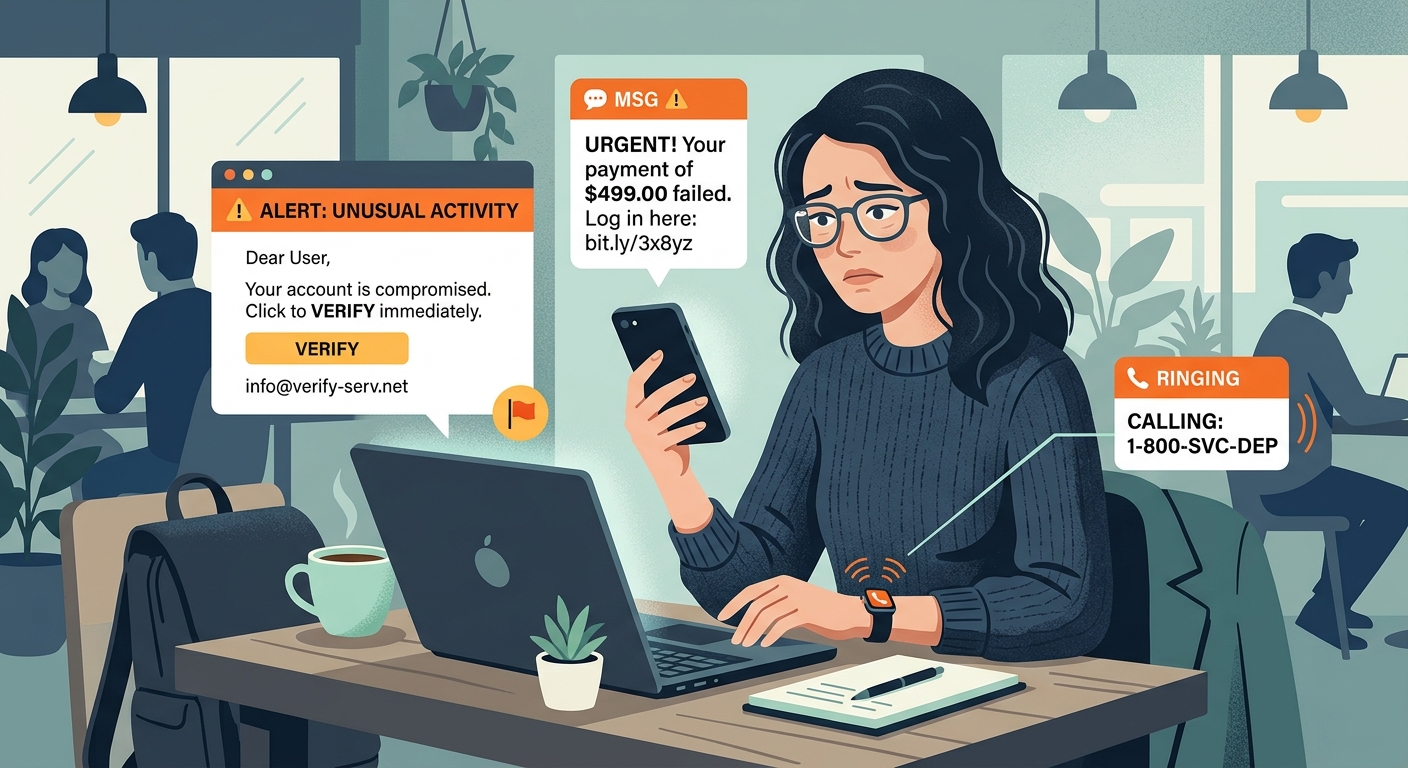
The Evolution from Email to Multi-Channel
Historically, phishing was confined to your email inbox. You would get a poorly worded message asking you to click a link. Now, attackers have evolved.
Today, you might get an email about a compromised account, followed immediately by an SMS (smishing) urging you to verify your identity. This multi-pronged approach builds false credibility.
Why It Matters
Scammers use psychology. By bombarding you across platforms, they create a sense of panic that overrides your logical thinking.
Common Tactics Used by Attackers
Scammers leverage services you already trust to execute these multi-channel attacks.
Look Out For:
- Fake delivery notifications via SMS linked to earlier emails.
- Voicemails (vishing) referencing a fraudulent invoice.
- Social media messages from compromised friend accounts.
- Urgent IT support requests via text and corporate email.
The Goal
They want you to act fast without verifying the source.
How to Defend Yourself
Protecting yourself requires a combination of skepticism and the right digital tools.
Key Defenses:
- Never click links in unsolicited texts or emails.
- Enable Two-Factor Authentication (2FA) on all accounts.
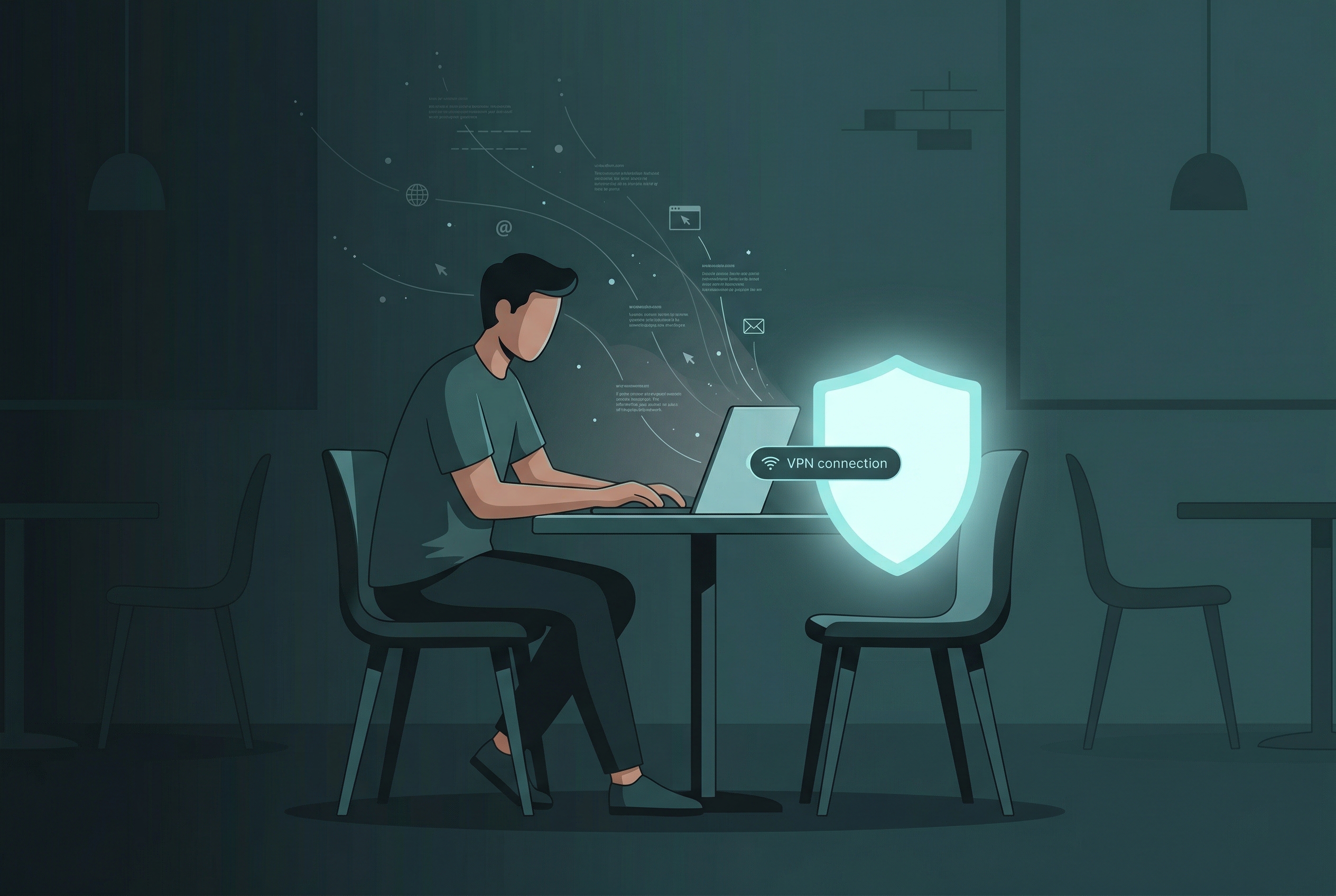
- Use a secure VPN to encrypt your connection on public networks.
- Verify urgent requests by calling the company directly.
Remember
Legitimate organizations will never demand immediate payment via gift cards or crypto.
Comparing Scams
| Type of Attack | Delivery Method | Primary Goal |
|---|---|---|
| Phishing | Credential Theft | |
| Smishing | SMS / Text Message | Malware Installation / Fake Login |
| Vishing | Voice Calls / Voicemail | Social Engineering / Wire Transfers |
| Multi-Channel | Email + SMS + Voice | Bypass Skepticism |
What Should You Do?
Here are common scenarios and how to react.
You receive an email and a text about a locked bank account.
Do not click either link. Log in directly through your bank's official app, especially if you are handling a bank account on an untrusted network.
Your "boss" texts you urgently to buy gift cards.
Call them on a known, verified phone number to confirm.
A delivery service emails you a tracking link, then texts a fee alert.
Go to the carrier's official website and enter the tracking number manually.
A pop-up warns you of a virus, and tells you to call tech support.
Close the browser. Microsoft or Apple will never use pop-ups to ask you to call them.
The Golden Rule
If it asks for money, passwords, or immediate action, it is almost certainly a scam.
4 Steps to Secure Your Data Now
- Audit Your Passwords. Ensure you aren't reusing passwords across critical accounts.
- Enable 2FA. Turn on two-factor authentication for email and banking.
- Install Updates. Keep your phone and computer operating systems updated.
- Encrypt Your Traffic. Use Free VPN US when connecting to public Wi-Fi.
By following these simple steps, you significantly reduce your risk of falling victim to a multi-channel phishing scam.
Frequently Asked Questions
What is a multi-channel phishing scam?
A multi-channel phishing scam happens when an attacker uses multiple platforms—such as combining an email and an SMS—to trick you into trusting a fake request.
How can I tell if a text message is part of a scam?
Look for urgency, unknown links, and unexpected requests. If a text claims to be from a service you use, contact the service directly through their official app or website.
Do VPNs stop phishing attacks?
VPNs protect your traffic from snooping on public Wi-Fi, but they don't stop you from willingly giving away information. However, some VPNs include DNS blocking that stops known malicious sites from loading.
What should I do if I clicked a phishing link?
Disconnect from the internet, run a malware scan, change your passwords on a secure device, and contact your bank or credit card company if financial information was compromised.
More Questions
Other common concerns about phishing.
Keep Reading
Browse Safely Anywhere
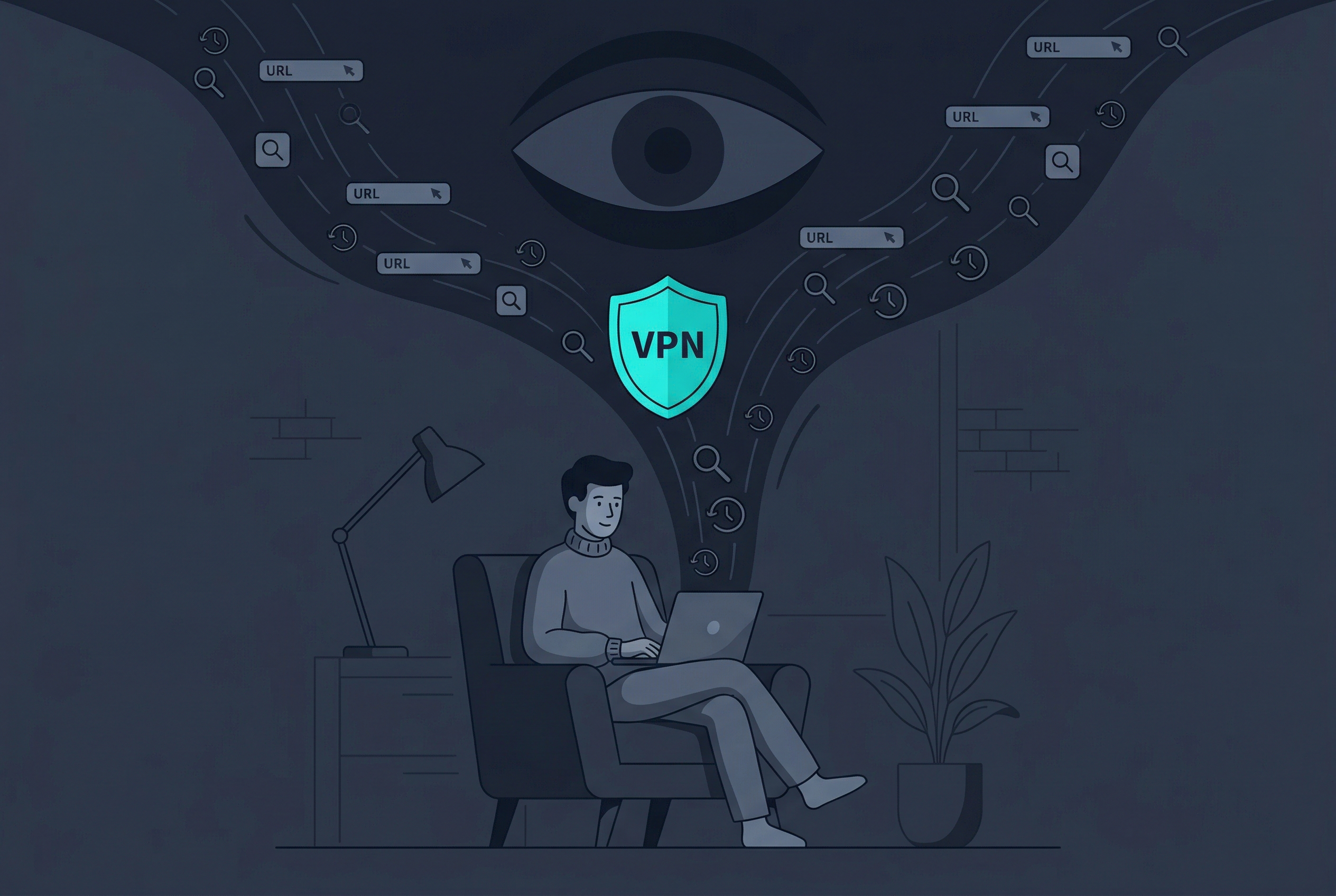
Protect your personal data on public Wi-Fi and keep your browsing private with Free VPN US.
- Military-Grade Encryption
- Strict No-Logs Policy
- Fast & Free