The Automated Fraud Trigger
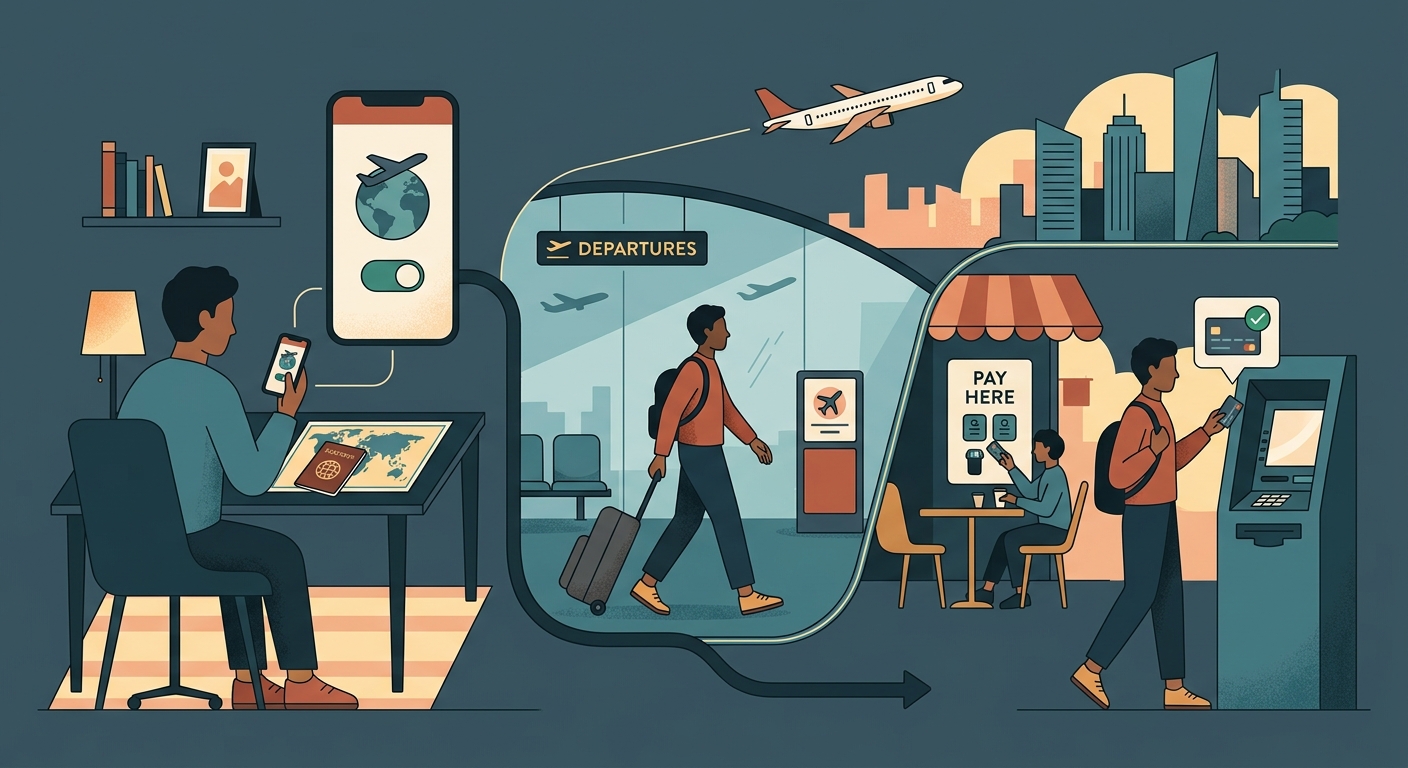
Modern banks rely on complex algorithms to detect fraud. One of the strongest indicators of suspicious activity is a sudden login attempt from an IP address thousands of miles away from your usual location.
When you try to check your balance or pay a bill from a hotel in Paris while your home address is in New York, the system flags the login. Without human review, it often issues an automatic freeze to secure the account, requiring you to call customer service to verify your identity.
Security vs. Convenience
While frustrating, these automatic freezes are designed to protect you. The key is communicating your location to the bank correctly, either via travel notices or by maintaining your normal digital footprint.
Method 1: Travel Notices
The traditional way to avoid overseas bank freezes is to set a travel notice.
Pros of Travel Notices
- Official communication with the bank.
- Applies to both physical card swipes and online logins.
- Often easy to set up via the app.
- Helps train their fraud algorithm for your profile.
The Catch
Not all banks allow travel notices anymore, claiming their algorithms are smart enough without them. Yet, false positives still happen frequently.
Method 2: Using a VPN
A VPN allows you to change your digital location to match your home country.
Pros of a VPN for Banking
- Your login IP matches your expected home region.
- Encrypts your traffic on risky public Wi-Fi networks.
- Prevents ISPs in foreign countries from seeing your banking activity.
- Works instantly without needing to call the bank.
The Catch
Some banking apps block known VPN IP ranges. You may need to disconnect the VPN if the app refuses to load, though this is rare for major US banks.
Comparing Your Options
| Feature | Travel Notice | VPN Connection |
|---|---|---|
| Prevents Online Login Blocks | Sometimes | Highly Effective |
| Secures Public Wi-Fi | No | Yes |
| Prevents Physical Card Blocks | Yes | No |
| Ease of Use | Requires proactive setup | One-tap activation |
Common Scenarios
Here is how to handle specific banking situations while traveling.
Checking your balance on hotel Wi-Fi
Always turn on your VPN first to encrypt the connection and spoof your home location.
Paying a bill from a foreign cafe
Avoid cafe Wi-Fi if possible. If necessary, use a VPN connected to a US server.
Swiping your card at a restaurant abroad
A VPN won't help here. You must rely on a travel notice or a travel-friendly credit card.
Receiving a 2FA text message
Ensure you have Wi-Fi calling enabled or international roaming active to receive the SMS.
The Best Approach
Combine both methods: Set a travel notice for your physical card swipes, and use a VPN connected to your home country for your digital logins.
How to Log In Safely Abroad
- Connect to a Secure Network. Avoid open, password-free Wi-Fi.
- Open your VPN app. Launch Free VPN US and select a server in your home country.
- Verify the connection. Wait for the VPN to confirm it is connected and securing your traffic.
- Launch the banking app. Log in normally. The bank will see a local IP address.
Following these steps significantly reduces the risk of an automated freeze, keeping your funds accessible.
Frequently Asked Questions
Is it legal to use a VPN for banking?
Yes, using a VPN for banking is perfectly legal and encouraged for security on public networks.
Will a VPN slow down my banking app?
You might notice a slight delay as traffic is routed through your home country, but banking apps use very little data, so it shouldn't be an issue.
Can my bank block me for using a VPN?
Occasionally, a bank might block a specific VPN server IP if it detects unusual traffic. If this happens, try connecting to a different server.
Do I still need a VPN if I have cellular data roaming?
Cellular connections are generally more secure than public Wi-Fi, but your IP will still show your foreign location, which could trigger a freeze. A VPN prevents this.
More Questions You Might Have
Here are a few edge cases related to banking abroad.
Related Reads
Unlock Your Funds Abroad
Download the completely free Free VPN US app for your iPhone, iPad, or Mac to secure your connection, maintain a home country IP address, and keep your bank account accessible from anywhere. Use it with the private browser for maximum security on public Wi-Fi.
- Bank-grade encryption
- Keep accounts unlocked
- 100% Free