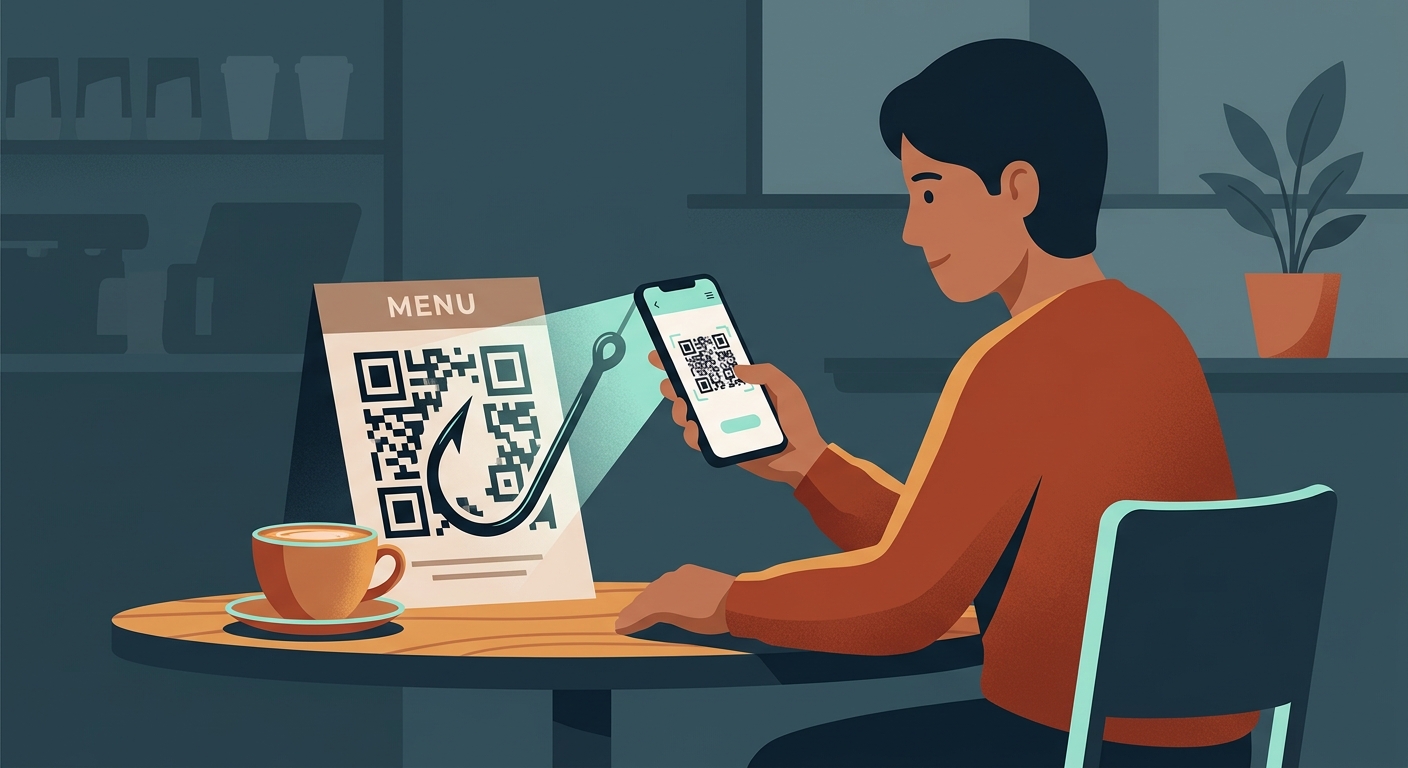
The Situation: QR Codes Are Everywhere
Since the pandemic, QR codes have become the default way to read a menu, pay for parking, or access event information. They are convenient, contactless, and seemingly foolproof. You just point your camera, tap the link, and you are where you need to be.
But that convenience is exactly what scammers are exploiting. Because humans cannot read QR codes, we have to trust that the code will take us to a safe destination. This blind trust has given rise to a new wave of attacks known as "quishing" (QR phishing).
Security Reality Check
A QR code is just a visual representation of a link. The danger is not the code itself—it is the website it sends you to.
Why It Happens: The Anatomy of Quishing
Scammers know that people are in a hurry when they scan a code. If you are trying to pay for parking or order a drink, you are less likely to scrutinize the website URL. Attackers capitalize on this distraction.
Common QR Scam Tactics
- Sticker Overlays: Placing a fake QR code sticker over a legitimate one on a parking meter or transit stop.
- Fake Parking Tickets: Leaving a printed "ticket" on your windshield with a QR code to pay the "fine."
- Phishing Emails: Sending an email that bypasses spam filters by hiding the malicious link inside a QR code image.
- Delivery Scams: Leaving a "missed delivery" note with a QR code to reschedule, asking for a small fee.
The Goal
Once you land on their fake site, they want you to enter your credit card details or log in with your email credentials, handing over your sensitive data.
What to Do: Spotting the Trap
Protecting yourself from QR code scams does not mean you have to stop using them altogether. It just requires a moment of verification before you act.
How to Verify Before You Tap
- Inspect the physical code: Is it a sticker? Does it look like it was placed over something else?
- Preview the URL: When your camera reads the code, look closely at the URL it suggests before tapping it. Does it look like a random string of letters or use a typo-squatted domain (e.g., paypark1ng.com)?
- Avoid custom scanner apps: Your phone’s built-in camera app is the safest way to scan a code. Third-party scanner apps often contain ads or their own tracking malware.
- Go directly to the source: If a QR code tells you to log into your bank or pay a fine, type the official website address into your browser manually instead.
A Note on Downloads
Never install an app or download a profile directly from a QR code scan. Legitimate businesses will direct you to the official Apple App Store or Google Play Store.
Safe vs. Unsafe QR Code Behavior
| Situation | What You Should Do | What Scammers Hope You Do |
|---|---|---|
| Parking Meter Payment | Check for stickers; use the official city parking app. | Scan immediately and enter credit card info. |
| Restaurant Menu | Ensure the URL matches the restaurant name. | Download a "menu viewer" app requested by the site. |
| Missed Delivery Note | Go to the carrier website directly to check tracking. | Scan and pay a small "rescheduling fee." |
| Unexpected Email | Ignore the code; log into the service manually. | Scan the screen with your phone to "verify your account." |
Real-World QR Code Scenarios
Here is how these scams play out in everyday life and how to handle them.
You find a parking ticket on your windshield with a QR code to pay online.
Do not scan it. Official citations will have instructions to pay via a government website (.gov) or by mail. Go to the city website directly and search for your license plate or citation number to verify if it is real.
A coffee shop menu code asks you to download a PDF.
Be careful. While some places do link directly to PDFs, this is also a way to sneak malware onto your device. Ensure the URL looks legitimate before downloading anything.
You receive a text from your "bank" asking you to scan a code to approve a charge.
This is a high-risk scam. Banks do not send QR codes via text to verify fraud. Call your bank using the number on the back of your card.
A poster for a concert offers free tickets if you scan.
If it seems too good to be true, it probably is. The code will likely take you to a phishing site designed to harvest your email and password.
The Golden Rule
Treat QR codes exactly like links in a random email. You would not click a suspicious link, so do not tap a suspicious QR code URL.
What to Do If You Scanned a Fake Code
- Close the browser immediately. If you realize the site looks fake, close the tab right away. Do not enter any information or tap any buttons on the page.
- Change your passwords. If you logged into a fake site (like a fake Google or Microsoft login), go to the real site immediately and change your password. Enable two-factor authentication if you haven’t already.
- Cancel your credit card. If you entered payment details into a fake parking or delivery site, call your bank immediately to report the card compromised.
- Check for weird downloads. Check your phone’s downloads folder or app list to ensure nothing installed automatically while you were on the site.
Staying safe means slowing down. A few seconds of verification can save you hours of dealing with fraud.
Frequently Asked Questions
Can a QR code hack my phone?
Not on its own. A QR code is just a visual link. The danger comes from the website it directs you to, which might try to steal your information or trick you into downloading malware.
Should I use a special QR scanner app?
No. The camera app built into iOS and Android is the safest tool to use. Third-party scanner apps often contain aggressive ads or even their own tracking software.
How do I know if a QR code URL is safe?
Look closely at the domain name before you tap it. If you are at a restaurant called "Burger Spot," the URL should ideally be "burgerspot.com," not "menu-viewer-online.net."
Are dynamic QR codes more dangerous?
Dynamic QR codes can have their destination URL changed after they are printed. This makes them convenient for businesses but means a legitimate code could be hijacked if the business's account is compromised.
Common Concerns
People often wonder about the specific mechanics of these scams.
Keep Reading
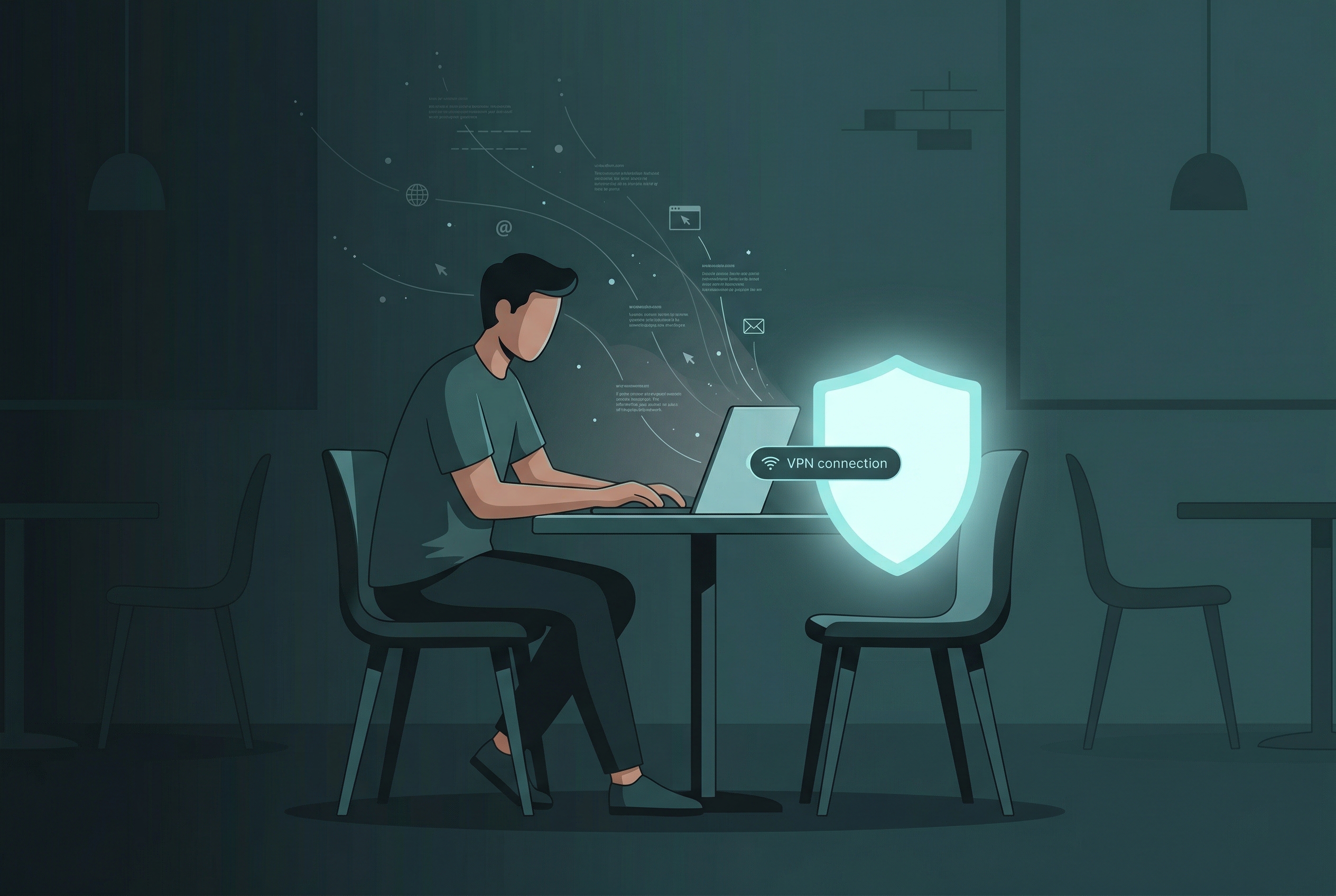
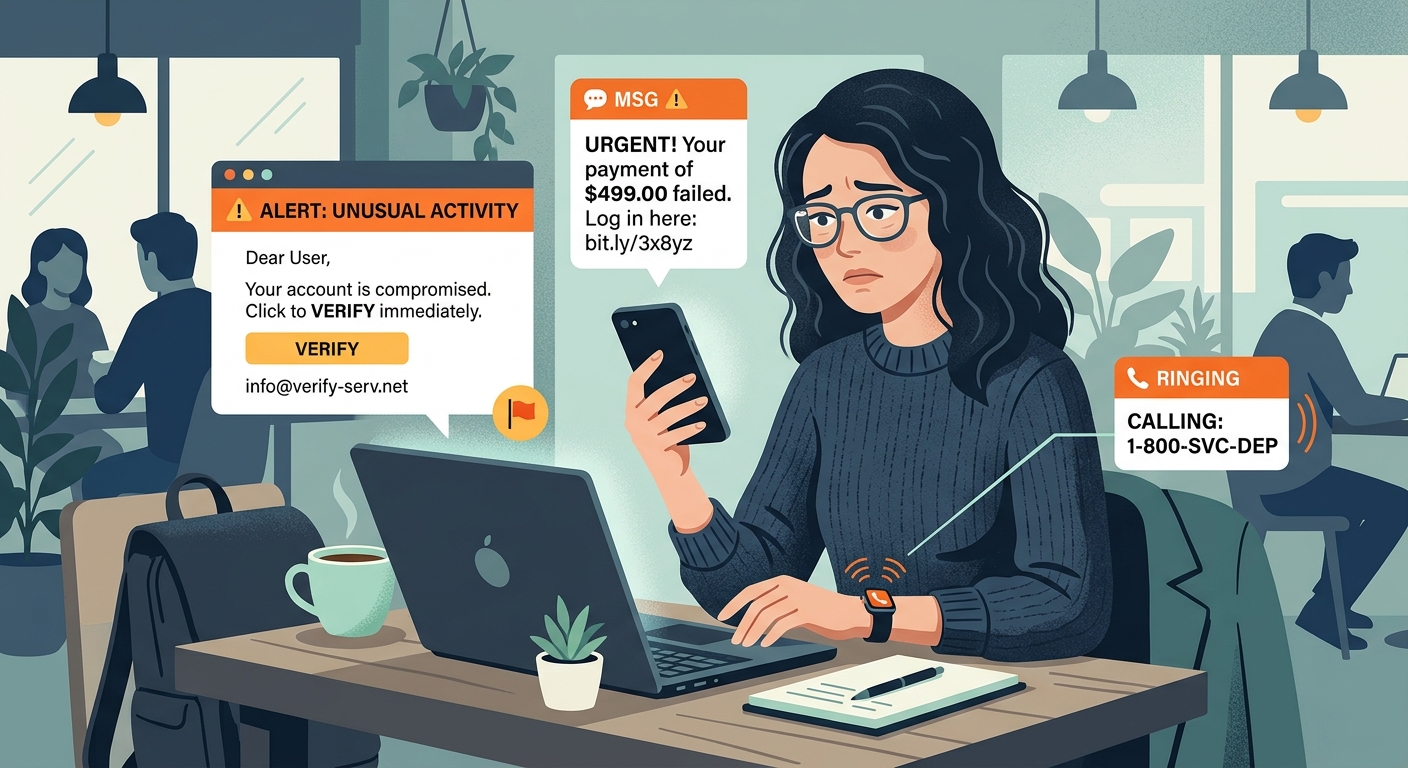
Browse Safely on the Go
Encrypt your connection and protect your data from snoops, especially when connecting to public networks at cafes and airports.
- Secure Encryption
- No Log Policy
- One-Tap Connection