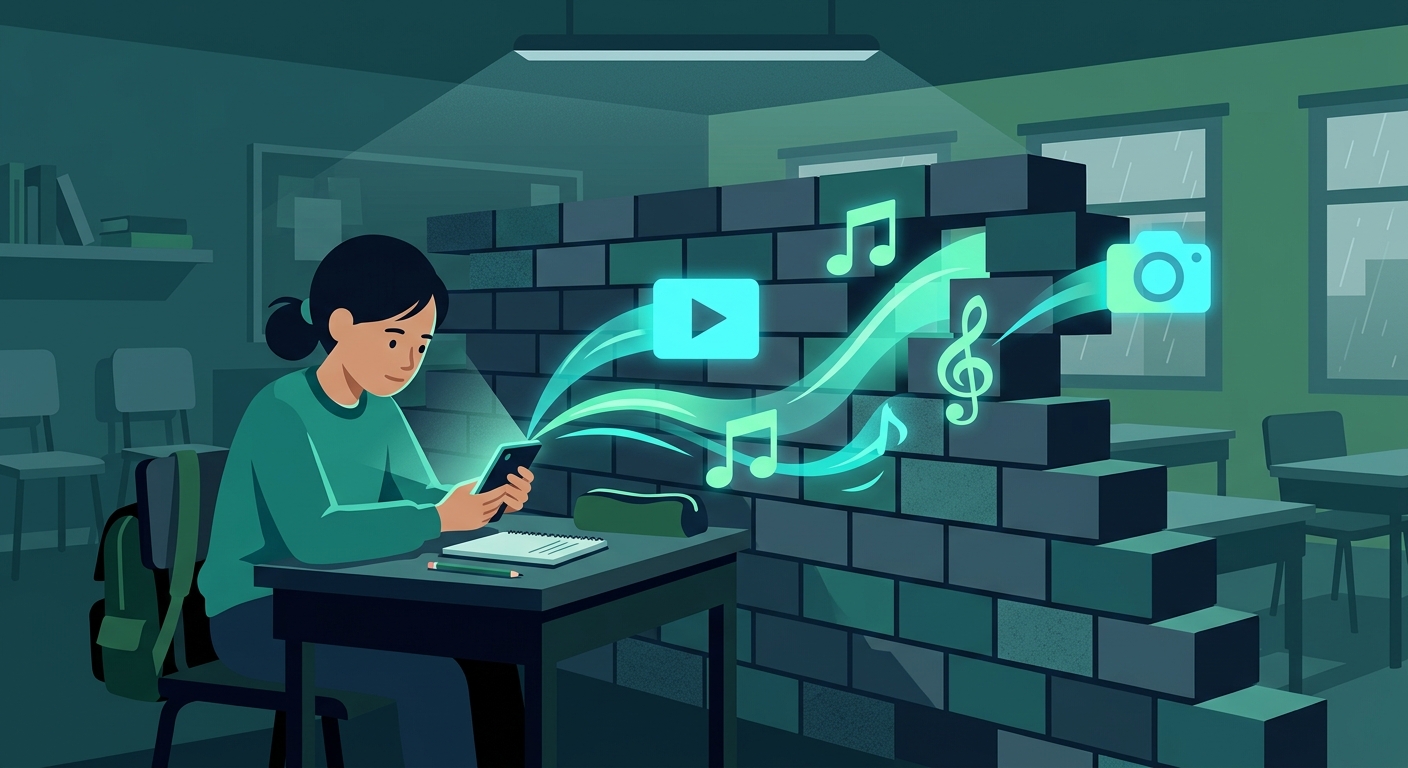
![[HERO_IMAGE_ALT]](../images/social-media-event-throttling.jpg)
Picture this: You’re standing in the middle of a massive music festival, surrounded by thousands of people. The headliner just took the stage. You pull out your phone to capture the moment and share a quick clip to TikTok. You have full signal bars. You hit send.
And then... you wait. The upload bar hangs at 1%. You switch over to Telegram to find your friends, but the message gets stuck on "Connecting..." or shows a tiny clock icon that never turns into a checkmark.
You have full reception, but your internet is functionally dead.
This is the "event blackout." It happens at music festivals, sold-out sports games, massive political rallies, and crowded New Year's Eve celebrations. Right when you need to coordinate with friends or share an update, your most-used social and messaging apps suddenly refuse to work.
Why does this happen? Why do your signal bars lie to you? And more importantly, is it just bad luck, or is your connection being intentionally restricted?
To fix the problem, you first have to understand what’s happening behind the scenes. The event blackout usually comes down to one of three things: accidental network congestion, deliberate ISP throttling, or targeted local restrictions. Let's break them down.
1. Network Congestion: The Accidental Blackout
The most common cause of the event blackout is simple physics. Cell networks are designed to handle the normal, day-to-day traffic of a specific area.
Think of a cell tower like a multi-lane highway. On a normal Tuesday afternoon, data flows smoothly. But when 80,000 people suddenly gather in a stadium, that local tower is slammed.
Every cell tower connects to the broader internet via a physical connection called a "backhaul" (usually fiber optic cables). While the wireless connection between your phone and the tower might be perfect—which is why your phone shows four bars of 5G—the backhaul becomes a bottleneck. When thousands of people try to push data through that single pipeline simultaneously, the system chokes.
Everyone is trying to stream video, upload high-res photos, and refresh their feeds at the exact same moment. Your phone has a strong connection *to the tower*, but the tower cannot process the sheer volume of requests fast enough.
Lightweight requests (like a plain text SMS) might sneak through, but data-heavy actions (like a TikTok upload or loading a Telegram media channel) simply time out.
2. Bandwidth Throttling: The Deliberate Squeeze
Sometimes, the blackout isn't just a traffic jam. It’s an intentional traffic management strategy by your Internet Service Provider (ISP) or the local cellular network.
Faced with a massive surge in demand at a large event, network operators have to make choices. To prevent a total collapse that could take down emergency communications, ISPs use Deep Packet Inspection (DPI) to look at the *type* of data flowing through the network.
They identify high-bandwidth services—specifically video streaming and social media platforms like TikTok—and intentionally slow them down. This is bandwidth throttling.
The network prioritizes "essential" traffic and puts heavy data users into the slow lane. This is why you might be able to read a Wikipedia page during a concert, but your Instagram Stories refuse to load. The network's automated tools have decided your upload is not a priority.
3. Targeted Restrictions: The Controlled Blackout
In some situations—particularly at large protests or highly sensitive public gatherings—the blackout is about controlling information, not bandwidth.
Depending on the region, local authorities or network administrators may order telecom providers to temporarily block access to specific platforms. Telegram, WhatsApp, X, and TikTok are frequently targeted during periods of civil unrest because they are primary tools for organizing and sharing real-time updates.
This is a targeted restriction. The network isn't just crowded; the gateway to those specific servers has been slammed shut. Your weather app might work perfectly, but Telegram simply refuses to connect.
How to Tell the Difference
- If nothing works: If Safari won't load and every single app is dead despite showing full bars, you are dealing with severe network congestion. The tower is overwhelmed.
- If only text works: If you can send SMS messages, but social apps won't refresh, the network is likely using bandwidth throttling to manage the load.
- If specific apps fail: If you can browse the web smoothly, but Telegram is stuck on "Connecting," you are likely facing targeted restrictions or aggressive app-specific throttling.
How to Bypass the Blackout
When you are stuck in a crowd and your apps stop working, there are practical steps you can take to push your data through the bottleneck.
1. Drop Down to 3G or 4G LTE
If the 5G networks are completely jammed, manually switching your phone's cellular settings to an older network standard (if your carrier supports it) can sometimes help. The older lanes are slower, but they might be completely empty.
2. Use a VPN to Defeat Throttling
If the network is intentionally throttling specific apps, a Virtual Private Network (VPN) is your best tool for breaking through.
ISPs use deep packet inspection to see what apps you are using, but a VPN stops them by wrapping your data in an encrypted shell. Think of it like putting a transparent data envelope into a locked briefcase. Because the ISP cannot classify the data as "low priority video," they cannot apply app-specific throttling rules. Your traffic mixes in with general, unthrottled internet traffic.
If you’re on an iPhone or Mac, finding a VPN is straightforward. Many quality iOS and Mac VPNs offer an ad-supported free tier, which is perfect for events. You can watch a quick ad to get connected right when you need to upload that TikTok or check Telegram, without needing to sign up for a paid subscription on the spot.
A VPN is also the immediate solution for targeted restrictions. If a local network has blocked access to Telegram's servers, a VPN routes your connection elsewhere, bypassing the local blockade entirely.
3. Change Your VPN Protocol
If you are already using a VPN and the connection still hangs, the local network might be so congested that standard protocols are timing out. Open your VPN app settings and switch to a lighter, faster protocol like WireGuard, which can often get your connection established even when the network is struggling.
4. Prepare Before You Arrive
The best way to handle an event blackout is to expect it. Before you arrive:
- Download offline maps of the area.
- Agree on a physical meeting spot and time with your friends.
- Have a fallback. If Telegram is blocked, try Signal. If iMessage fails, try standard SMS text messages, which use a more resilient signaling channel on the cell network.
The Bottom Line
The event blackout is incredibly frustrating, especially when your phone falsely promises full reception. But by understanding whether you are facing a jammed network, intentional throttling, or targeted blocking, you can take control of your connection. The next time you are standing in a crowd of 50,000 people and your apps refuse to load, fire up your VPN, hide your traffic, and get your message through.
Frequently Asked Questions
More context on network congestion and throttling.
Keep Reading

Cut Through the Congestion
Stop ISPs from throttling your favorite apps. Encrypt your connection with VPN US to maintain access during major events.
- Bypass ISP Throttling
- Unblock Social Media
- Secure Your Connection