The "Microphone Myth" vs. Data Reality
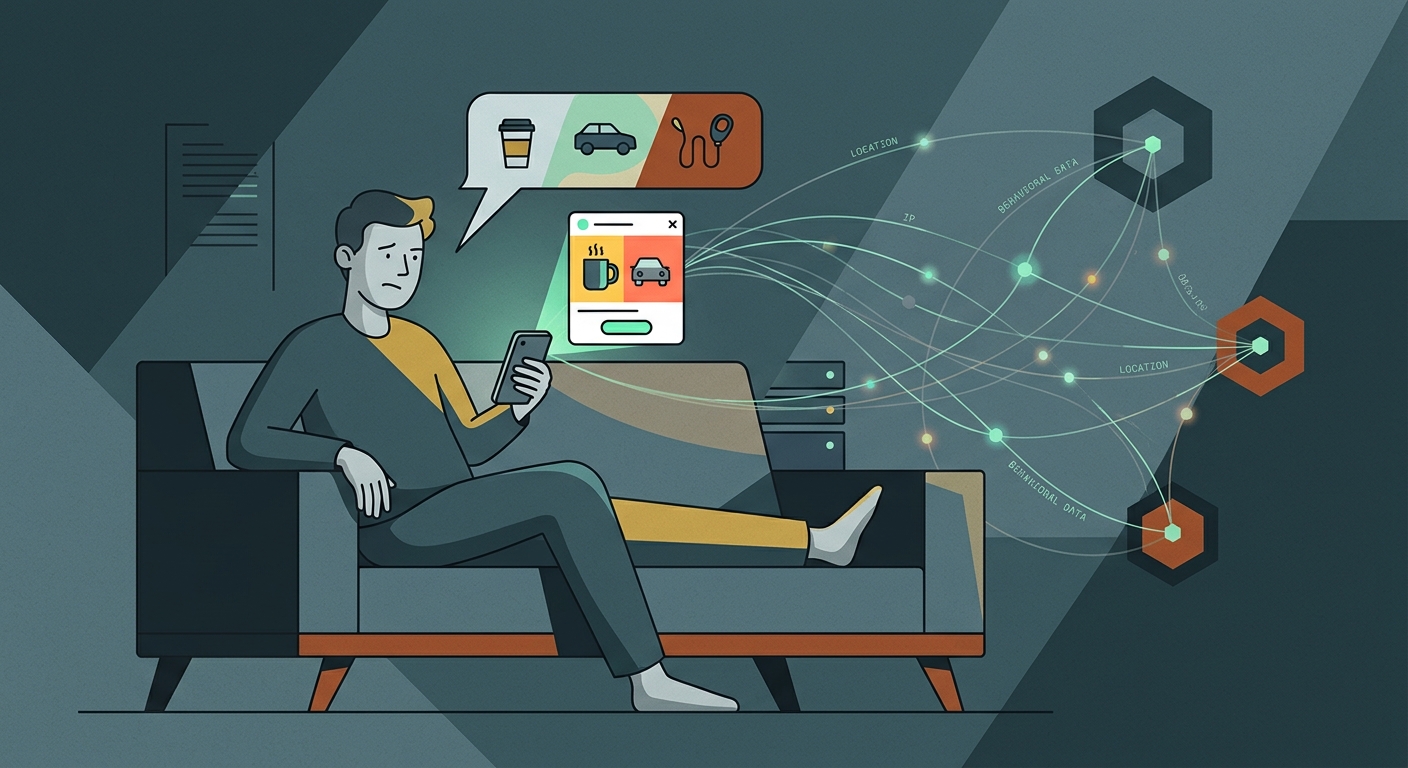
It’s a common scenario: you discuss buying an espresso machine with a friend, and suddenly, ads for that exact machine flood your feed. It feels impossible unless an app is actively listening through your microphone. But Apple strictly enforces microphone permissions, displaying a green dot indicator whenever the mic is active. Covert audio processing at scale is also incredibly resource-intensive and legally risky.
The reality is simpler: they don’t need your voice. Data brokers—companies that collect and sell your digital footprint—have built profiles so detailed that they can predict what you'll buy next. They aggregate thousands of subtle data points and stitch them together to map your routine.
The Network Effect
If your friend recently researched espresso machines, and your phones are pinging the same Wi-Fi network or GPS location for an hour, the ad network links your profiles. The algorithm simply serves you the ad for the product your friend was already interested in.
How Data Brokers Build Your Profile
Your profile isn't built from a single source. It’s aggregated from dozens of hidden trackers running quietly across your devices.
The Tracking Arsenal
- Third-Party Cookies & Pixels: Hidden trackers monitor how long you stay on a page and what you click.
- App SDKs: Free apps often include third-party code that shares your usage data with ad networks.
- Cross-Device Tracking: By matching your IP address, brokers link the computer you use for work to the phone in your pocket.
- Purchase History: Loyalty programs and digital receipts tie your offline purchases to your online identity.
The Role of Your IP Address
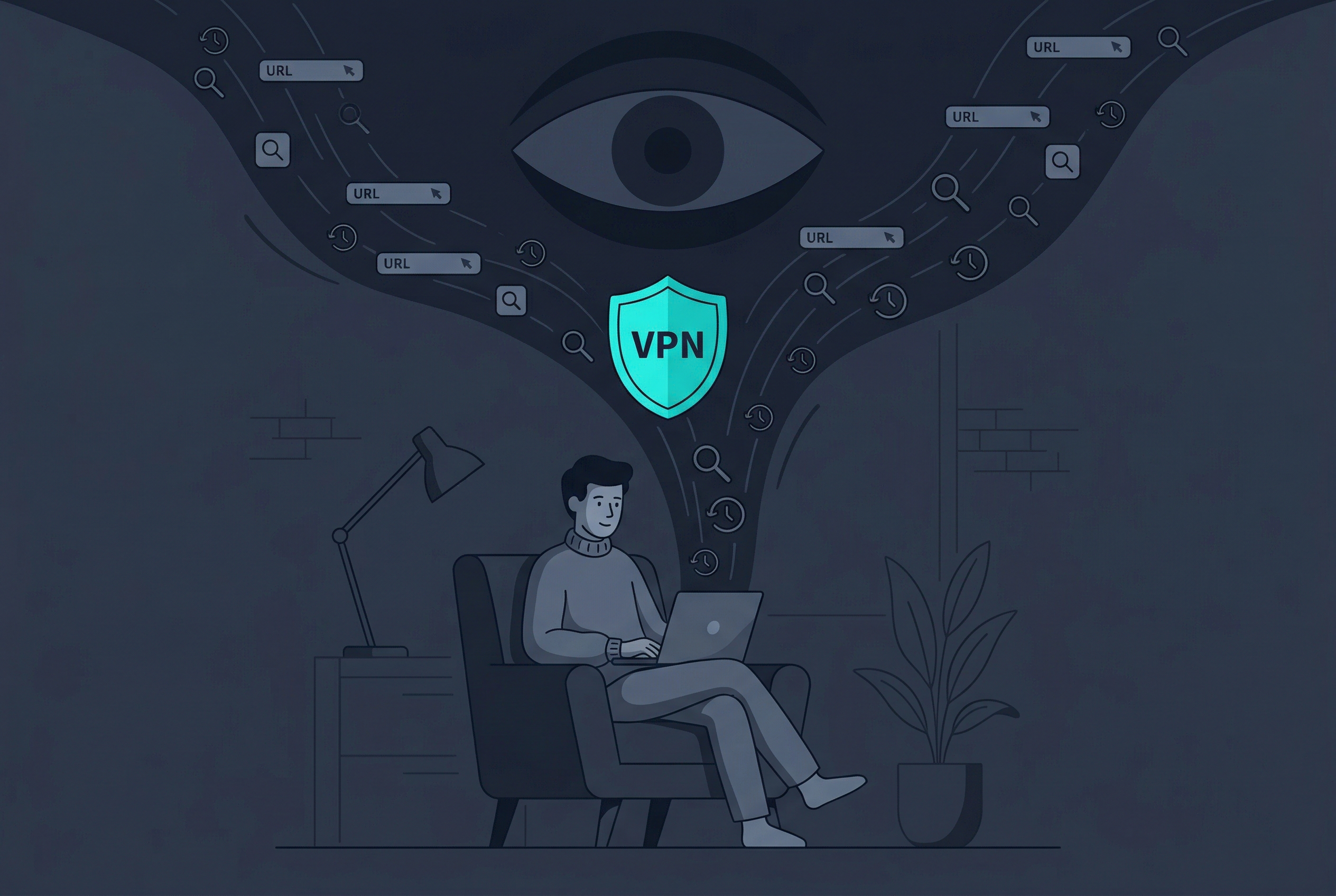
The anchor holding these disparate data points together is often your IP address. Without it, mapping your phone's app usage back to your computer's web browsing becomes significantly harder.
Breaking the Tracking Chain
You can't stop companies from trying to track you entirely, but you can limit the accuracy of the data they collect by cutting off their main identifier.
Practical Privacy Strategies
- Mask Your IP Address: A VPN masks your real IP address, preventing trackers from easily linking your web traffic back to your specific device or location. Free VPN US offers an easy way to handle this on iOS.
- Use Safari's Advanced Tracking Protection: Ensure "Prevent Cross-Site Tracking" is enabled in your device settings.
- Deny App Tracking Requests: Select "Ask App Not to Track" when installing a new app.
- Audit Location Services: Restrict location access to "While Using the App" to minimize background location harvesting.
Why Hiding Your IP Matters
Even if you deny app tracking, your raw IP address is exposed to every server you connect to. Routing your traffic through a VPN assigns you an anonymous IP address that disrupts the profiling process.
Tracking Methods Explained
| Tracking Method | How It Works | How to Block It |
|---|---|---|
| IP Address Profiling | Links your activity across different websites and devices. | Use Free VPN US to mask your real IP. |
| Proximity Tracking | Uses GPS and Bluetooth to see who you spend time with. | Limit Location Services to "While Using". |
| Tracking Pixels | Invisible images in emails that report when you open them. | Enable Apple's Mail Privacy Protection. |
| Cross-App Tracking | Apps share your device ID (IDFA) with data brokers. | Turn off "Allow Apps to Request to Track". |
Privacy Settings You Should Change
Adjusting a few specific settings on your devices can immediately reduce the amount of data you broadcast.
Limit Ad Tracking
Go to Settings > Privacy & Security > Tracking, and toggle off "Allow Apps to Request to Track." This stops apps from using your device's unique advertising identifier.
Protect Your Email Activity
Go to Settings > Mail > Privacy Protection, and enable "Protect Mail Activity." This hides your IP address and blocks invisible tracking pixels in emails.
Mask Your Daily Traffic
Your IP address is a persistent tracker. Keeping a VPN active in the background ensures your actual IP stays hidden from ISPs, data brokers, and websites.
Review Microphone Access
If you want absolute peace of mind, go to Settings > Privacy & Security > Microphone. Revoke access for any app that doesn't strictly need it.
The Bottom Line
Your phone isn't eavesdropping on your conversations. Tech companies don't need to listen to you—they can accurately predict your habits based on the invisible data trail you leave behind every day.
Reclaiming Your Digital Privacy
- Audit Permissions. Review which apps have access to your location, microphone, and contacts in your privacy settings.
- Block Trackers. Ensure Safari's cross-site tracking prevention is active and Mail Privacy Protection is enabled.
- Encrypt Your Connection. Use a reputable VPN like Free VPN US to secure your connection.
- Stay Consistent. Keep your VPN running in the background to consistently hide your IP address from data brokers.
By taking these steps, you break the data links that brokers rely on, making targeted profiling significantly harder.
Frequently Asked Questions
Is my iPhone actually listening to my conversations?
No, Apple does not allow apps to access your microphone without permission, and a green dot appears whenever the mic is active. The "listening" feeling comes from predictive algorithms and data brokers linking your search history, location, and metadata.
How do data brokers know what I was just talking about?
They track invisible signals. If you talked to a friend about a product, your phones were in the same location. If your friend searched for that product, the algorithm assumes you might want it too, serving you the same ad.
Do tracking pixels really work across different apps?
Yes. Invisible tracking pixels are embedded in emails, websites, and apps. They report back to advertising networks, matching your activity across different platforms using your IP address and device ID.
Does turning off personalized ads actually help?
It reduces the relevance of ads, but it doesn't stop companies from collecting your data. To stop the collection process, you need to hide your IP address with a VPN, making it harder for brokers to link activities to your device.
More Privacy Questions
Common questions about targeted advertising and device tracking.
Related Reads
Hide Your Footprint
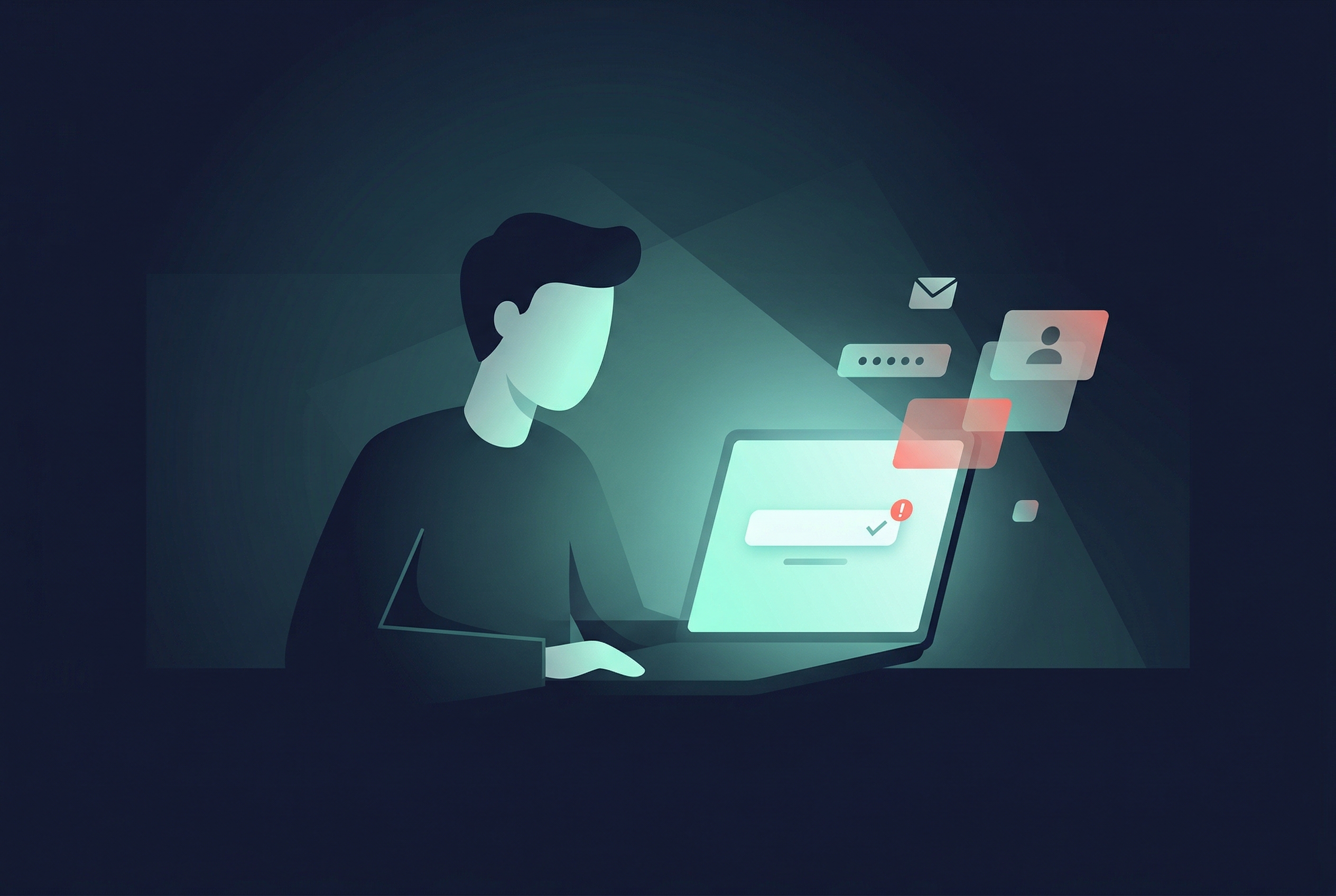
Data brokers rely on your IP address to tie your habits together. Free VPN US encrypts your connection and masks your IP, keeping your online activity private on both your Mac and iPhone.
- Masks Your IP
- Disrupts Data Profiling
- One-Tap Protection