
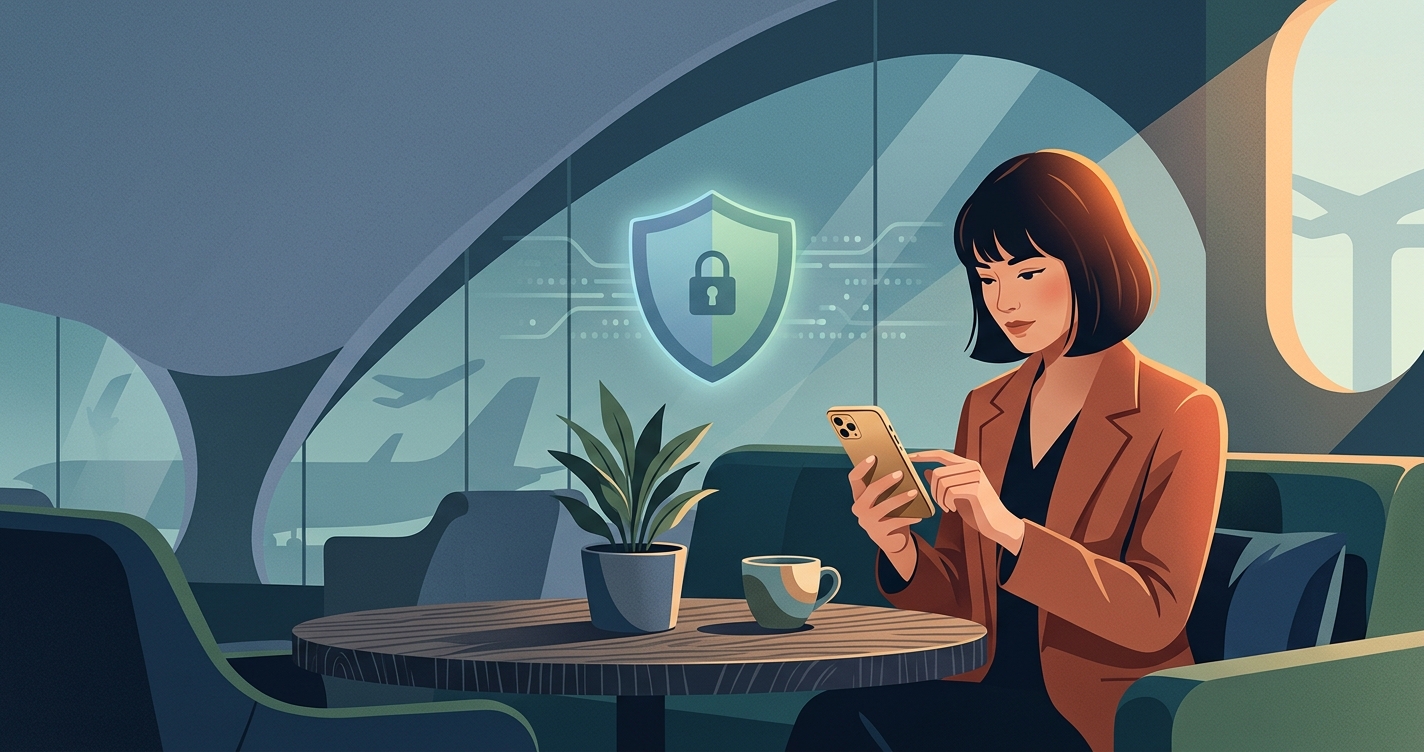
Why Internet Gets Restricted When You Travel
When you connect to a public network in a hotel, airport, or café, that network's owner (or the country's government) can control what you see. They do this by blocking ports, filtering domains, or redirecting traffic.
Common reasons for these blocks include:
- Bandwidth management: Hotels and airports prioritize light browsing and email, so they block video streaming or torrenting.
- Security policy: Some networks block ports used by certain protocols to prevent malware or unauthorized access.
- Geo-licensing: Streaming services, news outlets, and banking apps are licensed for specific regions. When you arrive in a new country, your traffic gets flagged as coming from outside the licensed zone.
- Government mandates: Some countries restrict access to social media, news, or messaging apps entirely.
Legal First
Before using any tool to bypass restrictions, verify that it's legal in your destination. Most countries allow VPNs, but a few ban or heavily restrict them. Check your travel plans and local regulations first.
Real Problems You Face While Traveling
Network restrictions cause real friction. Here are common scenarios where unblocking matters:
Banking and Money Transfers
Your bank detects a login from a new country and either locks your account or requires extra verification. If you can't access the app or website, you're stuck. Learn how to prevent account freezes while traveling.
Streaming Your Home Content
Netflix, Hulu, and other services show "not available in your region" because they license content by territory. Hotel Wi-Fi may also block streaming traffic entirely. See how to stream home content from abroad.
News and Social Media
Some hotels or countries block social platforms, news sites, or messaging apps. This cuts you off from friends, family, and reliable news.
Work and Cloud Access
Airport Wi-Fi sometimes blocks HTTPS traffic or VPN connections themselves, leaving you unable to access work email, files, or collaboration tools.
How Free VPN US Helps You Unblock Content Abroad
A VPN (Virtual Private Network) works by encrypting your traffic and routing it through a server in a location you choose. From the perspective of a website or service, your request comes from that VPN server's location, not your actual location.
What a VPN can do:
- Route your traffic through a US server, making it appear you're browsing from the US, which may unlock region-locked content.
- Encrypt your connection on public Wi-Fi, hiding your activity from the network or other users on the same network.
- Bypass simple network blocks that filter by port or basic domain detection, because your traffic is encrypted.
- Help you access messaging apps and social media if the network blocks them by port or protocol.
What a VPN cannot guarantee:
Services like Netflix, banks, and some websites actively detect and block VPN traffic. Even if you connect through a VPN server, the service may recognize the IP as a VPN address and deny access anyway. Understand why content changes by location.
Using Free VPN US on iPhone and Mac
Both apps connect to the same network. After you download and install Free VPN US from the App Store, you open the app, choose a location (usually a US server), and toggle the connection on. An indicator shows when you're connected.
Once connected, all your device traffic routes through the VPN, so public Wi-Fi cannot see your activity, and websites see your request coming from the VPN server's location.
Safe Internet Practices While Traveling
A VPN is one tool, but travel safety is about habits too.
Use a VPN on Every Public Network
Even if a site "seems safe," others on the same network can intercept unencrypted traffic. Always connect your VPN before opening email, banking apps, or messaging.
Avoid Public Wi-Fi for Sensitive Tasks
If you must access banking or payment info, use your cellular data (with a VPN) instead. Public Wi-Fi adds another layer of risk, even with a VPN. Learn the risks of airport and hotel Wi-Fi and how to stay safe.
Check Passwords and Accounts
Before traveling, enable two-factor authentication on email, banking, and important accounts. If something gets compromised, a second factor blocks unauthorized access.
Keep Your Device Updated
Security patches close exploits that attackers use on public networks. Update your iPhone or Mac before traveling.
Use Strong, Unique Passwords
A password manager makes this easy and prevents you from reusing passwords across sites. If one service is breached, your other accounts stay safe.
How to Handle Common Travel Scenarios
Scenario 1: Hotel Wi-Fi Blocks Streaming
You're trying to unwind after a long day, but the hotel blocks Netflix. Open Free VPN US, choose a US location, and reconnect to the hotel Wi-Fi. The VPN encrypts your traffic, so the hotel network can't detect what you're doing. Netflix may still refuse to stream if it recognizes the VPN IP, so this isn't guaranteed—but if the block was just a protocol filter, the VPN may solve it.
Scenario 2: Banking App Says "Access Denied"
Your bank detects a login from abroad and locks the app. Turn on your VPN before opening the app. If the lock was based on geography alone, appearing to log in from your home country might help. Check with your bank first—many require you to call and unlock the account regardless. Prevention steps for bank locks.
Scenario 3: Airport Network Blocks Messaging
WhatsApp, Telegram, or Signal won't connect. Activate Free VPN US before opening the app. The encrypted VPN tunnel hides your traffic, so the airport can't see or block it. This usually works unless the airport blocks all VPN traffic (rare, but possible).
Scenario 4: Social Media Unavailable in Your Country
You're in a country that blocks certain platforms. A VPN may help by routing your traffic elsewhere, but be aware that some countries actively block VPN protocols. Using a VPN may violate local law. Always check first. If legal, connect and try accessing the platform; if the country blocks all VPN traffic, even a VPN won't help.
Core Reality
No tool bypasses every block. Networks, services, and governments use multiple techniques to enforce restrictions. A VPN helps with location-based and simple protocol blocks, but not with every scenario. Plan around critical access—like banking—and use a VPN as one layer of a broader safety and access strategy.
How to Set Up Free VPN US for Traveling
- Download the app: Go to the App Store on your iPhone or Mac, search for Free VPN US, and install it.
- Open the app: Launch Free VPN US. On first open, you'll see an overview of available locations.
- Choose a location: Tap a location (typically a US server for US-based access). The app highlights available regions.
- Connect: Toggle the main connection switch. A connected indicator appears, and you'll see your connection status.
- Verify connection: Once the status shows "Connected," all your device traffic routes through the VPN. You're ready to browse safely.
For ongoing use, enable "Auto-connect" in settings so the VPN activates automatically when you join a new network. This removes the step of manually connecting every time.
Common Questions
Can a VPN unblock any website while traveling?
A VPN may unblock some content by changing your apparent location, but results depend on the service, your account, network, and the website's own restrictions. Some services block known VPN traffic, so success is not guaranteed.
Is using a VPN legal while traveling abroad?
VPN legality varies by country. In most places, using a VPN is legal, but some countries restrict or ban them. Check your destination's local laws before connecting. Free VPN US is designed for legitimate privacy and access use.
Will a VPN slow down my connection?
A VPN may add some latency due to encryption and routing, but modern VPNs are optimized for speed. Free VPN US is designed for smooth browsing. Your experience depends on your device, local network, and the VPN server you select.
Can banks detect that I'm using a VPN?
Banks can see that traffic is encrypted, but cannot always detect which tool creates it. Many banks flag logins from new locations, whether or not you use a VPN. Always use strong authentication and contact your bank if your account is flagged.
How do I set up Free VPN US on my Mac?
Download Free VPN US for Mac from the App Store, install it, and open the app. Select a VPN location and toggle the connection on. A connected indicator shows your status. Settings let you choose auto-connect and app exclusions.
More Questions
We've covered the fundamentals of bypassing restrictions safely while traveling. Here are some deeper questions people often ask.
Related Reads
Download Free VPN US Today
Protect your connection on public Wi-Fi, unblock region-locked content, and stay connected abroad. Free VPN US is available as an ad-supported app on iPhone and Mac.
- Encrypt public Wi-Fi connections
- Access restricted content
- Choose multiple VPN locations