
Do I need an account?
No account is required to start. Install the app, allow the standard iOS VPN configuration, and connect. Follow the step-by-step iPhone and US-region guide if this is your first VPN.
Start with essential free servers and core protection on iPhone. iPad and Mac are also supported.
Looking for iOS-focused setup tips? Read our USA VPN for iPhone guide.
Need to apply a discount? Visit the Redeem / Coupons / Offers page.
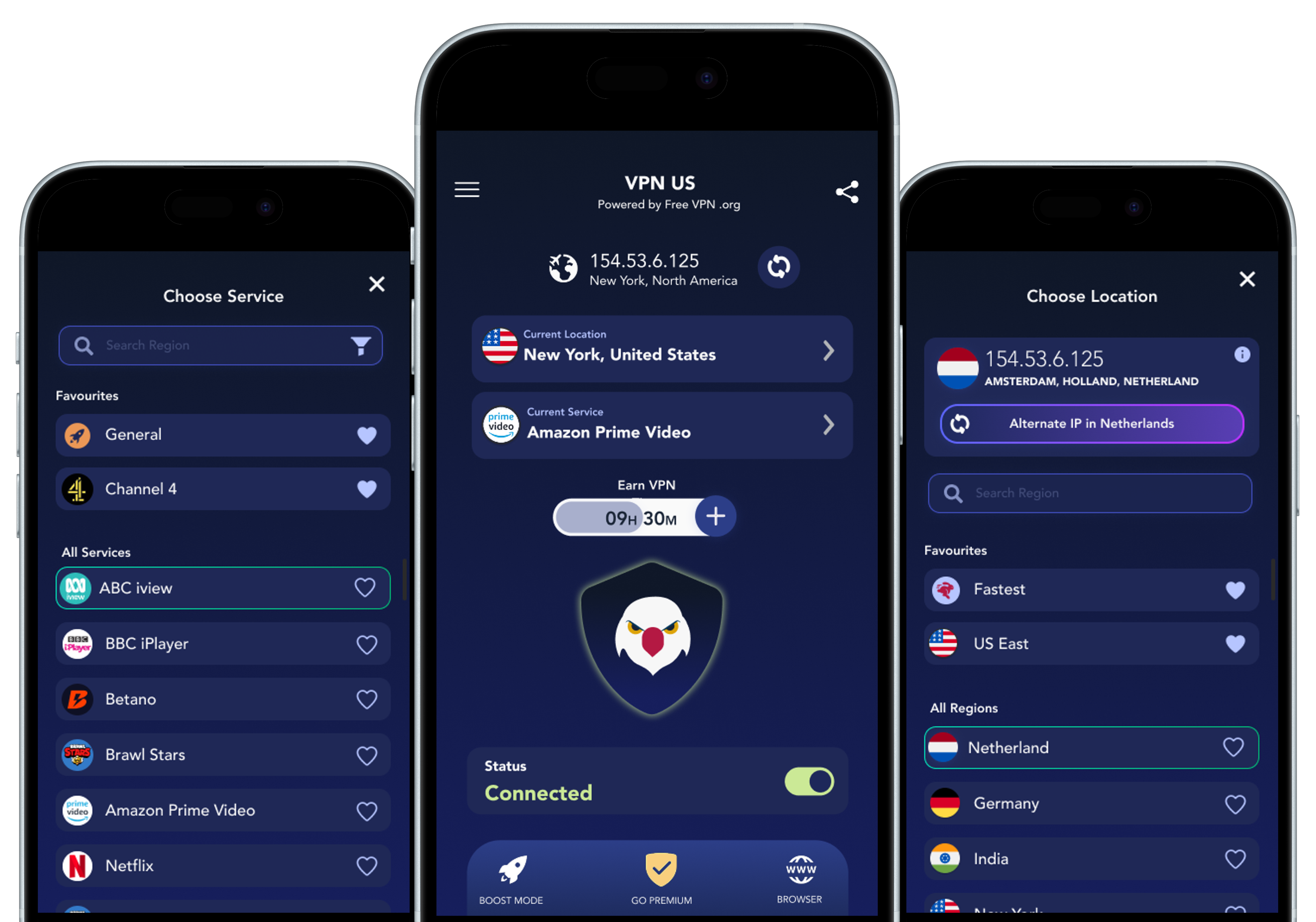
Before you install
FREE VPN US is free to download from the App Store. Its standard access includes a core VPN connection and is supported by short ads; optional in-app purchases add more choices. Check the App Store listing for current device and OS requirements.
No account is required to start. Install the app, allow the standard iOS VPN configuration, and connect. Follow the step-by-step iPhone and US-region guide if this is your first VPN.
Protect your connection on shared Wi-Fi, choose an available VPN region, or explore service presets. A VPN changes your visible IP address; it does not change your GPS location, account eligibility, or a provider's subscription rules.
Explore connection and Premium controls, the built-in private browser, and supported ad blocking. Availability can vary by device and access level, so review the options shown in the app.
Having trouble connecting? Use the setup and troubleshooting guide. For data-handling details, read the privacy policy.