
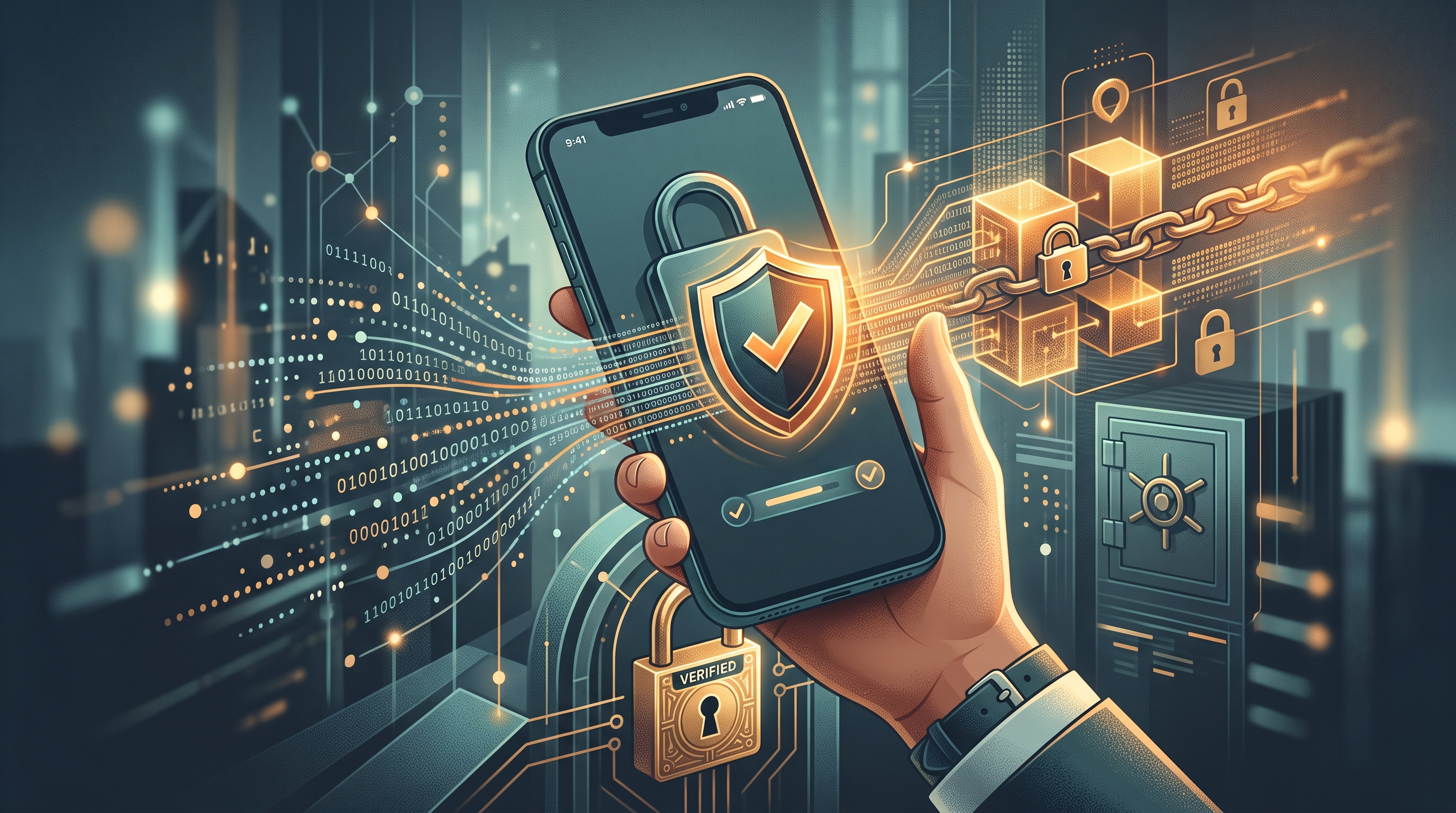
What It Means When Your Phone Number Is Exposed
A leaked phone number does not automatically mean your phone was hacked. It usually means the number appeared in a breached database, marketing list, scraped profile, or scammer contact file.
That still matters because your number is often connected to password resets, bank alerts, delivery apps, messaging accounts, and two-factor authentication. Attackers use exposed numbers to make phishing messages feel personal.
Do not treat spam alone as proof
A burst of spam calls or texts can be a sign that your number is circulating, but it is not enough to prove your device or accounts are compromised. Look for account alerts, carrier changes, and breach matches together.
How to Check if Your Phone Number Was Exposed
Start with sources that can confirm exposure, then check the services that use your phone number for recovery or login verification.
Run these checks first
- Search your phone number and primary email address in a reputable breach lookup tool such as Have I Been Pwned.
- Review security notifications from Apple, Google, Microsoft, banks, social platforms, and password managers.
- Open account settings and confirm your recovery phone number has not been changed or added without permission.
- Ask your carrier whether there were recent SIM changes, port-out attempts, or account verification failures.
What these checks cannot prove
Breach lookups only cover known datasets. A clean result does not guarantee your number is private; it only means it was not found in the breach data that service can search.
What to Do If Your Phone Number Was Exposed
If your number appears in a breach, focus on accounts where the number can unlock access, approve payments, or receive reset codes.
Immediate security steps
- Change passwords for your email, banking, Apple ID, Google account, and password manager if they reused old credentials.
- Move two-factor authentication from SMS to an authenticator app or security key wherever the service allows it.
- Set a carrier account PIN and request extra verification before SIM swaps, number ports, or device changes.
- Monitor bank statements, credit reports, and account login history for unfamiliar activity.
What a VPN can and cannot do here
A VPN cannot remove your number from a breach list, but it can protect the browsing and login traffic you send over public Wi-Fi while you are securing accounts.
Phone Number Exposure: Signals and Actions
| Signal | What it may mean | Best next step |
|---|---|---|
| Breach lookup match | Your number appeared in a known leaked dataset. | Secure linked accounts and replace SMS-based 2FA. |
| Sudden phishing texts | Scammers may be testing the number with bank, package, or login lures. | Do not click links; report and block the sender. |
| Carrier account alert | Someone may be attempting a SIM swap or number port. | Contact the carrier and add a PIN immediately. |
| Unknown password reset codes | Someone knows enough to trigger account recovery. | Change the account password and review sessions. |
How to Protect Your Number Going Forward
Once the urgent accounts are secure, reduce how often your phone number is exposed and how much damage it can cause if it leaks again.
Should every account use my phone number?
No. Only give your number where it is required. For newsletters, shops, forums, or one-time signups, use email-based recovery or a separate contact method when possible.
Should I use SMS for two-factor authentication?
SMS is better than no second factor, but authenticator apps and security keys are stronger because they are less exposed to SIM swaps and phone-number takeover attempts.
Can public Wi-Fi make this worse?
Public Wi-Fi will not leak your phone number by itself, but insecure networks can expose browsing or login activity. Use trusted networks and a VPN when signing in away from home.
When should I replace the number?
Consider replacing it only when harassment, stalking, SIM swap attempts, or repeated account attacks continue after you have locked down your carrier and important accounts.
The safest fix is reducing dependency on the number
You cannot fully control whether old databases resell your number, but you can make the number less useful by removing it from recovery flows and strengthening account authentication.
A Practical Cleanup Plan
- Check exposure. Search breach tools and review recent account security alerts tied to your number and email addresses.
- Secure the carrier. Add a PIN, ask about port-out protection, and confirm no unauthorized SIM changes occurred.
- Protect key accounts. Change reused passwords, remove old recovery numbers, and replace SMS codes with app-based 2FA.
- Monitor for abuse. Watch credit reports, bank statements, account sessions, and new phishing attempts for at least several weeks.
After the first cleanup, repeat the check every few months or whenever you see a sudden spike in suspicious messages.
Frequently Asked Questions
How do hackers get phone numbers in the first place?
Phone numbers are exposed through data breaches at banks, social networks, shopping sites, delivery apps, and other services. They can also be scraped from public profiles or resold by data brokers.
What is the difference between a leaked phone number and a hacked phone?
A leaked phone number means your number appeared in a breach or list, but your device may still be safe. A hacked phone means someone has access to the device, apps, or accounts on it.
Can someone reset my passwords with only my phone number?
A phone number alone is usually not enough, but it helps attackers target SMS password resets, phishing texts, and SIM swap attempts. Use an authenticator app instead of SMS for important accounts.
Should I change my phone number if it was leaked?
Usually no. First add a carrier PIN, secure important accounts, move away from SMS codes, and monitor credit or bank activity. Change the number only if harassment or takeover attempts continue.
Still Have Questions?
These quick answers cover the most common follow-up concerns after a phone-number breach check.
Related Reading
Protect Your Browsing While You Lock Down Accounts
Free VPN US helps protect your iPhone and Mac traffic on public Wi-Fi while you review breach alerts, carrier settings, and account security pages.
- Encrypted public Wi-Fi browsing
- iPhone and Mac support
- No-cost VPN option