

What Is Browser Fingerprinting?
Browser fingerprinting is a method websites and trackers use to identify you based on unique characteristics of your device and browser. Unlike cookies, which are stored files, fingerprinting works by analyzing dozens of details—your screen resolution, fonts, plugins, operating system, browser version, and even your typing patterns—to create a unique profile.
This profile acts like a digital fingerprint. Every time you visit a tracked website, your fingerprint is scanned and matched, allowing advertisers and third parties to follow your activity across the web without your knowledge or consent. Because fingerprinting doesn't depend on cookies or localStorage, it persists even in private browsing mode and survives cookie deletions.
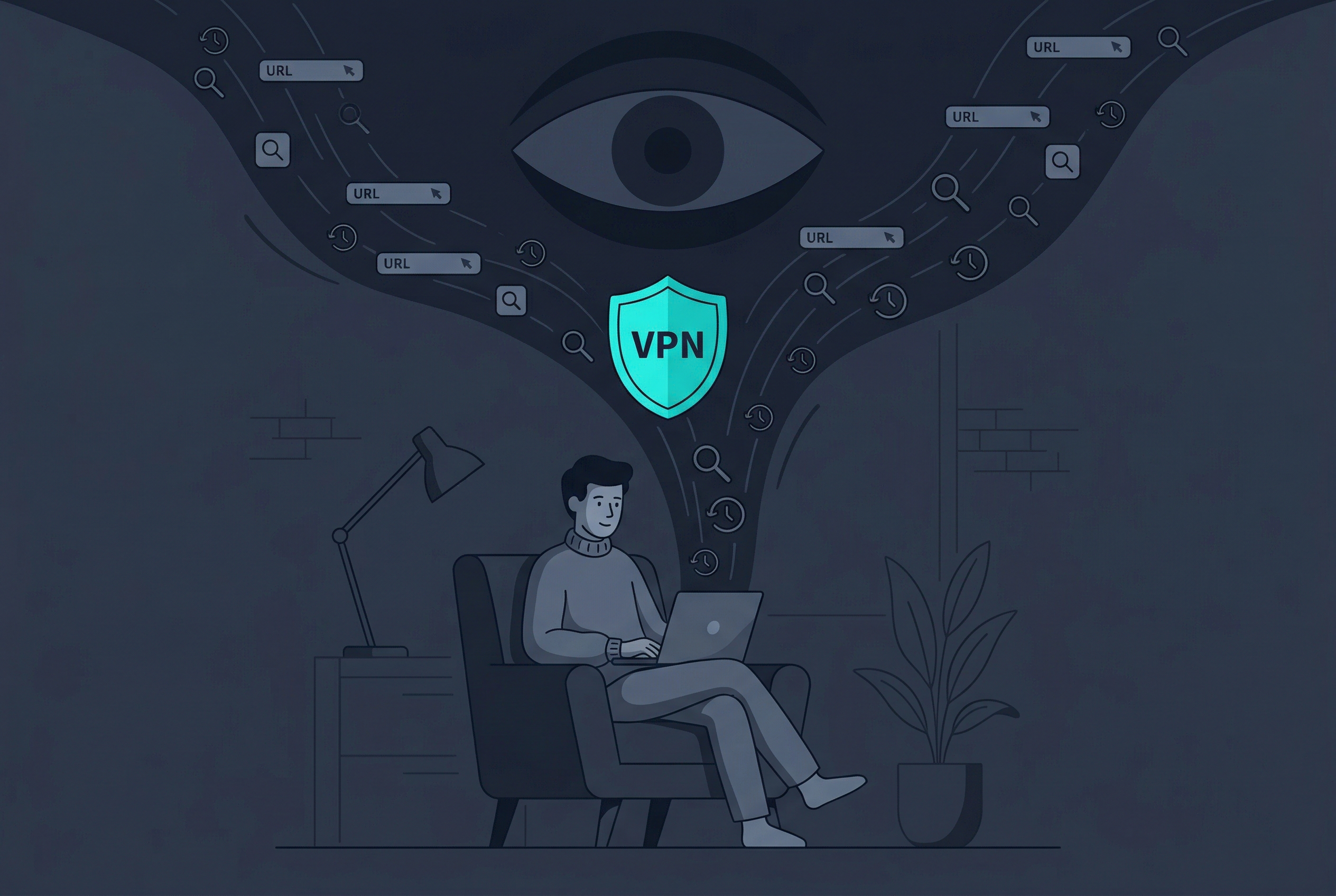
The Hidden Tracker
Even if you delete cookies and clear your browser history, websites using fingerprinting can still recognize you. Free VPN US helps by masking your IP address, but protecting against fingerprinting requires a multi-layered approach combining browser settings, tools, and privacy practices.
How Free VPN US Helps Reduce Fingerprinting
While Free VPN US cannot completely prevent browser fingerprinting on its own, it's a critical part of your privacy defense. By masking your IP address with AES-256 encryption, Free VPN US removes one of the most obvious tracking signals websites collect.
What Free VPN US protects against
- IP tracking: Websites cannot see your real location or ISP, reducing the data they collect for fingerprinting.
- DNS leaks: Your DNS queries are encrypted, preventing ISPs and advertisers from logging your browsing patterns.
- Metadata exposure: Free VPN US masks the timing and patterns of your network traffic.
- Geolocation inference: Even if sites use fingerprinting, they cannot tie it to your real geographic location.
Where Free VPN US reaches its limits
Free VPN US masks your IP and protects your connection, but it doesn't change your device's hardware, browser configuration, or installed fonts—the core data used in fingerprinting. This is why using Free VPN US alongside other protection methods is essential. Combine it with private browsing, browser hardening, and script blockers for stronger protection.
Additional Tools Beyond Free VPN US
To effectively reduce your browser fingerprint, use multiple complementary tools. Free VPN US provides IP masking, but you need additional strategies to protect against the deeper fingerprinting techniques sites deploy.
Top strategies to combine with Free VPN US
- Private/Incognito Mode: Most browsers offer private modes that isolate your session from persistent tracking. Cookies and site data don't persist, though fingerprinting can still occur within that session. Always pair with Free VPN US for best results.
- Privacy Browser Extensions: Tools like uBlock Origin and Privacy Badger block known trackers and fingerprinting scripts. Use them alongside Free VPN US for defense-in-depth.
- Randomize User Agent: Your browser reports a "user agent" string identifying your exact browser version and OS. Extensions can randomize this per site, making your fingerprint less consistent.
- Disable JavaScript Selectively: JavaScript gives trackers access to detailed device info. Disabling it on untrusted sites prevents fingerprinting scripts from running, though it may break some page features.
Limitations of individual tools
No single tool stops browser fingerprinting completely. Private browsers like Firefox Focus and Brave offer enhanced fingerprinting resistance built-in, but they alone won't block determined trackers. Free VPN US adds the IP masking layer these browsers lack, creating stronger combined protection.
Protection Methods Comparison
| Method | What It Protects | Limitations |
|---|---|---|
| Free VPN US | IP address, DNS, traffic encryption, location masking | Doesn't hide device hardware or browser configuration |
| Private Mode | Session isolation, cookie non-persistence | Fingerprinting still occurs within the session; doesn't mask IP |
| Script Blockers | Blocks JavaScript-based fingerprinting scripts | May break website functionality; doesn't prevent passive fingerprinting |
| User Agent Randomization | Hides your exact browser/OS combination from sites | Doesn't protect device-level characteristics like screen resolution or fonts |
Real-World Scenarios: How to Stay Protected
Protecting against browser fingerprinting depends on your situation. Here's how to approach common scenarios while using Free VPN US.
Scenario 1: Shopping on a public network
Always use Free VPN US on public WiFi. Before you shop, enable private browsing mode and activate a script blocker. This combination prevents the network owner from seeing your traffic (VPN), stops trackers on sites from profiling your device (script blocker), and isolates your session from persistent tracking (private mode). Free VPN US ensures your payment data is encrypted end-to-end.
Scenario 2: Researching sensitive topics
If you're researching medical, legal, or personal topics, use Free VPN US with private mode and consider disabling JavaScript on untrusted sites. This prevents both your ISP and target websites from linking your real IP to sensitive searches. Free VPN US provides the strongest protection for this use case.
Scenario 3: Avoiding ad targeting across websites
Free VPN US with a privacy extension like uBlock Origin is most effective here. The VPN hides your IP, and the extension blocks third-party tracking scripts that build cross-site profiles. Private mode adds another layer by isolating each browsing session. Combined, these tools significantly reduce ad targeting based on your behavior.
Scenario 4: Long-term identity protection
If you're concerned about long-term fingerprinting across years of browsing, rotate your Free VPN US exit node periodically, clear cookies regularly, and use different browsers for different purposes (one for banking, one for shopping, one for general browsing). This reduces the consistency of your fingerprint over time.
The Key Insight
No single tool stops browser fingerprinting. Websites use dozens of signals to identify you. Free VPN US removes IP-based tracking, but you need private mode, script blockers, and updated software to defend against the rest. Layering these protections—starting with Free VPN US—is what works.
Your Fingerprinting Protection Plan
- Start with Free VPN US: Download and enable Free VPN US first. This masks your IP and encrypts your traffic, removing the most obvious tracking signal. Use it whenever you're online, especially on public networks or when accessing sensitive information.
- Enable private browsing: Use private or incognito mode for sensitive activities. In Chrome, Firefox, Safari, or Edge, open a new private window. This prevents cookies and site data from persisting across sessions, making you harder to track.
- Install a script blocker or privacy extension: Add uBlock Origin or Privacy Badger to your browser. These block known tracking scripts and fingerprinting code, providing another layer of protection alongside Free VPN US.
- Keep your browser and OS updated: Outdated software has vulnerabilities that trackers exploit to collect fingerprinting data. Enable automatic updates on your device to patch these holes.
With Free VPN US handling IP masking and encryption, private mode isolating your sessions, and script blockers stopping tracking code, you've created a comprehensive defense against browser fingerprinting. This layered approach is significantly more effective than any single tool alone.
Frequently Asked Questions
What is browser fingerprinting?
Browser fingerprinting is a tracking technique that collects unique details about your device and browser to create a profile that identifies you across websites, even without cookies. Free VPN US helps protect against these tracking methods.
Can Free VPN US prevent browser fingerprinting?
Free VPN US masks your IP address and provides AES-256 encryption, which helps reduce your digital footprint. While a VPN alone cannot completely prevent browser fingerprinting, it's an effective part of a comprehensive privacy strategy.
What is the difference between cookies and browser fingerprinting?
Cookies are files stored on your device that track activity. Browser fingerprinting works without cookies by analyzing your device's unique characteristics like screen resolution, fonts, and browser extensions. Free VPN US protects against both methods.
Are there other tools beyond Free VPN US to prevent browser fingerprinting?
Yes. Use a private browser mode, disable JavaScript when safe, install privacy-focused extensions, keep your browser updated, randomize user agents, and use Free VPN US for IP masking. Combining these approaches provides stronger protection.
More Questions?
Protecting your privacy is an ongoing practice. Here are answers to questions readers commonly ask about browser fingerprinting and Free VPN US.
Related Reading

Get Free VPN US Today
Reduce your digital footprint and stop browsers from tracking you. Free VPN US delivers AES-256 encryption and IP masking to protect your online privacy across all devices.
- No logs – Your activity stays private
- AES-256 encryption
- Fast, optimized connections