
The Great Privacy Misconception
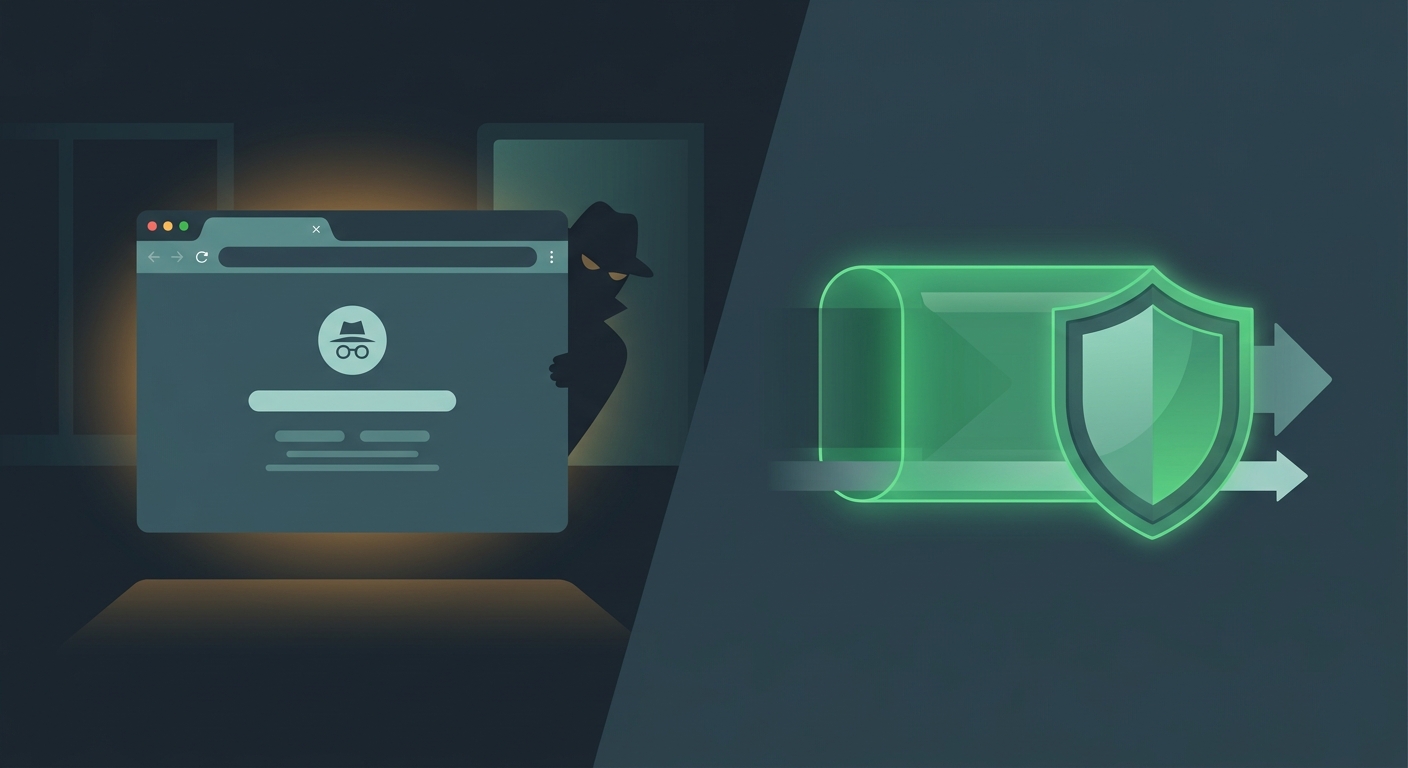
If you've ever clicked that little spy icon in your browser and felt a sudden surge of digital invincibility, you're not alone. Millions of users rely on "Incognito" or "Private" mode thinking it creates a cloaking device around their online activity. The reality is far less impressive.
While these browser modes have their place, they are often misunderstood. They are tools for local privacy, not network privacy. In this guide, we'll peel back the curtain on what Incognito mode actually does—and why relying on it for security is a dangerous mistake.
A Note for iOS & Mac Users
Apple devices have excellent built-in protections, but Safari's Private Browsing works the same as Chrome's Incognito. It protects your local history, but your network data is still exposed to your ISP and any public Wi-Fi network you join.
What Incognito Mode Actually Does
Incognito mode is essentially a "fresh start" for your browser. When you close an Incognito window, your browser deletes the specific data it collected during that session. It’s useful for one specific thing: preventing other people who use your device from seeing what you were doing.
What it hides on your device:
- Browsing History: The websites you visited won't show up in your history list.
- Cookies & Site Data: Tracking cookies are deleted once you close the window.
- Form Information: Data you type into fields (like addresses or usernames) isn't saved.
- Search History: Local logs of your searches are cleared.
The Fatal Limits of Incognito:
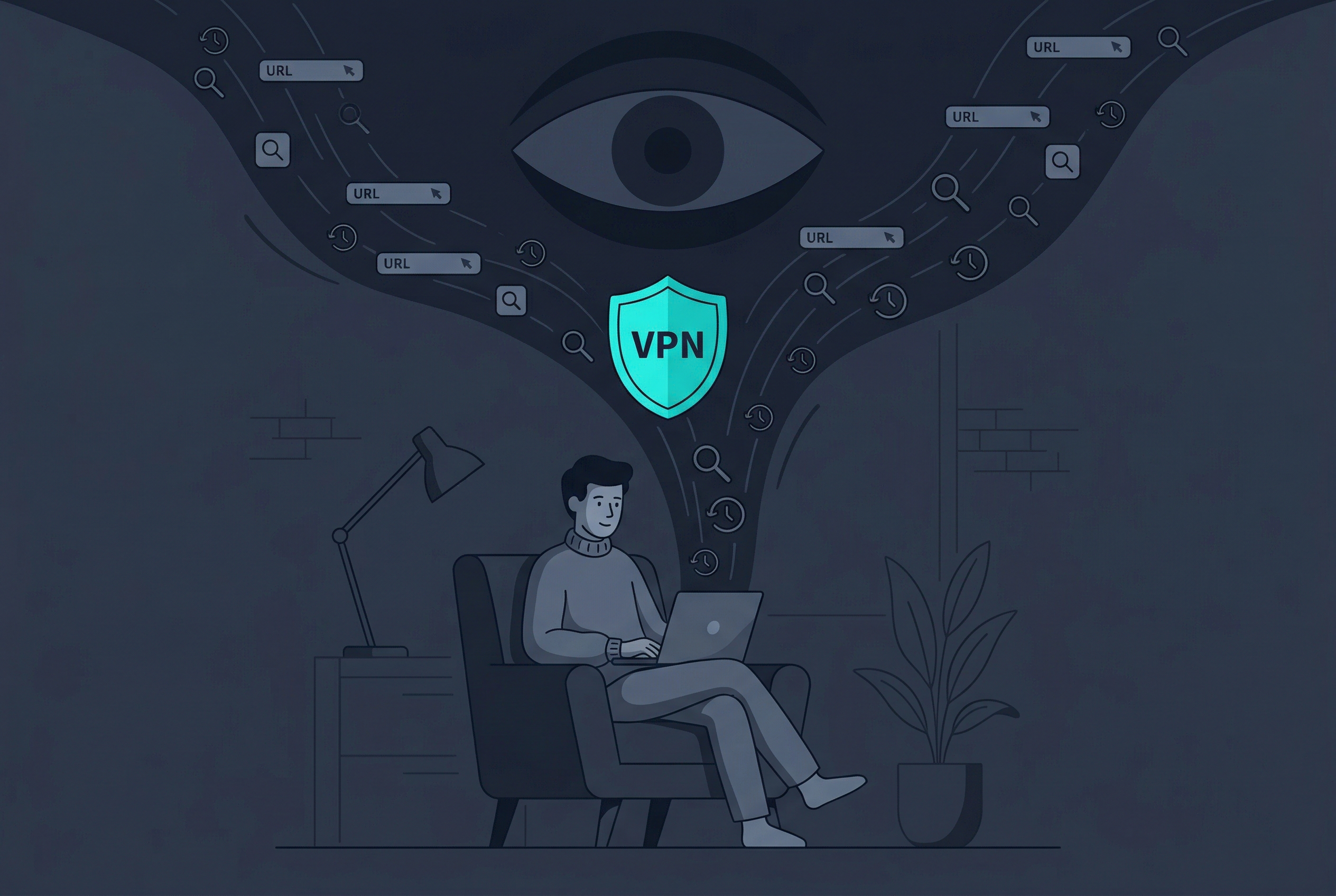
The biggest problem with Incognito mode is that it doesn't leave your device. Your IP address remains fully visible to every website you visit. Your employer can still see exactly what you’re doing on work Wi-Fi. Most importantly, your ISP (Internet Service Provider) continues to log every single domain you connect to, often selling that data to advertisers.
The VPN Power: Real Network Privacy
A VPN (Virtual Private Network) operates on a completely different level. Instead of just cleaning up after you on your own device, a tool like Free VPN US creates a secure, encrypted tunnel between your device and a remote server. This changes the game for your privacy.
How Free VPN US protects you:
- AES-256 encryption: Every byte of data leaving your iPhone or Mac is scrambled, making it unreadable to hackers and your ISP.
- IP Masking: Websites see the IP address of the VPN server, not your actual home or mobile location.
- Public Wi-Fi Shield: It prevents "Man-in-the-Middle" attacks where hackers intercept your data on free hotspots.
- Bypass Throttling: Since your ISP can't see what you're doing, they can't throttle your connection based on your traffic type (like streaming or gaming).
The One Thing a VPN Doesn't Do:
A VPN doesn't clear your browser history. If you visit a site while connected to a VPN in a standard browser window, that site will still appear in your local history. This is why the ultimate privacy setup involves using both tools together.
Side-by-Side: Incognito vs. VPN
| Feature | Incognito Mode | Free VPN US |
|---|---|---|
| Hides Local History | ✅ Yes | ❌ No |
| Masks IP Address | ❌ No | ✅ Yes |
| Encrypts Traffic | ❌ No | ✅ Yes |
| Hides Activity from ISP | ❌ No | ✅ Yes |
| Protects on Public Wi-Fi | ❌ No | ✅ Yes |
| Bypasses Geo-Blocks | ❌ No | ✅ Yes |
Which Tool Should You Use?
Different situations require different levels of protection. Here is how to decide which tool to reach for when you're browsing on your iOS or Mac device.
Scenario 1: You're shopping for a gift on a shared family iPad.
Use Incognito. This is exactly what it was designed for. It ensures your browsing doesn't pop up in the history or as a "suggested site" when your family uses the tablet later.
Scenario 2: You're checking your bank account at a local coffee shop.
Use Free VPN US. Public Wi-Fi is notoriously insecure. Without a VPN, a hacker sitting a few tables away could intercept your login credentials. Incognito mode provides zero protection here.
Scenario 3: You want to avoid "creepy" targeted ads based on your location.
Use Free VPN US. Websites use your IP address to pinpoint your city and neighborhood. By masking your IP with a VPN server in a different region, you break the tracking chain.
Scenario 4: You want the absolute maximum privacy possible.
Use Both. Open Free VPN US, connect to a secure server, and then open an Incognito/Private window. This ensures no data is left on your device AND no data is intercepted on the network.
The Pro Takeaway
Think of Incognito mode like closing the blinds in your house—people inside can't see what you're doing. Think of Free VPN US like a high-security armored car that takes you wherever you want to go—nobody on the street even knows you're inside, let alone where you're headed.
How to Secure Your Connection in Seconds
Achieving real privacy doesn't have to be complicated. If you're on an iPhone, iPad, or Mac, you can upgrade your security in less than a minute.
- Download the App: Get Free VPN US from the App Store. It's built specifically for the Apple ecosystem.
- Connect to a Server: Tap the connect button. The app will automatically find the fastest, most secure server for your location.
- Verify Protection: Once connected, your traffic is encrypted with AES-256 standards.
- Browse Freely: Use your favorite browser (even in Incognito mode) with the peace of mind that your network data is invisible.
Don't settle for the "illusion of privacy" that a browser icon provides. Take control of your digital footprint today.
Frequently Asked Questions
Does Incognito mode hide my IP address?
No. Incognito mode only hides your activity from other people who use your device. Your IP address remains visible to websites, your ISP, and network admins. Only a VPN like Free VPN US masks your IP address.
Is a VPN better than Incognito mode?
They serve different purposes. Incognito is for local privacy (hiding history on your device), while a VPN is for network privacy (hiding activity from the internet). For true online protection, you should use both.
Can my ISP see what I do in Incognito mode?
Yes. Your Internet Service Provider (ISP) can see every website you visit even in Incognito mode. Using Free VPN US encrypts your traffic so your ISP cannot track your browsing habits.
Do I need a VPN if I already use a private browser?
Absolutely. Private browsers don't encrypt your connection or hide your location. Free VPN US adds a layer of AES-256 encryption that protects your data on public Wi-Fi and hides your physical location.
Deeper Privacy Insights
Want to dive deeper into how digital tracking works? Explore these common privacy concerns.
Continue Your Privacy Journey
Stop the Illusion. Get Real Protection.
Browser modes only hide your history from your family. Free VPN US hides your digital life from the entire world with AES-256 encryption.
- Zero Logs Policy
- Global Server Network
- One-Tap Connection