
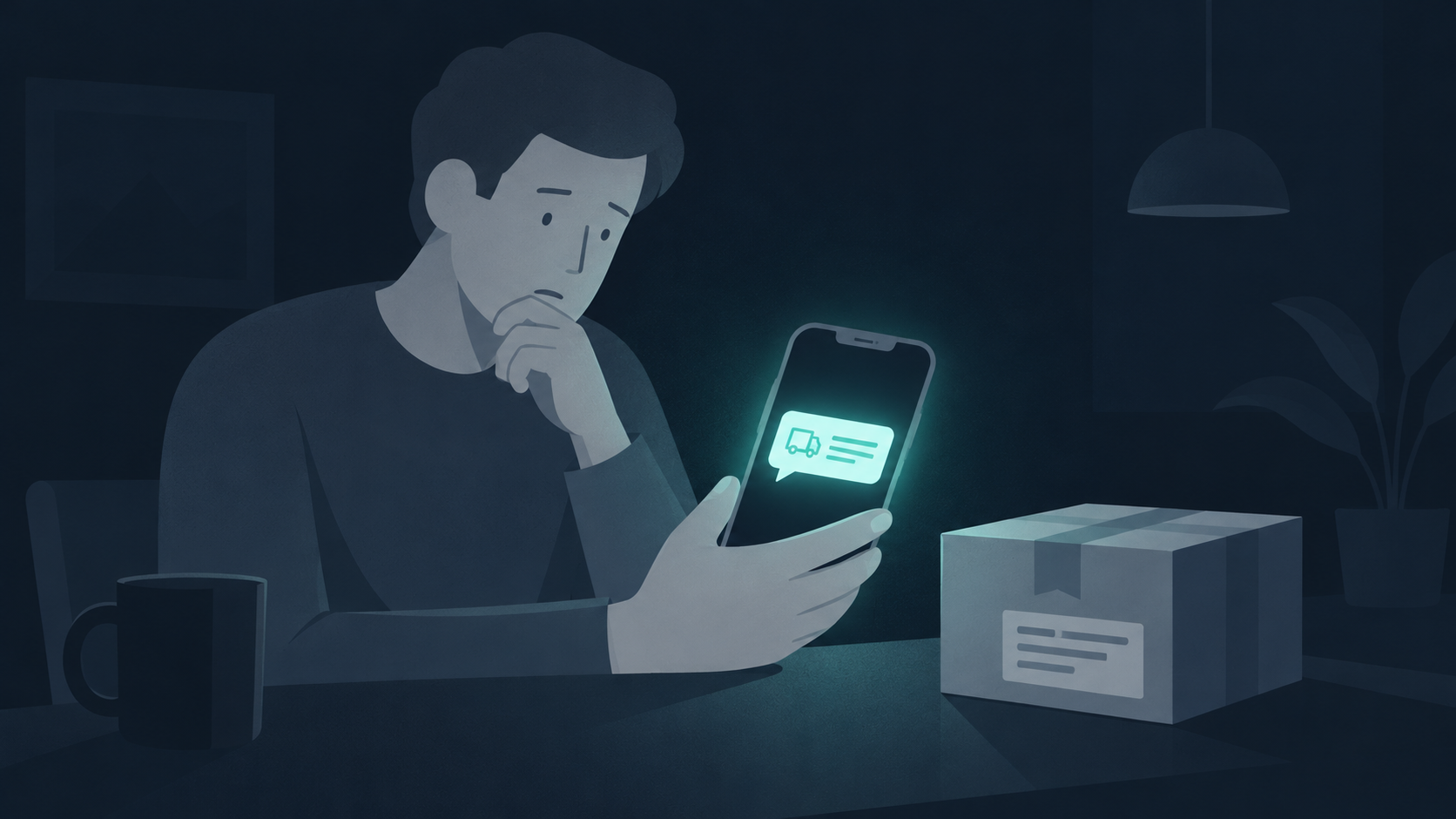
The message works because you really are waiting for something
You ordered a gift yesterday. Today, a text says your parcel is on hold. There is a small fee, a delivery logo and a button to fix it. You are between things. Paying looks quicker than working out whether the message is real.
That is the decision worth slowing down. The amount can feel too small to question while the form asks for something much more valuable: your card details or account password. You do not need to become an expert at spotting fake websites. You need a way to check the delivery without trusting the message.
Your next move
Open the retailer’s app from your home screen. Find the order and follow its delivery information. If you need the carrier, use the carrier named in that order—not the name in the text.
Check the order, not the story
Start with the purchase you can account for. Does your order show a delivery problem? Does its tracking number match? If a charge really needs attention, you should be able to investigate through a known account or independently verified customer-support channel.
The US Postal Inspection Service warns about unsolicited tracking texts. Its guidance says USPS tracking messages require a customer request and do not contain a link. That is a USPS-specific detail, not a rule for every delivery company worldwide.
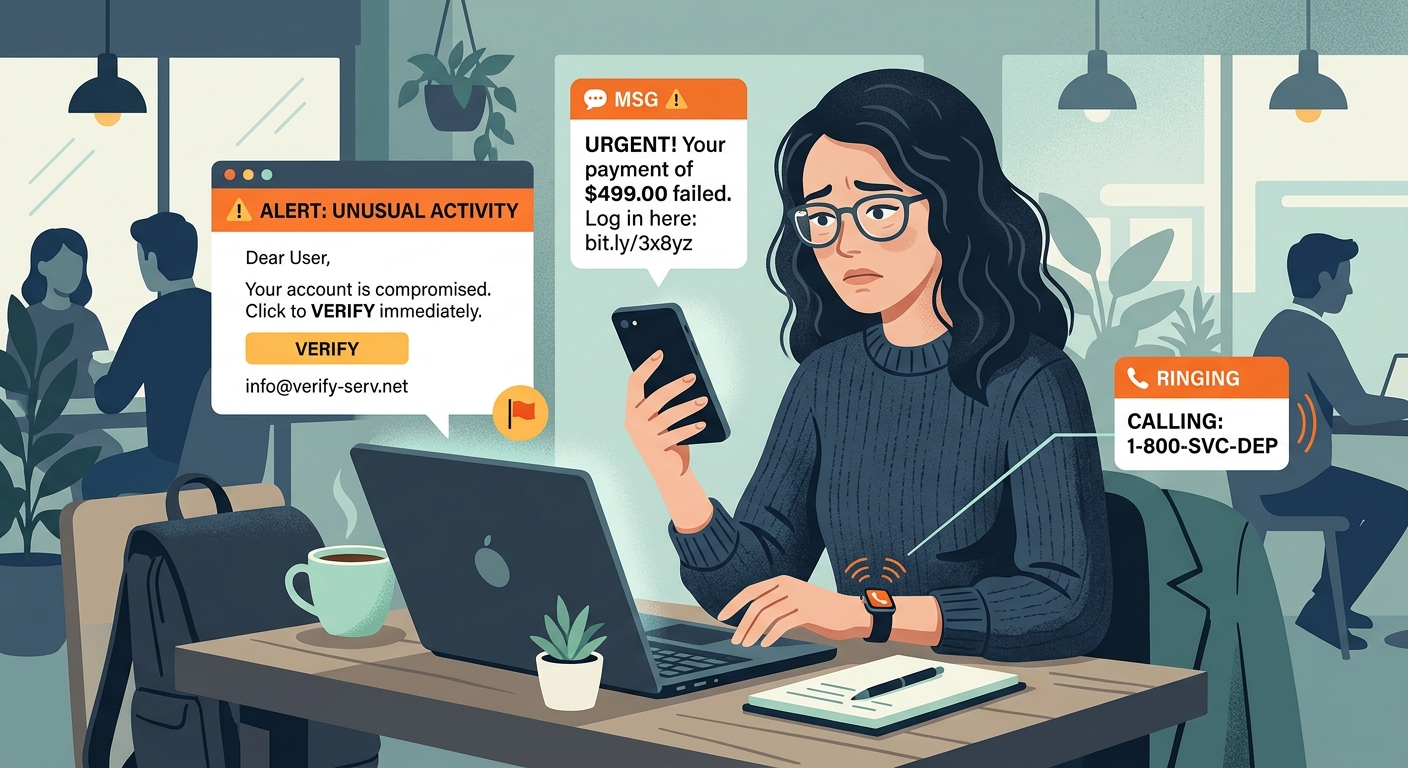
A real company name, familiar logo or local-looking number does not settle the question. Neither does the fact that you happen to be expecting a parcel. Treat the message as an unverified claim until your actual order supports it.
Already tapped? Choose the row that matches what happened
| What happened | Your next step |
|---|---|
| You only read the text. | Check the order independently. Report the suspicious message using your phone or carrier’s reporting option. |
| You opened the page but did not enter information or install anything. | Close it. Do not return to test it. Keep your device updated and check the order through a known route. |
| You entered a password. | Go directly to the real service and change it. Change reused passwords too, and review the account’s sign-in and recovery settings. |
| You entered card details—even without finishing the form. | Contact your card issuer through its app or the number on your card. Explain what you entered and ask how to secure the card. |
| You installed an app or configuration profile. | Stop following the page’s instructions. Use Apple’s official support resources or trusted technical help to review what was installed. |
Simply opening a page does not prove your iPhone has been compromised. Equally, leaving a form before pressing “pay” is not proof that typed details stayed private. Be specific when explaining what happened to the service or card issuer.
“But the page looked secure”
A polished page can still belong to someone impersonating a delivery company. HTTPS protects the connection to the site you reached; it does not establish that the business behind it is genuine.
If Safari displays a security warning, do not dismiss it to finish a payment. Apple advises against entering passwords or card details on pages showing “Not Secure” warnings. The absence of that warning is not a recommendation from Apple to trust the seller.
One habit to keep through the shopping season
When several deliveries are coming, keep their order confirmations in one place. Each time a message asks you to fix something, start from that list. You give yourself a trusted starting point instead of having to judge every unexpected link from scratch.
For a shop you have not used before, the FTC’s holiday-shopping guidance recommends checking the seller and its website for independent complaints or reviews. Keep your order records. A dramatic discount is a reason to check the shop, not a reason to skip the check.
Where Free VPN US fits—and where it does not
Connection privacy and a trustworthy checkout are separate questions. A VPN can change the public IP a website sees and protect supported traffic between your device and the VPN server. It does not tell you who owns a payment page, make a fake delivery company real or retrieve details you gave a scammer.
Keep the privacy tools you use, but do not let a connected icon make this decision for you. For the parcel text, opening your real order independently is the useful move.
The check worth remembering
Message → pause → real order. If the text disappears, you can still find a genuine delivery problem through the retailer or carrier. You do not have to use the route a stranger sent you.
A few questions you might still have
Can a genuine delivery ever involve a fee?
Some deliveries can involve legitimate charges, such as customs duties. That does not validate an unsolicited link. Verify the charge through the actual order or independently confirmed carrier.
Does a VPN block every scam website?
No. Do not treat a VPN connection as verification of a website, seller or message. Verify the order independently before sharing information.
What if I gave the page my password?
Use the real service’s app or website to change the password, review account access and enable additional sign-in protection. Update any other account that reused that password.
Where can I report a suspicious delivery text?
Use your device or carrier’s spam-reporting option. In the US, the Postal Inspection Service’s guidance includes forwarding suspicious texts to 7726. Reporting methods vary by country and carrier.
Sources checked November 2, 2026: US Postal Inspection Service delivery-text guidance; Apple Safari security guidance; FTC holiday-shopping guidance (November 2025); FTC phishing response guidance. This is seasonal preparation, not a claim of a newly measured increase in scams.
Keep your next click informed
Make room for a more private connection
Explore Free VPN US for connection privacy. For a suspicious parcel text, verify the order first: a VPN does not authenticate the link.
Explore Free VPN US