
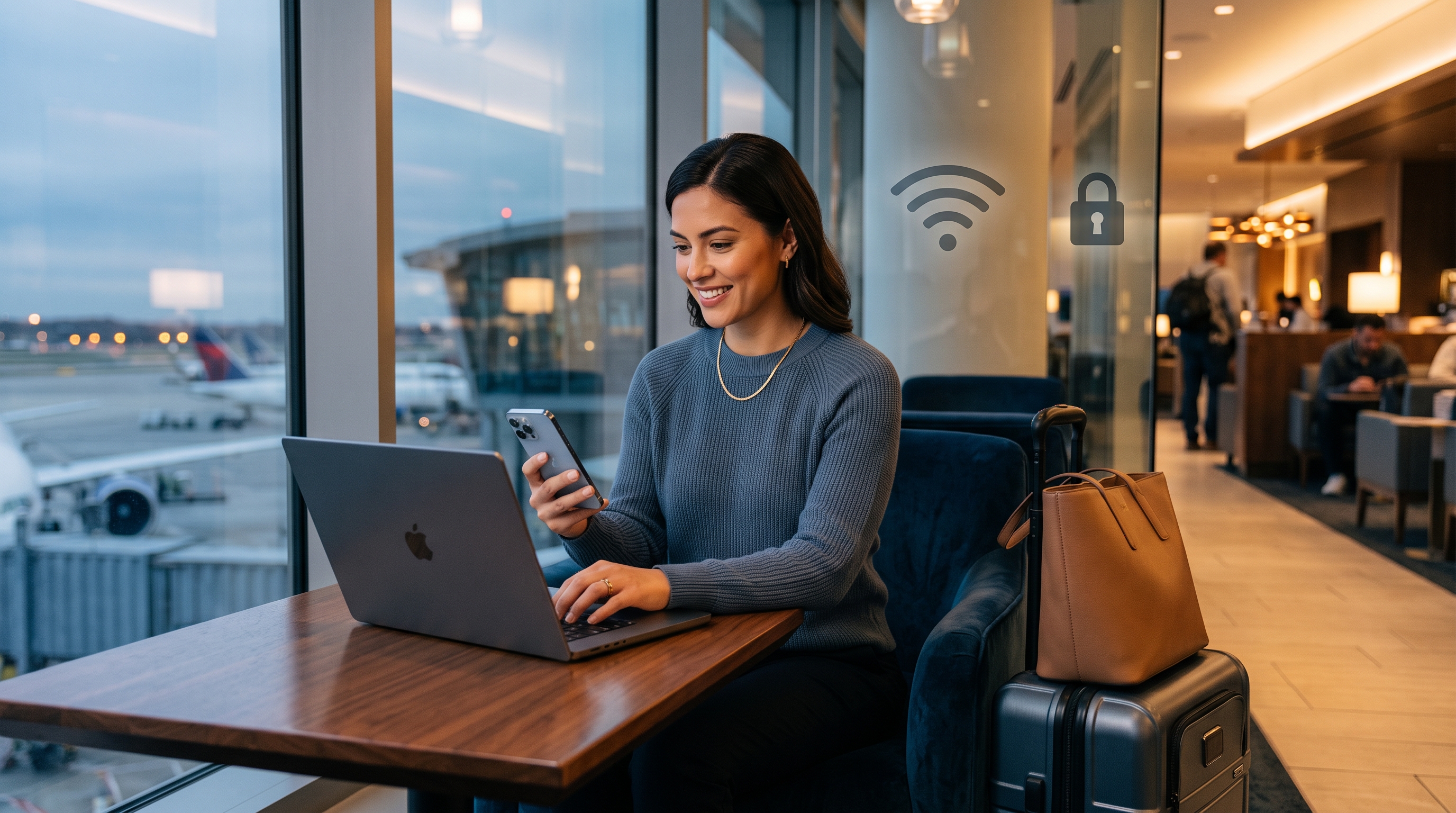
Why Public WiFi Networks Put You at Risk
Public WiFi hotspots are convenient—but they're also a goldmine for attackers. When you connect to an airport WiFi, hotel network, or coffee shop hotspot, your device is sharing the same unencrypted connection as hundreds of other users.
Without encryption, everything you transmit—passwords, credit card numbers, emails, messages, search history—travels in plain text across the network. Any skilled attacker with basic tools can sit nearby and intercept this data. This threat is real and immediate, especially when traveling.
Why hotels and airports remain targets
High-traffic locations with many travelers make public WiFi particularly dangerous. Attackers know travelers often bank, work remotely, and access sensitive accounts on these networks. They exploit the false sense of security people get from "official" network names.
How a VPN Protects Your Data on Public WiFi
A VPN creates an encrypted tunnel between your device and a secure server. All your traffic—browsing, logins, banking, messaging—travels through this tunnel before reaching the internet. To anyone snooping on the network, your data is unreadable.
What VPN encryption covers
- Passwords and logins: Protected when accessing email, social media, banking, and work apps.
- Banking and payments: Your financial transactions are encrypted end-to-end, preventing man-in-the-middle attacks.
- Personal messages and emails: All text communication stays private, even over unencrypted WiFi.
- Browsing history: Websites you visit are hidden from network snoopers (though your ISP and VPN provider may see some metadata).
Limitations of VPNs to understand
A VPN is powerful, but it's not a complete security solution. It doesn't protect you from phishing emails, malware, or visiting fake websites designed to steal credentials. It also doesn't hide your activity from the websites you visit—they still see your IP address from the VPN server, not your real location. For comprehensive security while traveling, combine a VPN with awareness of social engineering and safe browsing habits.
Security for Different Travel Scenarios
Different travel situations require different caution levels. Here's how to handle common scenarios while traveling:
Accessing banking apps on public WiFi
Never check your bank account, transfer money, or pay bills without a VPN on public WiFi. Even though banking apps often use their own encryption, the underlying network is unencrypted. A VPN adds a critical second layer of protection. Free VPN US encrypts everything your banking app transmits, making it safe to check balances and make transactions from airports, hotels, or anywhere else.
Working remotely from cafes and co-working spaces
Remote workers are common targets because they often access company email, cloud storage, and sensitive documents. Always connect to a VPN before opening company files or logging into work accounts. This prevents colleagues' credentials, project information, or confidential data from leaking across the café WiFi to an attacker nearby.
Using social media and email on the go
Social media passwords and email are entry points to many of your other accounts. If an attacker intercepts your Facebook or Gmail login on public WiFi, they can reset passwords to other services, steal personal information, or lock you out of important accounts. A VPN keeps these credentials safe from network snoopers.
Shopping and making purchases while traveling
When you enter credit card details on public WiFi without a VPN, you're exposing sensitive financial information. Even if the website uses HTTPS encryption (the lock icon), the underlying network traffic can still be intercepted if you're not using a VPN. Protect yourself by connecting to a VPN before any online shopping.
The real security gap
Most travelers assume their device handles security automatically. It doesn't. A WiFi network can be secure for the website connection, but your device-to-network connection is still exposed. A VPN closes this critical gap by encrypting everything leaving your device, regardless of whether the destination website is secure.
How to Set Up and Use a VPN While Traveling
- Download Free VPN US before you travel. Install it on your iPhone or Mac at home where you have secure WiFi. Don't wait until you're at the airport—setup takes two minutes and ensures you're protected from your first public WiFi connection.
- Turn on the VPN before connecting to public WiFi. Open the Free VPN US app and tap to connect. The app runs in the background and protects all traffic from your device, including email, browsers, messaging apps, and payment apps.
- Verify the connection status. Check that the VPN icon appears in your status bar (iOS or Mac) and that the app shows "Connected." If the connection drops, you'll be notified so you can reconnect before sensitive activity.
- Browse and use apps normally. Once connected, you can access banking apps, email, social media, and websites without worrying about network snoopers. The VPN handles encryption in the background—no extra steps needed.
This simple four-step flow takes less than a minute but provides complete protection on any public WiFi network. The key is establishing the VPN habit: connect before you touch any apps or websites on unfamiliar networks.
Frequently Asked Questions
What makes public WiFi dangerous?
Public WiFi networks lack encryption, leaving your data visible to anyone nearby. Attackers can intercept passwords, banking information, emails, and personal messages without detection. Shared networks also make it easy for bad actors to create fake hotspots that mimic legitimate networks, tricking users into connecting and exposing their data.
Can a VPN protect me on public WiFi?
Yes. A VPN encrypts all your internet traffic before it leaves your device, making it unreadable to network snoopers. Even if someone intercepts your data on public WiFi, they only see encrypted information. Free VPN US uses AES-256 encryption to secure your connection on any network, ensuring your personal information stays private.
Should I use banking apps on public WiFi?
It's risky without a VPN. Banking apps rely on encryption, but unencrypted network traffic can be intercepted. Always use a VPN when accessing financial accounts on public WiFi. Even with a VPN, use direct app connections rather than mobile websites when possible, as apps often have additional security layers.
Is incognito mode enough protection on public WiFi?
No. Incognito mode only prevents your browser from saving cookies and history locally—it does not encrypt your network traffic. Network snoopers can still see your activity. A VPN encrypts your entire connection, providing real protection on public networks. For full security while traveling, use both a VPN and incognito mode together.
Still Have Questions?
Learn more about public WiFi risks, VPN encryption, and safer browsing practices while you travel.
Related Reading

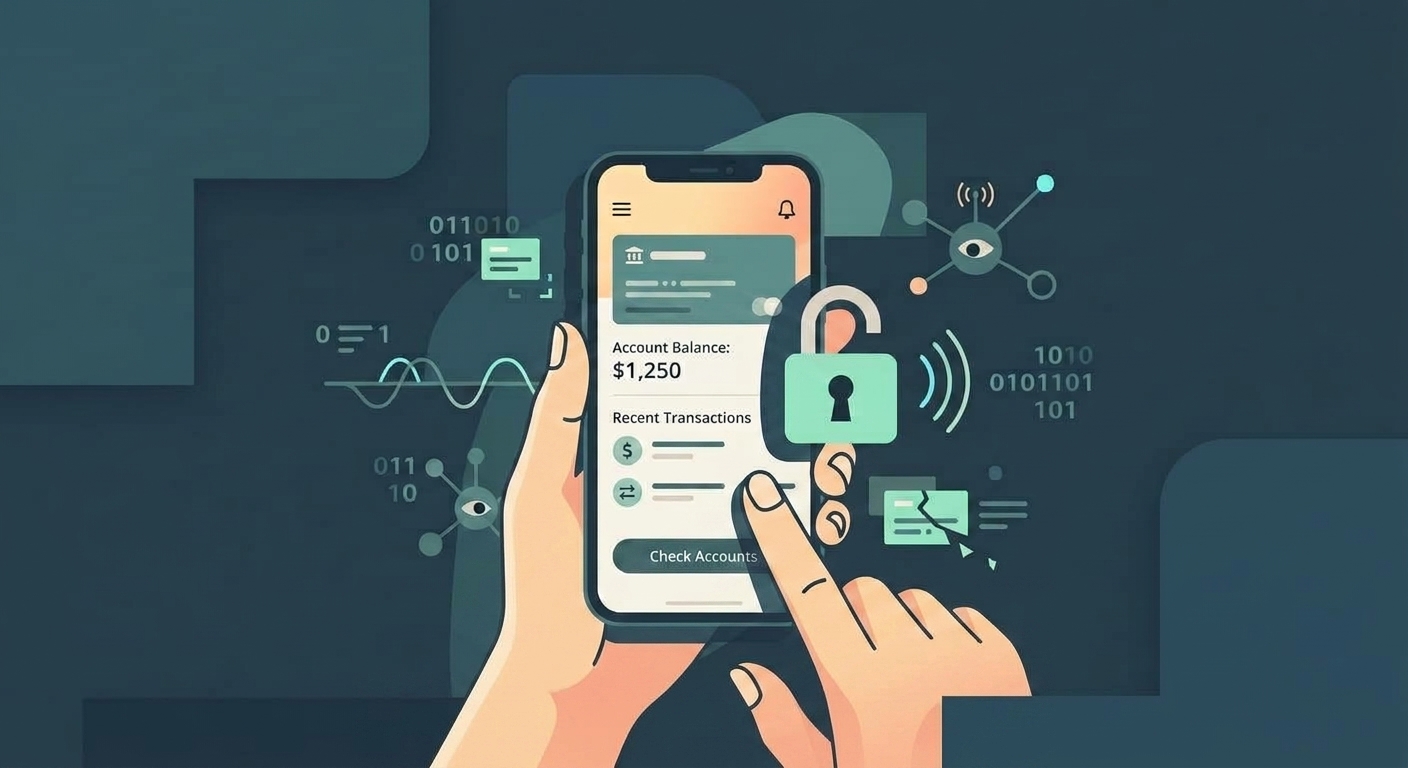
Protect Your Data on Every Public WiFi
Download Free VPN US for iOS and Mac. Connect with one tap and browse safely on any public network—airports, hotels, cafes, trains, and everywhere in between.
- AES-256 encryption
- Fast, smooth connection
- Works on iOS and Mac