
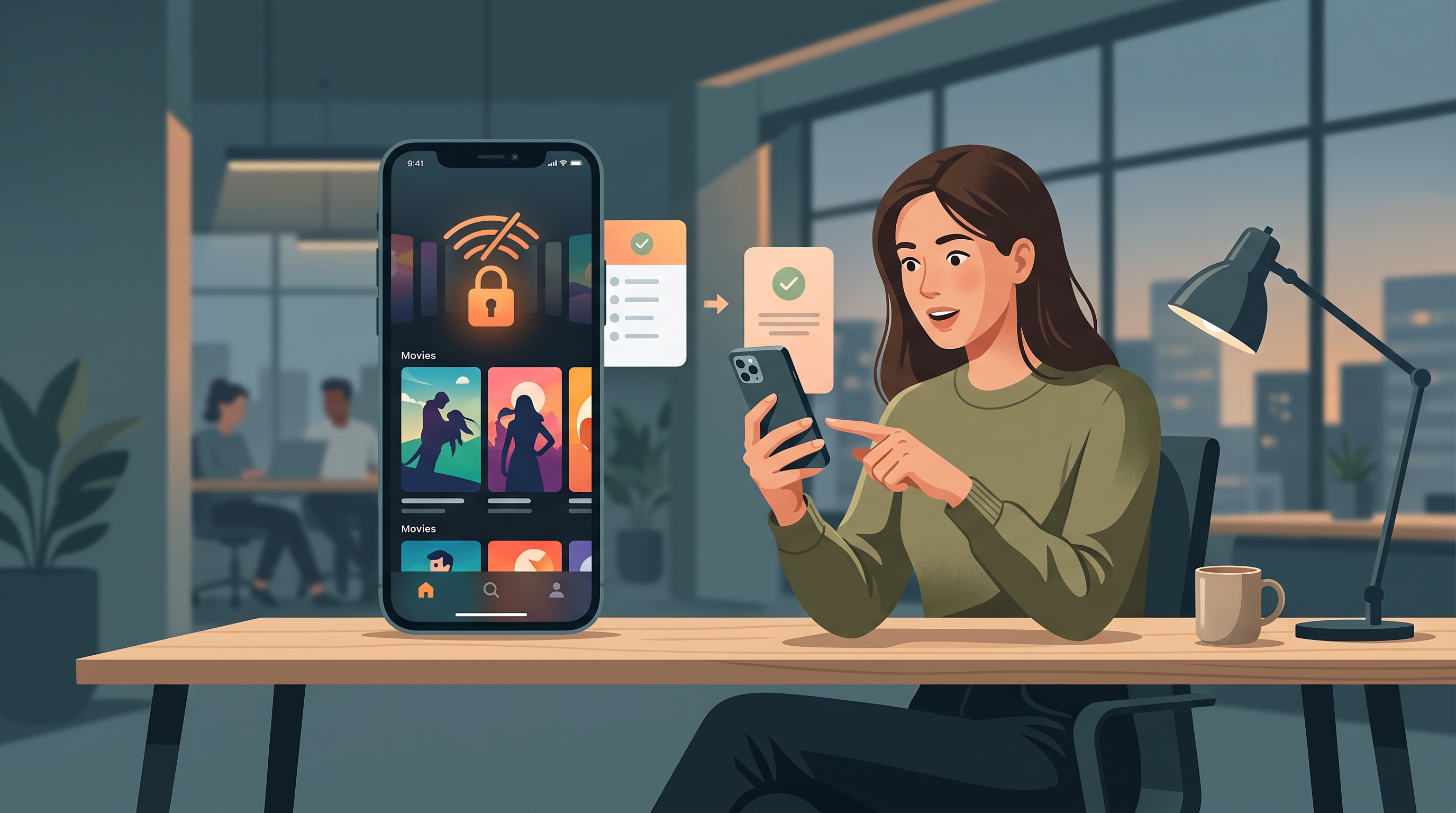
Why Schools and Workplaces Block Streaming Services
The simple answer: bandwidth and policy. A single student streaming 4K video consumes as much network capacity as 200 students reading email. When hundreds of students are on the same network, even a few heavy streamers can significantly slow down productivity for everyone else.
Beyond bandwidth constraints, schools also enforce acceptable-use policies that restrict non-academic content during school hours. Streaming services—designed for leisure—fall into that category. Rather than police when students access these services, administrators block them outright at the DNS or firewall level.
Why Now?
BYOD (Bring Your Own Device) policies have made it easier for students to access personal apps on school WiFi. This has prompted schools to invest heavily in content filtering, making blocks harder to work around than in years past.
How Streaming Services Get Blocked (FortiGuard, Cisco Umbrella, OpenDNS)
Most school and corporate networks use multiple blocking methods in parallel, catching traffic from multiple angles.
DNS Filtering
When you type netflix.com into your browser, your device asks a DNS server, "What IP address goes with this domain?" Schools intercept that request and return a block page instead. This is the simplest and most common method—it blocks entire domains without inspecting content itself.
IP Address Blocking
Some schools add an extra layer: they maintain lists of known streaming service IP addresses and block traffic to those IPs outright. This catches people who try to bypass DNS blocks by using an IP address directly.
Deep Packet Inspection (DPI)
Advanced filters like Cisco Umbrella and FortiGuard use DPI—they examine the actual data flowing through your connection and identify video streaming patterns, even if the domain is obscured. This is effective but computationally expensive, so not all schools use it.
SSL Inspection
Some enterprise-grade filters decrypt encrypted traffic to inspect what's inside by installing a custom certificate on school devices. Personal devices usually don't have this certificate, so this method is less common on student networks.
Is Netflix Blocked on Your School or Work Network? How to Check
Before you try workarounds, confirm that the service is actually blocked and not just slow:
Quick Test on iPhone or Mac
- Open Settings → Wi-Fi → tap the (i) next to your school network → scroll to DNS and take a screenshot. Many schools display a custom DNS server address here.
- Try to access the streaming service (Netflix, Disney+, YouTube). If you see a block page instead of the service loading, it's a network-level block, not a service outage.
- Try a non-video site (like Google or Twitter) to confirm that your internet connection itself is working.
What You'll See
When blocked, you'll typically see a message like "This content is blocked by your network administrator" or a generic error page. YouTube might show a white screen. Netflix or Disney+ might refuse to load or timeout.
If you instead see "No Internet Connection" or an app crash, the block isn't the issue—something else is at play.
Your Options: Which Works on iOS and Mac
You have roughly four realistic paths forward. Each has clear pros and cons:
Option 1: VPN (Variable Success)
How it works: A VPN encrypts your traffic and routes it through a remote server, hiding your activity from the school's network. This bypasses DNS blocks and IP-level blocks because the school can't see where your traffic is going.
Pros: Works on any app (Netflix, Disney+, YouTube, etc.), doesn't require a desktop, reasonably fast on modern networks.
Cons: Some schools detect and block VPN traffic entirely. Streaming services (Netflix, Disney+) actively detect and block VPN users. Overall success rate: 50–70% depending on your school and service.
Option 2: Mobile Hotspot from a Cellular Plan
How it works: If you have a cellular plan with data, share your phone's hotspot with your iPad or Mac. The school's network controls don't apply to cellular data.
Pros: Very reliable—the school has no control over cellular networks. Works on every service.
Cons: Uses your personal cellular data, which can add up fast with regular streaming. May be throttled or limited by your plan.
Option 3: Private Proxy or Tunnel Apps
How it works: Some lightweight proxy tools redirect specific traffic through an external server. Unlike full VPNs, they're smaller and less detectable.
Pros: Lower overhead than a full VPN, harder for schools to detect.
Cons: Usually only work in Safari on iOS, not in the Netflix or Disney+ apps. Steeper learning curve to set up.
Option 4: Wait for Home Network
How it works: Watch on your home WiFi instead of school WiFi.
Pros: Zero risk of policy violations.
Cons: Not practical if you're bored during study hall.
How to Use a VPN to Unblock Streaming on School WiFi (iOS & Mac)
If you decide to try a VPN, here's how to set it up on your Apple devices:
On iPhone or iPad (iOS 17+)
- Download Free VPN US from the App Store.
- Open the app and sign in (create a free account if needed).
- Tap the big power button to connect to the VPN.
- Grant permission when iOS asks if you want to allow "Free VPN US" to manage your VPN connection.
- Wait for the connection to establish (usually 2–5 seconds). Once connected, you'll see "VPN" in the status bar.
- Open Netflix or another streaming app and try to play a video.
On Mac (Sonoma or newer)
- Download Free VPN US from the App Store or from the website.
- Open the app and sign in.
- Click the toggle or power button to enable the VPN.
- Grant permission if prompted by System Preferences. You may need to enter your Mac password.
- Once active, open Netflix or Disney+ and attempt to stream.
Troubleshooting
If you connect to the VPN but streaming still doesn't work, try these steps:
- Disconnect and reconnect the VPN.
- Close the streaming app completely (swipe it away on iPhone, or force quit on Mac) and reopen it.
- Switch to a different VPN server if Free VPN US offers multiple location options.
- Disable and re-enable WiFi on your device.
- If the streaming service shows "VPN not allowed," the service has detected the VPN connection. A mobile hotspot (Option 2) may be your best bet.
Will a VPN Actually Work? (Be Realistic)
Let's be honest: a VPN doesn't always work, and success depends on several factors outside your control.
What VPNs Can Bypass
A VPN can help you work around DNS blocks and IP-level blocks because the school's network can't see your traffic destination. If your school uses only basic DNS filtering, a VPN has a good chance of succeeding.
What VPNs Struggle With
Streaming service detection: Netflix, Disney+, and other major services actively block VPN users due to licensing and password-sharing agreements. They're very effective at detecting VPNs. Free VPN US may help regain access in some cases, but there's no guarantee.
VPN detection at the school level: Advanced firewalls (Palo Alto Networks, Cisco ASA) with encrypted traffic analysis can identify VPN protocols and flag them. Schools are increasingly capable of detecting VPN protocols like OpenVPN and WireGuard.
Realistic success rate: On average, a VPN works in about 50–70% of cases, depending on your school's network sophistication. If your school has a dedicated IT team and significant funding, success drops to 30–40%. If your school has basic filtering, success can jump to 80%+.
The Bottom Line
A VPN can help protect your browsing and may help regain access to blocked streaming services, but it's not foolproof. If it doesn't work on the first try, don't keep trying—repeated attempts may trigger alerts that get your account or device flagged.
Additional Tips for Streaming Safely on Restricted Networks
Read Your School's Acceptable-Use Policy
Before you try any workaround, check your school's AUP. Some explicitly forbid VPN use. Others are silent on it. A few explicitly allow it for privacy. Knowing the rules means you understand the actual risk you're taking.
Use Cellular Data When Possible
If you can spare the data, a cellular hotspot is the safest option because it sidesteps the school's network entirely. No rules broken, no detection risk.
Don't Advertise What You're Doing
If you're using a VPN or other workaround, don't tell other students or mention it in the school network. The fewer people who know, the less likely schools are to tighten filters in response.
Watch for VPN Bans
If the school starts actively blocking VPN traffic, continuing to try will only increase your risk of being caught or having your device flagged. That's a sign to switch to cellular or wait for home WiFi.
Keep Your Device Updated
Schools' filtering systems are constantly updated to catch new VPN protocols and circumvention techniques. The best defense is keeping your VPN app and operating system current so you have access to the latest security updates.
Encrypt Your Device
Even with a VPN, always use a strong passcode on your iPhone or Mac. This prevents someone at school from accessing your device and accounts if it's lost or borrowed.
Real Talk: It Might Not Be Worth the Risk
The thrill of bypassing a block fades fast if a failed attempt results in a call home, detention, or device restrictions. For most students, waiting until you get home is the safer choice. If you do try a workaround, pick one aligned with your school's policies—cellular hotspot is almost always safe.
Frequently Asked Questions
Can schools see what I'm streaming with a VPN?
When you use a VPN on school WiFi, the school's network administrators can see that VPN traffic is happening, but they typically cannot see the specific websites or services you access through it. That said, some advanced security tools can detect VPN usage itself and may block or restrict it. Free VPN US encrypts your connection to help protect your browsing activity on restricted networks, but always follow your school's acceptable-use policy.
Is using a VPN to bypass school WiFi blocks legal?
Using a VPN itself is legal in most countries. However, bypassing your school's network policies may violate the school's terms of service or acceptable-use policy. Streaming at school during instructional time may also breach those terms. Check your school's specific policies before using a VPN. Some schools allow VPNs for general privacy; others do not. When in doubt, ask your IT department for guidance.
Why do some streaming services block VPN access?
Streaming services like Netflix, Disney+, and others block VPN access to enforce licensing agreements tied to geographic regions. These services have contracts that limit content distribution by country, and VPNs can mask a user's real location. They also combat account sharing. Free VPN US may help you regain access in some cases, but service availability depends on your location, the service's detection methods, and current network conditions.
What's the fastest way to watch streaming on school WiFi?
The fastest method depends on how the school has configured its filters. Using Free VPN US can often restore access while maintaining reasonable speed for streaming. However, speed ultimately depends on your network's bandwidth, server load, and the VPN's connection quality. If streaming still feels slow, try switching to lower video quality, or try streaming during off-peak hours when the network is less congested.
Going Deeper
These follow-up questions dig into edge cases and nuanced scenarios you might encounter on your school or workplace network.
Related Reading
Regain Streaming Access with Free VPN US
Free VPN US can help you bypass network blocks and regain access to streaming services on school and work WiFi. Available on iOS and Mac, with no account required to get started.
- Works on Netflix, Disney+, YouTube & more
- Fast, easy to use on iPhone & iPad
- Protects your browsing while on public WiFi
- Free to download and try