
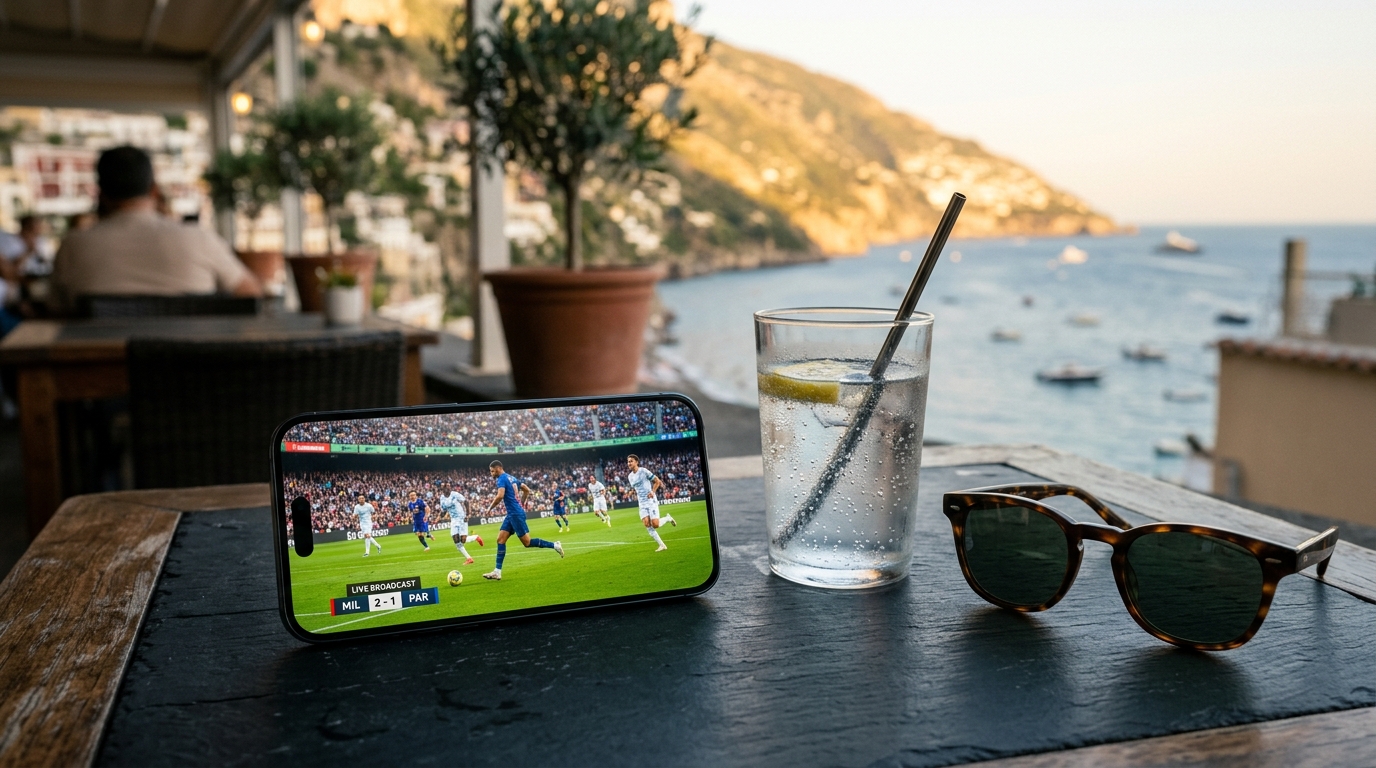
The Invisible Sideline: Why You Get Blocked Abroad
You’ve paid for your subscriptions, you’ve set your alerts, and you’re ready for the opening ceremony. But as soon as you open your app in a foreign hotel or airport, you're greeted with a "Content not available in your region" message. This isn't a glitch—it's the result of complex broadcasting rights.
Major global sporting events are sold to different networks in every country. If you are a US viewer, you expect your home commentators and familiar camera angles. However, once you cross a border, your IP address signals to the platform that you are now in a region where a different network holds the exclusive rights. Suddenly, your home field advantage is gone.
Note on Network Performance
Public Wi-Fi in hotels and stadiums is notoriously crowded during major events. Using a VPN doesn't just help with region access; it can also encrypt your data to prevent "snooping" on these shared networks.
Choose the Right Home-Region Connection
For live sports, choose an available Free VPN US server in the country where your existing broadcaster is licensed. Server distance and congestion affect performance, so start with a nearby location in that country and test it before the event.
Why Region and Distance Matter
- Licensing Region: The VPN region should match the country associated with your legitimate streaming account.
- Server Distance: A closer server in that country will generally have lower latency than a distant one.
- Congestion: If a stream buffers, reconnect or try another available server in the same region.
- App State: Connect before opening the broadcaster, then restart the app if it cached your previous location.
Test Before the Event
Open Free VPN US, select an appropriate home-country region, and connect before launching the sports app or website. Confirm playback early so you have time to switch servers or check the broadcaster's travel policy if access remains unavailable.
Beyond Access: Staying Fast and Secure
Access is only half the battle. If your stream lags during a crucial play, the experience is ruined. Many travelers assume a VPN will slow them down, but the reality is often the opposite.
Technical Advantages for Travelers
- Bypassing ISP Throttling: Some foreign ISPs intentionally slow down streaming traffic during peak hours. A VPN hides your activity, preventing the ISP from targeting your sports feed.
- Stable Long-Distance Connections: Optimized protocols ensure your data takes the most efficient route back to your home region.
- Encrypted Privacy: Keep your account credentials and browsing habits private while using hotel or cafe networks.
- Cross-Device Access: Use the same reliable connection on your iPhone while on the go, or your Mac in your hotel room.
The Travel Essential
Think of your VPN as a digital passport. Just as you wouldn't travel without physical ID, you shouldn't expect your digital life to work seamlessly across borders without the right tools. Free VPN US is designed to be that essential companion when the stakes—like a gold medal match—are high.
Connection Strategy: VPN vs. Proxy
| Feature | Standard Proxy | Free VPN US |
|---|---|---|
| Encryption | None (unsecured) | Full Encryption |
| Speed Optimization | Minimal | Manual Home-Region Selection |
| App-Level Control | Browser only | System-wide (iOS/Mac) |
| Privacy | Low | No-Logs Policy |
Traveling During the Games: Scenarios
Different travel situations require different approaches. Here is how to handle the most common ones.
Watching at the Airport
Airport Wi-Fi is often restricted and slow. Use Free VPN US to secure your connection, choose an appropriate home-region server, and lower the stream quality if the network cannot sustain high-definition playback.
The Hotel Room Setup
If you're using a Mac in your hotel room, connect to your home region before you even open your browser. This ensures all cookies and session data are established correctly within your home region from the start.
On-the-Go via Mobile Data
Roaming data can be expensive and sometimes throttled. Using a VPN can help stabilize the connection, although you should always be mindful of your data limits while streaming high-definition sports.
Sharing with Family
If you have multiple devices, ensure everyone is connected to the same region to avoid account "red flags" from streaming providers who might be suspicious of multiple logins from different countries simultaneously.
Pro Tip: The Pre-Travel Test
Don't wait until you land in a foreign country to set up your access. Download Free VPN US while you're still at home, review the available regions, and run a quick test. Also confirm that your broadcaster permits travel viewing and that your account is ready before departure.
Your 4-Step Access Plan
- Download the App: Install Free VPN US on your iPhone or Mac before you depart.
- Open Free VPN US: Launch the app and review the available server regions.
- Select Your Home Region: Choose the country where your subscription or favorite free broadcast is based.
- Start Streaming: Open your sports app or website and enjoy the games as if you never left home.
By following this simple flow, you turn a complex technical problem into a one-tap solution. Stay connected, stay secure, and enjoy the summer of sports.
Accessing Sports Abroad: FAQs
Can I watch live sports abroad with a free VPN?
It depends on the broadcaster, your account, and its terms. Free VPN US can encrypt your connection and provide a home-region IP address, but no VPN can guarantee that every streaming service will work.
How should I choose a Free VPN US region for sports streaming?
Choose an available region in the country where your existing sports service is licensed, then connect before opening the broadcaster's app or website. A nearby server in that country will usually provide the best performance.
Why do sports broadcasts change when I travel?
Broadcasting rights are sold by region. When your IP address changes to a foreign country, platforms detect your location and show local content instead of your home library.
Does using a VPN slow down live sports streams?
A VPN adds encryption overhead, so some speed loss is possible. It may help when an ISP is selectively throttling streaming traffic, but the result depends on your network, server distance, and congestion.
Still have questions?
Accessing live events while traveling can be tricky. Here are a few more details to help you stay connected.
Related Content

Prepare Your Connection Before Kickoff
Protect your traffic on hotel, airport, and cafe Wi-Fi while choosing an appropriate region for your existing sports services.
- Home-Region Server Choice
- Encrypted Public Wi-Fi Traffic
- No-Logs Privacy Policy