
Telegram shows “Connecting…” again. Your messages stay unsent, but Safari seems fine. Is there a new restriction, a problem with Telegram, or something wrong with your iPhone?
There was a nationwide restriction in June 2026. Its end date matters. Treating an old headline as a live status report can send you down the wrong troubleshooting path.
What happened to Telegram in June 2026?
On 16 June, the National Testing Agency published a statement describing temporary access restrictions through 22 June, tied to the NEET re-examination. It also described a separate restriction on editing previously posted messages through 30 June.
OONI recorded interference with Telegram’s website and app on tested Indian networks. Its incident window now runs from 16 to 23 June. Reuters reported on 23 June that the access ban had been lifted.
That is a historical incident. These sources do not establish that the June block is still active today.
NTA statement · 16 June ↗ · OONI incident measurements ↗ · Reuters · 23 June ↗
First, find out how much of your connection is affected
Open a few unrelated websites in Safari. If they load but Telegram does not, you have narrowed the problem to the app, its service or its path through your network. If almost nothing loads, start with your internet connection.
Compare Wi-Fi with mobile data if both are available. A difference suggests a network-specific issue. It does not prove deliberate blocking. Router settings, DNS errors and provider faults can produce similar symptoms.
| What you see | What to check first |
|---|---|
| Only Telegram fails | App status, updates and whether Telegram Web loads. |
| Works on Wi-Fi, fails on mobile | Mobile-data permission for Telegram and operator notices. |
| Several unrelated apps fail | Whether the connection itself is working. |
| VPN connects, Telegram still fails | Another region or Alternate IP, then test the app again. |
Where VPN US fits
With a working connection, VPN US routes your traffic through a selected VPN server. This can help with some network-level restrictions. It also changes the IP address visible to the service.
- Check that ordinary browsing works.
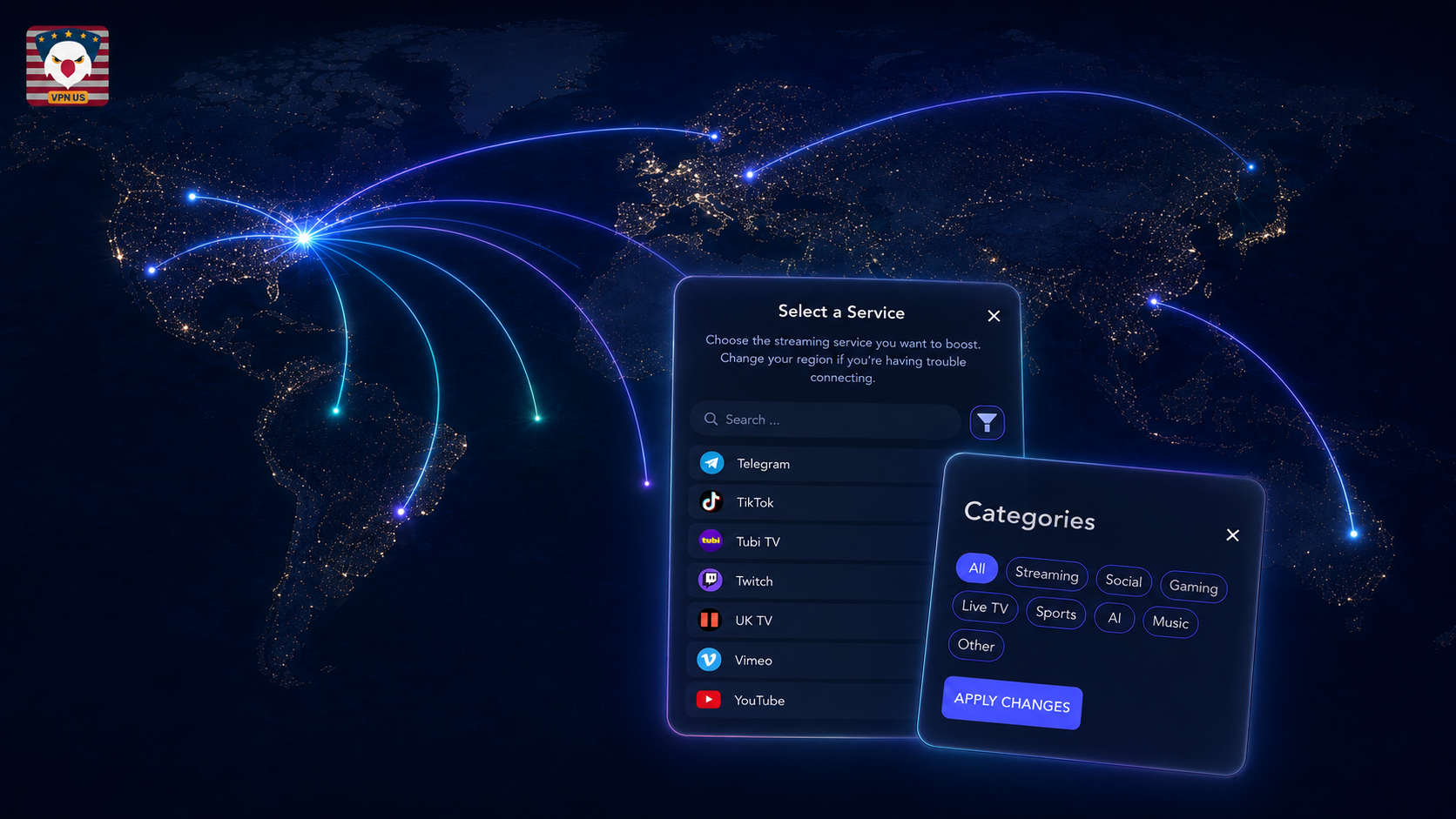
- Open VPN US and choose an available region or a relevant Service Preset.
- Connect, reopen Telegram and test sending a message.
- If the connection fails, try Alternate IP or another region and compare the result.
App availability, account restrictions and service-side errors may still prevent access. If mobile data has been suspended, a VPN cannot restore the missing connection.
Why go Premium if you use a VPN every day?
Standard access lets you begin with ad-supported VPN use and limited region choices. Premium removes in-app advertising, provides unlimited VPN time and expands your server choices. Those are practical differences if you repeatedly use the VPN while messaging, working or browsing.
The India plans start at ₹199 per week, pay as you go. A full year is ₹1,999 upfront. The weekly trial option is separate: eligible accounts get three days free, then pay ₹299 per week.
Keep the account safe while you troubleshoot
Use the official Telegram app and official App Store listings. A message claiming to restore access may be a login-code scam. Never pass a Telegram login code to a person offering “unblocking support.” Repeated reinstallations can also create unnecessary sign-in problems, so establish whether the network is working first.
More control. A lower India price.
Get unlimited Premium VPN time and an ad-free app. Compare ₹199/week, ₹499/month upfront and ₹1,999/year upfront.
Applicable from 22 November 2026.
Explore VPN US Premium for India ↗