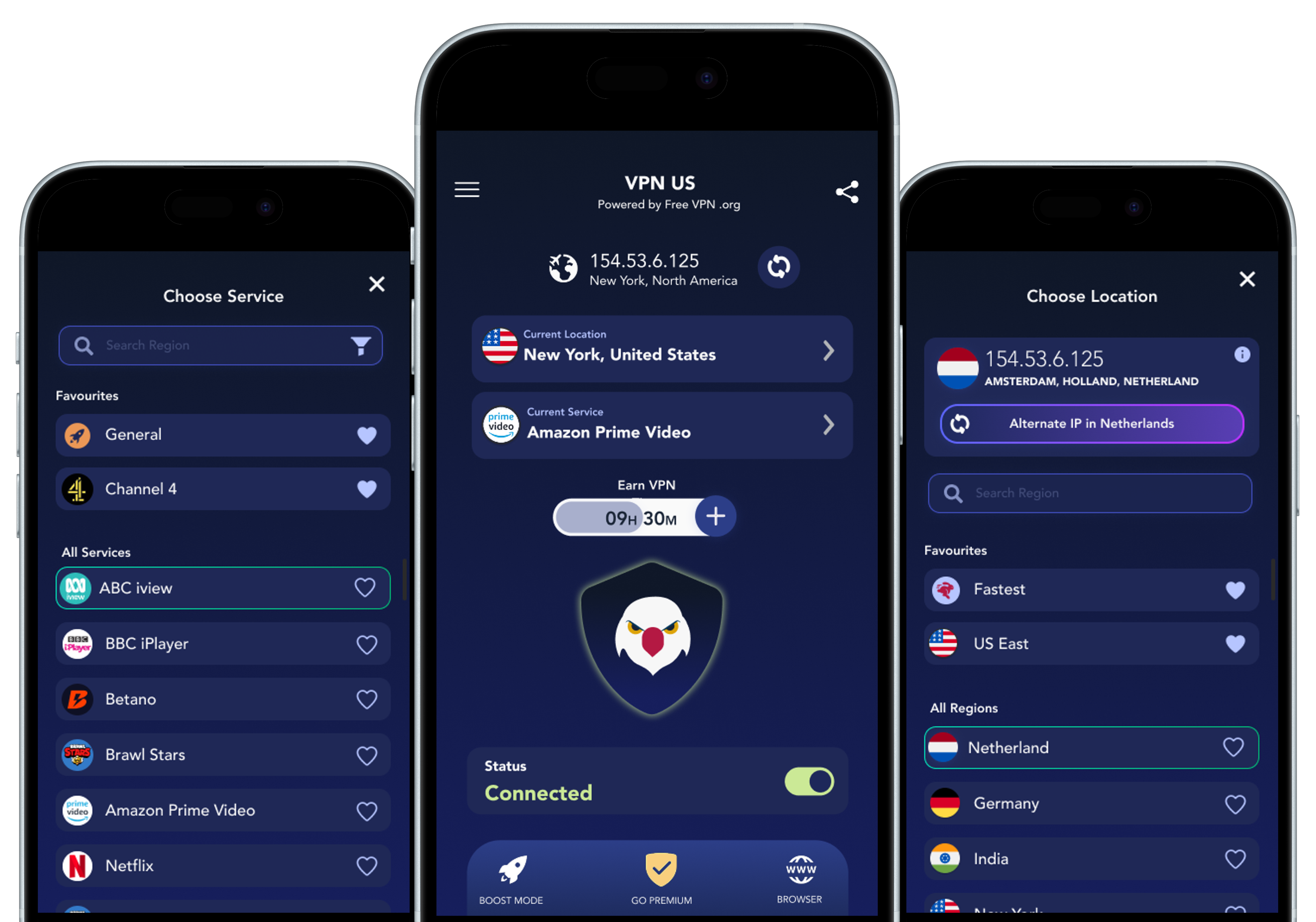
Copy a code, tap “Redeem in App Store”, and complete redemption in Apple’s flow. You can also redeem in the app from Settings → Redeem Code.
Open FREE VPN US, go to Settings, tap Redeem Code, paste the code, and confirm.
Offer-code eligibility is controlled by Apple. Most codes are one-time and may be limited by account, campaign, or region.
Common reasons: code expired, typo/case mismatch, already redeemed, or not eligible in your current App Store region/account status.
No. Promo pricing applies only for the offer duration shown on this page. After that, billing returns to the regular localized price.
Your subscription continues at the regular App Store price for your selected country/region unless you cancel before renewal.
On iPhone: Settings → your Apple ID → Subscriptions → FREE VPN US → Cancel Subscription.
Apple handles billing and refunds. Use Apple’s “Report a Problem” flow for refund requests and decisions.
Yes. Prices are localized by App Store country/region and currency, so regular and promo preview prices can differ by region.
No. Apple validates final eligibility in the App Store. This page shows a local discount preview for listed campaign codes.