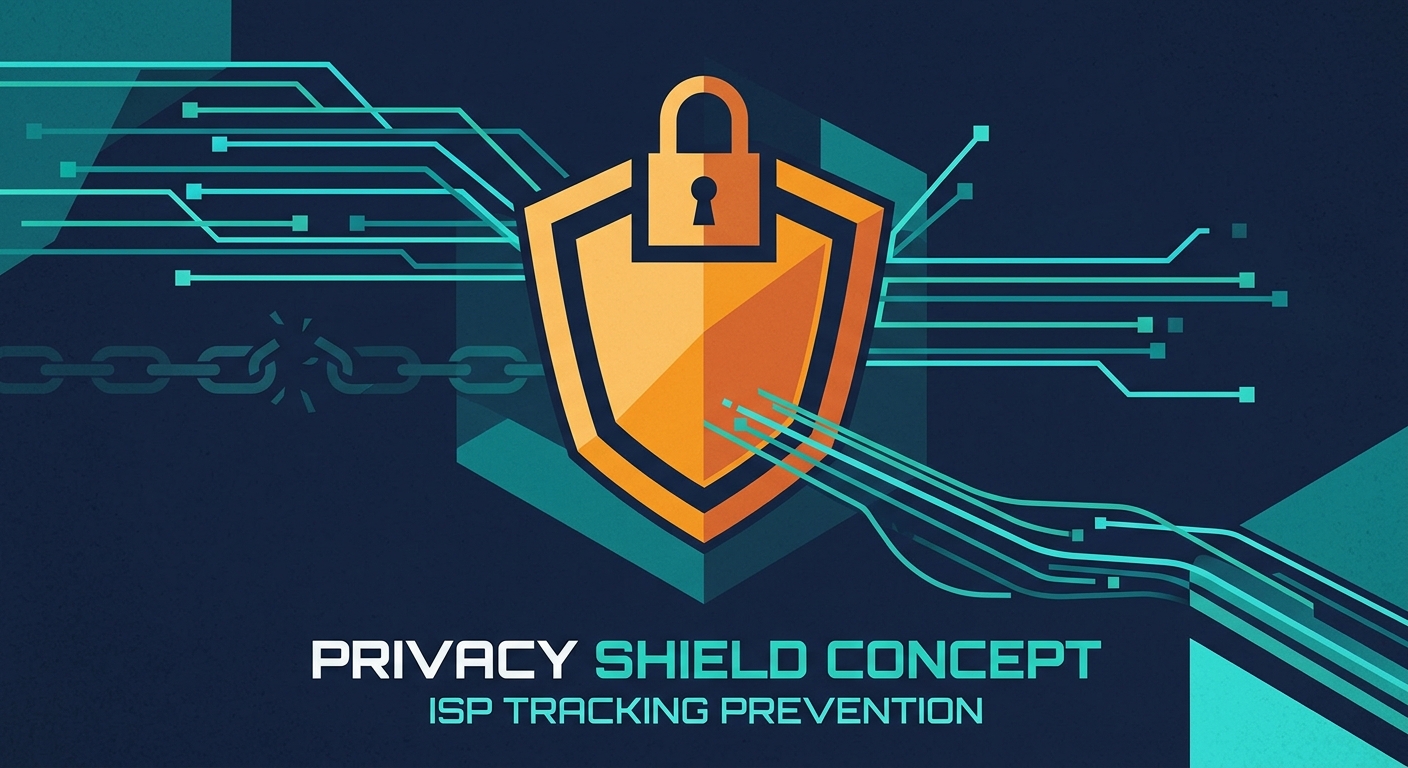
How Free VPN US Works: Zero-Log Privacy
Free VPN US creates an encrypted tunnel from your device to our servers. Everything encrypted. Nothing logged. Complete privacy guaranteed.
Free VPN US Encryption: Military-Grade, Zero Logs
Free VPN US encrypts everything. Your ISP can't see it. Hackers can't intercept it. Websites can't track you. Plus: zero-logs policy means we don't even store your activity data. Complete privacy, guaranteed.
Free VPN US Traffic: Encrypted & Invisible
Download Free VPN US. Connect. Your data gets encrypted. ISP sees nothing. Websites see our VPN IP (not yours). Your browsing stays private. Forever.
Free VPN US is Audited & Verified
Free VPN US uses industry-standard AES-256 encryption. We publish security audits. We maintain zero-logs infrastructure. We encrypt everything. No marketing buzzwords—just real, proven privacy. Download the app and trust it.
Free VPN US Stops ISP Tracking Completely
Your ISP won't see what you do online. Free VPN US encrypts everything they would normally see.
Without Free VPN US: ISP Sees Everything
Your ISP tracks every site you visit, how long you stay, what data transfers. They sell this data. Download Free VPN US and block them completely.
With Free VPN US: ISP Sees Nothing
Encrypted tunnel. ISP can't see your sites, your data, your activity. Complete privacy from your ISP. Download Free VPN US and reclaim your privacy now.
Why Free VPN US Matters
ISPs track you for advertising, data selling, and surveillance. Free VPN US blocks all of it. Download the app and stop being tracked by your ISP.
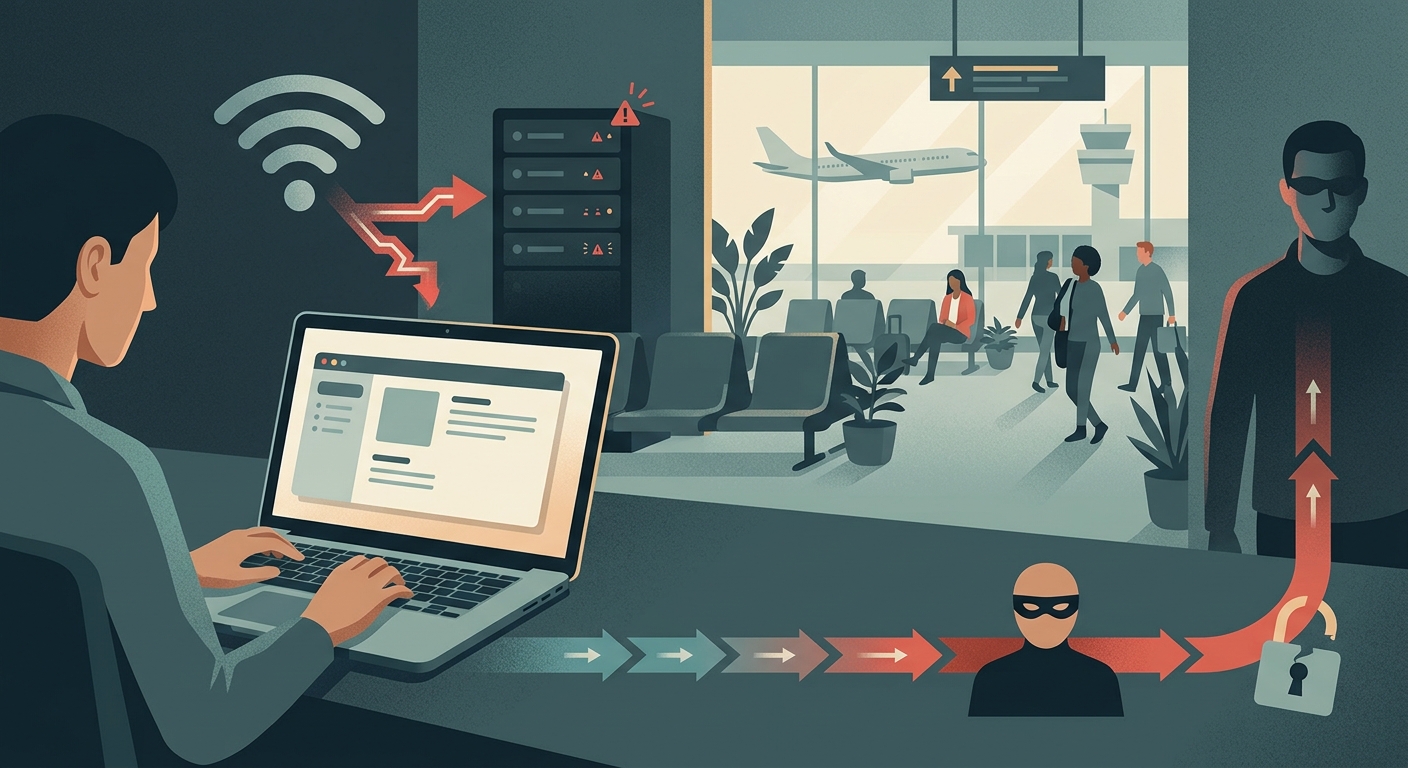
Public Wi-Fi: Where Free VPN US is Essential
Download Free VPN US before using public Wi-Fi. Your credentials will be protected.
Public Wi-Fi Risk: Hackers Steal Your Passwords
Unencrypted networks. Hackers nearby. Your passwords visible. Unless you use Free VPN US. Download the app and protect yourself on public networks.
Free VPN US on Public Wi-Fi: Complete Protection
Free VPN US encrypts everything. Hackers see gibberish. Your passwords stay safe. Download the app and use public Wi-Fi fearlessly.
Complete Public Wi-Fi Security
A VPN is not the only protection. You should also: use strong, unique passwords; enable two-factor authentication on important accounts; avoid sensitive actions (banking) on public Wi-Fi; keep your OS and apps updated; and avoid clicking suspicious links in public.
Free VPN US + Good Habits = Fortress
Free VPN US encrypts your traffic. Add strong passwords and 2FA. Together: unbreakable. Download Free VPN US and layer your security.
Free VPN US IP Masking: Websites Never See Your Real Location
Your IP reveals your location. Free VPN US hides it.
Without Free VPN US: IP Leaks Your Location
Websites track your IP. Build profiles. Target ads. Hackers target attacks. Free VPN US masks your IP completely. Download the app.
Free VPN US IP Masking: Proven & Trustworthy
Free VPN US masks your IP with zero-logs guarantee. We don't store your real IP data. Complete privacy. Download the app and trust it.
Free VPN US: IP Masking + Cookie Protection
Free VPN US masks your IP. Disable tracking cookies. Use Private Browsing. Together: real privacy. Download Free VPN US on iOS or Mac.
What VPNs DON'T Protect You From
Understanding the limits of VPN protection is crucial for realistic security expectations.
Malware and Viruses
A VPN does not protect you from malware. If you download a malicious file, a VPN won't stop it from infecting your device. You need anti-malware software and careful downloads.
Phishing and Social Engineering
Phishing attacks (fake emails, fake websites) work regardless of VPN use. A VPN cannot tell you if a website is legitimate. Safe browsing practices and skepticism matter more than VPN protection.
Weak Passwords and Account Compromise
If your password is weak, a VPN won't prevent account takeover. If you reuse passwords across sites and one site is breached, attackers can access your other accounts. A VPN protects the transmission, not the account itself.
DNS Leaks
Sometimes VPN configuration allows DNS requests to leak, revealing what sites you visit. Quality VPNs prevent this, but it's worth checking. Some free VPNs leak DNS.
Government or Legal Surveillance
In countries with strong government surveillance, a VPN adds protection but is not foolproof. Governments can compel VPN providers to reveal logs (if they keep them) and can use other methods to track users. A VPN helps but is not a complete defense against government-level surveillance.
Why VPN Provider Matters
The effectiveness of a VPN depends entirely on the VPN provider.
No-Logs Policy
A VPN provider can see all your traffic. If they keep logs of your activity, that data exists and can be accessed by law enforcement, hackers, or the company itself. A trustworthy VPN should have a no-logs policy—meaning they don't store your browsing data.
Jurisdiction Matters
A VPN provider's legal jurisdiction affects how they respond to surveillance requests. A VPN based in a country with strong privacy laws is more protective than one in a country with government surveillance mandates.
Company Reputation
Free VPNs are often suspicious. They need to make money somehow—if you're not paying for the service, your data is the product. Free VPNs often sell user data, inject ads, or contain malware. Paid VPNs with strong reputations are worth the investment.
How to Use a VPN Properly
VPN privacy requires proper setup and habits.
Keep VPN Enabled Consistently
For maximum privacy, keep your VPN connected all the time, not just when you remember. Most modern VPNs have "always-on" features. Free VPN US automatically reconnects if dropped.
Choose Appropriate Server Locations
For privacy (not bypassing), your server location doesn't matter much. Pick any server. For performance, choose a server close to your actual location.
Verify Kill Switch Is Enabled
A kill switch cuts your internet if the VPN drops, preventing unencrypted traffic from leaking. Make sure this is enabled.
Check for DNS Leaks
Use a DNS leak test tool to verify your VPN isn't leaking DNS queries. Quality VPNs prevent this, but it's worth checking occasionally.
Use Strong Passwords
A VPN protecting your transmission doesn't help if your passwords are weak. Use strong, unique passwords for all accounts.
Frequently Asked Questions
What does a VPN actually protect me from?
A VPN encrypts your browsing data and hides your IP address from websites and ISPs. It protects you from ISP tracking, public Wi-Fi snoopers, and basic DNS leaks. It does NOT protect you from malware, phishing, weak passwords, or malicious websites.
Can my ISP see what I'm doing with a VPN?
A VPN encrypts your traffic, so your ISP can see that you're using a VPN and some metadata, but they cannot see the websites you visit or the content you access. Without a VPN, your ISP has full visibility of your browsing activity.
Is a VPN the same as being anonymous?
No. A VPN masks your IP address from websites, but it does not make you anonymous. Your VPN provider can see your real IP and all your traffic. If the VPN keeps logs, that data exists. True anonymity requires additional tools and careful practices.
Why should I use a VPN on public Wi-Fi?
Public Wi-Fi is unencrypted, meaning attackers nearby can intercept your login credentials and see your activity. A VPN encrypts your connection, protecting your passwords and data from other people on the same network.
Learn More About Online Privacy
Explore deeper privacy topics and safe browsing practices.
Related Guides
Free VPN US: True Privacy Guaranteed
Zero-logs architecture. Global multiple-server network. Speed-optimized encryption. Download Free VPN US on iOS or Mac and reclaim complete privacy.
- Zero-logs guarantee (verified)
- Multiple global servers
- Speed-boosted encryption
- ISP tracking block
- IP masking
- Public Wi-Fi protection