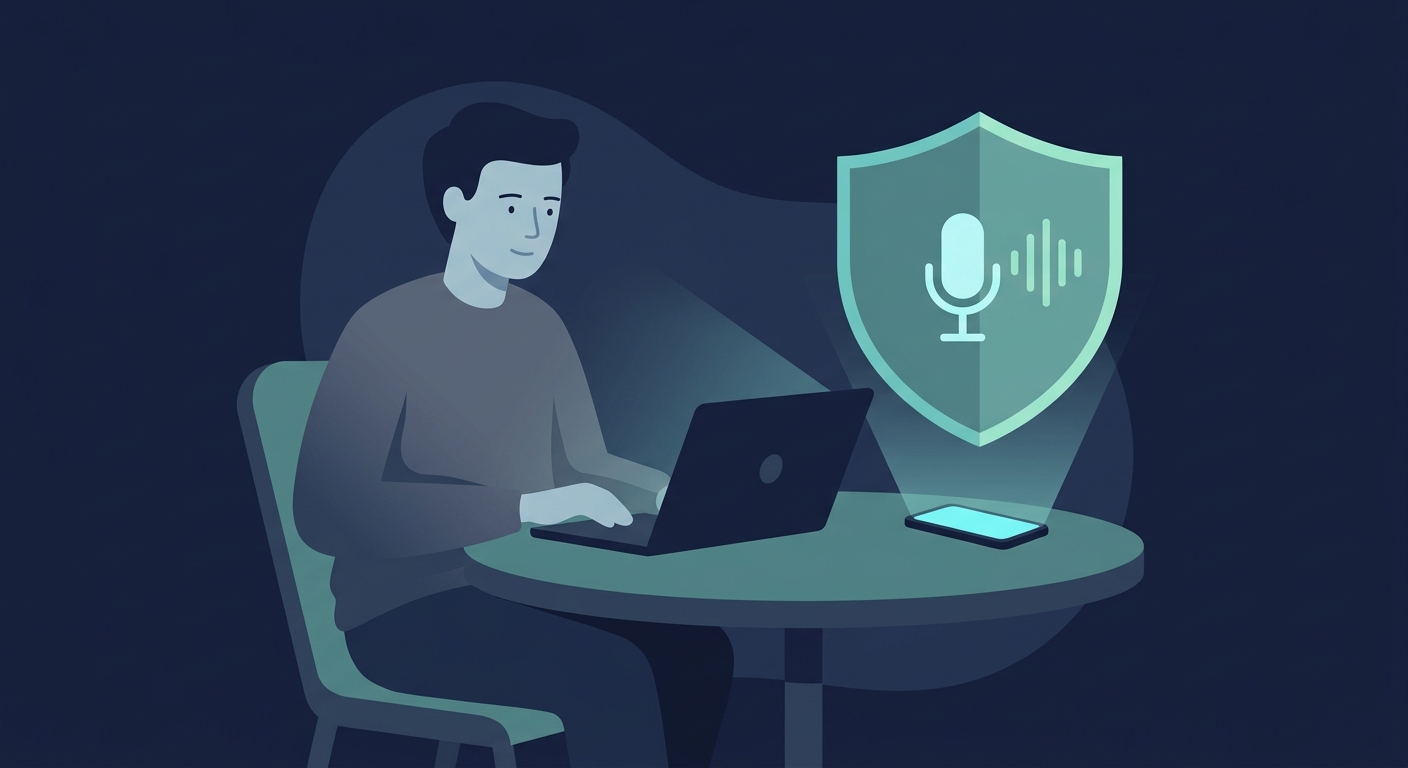
How Apps Really Collect Your Voice Data
Your phone isn't literally recording every conversation 24/7—that would kill your battery in hours. But apps do collect your voice far more than most people realize. Once you give an app microphone permission, it can turn on the mic for many reasons you might not expect.
Here's how it actually works: You use a messaging app to send a voice message. That works fine. But the same permission also lets the app record ambient audio in the background, analyze your voice patterns, or stream clips to remote servers. A video call app needs your audio during calls—obvious. But it might also be analyzing your speech, extracting emotion markers, or storing recordings for "improvement purposes" (often code for AI training).
The issue is that your voice is valuable. It's biometric data—like a fingerprint. Companies train AI models on voice samples, build voice-cloning technology, and use voice analysis to predict behavior. All of that happens because you clicked "allow" on a permission prompt once.
One Permission, Many Uses
You approve microphone access for one feature. The app then uses that same permission for everything else it wants to do with audio: background listening, voice analysis, remote processing. Your "allow" doesn't mean "only for this one thing." It means the app has the key to your microphone. Check the privacy policy to understand what it actually plans to use that key for.
The Hidden Ways Apps Use Your Microphone
When you give an app microphone permission, it doesn't just listen when you think it is. It has access to your mic whenever it wants, for reasons you might never see.
Background Audio and Ambient Listening
- Social media apps (Facebook, Instagram, TikTok) grab background audio while you're using them—not your full conversation, but enough to listen for brand mentions, products you talk about, or emotional context. They deny always-listening, but the permission lets them sample audio whenever the app is active.
- Dating and entertainment apps collect voice clips or ambient audio to detect mood and context, then use that to personalize recommendations. Your tone of voice becomes targeting data.
- Analytics services embedded in apps request broad microphone access and send audio data upstream to parent companies or ad networks. You don't see it, but it's happening.
- Voice assistants (Google Assistant, Siri, Alexa) keep transcripts of everything you say. Those recordings stay on company servers indefinitely, even after you delete them from the app.
Audio Transmission and Cloud Processing
Your voice doesn't stay on your phone. Apps immediately send audio to remote servers—either for processing or storage or both. That means your actual voice file is leaving your device and sitting on company servers, often indefinitely. And once it's there, the company can do what they want with it: analyze it for training AI, sell access to third parties, or keep it just in case.
The deletion policies are vague. Many apps say they delete recordings after processing, but they don't. Audits show voice data sticks around on company servers far longer than promised. For all you know, every voice message you've sent, every voice command you've given, is still stored somewhere.
Which Apps Are Recording You (And Why)
Most apps you use every day have microphone access. Some need it. Most abuse it.
The Apps You Probably Have
- Google Assistant and Google Maps—every voice command stays on Google's servers unless you manually delete it. They keep it to improve the AI.
- Apple Siri—Apple records your voice and shares clips with contractors so they can train Siri. Your private moment might be reviewed by a stranger.
- Amazon Alexa—saves everything indefinitely. Deleting from the app doesn't always delete from their servers.
- Facebook and Instagram—collect ambient audio while you use the app. Not full conversations, but background sounds and voice context to inform ads.
- TikTok—records audio during video creation and analyzes it for recommendations and targeting.
- WhatsApp and Telegram—encrypt the calls themselves (good), but still analyze voice metadata and patterns.
- Discord and gaming apps—stream your voice during calls and sometimes analyze it for moderation or engagement.
- Dating apps—request microphone for video, then use voice data to build profiles and match preferences.
The Real Check
Before you allow microphone access, ask: Does this app actually need it? A weather app doesn't. A photo editor doesn't. If the answer is no, revoke access immediately. If the app insists, don't use it.
Why Your Voice Is Valuable (And What They Do With It)
Your voice is biometric data. It's as unique as your fingerprint and doesn't change. Once companies have enough of it, they can do a lot.
Training AI Models
Every voice sample trains AI. Speech-to-text, voice recognition, voice synthesis—all improve with more data. You're essentially donating your voice to make their AI better. The company benefits. You don't see a dime.
Creating Deepfakes
With a few seconds of your voice, companies can now create audio of you saying anything. A year or two of voice data? They can generate entire conversations that sound like you. Criminals want this. So do companies building voice technology. Once your voice is collected, it can be cloned without your permission.
Reading Your Emotions
Your tone, pace, and inflection reveal whether you're stressed, happy, angry, or uncertain. Companies analyze voice patterns to predict behavior and personalize what they show you. If they know you're stressed, they show you different ads. Your emotional state becomes targeting data.
Feeding Surveillance Systems
Law enforcement requests voice data from companies. Your recordings can be stored in police databases, matched against surveillance footage, and used to build profiles on you. Once captured, your voice can be monitored indefinitely.
What Actually Happens When Your Voice Gets Out
Voice data theft isn't abstract. These are the real consequences.
Account Takeovers
Banks, cloud services, and apps use voice authentication to verify you. Criminals with voice samples can bypass this. They can access your bank account, reset your passwords, and drain your accounts.
Impersonation
Deepfake technology can turn a few seconds of voice into a full conversation. Criminals can call your family claiming to be you, impersonate you to business contacts, or create fake audio for blackmail. You can't un-hear a convincing deepfake.
Behavioral Profiling and Manipulation
Companies that track your emotional state can manipulate you more effectively. They know when you're stressed, uncertain, or vulnerable—and they'll use that against you with targeted ads, scams, or content designed to exploit those states.
Data Breaches
Company servers get breached constantly. When your voice gets exposed, you can't change it like a password. That stolen voice is on the dark web forever, available to anyone who wants to clone it or impersonate you.
Surveillance
Law enforcement requests voice data from companies. Your recordings go into police databases, get matched against CCTV, and can be used to flag or profile you indefinitely.
How to Take Control of Your Voice Data
You can't stop companies from wanting your voice. But you can make it harder for them to get it.
1. Check Which Apps Have Microphone Access
On iOS: Settings → Privacy → Microphone. Look at the list. Does your calculator app need the mic? Your weather app? No. Remove it immediately. If an app's core function doesn't use audio, it doesn't need permission.
2. Delete Already-Stored Voice Data
Your voice is already in app servers. Google keeps it at myactivity.google.com. Apple (iCloud settings). Amazon (Alexa app). Delete it. Yes, it'll feel like closing the barn door after the horses escaped. Do it anyway. Less data = less available if there's a breach or data request.
3. Use App Privacy Controls
Check your messaging and social apps for privacy settings. Disable voice features you don't use. On iOS, check Settings → Privacy → "App Privacy Report" to see which apps access your mic and how often. If an app is accessing it constantly for no reason, uninstall it.
4. Add a VPN Layer
A VPN encrypts your voice data in transit—making it harder for ISPs, network observers, or hackers on public Wi-Fi to intercept what you're saying. It's not a complete solution (the app itself can still collect audio), but it's one important layer. Free VPN US encrypts all your audio traffic, protecting what's transmitted between your phone and the app's servers.
5. Pick Apps Designed for Privacy
Signal and Wire use real encryption for calls. They don't store voice data. If you can, use these for sensitive conversations. Disable voice assistants entirely if you don't use them. Using a VPN when installing apps prevents your ISP from tracking which privacy-focused apps you download.
This isn't a one-time task. Apps change permissions, policies shift, and new risks emerge. Check your app permissions a few times a year.
The Bottom Line
Your voice is permanent. You can't change it like a password. Once apps have samples of it, they have leverage forever. Your best move is preventing the collection in the first place: narrow down which apps get microphone access, delete what's already stored, encrypt what you transmit, and pick apps that actually respect privacy. Combined, these actions significantly reduce your risk.
Common Questions About Voice Privacy
Are apps actually listening to my conversations all the time?
Not 24/7 recording—that would kill your battery. But when an app has permission, it activates the mic whenever it wants. Voice messages, video calls, background audio analysis—all happen under the same permission. Yes, your voice data is being captured, stored, and analyzed for AI training, emotion detection, and behavior prediction.
What should I do if I don't trust an app with my voice?
Pull up your microphone permissions (iOS: Settings → Privacy → Microphone) and revoke access. Simple. If the app complains, it wasn't worth it. Delete stored voice data in the app's settings if you can. For assistants, clear history regularly. For social apps, disable voice features. If an app insists on mic access when it has no voice function, delete it entirely.
How can a VPN help protect my voice data?
A VPN encrypts the path your voice takes from your phone to the app's servers, making it invisible to your ISP, network admins, and anyone monitoring your local network. Free VPN US creates an encrypted tunnel for all your audio traffic—voice calls, audio messages, everything. What a VPN doesn't do: control which apps have mic access, or stop the app from collecting and storing your voice. But it protects the transmission. Use it alongside permission controls and privacy-focused apps for a real defense.
Which apps are worst for voice privacy?
Start with voice assistants (Google, Siri, Alexa)—they record everything by design. Add social apps (Facebook, TikTok, Instagram)—they collect background audio. Dating apps, entertainment services, and delivery apps grab voice data for "improving experience." The real issue: most of these apps don't clearly explain what they do with your voice after collection. If an app wants microphone access but has no obvious voice feature, assume the worst and deny it.
Deeper Into Voice Privacy
These questions dig deeper into specific voice privacy concerns and advanced protection strategies.
Related Articles

Add Encryption with Free VPN US
Apps control what they collect. You control how it travels. Free VPN US encrypts all your voice traffic on iPhone and Mac—voice calls, audio messages, streaming—making it invisible to ISPs and network monitors. It won't stop apps from recording, but it stops them from being intercepted in transit.
- Encrypts voice in transit
- Works with any app
- No-log servers
- Quiet, always-on protection