

Quick Answer
What is Biometric Data?
Biometric data includes any unique physical or behavioral identifier that proves who you are. On your iPhone and Mac, this includes:
- Face ID: A 3D map of your facial features, used to unlock devices and authorize purchases.
- Touch ID: A digital representation of your fingerprint, stored securely in your device's secure enclave.
- Iris scanning: Less common on Apple devices, but used on some Android phones and future wearables.
Unlike a password, which you can change if compromised, your biometric data is permanent. Your face and fingerprints won't change throughout your life, which makes protecting them especially critical.
How Biometric Data Gets Stolen and Exposed
If biometric data seems like it's only stored on your device, you might assume it's safe. But in reality, multiple pathways exist for exposure:
1. Third-Party Apps and Permissions
Apps using Apple biometric authentication receive an authentication result rather than your Face ID or Touch ID template. They may still record ordinary account events, so review the app privacy policy and permissions.
2. Device Backups and Cloud Syncing
iCloud backups include certain device settings and app data. If your Apple ID account is compromised, attackers could access app authentication logs or biometric-related configuration data, though not the biometric template itself.
3. Data Brokers and Public Records
Data brokers collect biometric information from public sources—mugshots, driver's license photos, passport images. These databases are frequently breached or sold. Your face could be in dozens of brokers' databases without your knowledge.
4. Unsecured App Developers
Apps that use biometric authentication but store authentication logs or user behavior data insecurely can be compromised. Attackers may not get your actual fingerprint, but they can access associated personal data.
5. Public Wi-Fi Interception
On unsecured Wi-Fi networks, app data and authentication attempts can be intercepted. A VPN helps encrypt this traffic, preventing attackers from seeing sensitive app interactions.
The Risks: What Happens If Your Biometric Data Is Stolen?
Unlike a stolen password, you cannot change your biometric data. If your face or fingerprint is compromised, the consequences can be long-lasting:
- Identity theft: Attackers with your facial or fingerprint data can attempt to unlock your device or impersonate you in identity verification systems.
- Fraud in high-security applications: Banks, government systems, and airports increasingly use facial recognition. A stolen face could enable account access or fraudulent transactions.
- Deepfakes and impersonation: Biometric data is used to create sophisticated deepfakes and spoofed authentication videos.
- Privacy violations: Your face in brokers' databases means you can be tracked across locations and cameras without consent.
- Permanent record: Once your biometric data is in the wild, you cannot revoke it or regain control of it.
How to Protect Your Biometric Data on iPhone and Mac
1. Audit App Permissions
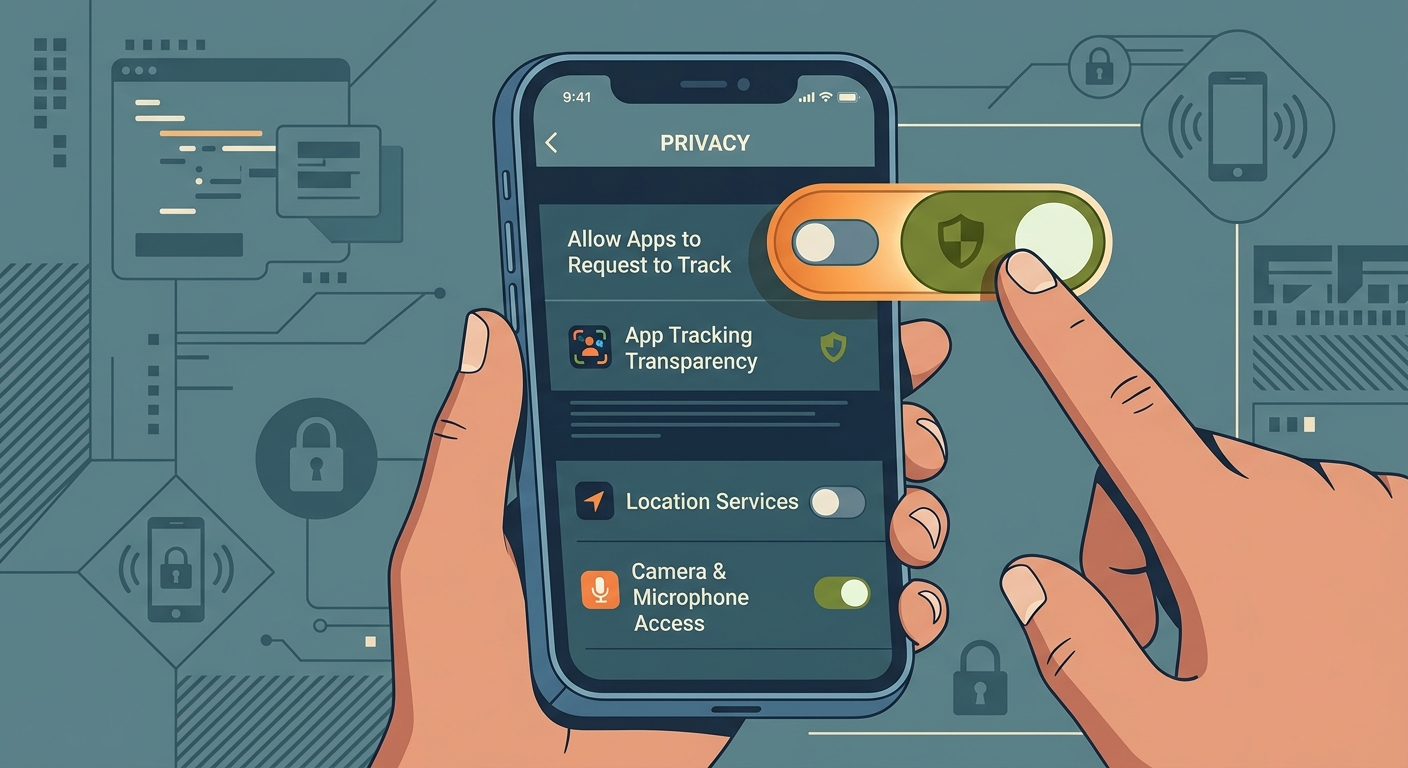
Go to Settings > Privacy & Security on your iPhone or Mac and review which apps have requested biometric or facial recognition access:
- Tap each app that uses Face ID or Touch ID and disable access if you don't trust the developer.
- Prefer apps from established, reputable companies.
- Disable unnecessary microphone, camera, and location permissions that could combine with biometric data.
2. Use Strong Device Security
Your Face ID or Touch ID is only secure if your device itself is protected:
- Set a strong, unique alphanumeric passcode (not just 6 digits).
- Enable two-factor authentication (2FA) on your Apple ID.
- Turn on "Find My iPhone" or "Find My Mac" to locate your device if lost.
- Update to the latest iOS or macOS version immediately.
3. Secure Your Apple ID
Your Apple ID is the gateway to your biometric data, iCloud backups, and app authentication logs:
- Use a complex password (16+ characters with numbers, symbols, and mixed case).
- Enable two-factor authentication.
- Review trusted devices regularly and remove unknown devices.
- Use a strong, unique recovery email and phone number.
4. Limit Cloud Backup Data
Go to Settings > [Your Name] > iCloud and choose what data syncs to iCloud:
- Turn off iCloud Keychain if you prefer offline password management.
- Disable syncing for sensitive apps or data you don't need backed up.
- Use end-to-end encryption for sensitive data when available.
5. Use Public Wi-Fi Safely
When accessing apps or sensitive services on public Wi-Fi, use a VPN:
- Free VPN US encrypts all app traffic on your device, preventing network-level interception.
- Never authenticate or authorize payments on unsecured Wi-Fi without a VPN.
- Avoid accessing banking, payment, or health apps on public networks when possible.
Did you know? The US has limited biometric privacy laws compared to Europe. The EU's GDPR strictly regulates how companies can collect and store biometric data. In the US, fewer protections exist for faces and fingerprints in databases. This means you need to take extra precautions yourself.
Safe Browsing and Biometric Privacy
Your biometric data is only one part of your digital footprint. Safe browsing habits protect the other data that attackers might combine with biometric information:
- Avoid public Wi-Fi for sensitive transactions: Use Free VPN US to encrypt your connection.
- Clear browser cookies regularly: Prevent tracking by advertisers and data brokers.
- Disable location tracking: Limit apps that collect where and when you authenticate.
- Use privacy-focused browsers: Safari's intelligent tracking prevention helps block biometric-related tracking.
- Review app privacy labels: Before installing an app, check its privacy label in the App Store.
Frequently Asked Questions
Can stolen biometric data be used to unlock my phone?
It depends on where the biometric data was stolen from. If attackers have your actual Face ID or Touch ID template (which is very difficult to extract), they might be able to create a spoofing attack. However, Apple's security is designed to make this nearly impossible. If someone has stolen your face from a photo or database, they can attempt deepfakes but cannot directly unlock your device. This is why strong device passcodes are essential—they're your backup security.
Is my Face ID data stored on Apple servers or just on my device?
Your Face ID template is stored only on your device, in an isolated secure enclave that Apple cannot access. Face ID and Touch ID templates remain protected on the device and are not included in iCloud backups. Securing the Apple Account still matters because it protects synced app data and device access. This is why securing your Apple ID password is so important.
Can a VPN protect my biometric data?
A VPN cannot protect the actual biometric template stored on your device. However, it protects the data and traffic generated by your app authentication and device use. For example, when an app requests Face ID authentication and then sends data back to its servers, a VPN encrypts that traffic. On public Wi-Fi, this prevents attackers from intercepting sensitive app interactions. Free VPN US is especially useful for protecting your app activity on unsafe networks.
What should I do if I think my biometric data was stolen?
If you suspect your biometric data was exposed in a breach, take these steps: (1) Change your Apple ID password immediately. (2) Enable two-factor authentication if you haven't. (3) Review your trusted devices and remove any you don't recognize. (4) Monitor your credit reports and bank accounts for fraud. (5) Consider freezing your credit with the three major bureaus (Equifax, Experian, TransUnion). (6) If your face was found in a data broker database, use services like Opt Out or Data Removal Labs to request removal.
The Bottom Line
Biometric data like Face ID and Touch ID is a convenient way to secure your devices, but it's not foolproof. Unlike passwords, you cannot change your face or fingerprints if they are stolen. This means protecting the ecosystem around your biometric data—your device, your Apple ID, your app permissions, and your network security—is critical.
By auditing app permissions, securing your device, using strong authentication, and practicing safe browsing with a VPN on public Wi-Fi, you can significantly reduce your biometric privacy risks. Free VPN US helps protect your app activity and sensitive transactions on unsafe networks, giving you one more layer of control over your digital privacy.
More About Biometric Privacy
These follow-up answers clarify what device security, account security, and network privacy each protect.
Related Reads

Secure Your Device Today
Free VPN US helps keep your app activity and sensitive transactions safe on public Wi-Fi. Download now and take control of your privacy.
Download Free VPN US