

Browser fingerprinting is how websites identify you without storing a cookie. They collect signals from your browser and device—screen size, fonts, timezone, plugins—and combine them into a nearly unique identifier. This fingerprint follows you across the web, even in private browsing mode.
What Is Browser Fingerprinting?
Imagine a website that can recognize you without asking who you are. No login required, no password needed. That's browser fingerprinting.
Every time you visit a website, your browser sends information about itself: your operating system, browser type, screen resolution, installed fonts, timezone, and dozens of other signals. Individually, these details are common. But combined together, they're nearly unique—like an actual fingerprint.
Websites use JavaScript libraries to collect these signals and calculate a fingerprint hash. The resulting identifier can help a site recognize the same browser over time, even when ordinary cookie storage is limited.
Why Fingerprinting Works
The effectiveness of fingerprinting comes from combinatorics. Your screen might be 1920×1080 (common). Your browser might be Safari (common). Your timezone might be UTC-5 (common). But the combination of many signals—such as screen characteristics, graphics behavior, timezone, and browser configuration—can become distinctive enough to recognize a browser.
This is why fingerprinting is so hard to defeat: you can't just disable one signal. You'd need to disable or spoof many of them simultaneously, which would break your browsing experience or reveal that you're using an anti-fingerprinting tool.
How Browser Fingerprinting Actually Works
When you visit a website, the site's JavaScript runs in your browser. It doesn't ask permission—it just collects.
Signals Collected
- User-Agent: Your browser name, version, and OS
- Screen Resolution: Width and height of your display
- Color Depth: How many colors your screen can display
- Timezone: Your local time offset
- Language Settings: Browser language preferences
- Installed Fonts: System fonts you have installed
- Plugins: Flash, Java, PDF readers (mostly deprecated, but older systems still report them)
- Canvas Rendering: How your graphics subsystem renders images (Canvas fingerprinting)
- WebGL Rendering: GPU model and driver information
- Audio Context: How your audio subsystem processes sound
- Do Not Track Header: Whether you enabled privacy requests
- Hardware Concurrency: Number of CPU cores
Fingerprinting services like FingerprintJS and TruValidate collect these signals, hash them, and assign your browser a unique ID. This ID is then sold to advertisers, analytics firms, and fraud-detection services.
Canvas Fingerprinting: The Hidden Tracking Method
Among all fingerprinting techniques, Canvas fingerprinting is one of the most invasive because it's nearly invisible.
Canvas is a browser API that allows websites to draw graphics. When your browser renders text or shapes to Canvas, your graphics subsystem produces subtle variations based on your device's hardware and driver software. These variations are unique enough to fingerprint you.
How Canvas Fingerprinting Works
The website's JavaScript draws invisible text (like "🐱🐶🏄🏖") or shapes on a Canvas element. Your device renders it slightly differently than any other device. The website then reads the pixel data, creates a hash, and has your fingerprint.
You never see the Canvas element. No prompt appears. No request for permission. It just happens.
Canvas Fingerprinting on iOS
Safari on iOS has built-in Canvas fingerprinting protection—the browser intentionally returns slightly randomized pixel data to break fingerprinting. This is one reason why iOS Safari is relatively better for privacy than other browsers.
However, if you use apps with embedded WebViews (like Instagram, Facebook, or email clients), those apps use a different browser engine that doesn't have Safari's protections. They're vulnerable to Canvas fingerprinting.
WebGL Fingerprinting: GPU Exploitation
WebGL is a graphics API that gives websites access to your GPU (graphics processor). Your GPU's model, driver version, and shader capabilities vary by device. Websites can query this information and fingerprint you based on GPU alone.
Why WebGL Matters
WebGL fingerprinting is especially precise on modern Apple devices. iPhones and Macs have specific GPU models (Apple A-series for iPhones, Apple Silicon M1/M2/M3 for Macs, or Intel/AMD for older Macs). The combination of GPU model + driver + shader performance creates a fingerprint that's often unique per device.
Unlike Canvas fingerprinting, WebGL data is harder to randomize without breaking legitimate 3D graphics on websites.
How to Check Your WebGL Fingerprint
Visit webglreport.com or fingerprint.com to see what WebGL data websites can extract from your device. You'll see your GPU model, driver version, and vendor information—all the data needed to fingerprint you.
Font Fingerprinting and System Exploitation
Every device has a different set of installed fonts. Your Mac might have fonts installed that a Windows PC doesn't. Your iPhone has fonts that no other device has.
Websites use JavaScript to enumerate your installed fonts: they create invisible text elements in each font, measure the text dimensions, and compare them to a baseline. If the dimensions differ, the font is installed on your device.
Font Fingerprinting on iOS
iOS has a more restricted font ecosystem than macOS or Windows. Apple limits which fonts third-party apps can access, which means your font fingerprint is less diverse. However, combined with other signals (screen resolution, timezone, etc.), font data still contributes to your overall fingerprint.
Why Fonts Matter
Each installed third-party font is a signal. If you have 150 system fonts + 20 custom fonts, that's 170 signals right there. Multiply that by WebGL + Canvas + screen resolution + timezone, and your fingerprint becomes exponentially harder to match.
Real-World Examples: Where You're Being Fingerprinted
Ad Networks and Retargeting
You browse a retailer's website. You see a shoe. You leave. Then you see that same shoe advertised on every website you visit. That's fingerprinting at work. Ad networks fingerprint you to follow you across sites and show you targeted ads—without relying on cookies alone.
Banking and Fraud Detection
Your bank uses fingerprinting to recognize your device. When you log in from a different device or a different location, the bank flags it as suspicious and asks for additional authentication. This is a legitimate use of fingerprinting—it protects you from account takeover.
Subscription Services and Multi-Account Abuse
Netflix, Disney+, and other streaming services use fingerprinting to detect when multiple households are sharing one account. They combine your fingerprint with your IP address and location to determine if you're sharing your subscription across regions. This is why using a VPN with a streaming service sometimes gets you blocked.
Dating Apps and Catfish Detection
Dating apps like Tinder and Bumble use fingerprinting to detect fake profiles and catfish accounts. If someone creates multiple accounts on the same device, the app detects it and blocks them. This reduces spam and improves safety—but it also reveals device information to the app.
Browser Fingerprinting on iOS and Mac: Special Risks
Safari on iOS: Canvas Protection (Good News)
Apple has invested in Safari's privacy protections. One of the key protections is Canvas fingerprinting resistance. When a website tries to fingerprint your Canvas rendering, Safari intentionally returns randomized pixel data. This breaks Canvas fingerprinting but doesn't affect legitimate graphics rendering.
This is one reason why using Safari on iPhone is better for privacy than using Chrome.
WebGL on iPad and Mac: Still Exposed
Safari and WebKit reduce several fingerprinting surfaces and continue to change what known fingerprinting scripts can access. Protection is not absolute, so browser updates and privacy settings still matter.
App WebViews: The Privacy Gap
When apps like Instagram, Twitter, or Gmail open links inside the app (instead of switching to Safari), they use a WebView—a embedded browser. These WebViews don't have Safari's privacy protections. They're vulnerable to Canvas fingerprinting, WebGL fingerprinting, and other tracking methods.
If you want better privacy, open links in Safari instead of in-app browsers whenever possible.
iCloud Private Relay: A Partial Solution
iCloud Private Relay is an iCloud+ Safari privacy feature, not a full-device VPN. Apple says it helps prevent a single party from seeing both who you are and which sites you visit in Safari. Browser fingerprinting remains a separate concern.
Can a VPN Really Help? Defense Mechanisms Explained
What a VPN Does (and Doesn't Do)
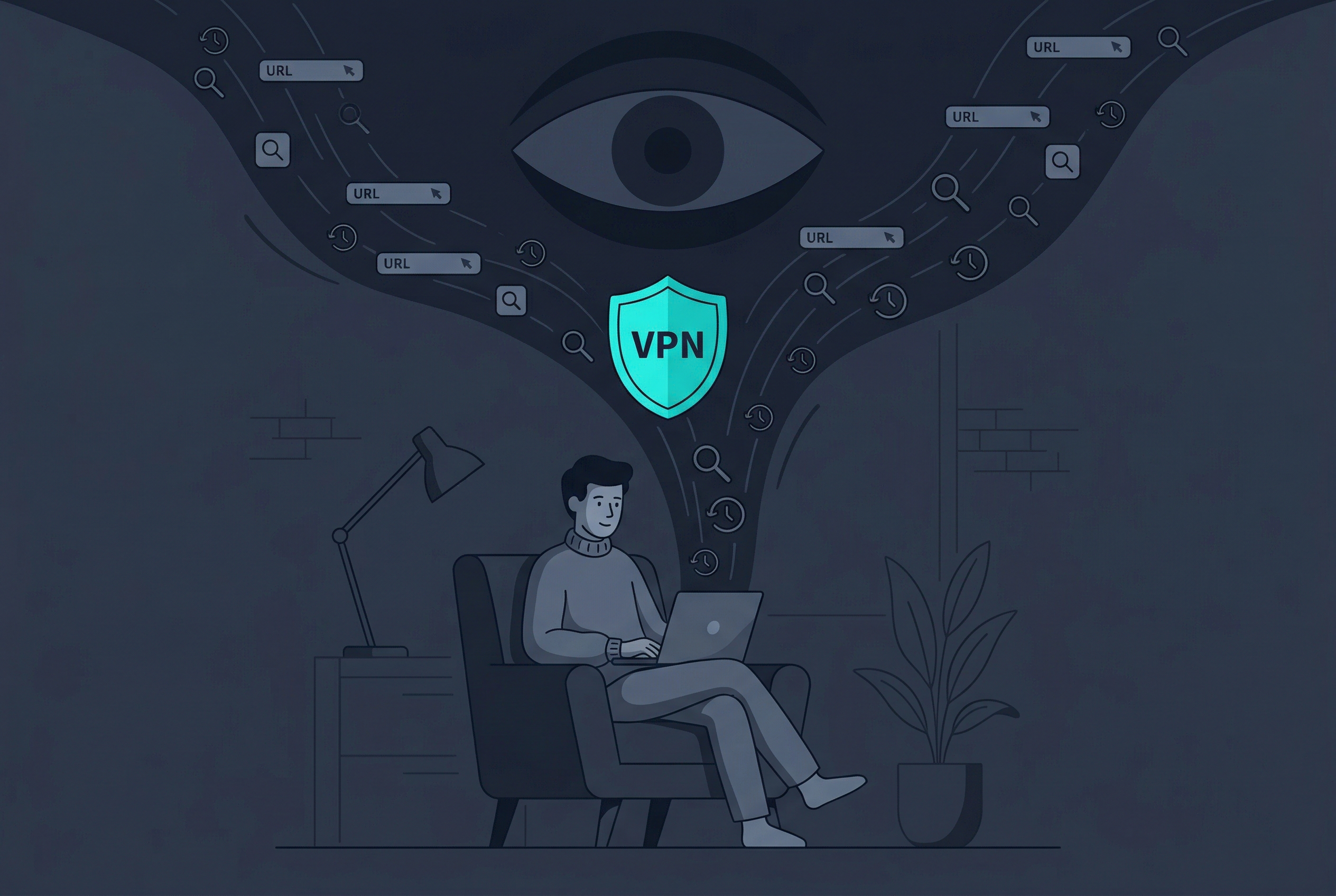
A VPN masks your IP address. When you use a VPN, websites see the VPN server's IP address instead of your real IP. This prevents IP-based tracking and location detection.
However, a VPN does not stop fingerprinting. Your browser's Canvas, WebGL, fonts, and other signals are still visible to websites.
How VPN + Fingerprinting Interact
Before VPN: Website sees your real IP + your fingerprint. They can correlate both together, creating a powerful tracking profile.
With VPN: Website sees the VPN IP + your fingerprint. They can't correlate the VPN IP to your real location, but they can still track your fingerprint across websites.
This is why combining VPN with other privacy tools is essential.
VPN + Browser Privacy Tools = Better Protection
The best defense against fingerprinting is a layered approach:
- Free VPN US: Masks your IP address, preventing IP + fingerprint correlation
- Safari + Private Relay on iOS/Mac: Randomizes Canvas, masks IP
- Ad Blockers: Prevent ad networks from running fingerprinting code
- Browser Extensions (Privacy Badger, uBlock Origin): Block tracking scripts
- Private/Incognito Mode: Limits persistent cookies (but doesn't stop fingerprinting)
Used thoughtfully, these layers can reduce tracking opportunities, but they do not make a browser anonymous or eliminate fingerprinting.
When VPN Helps Most
- On public WiFi: VPN prevents the network operator from seeing your traffic
- Against ISP tracking: VPN prevents your ISP from seeing which websites you visit
- Geographic privacy: VPN masks your location from IP-based targeting
- Preventing IP + fingerprint correlation: Harder for advertisers to build unified tracking profiles
When VPN Alone Isn't Enough
- If a website has already fingerprinted you, VPN doesn't "un-fingerprint" you
- Websites can still identify you via Canvas, WebGL, or fonts
- If you log into your account, the account identity overrides any fingerprinting
Practical Steps to Reduce Your Fingerprint
1. Use Safari on iOS with Private Relay Enabled
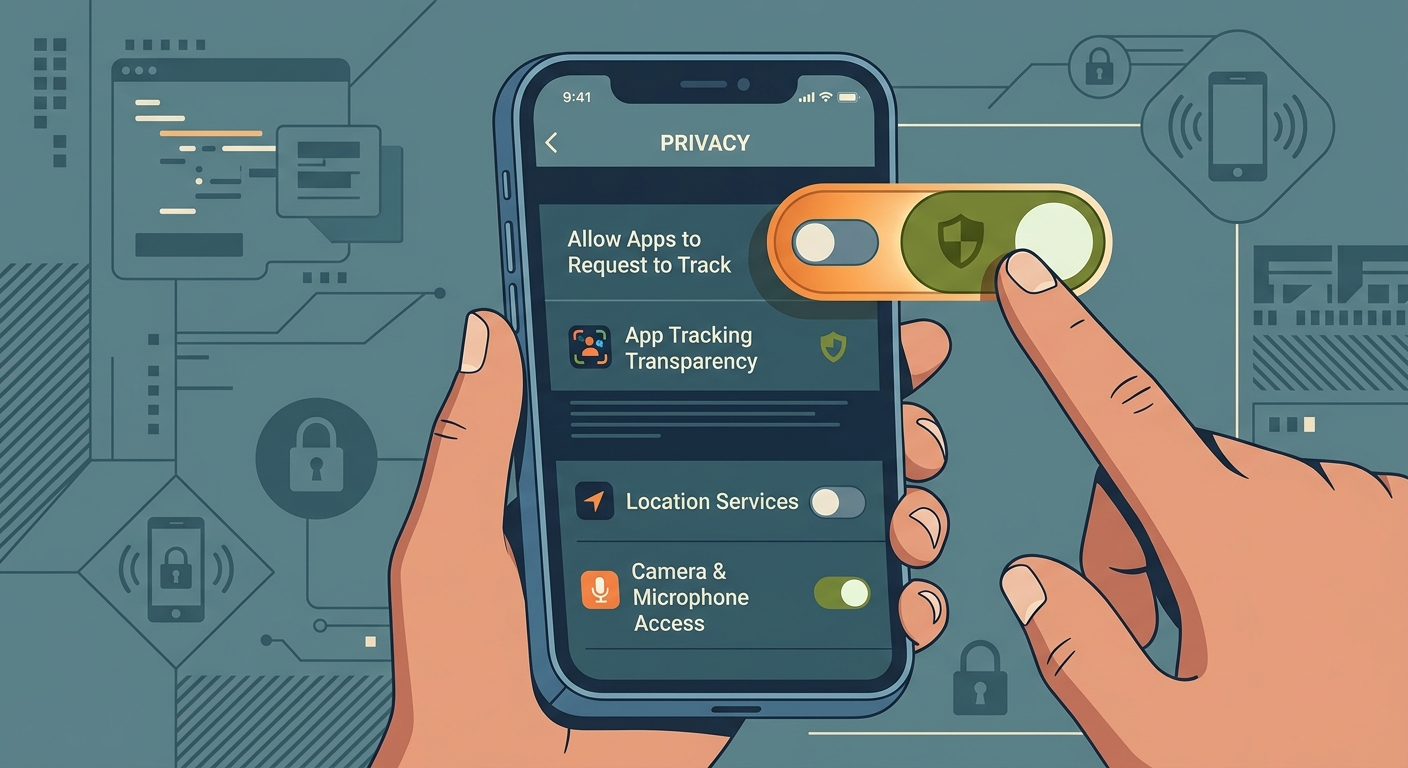
iOS Settings → Privacy → Private Relay → Enable
Private Relay helps hide your IP address and Safari browsing activity, while Safari separately includes anti-fingerprinting protections. Availability and coverage vary by region and traffic type.
2. Combine VPN with Private Relay
Do not assume a VPN and Private Relay will stack. Apple notes that some VPN or filtering configurations can be incompatible with Private Relay. Choose the tool that covers the traffic you need and verify the final connection.
3. Limit Browser Extensions
Each extension you install adds to your fingerprint. Some extensions can change page behavior in detectable ways. A highly unusual set of modifications may make a browser more distinctive even when websites cannot directly list every installed extension.
Best practice: Keep only essential extensions (ad blocker, password manager). Disable or remove the rest.
4. Install an Ad Blocker
Ad blockers like Adblock Plus or uBlock Origin prevent fingerprinting scripts from running in the first place. They don't stop all fingerprinting, but they block the most invasive ad-network tracking.
5. Disable Plugins (Mostly Automatic Now)
Flash and Java plugins are mostly obsolete and automatically disabled in modern browsers. If you see plugin signals in your fingerprint, it's safe to disable them.
6. Keep Your OS and Browser Updated
Updates patch fingerprinting vulnerabilities and add new privacy protections. Safari, Firefox, and Chrome all improve privacy with each major release.
7. Avoid Browser Fingerprinting Test Sites (Paradoxically)
Fingerprint test sites reveal information to the service performing the test. Use a reputable tool only when needed, read its privacy information, and avoid treating one score as a permanent identity.
8. Use Private/Incognito Mode for Sensitive Browsing
Private mode doesn't prevent fingerprinting, but it limits cookie persistence. For maximum privacy, combine private mode with Safari + Private Relay + VPN.
Free VPN US and Browser Fingerprinting: Smart Privacy Strategy
Free VPN US masks your IP address, preventing your ISP and network operator from seeing your browsing activity. It also prevents websites from correlating your fingerprint with your real location based on IP geolocation.
However, Free VPN US alone doesn't stop fingerprinting. That's why it works best as part of a privacy toolkit.
How Free VPN US Fits Into Your Privacy Setup
On public WiFi: Free VPN US prevents the coffee shop's network from seeing your traffic and fingerprinting you based on network position.
Against advertisers: Free VPN US masks your IP, making it harder for ad networks to correlate your fingerprint with your location and ISP.
With Private Relay: On iOS/Mac, combine Free VPN US with iCloud Private Relay and Safari for multi-layer IP masking.
With browser privacy tools: Use Free VPN US + ad blocker + privacy extensions for comprehensive protection.
Free VPN US + Browser Hardening = Best Practice
The most effective privacy strategy combines network-level protection (VPN) with browser-level protection (canvas protection, ad blockers, extensions). Free VPN US handles the network side. Safari, Private Relay, and extensions handle the browser side. Together, they significantly reduce your trackability.
Frequently Asked Questions
What is browser fingerprinting?
Browser fingerprinting is a tracking method that combines browser and device signals (like screen resolution, fonts, timezone, and user-agent) to create a unique identifier for your device. Unlike cookies, fingerprints persist even when you clear your browser history.
How is browser fingerprinting different from cookies?
Cookies are text files stored in your browser, while fingerprints are calculated from your device's unique characteristics. Fingerprints can't be easily deleted, don't require storage, and work even in private/incognito mode.
Can a VPN stop browser fingerprinting?
A VPN masks your IP address but doesn't stop fingerprinting. However, VPN helps prevent websites from correlating your fingerprint with your real IP address. Combining VPN with browser privacy tools (ad blockers, Private Relay) offers stronger protection than either alone.
What data do websites collect for fingerprinting?
Websites can collect browser type, operating system, screen resolution, timezone, installed fonts, plugins, WebGL/Canvas rendering, audio context, and more. Together, these signals create a nearly unique identifier.
Is Safari on iPhone better protected against fingerprinting?
Safari and WebKit include several anti-fingerprinting protections, but no browser eliminates fingerprinting. Private Relay protects supported Safari browsing traffic and may be incompatible with some VPN configurations, so do not assume the two services stack.
How do I reduce my browser fingerprint?
Keep Safari and the operating system updated, limit unusual extensions, enable appropriate tracking protections, and use a VPN when you need network-level privacy. No single step eliminates fingerprinting completely.
Can websites fingerprint me on public WiFi?
Yes, browser fingerprinting works on any network. Unlike IP tracking, which requires your ISP's help or network position, fingerprinting is done entirely by the website's JavaScript. A VPN helps by masking your IP, but browser fingerprints remain visible.
Is browser fingerprinting used for anything besides tracking?
Yes. Banks use fingerprinting for fraud detection (to spot unauthorized devices), subscription services use it to prevent multi-account abuse, and dating apps use it to identify fake profiles. These uses are legitimate, though privacy-conscious users should still understand the risks.
Deeper Dive
Visit fingerprint.com, browserleaks.com, or webglreport.com. These sites show you what data about your device they can extract. You'll see your fingerprint hash, Canvas fingerprint, WebGL details, and font list. This gives you a concrete sense of what websites know about you.
Browser fingerprinting identifies your browser on a specific device. Device fingerprinting identifies your device across all browsers. A single device might have multiple fingerprints (one for Safari, one for Chrome). Device fingerprinting is harder because it requires matching signals across different browsers—but mobile advertisers do this by combining device data (IMEI, MAC address) with behavior signals.
Not easily without breaking your browsing. Tools like Tor Browser randomize most signals and try to match the fingerprints of other Tor users. However, Tor is slower and limited. For normal users, the best approach is reducing your uniqueness (fewer extensions, standard settings) rather than trying to match some target fingerprint.
Partially. Extensions like Canvas Blocker randomize Canvas fingerprinting. Privacy Badger blocks tracking scripts. uBlock Origin blocks fingerprinting code before it runs. However, no extension blocks all fingerprinting techniques, and each extension you install adds to your fingerprint (the website can see you have extensions installed). The solution is strategic extension use: keep only essential ones.
Related Reading

Protect Your Privacy Today
Reduce your digital footprint and mask your IP address on every website you visit. Free VPN US combines network-level protection with your browser privacy tools for comprehensive defense against tracking.
Get Free VPN US