

What is a DNS leak?
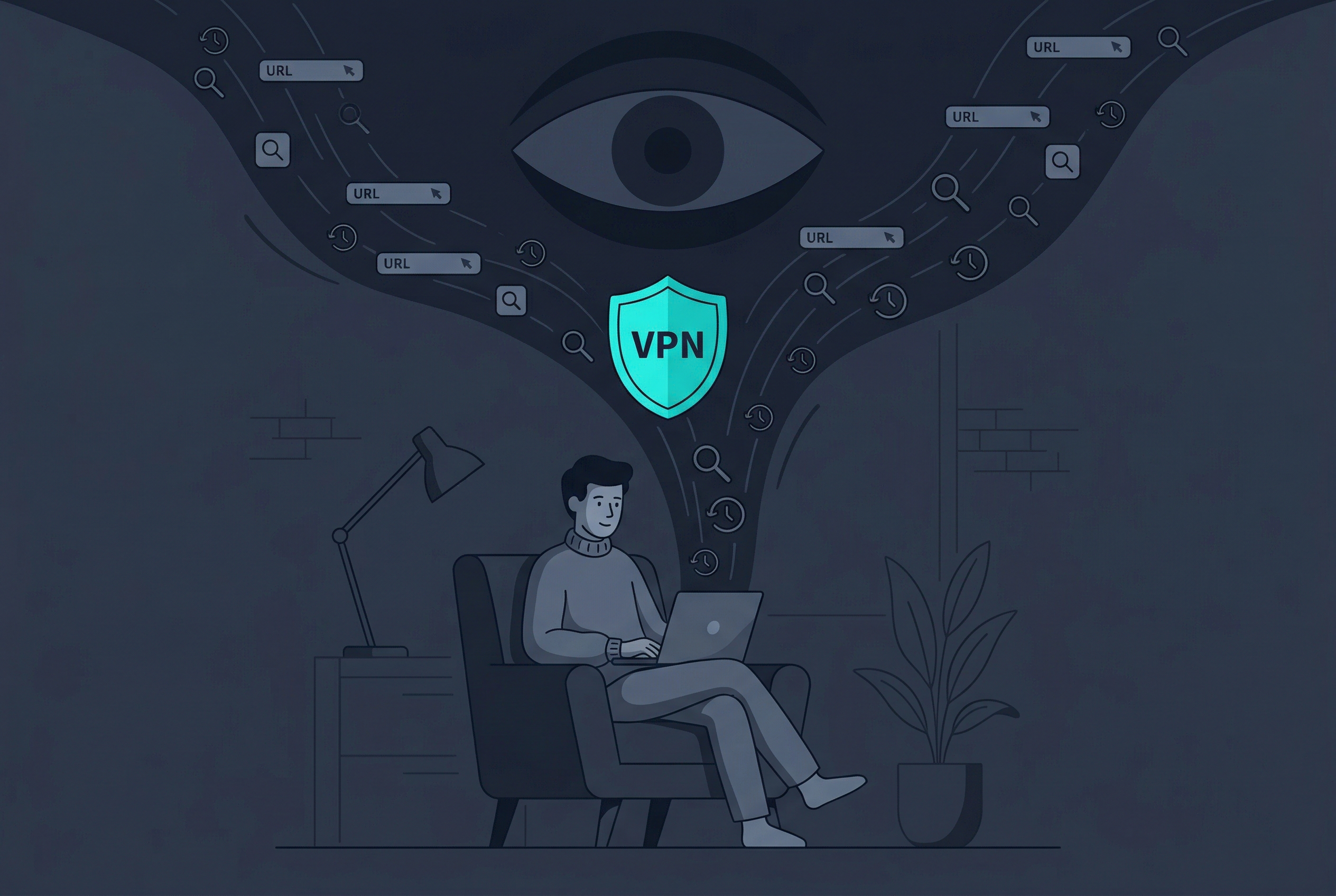
Before a browser connects to most websites, it asks a DNS resolver for the site address. If those lookups go to your internet provider or another unexpected resolver while you believe the VPN is handling them, the resolver can learn which domains your device requests. HTTPS still protects most page content, but the lookup itself can expose useful browsing metadata.
Not every unfamiliar server is a leak. VPN providers and privacy services often use large cloud or anycast networks, so the displayed company or city may not match the VPN app name. Corporate security tools and encrypted DNS profiles can also intentionally choose a different resolver.
- Use a reputable DNS test in a fresh browser tab.
- Run the test once without the VPN to establish a baseline.
- Connect the VPN and repeat the same test.
- Compare resolver organization, country, and consistency across multiple runs.
Interpret the organization, not only the city
Resolver locations are often approximate. A distant or unfamiliar city can reflect routing infrastructure rather than a privacy failure.
How to test for DNS leaks on iPhone
Connect to the Wi-Fi or cellular network you actually want to assess. Close and reopen the browser, connect the VPN, and run a standard or extended DNS test. If the result continues to show the same ISP resolver seen in the disconnected baseline, investigate the VPN profile or a competing DNS configuration.
Remember that browsers, device-management profiles, and privacy apps may use their own encrypted DNS settings. The goal is not to force a particular brand name to appear; it is to understand whether requests are following the privacy configuration you deliberately chose.
- Update iOS and the VPN app.
- Check for a manually installed DNS or content-filter profile.
- Reconnect the VPN and try another region.
- Restart the device before repeating the test.
How to test and fix DNS leaks on Mac
On Mac, browsers can keep network state for a short time, so close active tabs or restart the browser before comparing results. Review System Settings for VPN configurations, filters, and DNS settings. Old security software may leave a network extension behind even after its main app is no longer used.
If an unexpected resolver persists on every network, reinstall the trusted VPN configuration or contact support. If it appears on only one managed network, the organization may be enforcing its own DNS policy. Do not bypass a workplace or school control without authorization.
- Remove only DNS entries you added yourself.
- Avoid running two VPN clients simultaneously.
- Check whether a browser security feature uses a separate secure resolver.
- Repeat the test on another network to isolate the cause.
Change one variable at a time
A clean baseline, one VPN connection, and one repeated test produce more useful evidence than changing DNS, browser, region, and Wi-Fi simultaneously.
What a DNS leak test cannot tell you
A DNS test does not prove that every application is private, that a VPN never drops, or that a provider stores no data. It only shows which resolvers answered the test at that moment. Pair it with an IP check, connection-status review, and sensible browser privacy settings.
Treat online test sites as diagnostic tools rather than perfect audits. They observe your connection, so use reputable services and avoid entering personal information while testing.
Frequently asked questions
Does a DNS leak expose everything I do online?
No. It can expose requested domain names to the resolver, while HTTPS generally continues to protect page content. It is still meaningful browsing metadata.
Why does the test show a company I do not recognize?
The VPN or DNS service may use third-party infrastructure. Compare the result with your baseline and check whether the organization is associated with the chosen service.
Can encrypted DNS prevent every DNS leak?
Encrypted DNS protects the lookup between your device and the chosen resolver, but it does not replace full VPN protection or prevent every configuration conflict.
Should I use more than one DNS leak test?
Repeating a test can confirm consistency, but avoid turning the process into broad tracking exposure. One reputable test with a baseline and connected comparison is usually sufficient.
Questions worth checking next
Use these short answers to confirm the safest next step for your setup.
Related privacy guides

Use Free VPN US on iPhone and Mac
Add an encrypted network layer when you browse on public or unfamiliar networks. Keep device settings, app permissions, and account security working alongside the VPN.
- Simple connection controls
- Multiple VPN regions
- Built for Apple devices