
What Is an Evil Twin WiFi Network?
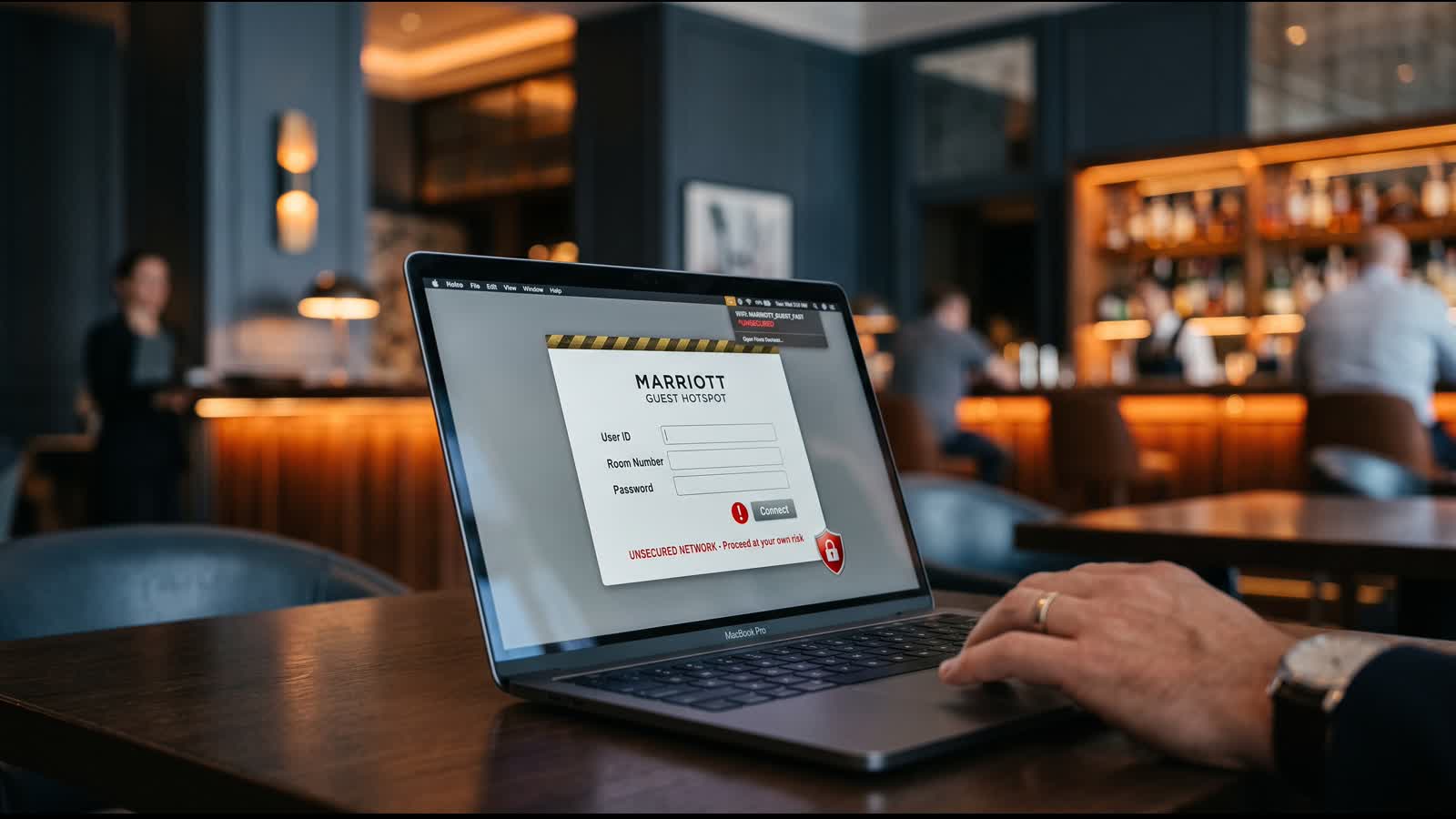
An evil twin is a fake WiFi network set up by a hacker to look like a legitimate one. The attacker broadcasts the same network name (SSID) as a real business WiFi—like "AirportWiFi" or "Hotel_Guests"—but controls the connection instead of the venue. When you connect to the evil twin, all your data flows through the hacker's device, giving them full access to your passwords, emails, financial information, and browsing activity.
Evil twins are particularly effective at travel venues because they exploit a real human problem: urgency. You arrive at an airport, need to check your flight, and connect to the first "official-looking" network you find. You're not thinking about security; you're thinking about getting information. Hackers know this.
Why Hackers Love Travel Venues
Airports, hotels, and transit stations concentrate thousands of high-value targets—frequent travelers with corporate email access, financial accounts, and devices full of personal data. Travelers are tired, distracted, and under time pressure. These conditions are perfect for evil twin attacks.
How Evil Twins Are Set Up and Deployed
Setting up an evil twin is technically simple, which is why it's such a common attack. A hacker needs only a laptop, a wireless adapter, and basic software to broadcast a fake network. They position themselves in a public location—often the coffee shop corner or corner of a terminal—and wait for people to connect.
The Basic Attack Flow
- Broadcasting: The hacker uses software to broadcast a WiFi signal with the same name as the real network (obtained by scanning nearby legitimate networks).
- Connection: Your device sees two networks with the same name and connects to whichever signal is strongest—often the evil twin because the hacker is sitting nearby.
- Interception: Once connected, the hacker's device becomes the "man in the middle." All your traffic—emails, passwords, messages, browsing—flows through their device.
- Data Harvesting: The hacker captures login credentials, intercepts unencrypted data, and can inject malware into websites you visit.
Why People Connect to Them
Most people don't realize they're connecting to a fake network. Your device's behavior makes this worse: iPhones and Android phones remember networks you've previously connected to and try to auto-connect. If you've connected to "Hotel_WiFi" at one hotel chain before, your phone might automatically connect to the same name at any hotel location—even if it's an evil twin.
Real-World Attack Vectors and Data Theft
Once you're connected to an evil twin, hackers can execute several attacks, each stealing different types of data:
Credential and Password Interception
If you check email, log into your bank account, or access social media on the evil twin network, your login credentials are exposed. Many apps and websites still transmit login attempts without full encryption. Even encrypted connections can be downgraded or bypassed with tools hackers use.
Malware and Fake Login Pages
The hacker can inject malware into websites you visit or present you with fake login pages. You click what looks like your bank's login form, enter your credentials, and the attacker captures them. You might not realize anything is wrong until suspicious activity appears on your account.
Man-in-the-Middle (MITM) Attacks
The attacker can position themselves between your device and the internet, monitoring all your traffic. Even secure HTTPS connections can sometimes be intercepted if the attacker uses tools to force a downgrade to HTTP or presents a fake SSL certificate.
Session Hijacking
Once you're logged into a service, the attacker can sometimes steal your session token—the piece of data that keeps you logged in—and use it to access your account without needing your password.
The Core Risk
On an evil twin, you have zero privacy. Everything you send is visible to the hacker. This is why travelers on public WiFi should never access banking, email, or sensitive accounts without additional protection.
How to Spot Fake WiFi Networks Before You Connect
The good news is that evil twins can often be detected if you know what to look for. Here are the red flags:
Network Name Red Flags
- Suspicious Spelling: Watch for slight misspellings. "Airport_WiFi" vs. "AirportWiFi". Legitimate venues usually use consistent naming. Small differences are a red flag.
- Duplicate Networks: If you see two networks with nearly identical names, one might be an evil twin. Ask staff which is the correct one.
- Generic Names: Networks called "Free WiFi" or "WiFi" with no venue name are suspicious. Real businesses identify their own networks.
- Numbers and Random Characters: Names like "WiFi_2B3X" are often evil twins set up by random attackers.
Connection Behavior Red Flags
- No Password Required: If a network claims to be the airport WiFi but doesn't ask for a password, be skeptical. Legitimate venue networks usually have a login portal.
- Poor Signal Strength: Evil twins often have weaker signals because they're running on a single laptop. If the "official" network has an unusually weak signal, it might be a fake.
- Unexpected Reconnection: If your device suddenly drops from the network you were using and reconnects to something similar, an evil twin might be present.
Your Verification Strategy
Before connecting to any public WiFi at a venue:
- Ask Staff: Walk up to the help desk or front desk and ask for the exact name of the WiFi network. Write it down if needed.
- Verify Any Password: If there's a password, get it from an official source (signage, staff, printed materials).
- Check Your Device: After connecting, look at your device settings to confirm the network name matches what you were told.
Protection Strategies for Travelers
Protecting yourself from evil twins involves multiple layers. No single strategy is 100% effective, but combining them significantly reduces your risk.
Always-On VPN for Public WiFi
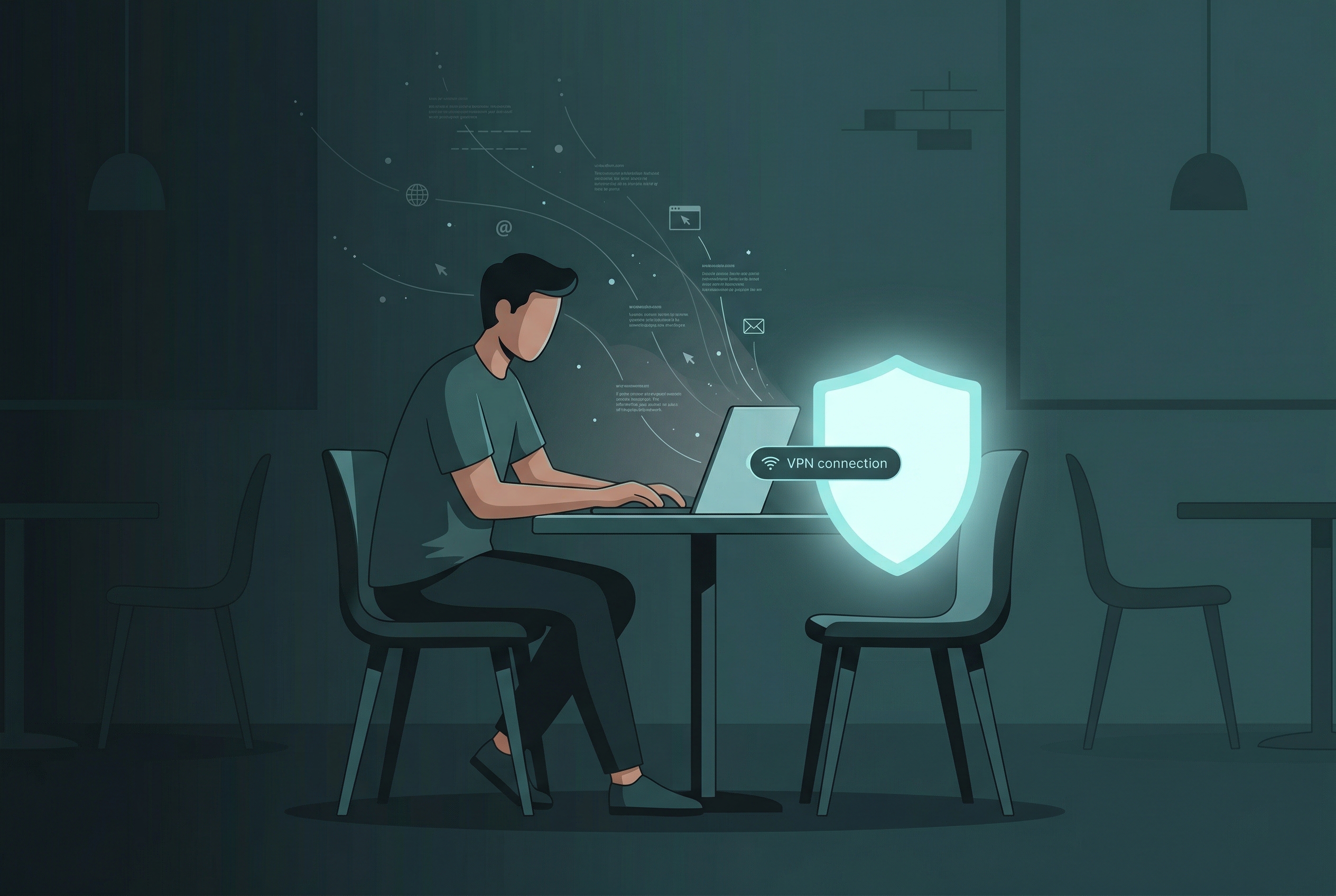
A VPN (virtual private network) encrypts all your device traffic before it leaves your device, making it invisible to anyone monitoring the WiFi network—including evil twin attackers. Even if you accidentally connect to a fake network, a VPN keeps your data safe. Free VPN US is designed for iOS and Mac users and works seamlessly in the background, protecting your browsing, email, and app activity automatically.
Disable Auto-Connect Features
Your iPhone or Mac can be configured to automatically connect to networks it remembers. This is convenient but dangerous on public WiFi.
- iPhone: Go to Settings → WiFi → Auto-Join Recommended, and toggle off.
- Mac: System Preferences → Network → WiFi → Advanced. Uncheck networks you don't use regularly.
Avoid Sensitive Transactions on Public WiFi
Even with a VPN, it's best practice to avoid accessing banking, payment apps, or email accounts on public networks. If you need to check banking information while traveling, use your cellular data (mobile network) instead. This completely bypasses the WiFi network and any potential evil twins.
Forget Networks When You Leave
After connecting to a venue WiFi, "forget" the network on your device. This prevents your device from trying to auto-connect next time it sees that network name. If there's an evil twin with the same name at a different location, your phone won't automatically join it.
Monitor Your Accounts After Traveling
Review your email login history, banking activity, and social media logins after traveling on public WiFi. Most services show recent login locations and devices. If you see logins you don't recognize, change your password immediately and contact support.
What to Do in Common Travel Situations
Stuck at the Airport and Need WiFi Urgently
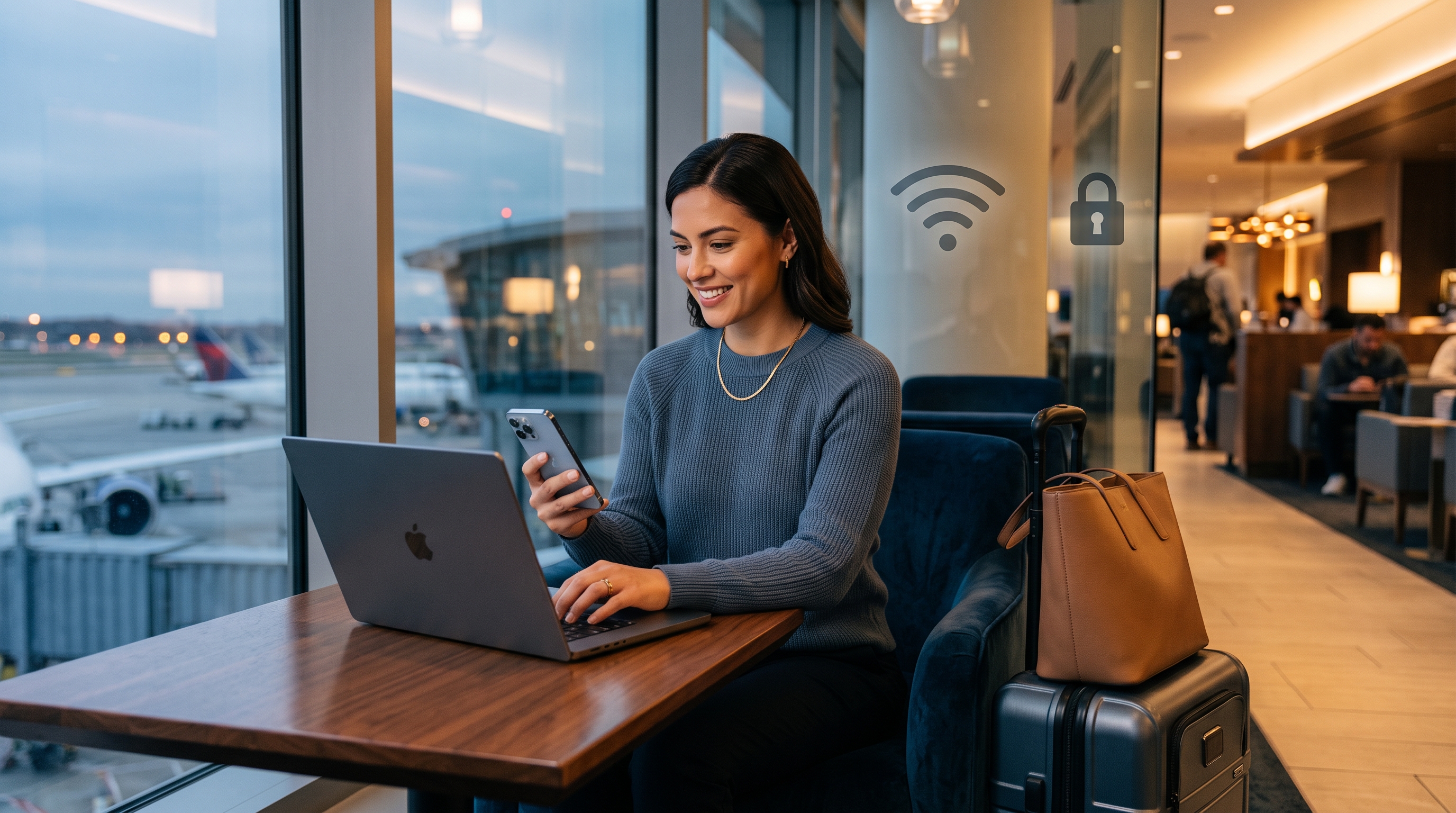
If you absolutely must connect at an airport: First, ask staff for the correct network name. Connect to that specific network. Then immediately enable your VPN before opening any apps or browser. Avoid checking email or accessing accounts if possible. If you need to make a purchase or check banking information, use cellular data instead. Your immediate need to check a flight status isn't worth compromising your banking credentials.
Using Hotel WiFi During Business Travel
Business travelers are high-value targets because their devices often contain corporate email and financial access. At a hotel: Get the WiFi details at check-in from the staff. Keep your VPN enabled at all times while connected. Don't access corporate VPN or email login directly from the hotel network unless you're using a company-issued device with security software. If you must access work accounts, use your phone's cellular hotspot to create a personal secure connection instead.
Connecting at Coffee Shops or Transit Stations
Coffee shop WiFi is notoriously insecure because the environment is open and accessible. The hacker could be sitting two tables away. Same approach: Verify the network name, enable your VPN immediately, and avoid sensitive transactions. These venues are fine for general browsing, but not for accessing accounts that contain personal or financial information.
Using WiFi in Unfamiliar Countries
Traveling internationally adds complexity. You might not be able to easily verify network legitimacy if you don't speak the local language or aren't familiar with the venue. This is exactly when a VPN becomes essential. A VPN encrypts your data regardless of where you are, protecting you from local attackers and any surveillance on the network.
Frequently Asked Questions
How do I know if a WiFi network is fake?
Look for networks with names similar to legitimate ones (like "AirportWiFi" instead of "Airport_Wifi"), networks that don't require passwords, or inconsistent naming. Always verify the correct network name with staff or signage before connecting. Be suspicious if you're suddenly asked to re-enter your password on a network you usually connect to.
What can hackers do with an evil twin network?
On an evil twin, hackers can intercept passwords, email logins, financial data, and sensitive messages. They can also inject malware, redirect you to fake banking or shopping sites, or monitor all your web activity. This is why connecting to unverified networks puts your private information at significant risk.
Does a VPN protect me from evil twin attacks?
A VPN encrypts your data between your device and the VPN server, which protects your traffic from being intercepted on the local network. However, a VPN is one layer of defense. Always verify the network name before connecting and avoid accessing sensitive accounts on public WiFi when possible, even with a VPN active.
What should I do if I accidentally connected to an evil twin?
Disconnect immediately. Change your passwords on a secure network (mobile data or a trusted home network) for any accounts you accessed while connected. Monitor your accounts for suspicious activity. Consider using a credit monitoring service if you entered financial information. Going forward, always verify network names with staff before connecting and avoid sensitive transactions on public WiFi.
Deeper Questions About Evil Twins
Got more specific questions about evil twin attacks, detection, or travel WiFi safety? Expand any of the questions below to explore the topic further.
Related Reading on Travel Safety
Protect Your Data on Every Network
Free VPN US keeps your connection secure automatically on any WiFi network—whether you're at an airport, hotel, or coffee shop. Encrypt your data and browse with confidence while traveling.
- Encrypt all your data on public WiFi
- Works seamlessly in the background
- No-logs privacy policy
- Free with optional premium features