

Why app permissions need regular review
Permission prompts arrive during setup, often before you understand how an app will fit into daily life. Months later, an app may retain access to location, photos, contacts, or the local network even if the feature that justified it is no longer used.
An audit is not about denying everything. It is about matching access to current use. Removing an unnecessary permission reduces the amount of data an app can collect accidentally, misuse after an account compromise, or expose if the app itself is breached.
- Start with apps you rarely use.
- Prioritize location, microphone, camera, contacts, photos, and files.
- Check whether the operating system offers limited access.
- Delete apps that no longer provide value.
Full Disk Access deserves extra scrutiny
On Mac, this permission can expose broad file categories. Grant it only when the app function clearly requires it and the developer is trusted.
Run a privacy audit on iPhone
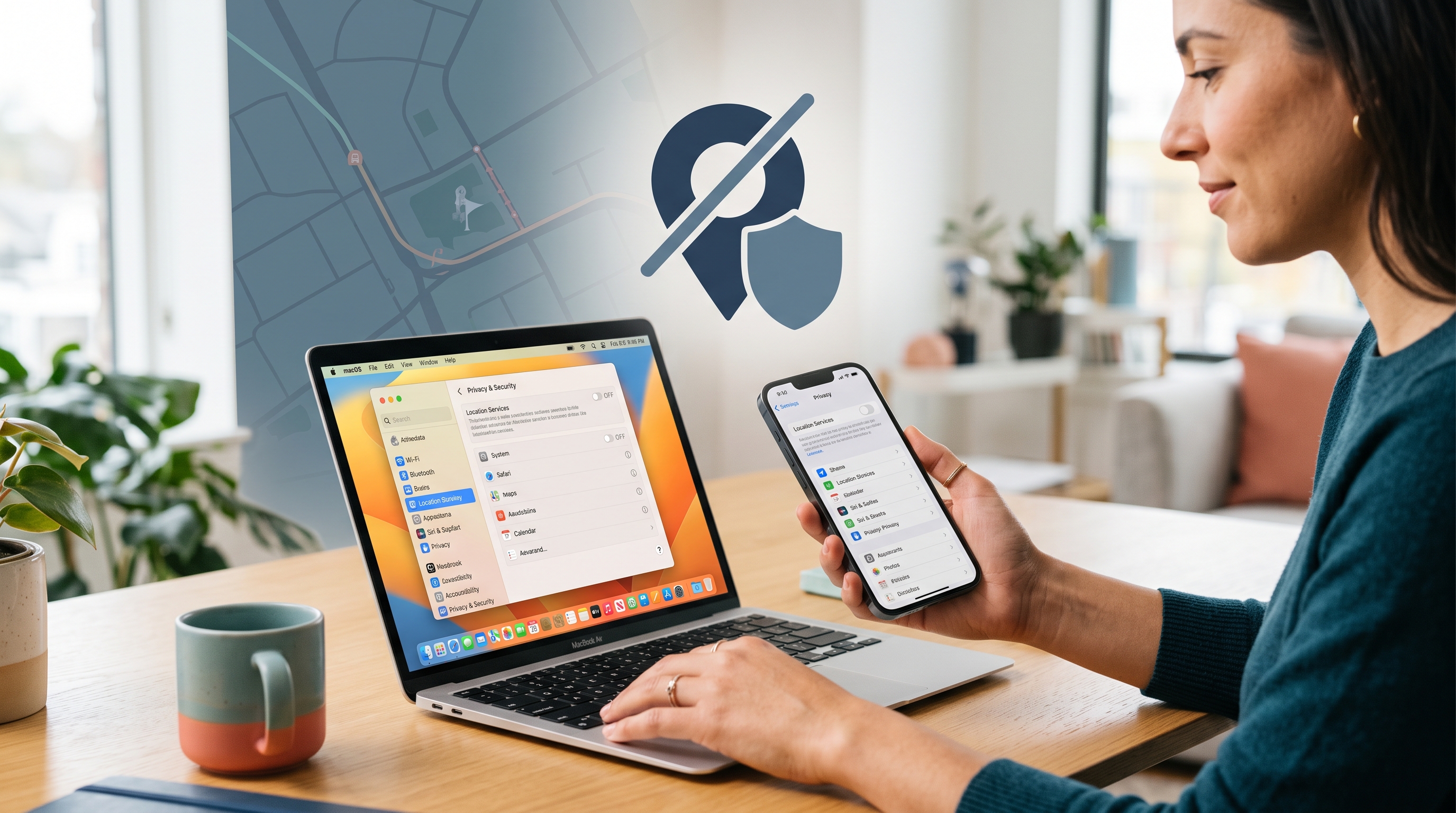
Open Privacy & Security in Settings and review each permission category. For location, compare Never, Ask Next Time, While Using, and any precise-location choice available. Navigation and delivery apps may need location while active; a calculator or wallpaper app usually does not.
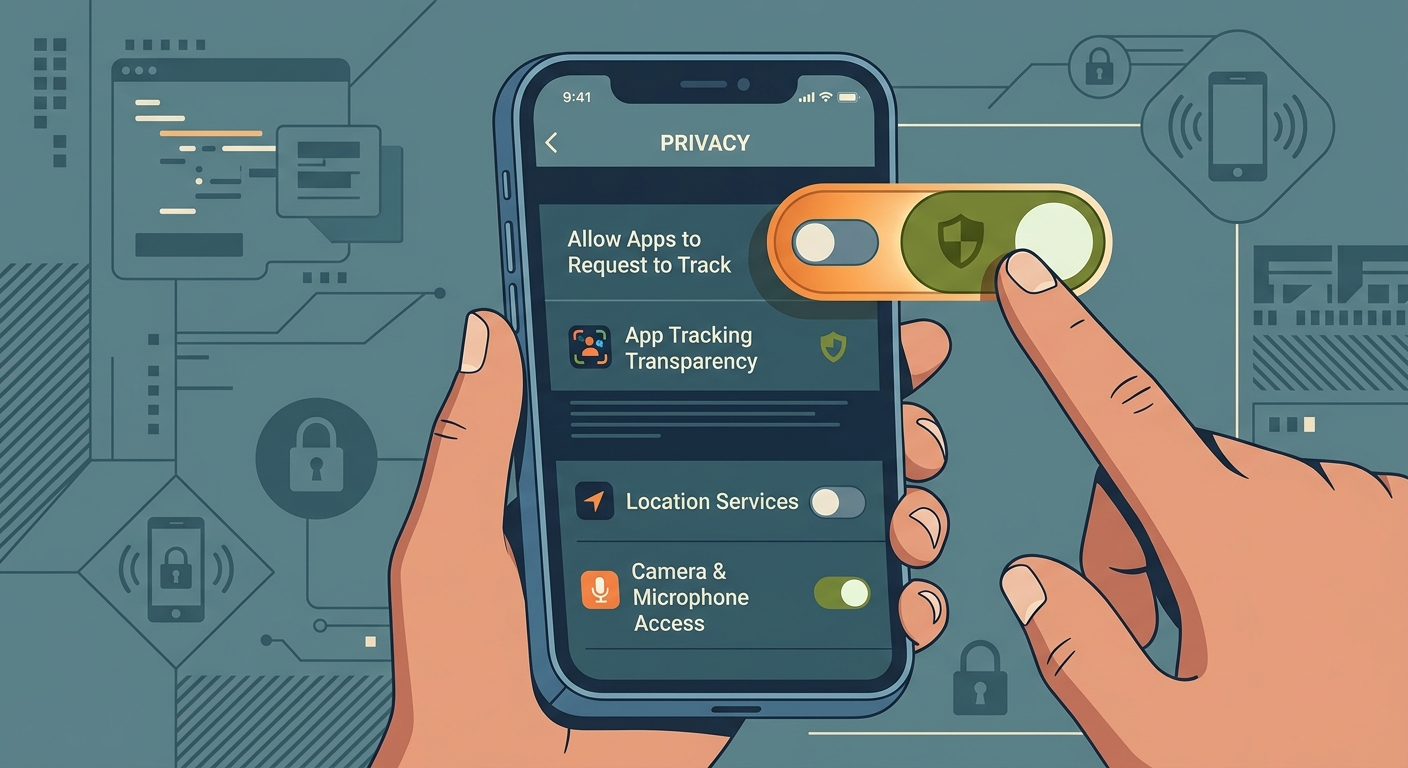
Review Photos, Contacts, Bluetooth, Local Network, Microphone, Camera, and Tracking. Selected-photo access can be safer than exposing the full library. Local Network access should make sense for casting, smart-home control, or device discovery—not as a default for unrelated apps.
- Turn off precise location where approximate location is sufficient.
- Limit photo access to selected items.
- Remove microphone and camera access from inactive apps.
- Review tracking requests and analytics choices.
Run a privacy audit on Mac
On Mac, Privacy & Security includes additional categories such as Files and Folders, Full Disk Access, Screen Recording, Accessibility, and Input Monitoring. These can be powerful. An app with Full Disk Access or Accessibility permission may reach far more data than an ordinary sandboxed app.
Keep these permissions for software you trust and actively use. Remove entries for uninstalled or abandoned tools. If a work Mac is managed, ask the administrator before changing enforced settings because security and backup tools may depend on them.
- Review Full Disk Access and Accessibility carefully.
- Remove stale screen-recording permissions.
- Check Login Items alongside permissions.
- Install updates before restoring a permission that stopped working.
Permissions are living decisions
A choice that made sense during setup may no longer fit. Rechecking access every few months is more effective than trying to make one permanent perfect decision.
Permissions a VPN can and cannot address
A VPN protects network traffic between the device and its server; it does not revoke an app camera, photo, contact, or file permission. If an app can read a photo and you upload it, a VPN cannot decide whether that sharing was appropriate.
Use both layers: permission controls decide what an app can access locally, while a VPN can reduce exposure on the network path. Account security, software updates, and careful sharing remain necessary.
Frequently asked questions
How often should I audit app permissions?
A quarterly review is a practical baseline, with an extra check after installing many apps, changing jobs, or lending a device.
Will turning off a permission break the app?
It may disable the related feature, but the operating system usually lets you restore access later. Change one permission at a time so the effect is clear.
What is the most sensitive Mac permission?
Full Disk Access, Accessibility, Input Monitoring, and Screen Recording are especially powerful. Grant them only to trusted apps with a clear need.
Does a VPN replace permission controls?
No. A VPN protects a network path; operating-system permissions control local access to camera, microphone, photos, files, contacts, and other data.
Questions worth checking next
Use these short answers to confirm the safest next step for your setup.
Related privacy guides
Use Free VPN US on iPhone and Mac
Add an encrypted network layer when you browse on public or unfamiliar networks. Keep device settings, app permissions, and account security working alongside the VPN.
- Simple connection controls
- Multiple VPN regions
- Built for Apple devices