
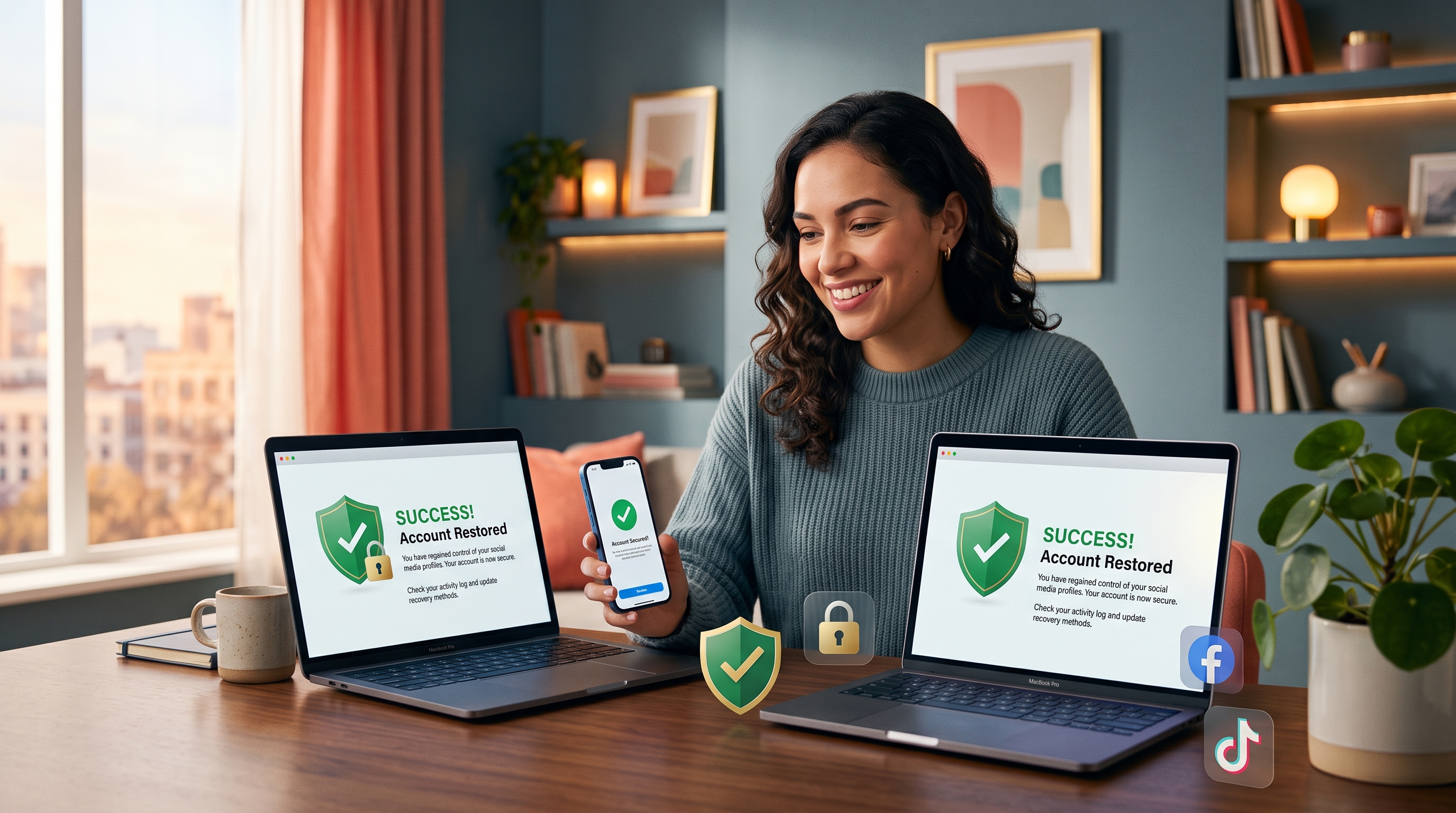
Why Speed Matters in Account Recovery
When your social media account is compromised, the first few minutes are critical. Hackers exploit active sessions, change passwords, reset recovery methods, and may post unauthorized content, send messages to your contacts, or harvest personal data. The longer you wait, the more damage they can cause and the harder recovery becomes.
Platforms like Facebook, Instagram, and TikTok have automated systems that detect unusual activity, but these can be bypassed if the hacker changes your password and recovery email. Acting within the first hour significantly increases your chances of regaining control without platform intervention.
Editor's Note: Why Hackers Target Social Media
Hackers prioritize social media accounts because they are valuable currency. A compromised account with followers can spread misinformation, sell products, phish contacts, or launch spam campaigns. Your personal data—contacts, location, browsing habits, and payment methods—is also a target. High-profile accounts are especially lucrative because the reach is enormous.
Recovering a Hacked Facebook Account
Facebook's recovery process is designed to be user-friendly, but it requires you to verify your identity. Here's the fastest path to regain access.
Step 1: Use Facebook's Account Recovery Tool
- Go to facebook.com/login/identify on any device.
- Enter the email address, phone number, or full name associated with your account.
- Click Find My Account.
- Select the account from the results.
- Follow the prompts to verify your identity using a backup email or phone number.
Step 2: Verify Your Identity
Facebook will ask you to verify your identity. You may be asked to:
- Provide a phone number linked to the account and confirm a code sent via SMS.
- Provide an email address and confirm a verification link.
- Answer security questions or provide other information only you would know.
- Upload a photo of your ID (in extreme cases) to prove ownership.
Be honest and consistent with information you provided when creating the account. Mismatched or suspicious answers can delay recovery.
Step 3: Change Your Password
Once verified, you'll be prompted to create a new password. Follow these rules:
- Use at least 12 characters.
- Mix uppercase, lowercase, numbers, and symbols.
- Never reuse passwords from other accounts.
- Avoid common words, birthdays, or personal information.
- Use a password manager to store it securely.
Step 4: Review Active Sessions and Devices
- Log in to Facebook.
- Go to Settings & Privacy > Settings > Security and Login.
- Scroll to Where You're Logged In.
- Review all active sessions and locations.
- Click the three-dot menu next to any suspicious session and select Log Out.
- If you don't recognize a location or device, remove it immediately.
Step 5: Enable Two-Factor Authentication
- Go to Settings & Privacy > Settings > Security and Login.
- Scroll to Two-Factor Authentication.
- Select Edit and choose your method: authenticator app, text message, or security key.
- Strongly recommend: Use an authenticator app like Google Authenticator or Microsoft Authenticator instead of SMS—SMS codes can be intercepted or redirected via SIM swaps.
Step 6: Update Your Recovery Methods
- Go to Settings & Privacy > Settings > Security and Login.
- Check Your Contacts and Trusted Contacts.
- Update your recovery email address to one only you can access.
- Verify your phone number is current and secure.
- Remove any recovery email or phone that is not yours.
Insight: Timing Is Everything
Facebook's recovery system works fastest when you act within the first few hours. After 24 hours, hackers may have changed so much that manual review is needed, extending recovery to 3-7 days. After a week, your options become limited and you may need direct platform support.
Recovering a Hacked Instagram Account
Instagram uses the same parent company infrastructure as Facebook, so recovery is similar but with platform-specific steps.
Step 1: Use Instagram's Password Reset
- Open Instagram on any device (app or web).
- On the login screen, tap or click Forgot Password?
- Enter your username, email, or phone number.
- Check your email for a password reset link.
- If you don't see it, check spam and promotions folders.
- Click the link and create a new strong password.
Step 2: If You Can't Access Your Email
If the hacker changed your associated email, Instagram may send a password reset link to a backup email you provided during signup. Check all email accounts you may have used. If that fails:
- Use the Help Request Form at instagram.com/hacked.
- Verify your identity with a photo of your ID and proof of account ownership.
- Instagram support typically responds within 1-3 days.
Step 3: Remove Unauthorized Sessions
- Log in to Instagram on the web or app.
- Go to Settings > Security > Login Activity.
- Review all active sessions showing location, device type, and approximate time.
- Tap Log Out next to any session you don't recognize.
Step 4: Enable Two-Factor Authentication on Instagram
- Go to Settings > Security > Two-Factor Authentication.
- Toggle Require a security code to on.
- Choose your method: authenticator app (strongly recommended), SMS, or backup codes.
- Save your backup codes somewhere safe (not on your phone).
Step 5: Review Connected Apps and Accounts
- Go to Settings > Apps and Websites > Logged In As You.
- Remove any apps or services you don't recognize.
- Check Settings > Account and verify your email and phone number are correct.
Step 6: Check Authorized Apps
- Go to Settings > Apps and Websites.
- Remove any third-party apps (schedulers, analytics, etc.) you didn't authorize.
- Many hacks exploit outdated app permissions—revoke access to anything you don't actively use.
Recovering a Hacked TikTok Account
TikTok's recovery process is similar but with distinct steps. TikTok also offers an SMS-based recovery code method that can be faster than email.
Step 1: Use TikTok's Password Recovery
- Open TikTok on any device.
- On the login screen, tap Log In.
- Tap Forgot Your Password?
- Enter your phone number, email, or username.
- Choose your verification method: SMS code, email link, or security key.
- Complete the verification and reset your password.
Step 2: If the Phone Number Was Changed
If the hacker changed your associated phone number, this becomes more complex:
- Visit TikTok's Help Center at support.tiktok.com/en.
- Search for "Hacked Account" and follow the reporting process.
- Upload a photo of your ID and any proof you created the account.
- TikTok support typically responds within 48-72 hours.
Step 3: Review Active Sessions
- Log in to TikTok.
- Go to Profile > Settings & Privacy > Account Security > Logins.
- Review all active sessions.
- Tap Log Out next to any session from unfamiliar locations or devices.
Step 4: Enable Two-Factor Authentication
- Go to Settings & Privacy > Account Security > Two-Factor Authentication.
- Choose your method: authenticator app or SMS.
- Confirm and save your backup codes.
Step 5: Update Your Security Info
- Go to Settings & Privacy > Account Security.
- Verify your phone number is current.
- Update your email address to one only you control.
- Check Linked Accounts and remove any that you didn't authorize (Google, Apple, Facebook, Twitter).
Step 6: Check Device Security
- Go to Settings & Privacy > Account Security > Login with TikTok.
- Remove any third-party apps that access your TikTok account.
- Review Settings & Privacy > Privacy & Safety and adjust who can message you and comment on your videos.
After Recovery: Security Hardening Checklist
Once you've regained access, take these additional steps to prevent re-compromise.
Secure Your Email Account First
- Email is the master key to all accounts—if your email is hacked, everything is vulnerable.
- Change your email password to something unique and very strong.
- Enable two-factor authentication on your email account.
- Review email recovery options and remove any you don't recognize.
- Check email forwarding rules—hackers often set up rules to hide password reset emails.
- Review "Connected apps and services" and revoke access to suspicious apps.
Audit All Password-Protected Accounts
- If your email was compromised, hackers may have reset passwords across multiple services.
- Check your email account's login history and confirm all logins were from you.
- Change passwords on: banking apps, shopping accounts, streaming services, cloud storage, work accounts, and any service with saved payment methods.
- Use unique, strong passwords for each account—never reuse them.
Check for Unauthorized Linked Accounts
Hackers often link compromised accounts to their own accounts to maintain access. Check:
- Facebook: Settings > Linked Accounts, remove unfamiliar accounts.
- Instagram: Settings > Linked Accounts, same process.
- TikTok: Settings & Privacy > Account > Linked Accounts, review all.
Enable Two-Factor Authentication Everywhere
- Two-factor authentication adds a second security layer.
- Prefer authenticator apps over SMS—SMS codes can be intercepted via SIM swaps.
- Write down your backup codes and store them in a secure location (not on your phone).
- Enable 2FA on: email, social media, banking, password manager, and any sensitive services.
Scan Your Devices for Malware
- If your phone or computer was compromised, malware may still be running.
- On iPhone: restart your device, review installed apps for anything unfamiliar, check Settings > General > iPhone Storage for suspicious apps, and remove anything you don't recognize.
- On Mac: restart, run Activity Monitor to check for unusual processes, and consider running a malware scanner.
- Delete any apps you don't remember installing.
Review Privacy Settings on Social Media
- Restrict who can see your posts, friends list, and personal information.
- Disable tagging or require approval before posts are visible.
- Check if hackers made public any sensitive posts or personal details.
- Delete unauthorized posts or content.
Preventing Future Account Hacks
Use a Password Manager
Password managers like Bitwarden, 1Password, or LastPass generate and store unique, strong passwords for every account. This way, if one account is compromised, others remain secure.
Avoid Phishing and Malware
- Never click links in unexpected emails or messages.
- Always verify URLs before entering credentials—hover over links to see their true destination.
- Look for HTTPS and lock icons in your browser.
- If a message claims your account is compromised and asks you to "verify now," ignore it—go directly to the platform instead.
- Use Free VPN US on public Wi-Fi to encrypt your connection, which may help prevent credential theft on unsecured networks.
Protect Your Phone Number
- Add a PIN or password to your carrier account to prevent SIM swap attacks.
- Do not share your phone number on social media or forums.
- Be cautious about linking your phone number to multiple accounts.
- Contact your carrier immediately if you notice service disruptions.
Monitor Your Accounts Regularly
- Set a monthly reminder to review active sessions on important accounts.
- Check your email login history for unusual activity.
- Look for posts or messages you didn't send.
- Monitor billing statements for unauthorized charges.
Stay Updated
- Keep your phone and computer operating system up to date.
- Update apps regularly—security patches fix known vulnerabilities.
- Enable automatic updates when possible.
Frequently Asked Questions
How long does it take to recover a hacked account?
Recovery timelines vary by platform. Facebook may take a few hours to a few days after you regain access. Instagram's process can be equally fast if you act quickly. TikTok's recovery depends on the type of compromise. The faster you act, the quicker the process—moving within minutes or hours is crucial to prevent further damage.
Will I lose my photos, videos, or messages after recovering my account?
Not necessarily. Once you regain access, your content should remain intact unless the hacker deleted it. However, review your account history, check what was posted during the breach, and remove any unauthorized content. You may need to reach out to the platform's support if hackers deleted important photos or videos.
Can I prevent future hacks after recovery?
Yes. Enable two-factor authentication on all accounts, use unique, strong passwords, verify all active sessions and remove unknown devices, update your recovery email address and phone number, and review app permissions. Avoid phishing links, use a password manager, and keep your phone and computer secure. Free VPN US may help protect your browsing when using public Wi-Fi.
What if I cannot recover my account?
Contact the platform's support team immediately. Provide proof of account ownership (payment receipts, verified email, ID verification, or post history). For persistent issues, file a report with the FTC or relevant authorities. Some accounts can be harder to recover if the hacker changed all recovery methods—prioritize security from the start to avoid this situation.
Should I change my passwords for other accounts?
Yes, absolutely. If the hacker accessed your email or had access to other platforms, change passwords for banking, email, and other sensitive accounts immediately. Use a password manager to create unique, strong passwords for each service. Check your email recovery options and phone number to ensure hackers cannot regain access across multiple accounts.
Can using a VPN prevent social media hacking?
A VPN can help protect your browsing on public Wi-Fi by encrypting your connection, which may help prevent credential theft when using unsecured networks. However, VPNs do not protect against phishing, malware, weak passwords, or account compromise. Strong authentication, careful browsing habits, and security best practices remain essential alongside VPN use on public networks.
What should I do if my hacked account was used to spam others?
Notify your contacts that your account was compromised. Write a post explaining the breach and apologizing for any spam sent from your account. Check your sent messages and posts for unauthorized activity. Report the incident to the platform. Review your account for linked accounts or third-party apps with access, and revoke access to any apps you don't recognize.
Are celebrity accounts more at risk of being hacked?
Yes. Celebrities and high-profile accounts are frequent targets because compromising them can spread harmful content or misinformation to millions. They face targeted credential theft, SIM swaps, and coordinated attacks. Account takeovers of high-profile accounts often involve social engineering and bribery of platform employees. Strong security, two-factor authentication, and monitoring are critical for public figures.
What is a SIM swap attack, and how does it relate to hacking?
A SIM swap occurs when a hacker convinces your mobile carrier to transfer your phone number to a new SIM card they control. This allows them to bypass two-factor authentication codes sent via text. They can then reset account passwords and regain access. To defend against SIM swaps, add a PIN or password to your carrier account, use authenticator apps instead of SMS codes, and contact your carrier if you notice service issues.
Keep Learning
Explore related topics to strengthen your overall security posture and protect yourself across multiple platforms.
Related Reading
Secure Your Browsing with Free VPN US
Whether you're on public Wi-Fi at a café or working from a hotel, Free VPN US can help protect your browsing and may help prevent credential theft on unsecured networks. Available for iOS and Mac with zero-logs encryption and fast, stable performance.
- Browsing protection on public Wi-Fi
- Ad-supported, easy to use
- Zero-logs encryption
- Fast connection speeds