
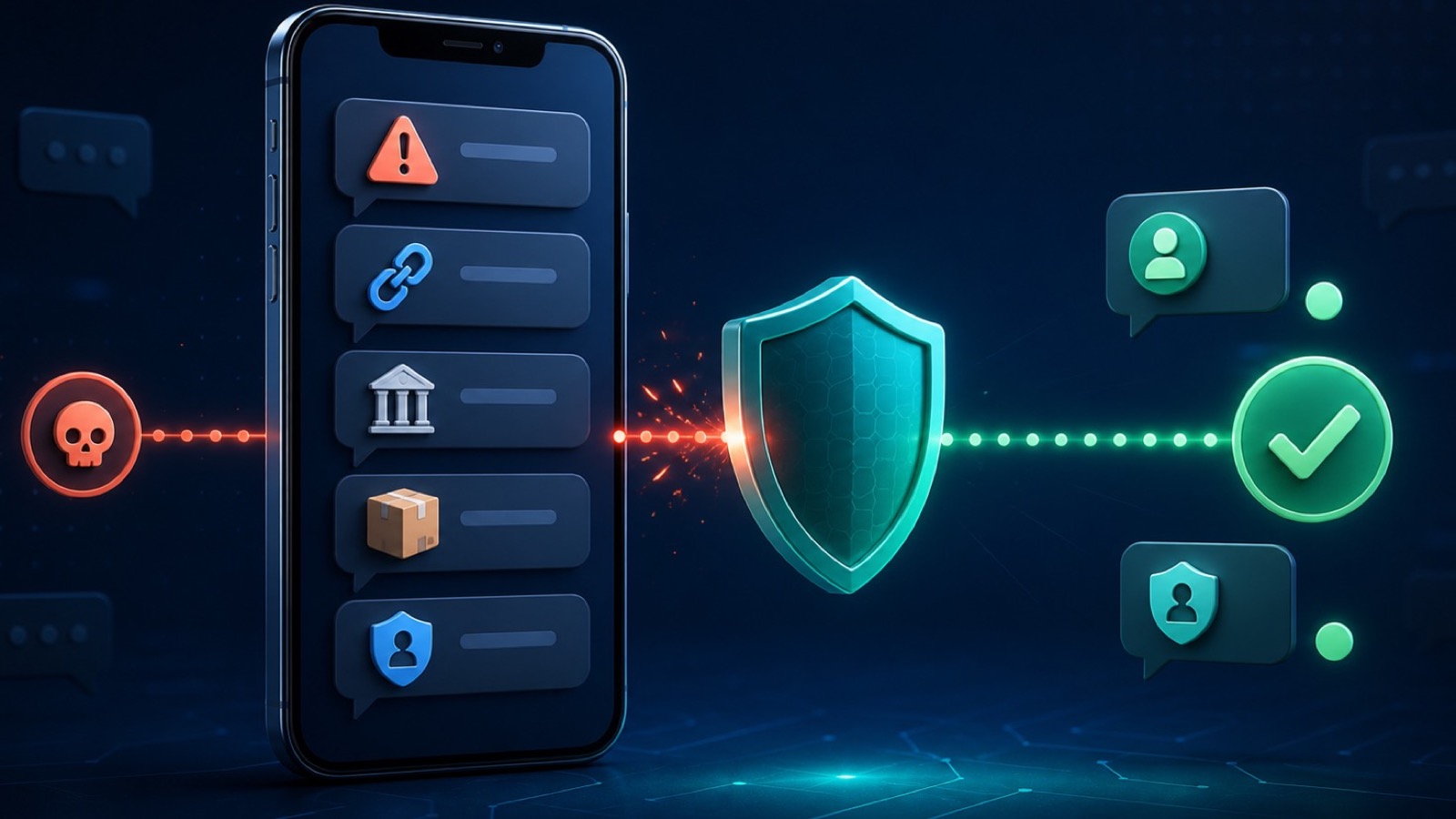
What Is Smishing? SMS Phishing Explained
Smishing is phishing through SMS text messages. Attackers impersonate banks, delivery services, payment apps, or government agencies to trick you into revealing passwords, credit card numbers, or account access codes. Unlike email phishing, which many people now recognize as suspicious, smishing exploits the cultural trust we place in text messages. A text feels more personal and immediate than an email—making you less likely to question its authenticity.
The mechanism is simple: a message arrives claiming urgent action is needed (account locked, payment failed, package stuck, MFA code required), includes a shortened URL to avoid revealing the phishing domain, and pressures you to click immediately. If you land on the fake login page and enter your credentials, the scammer captures them and can access your real account within minutes.
Why Smishing Works
Text messages arrive in a protected, personal channel. Your phone's contacts list is more curated than your email. Scammers exploit this trust gap and the power of urgency. By the time you think critically about the text, the damage may be done.
Real Smishing Scenarios: Account Takeover in Action
Understanding common attack patterns helps you spot them in time. These examples illustrate recurring bank, delivery, account-verification, and payment-app lures:
Scenario 1: The Bank Alert Impersonation
You receive a text claiming unusual bank activity and demanding immediate verification through a shortened link. The sender may resemble a short code or use a familiar brand name. The linked page copies the bank's login screen and sends entered credentials to the scammer.
Scenario 2: The Delivery Notification
Text: "Your UPS package delivery is delayed. Update your address: [short-url]". You're expecting something, the message feels contextual, and the link is trustworthy-looking. You click, enter personal details to "verify" your delivery address, and the scammer now has your name, address, phone, and email—perfect for identity theft or social engineering your bank.
Scenario 3: The MFA Code Trick
Text: "Your Apple ID verification code is 789456. If this wasn't you, secure your account immediately: [link]". The code is fake. Scammers are trying to trigger panic so you'll click the link and enter your Apple ID password directly. If successful, they gain access to your email, payment methods, and all connected iCloud data.
Scenario 4: The App-Specific Fraud
A text claims that a payment account will close unless you confirm your identity within 24 hours. The threat drives a fear-based click. Instead of trusting the message, open the payment app directly and check its notifications.
Red Flags That Scream Smishing
Train yourself to spot these warning signs in any text message:
1. Urgent Language & Artificial Deadlines
Phrases like "act now," "verify immediately," "account will be closed," "confirm within 24 hours" are designed to bypass your critical thinking. Real companies give you time to act safely. Scammers create artificial pressure.
2. Shortened or Unfamiliar URLs
Links using bit.ly, tinyurl, short.link, or other URL shorteners hide the real destination. If you can't see where the link goes, don't click. Legitimate companies usually link to recognizable domains (chase.com, paypal.com, apple.com).
3. Generic Greetings
A generic greeting can be a warning sign, especially when paired with urgency or a suspicious link. It is not proof by itself: legitimate automated alerts may omit your name, and targeted scammers may already know it.
4. Mismatched Sender ID
An unfamiliar sender deserves caution, but a familiar-looking sender is not proof of authenticity because numbers and sender names can be spoofed. Verify the alert inside the official app or through a known phone number.
5. Grammar, Spelling, or Formatting Errors
Professional companies proofread. Texts with "you're" instead of "your," inconsistent spacing, or unusual punctuation often come from scammers using automated tools or foreign operators.
6. Requests for Sensitive Data
No legitimate company asks for passwords, PINs, full credit card numbers, or social security numbers via text. If a text asks for this, it's always a scam.
7. Suspicious Attachment or File Request
Some smishing texts include links to "documents" or "files" that are actually malware. Be wary of unusual file extensions or requests to download something you weren't expecting.
8. Unexpected Account or Service References
If you don't use PayPal and get a PayPal alert, or you don't bank with Chase and get a Chase fraud alert, it's a mass smishing campaign. Scammers bet some recipients will recognize the brand and panic.
How Smishing Leads to Account Takeover
Understanding the attack chain helps you see where intervention stops damage:
Step 1: Credential Theft — You click the link and enter username/password on the fake login page. The scammer captures both. At this point, they have access to your account, but they may not have bypassed your security measures yet.
Step 2: MFA Bypass Attempt — The attacker may trigger a real verification prompt and ask you to share or approve it. Never share a one-time code or approve a sign-in you did not initiate. Strong MFA makes takeover harder, but recovery flows and phishing-resistant methods still matter.
Step 3: Account Access & Damage — If you share the code, or if you don't have MFA enabled, the scammer is now in your account. They disable notifications, change recovery email and phone number, and lock you out. They then initiate fraudulent transfers, change passwords, add new payment methods, or drain linked accounts.
Step 4: Identity Theft Expansion — With access to your email or account recovery details, the scammer may reset passwords for other services (LinkedIn, email, cloud storage, cryptocurrency exchanges). One compromised account becomes a domino effect.
Protection & Prevention: Your First Line of Defense
Effective smishing prevention combines awareness with technical safeguards:
Enable Multi-Factor Authentication (MFA) Everywhere
This is the single most effective defense. Even if a scammer has your password, they can't access your account without a second factor (authentication app, SMS code, or biometric). For your most important accounts—email, banking, Apple ID, PayPal—activate MFA immediately. Use authenticator apps (Google Authenticator, Authy) rather than SMS codes when possible, since SMS can be intercepted or socially engineered.
Use Strong, Unique Passwords
Avoid reusing passwords across services. If one account is compromised, attackers try that password on your email, bank, and other sites. Use a password manager (1Password, Bitwarden, iCloud Keychain) to generate and store complex, unique passwords. This limits damage if one credential is stolen.
Verify Identity Through Official Channels
Never click links in unsolicited texts. Instead, open the official app directly or visit the website by typing the URL yourself (not copying from the message). If you're unsure, call the customer service number on your physical card or account statement. Scammers count on you trusting the link they provide—don't.
Filter Unknown Senders on iPhone
On iOS 26, open Messages, tap Filters, choose Manage Filtering, and enable Screen Unknown Senders. You can also find it under Settings > Apps > Messages. This separates messages from unfamiliar numbers, but you should still review legitimate verification and travel alerts carefully.
Use Free VPN US on Public WiFi
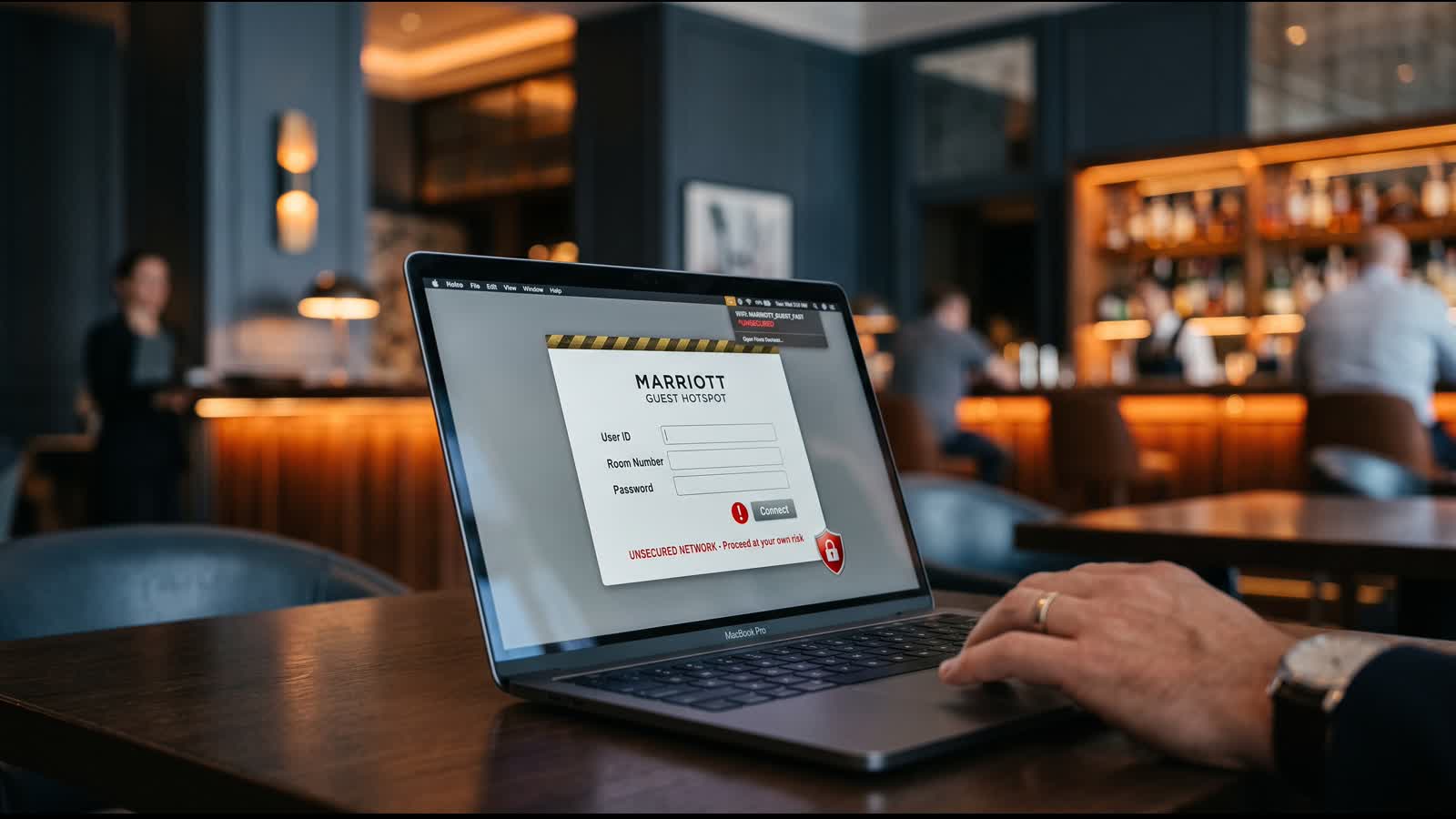
On public Wi-Fi, Free VPN US encrypts supported traffic between your device and the VPN server, reducing exposure to the local network. It does not make a phishing page safe: credentials entered into a scammer's form still reach the scammer. Use the official app or type the known website address yourself.
Monitor Account Activity Regularly
Check your banking, email, and app accounts weekly for unfamiliar logins, changed recovery details, or new linked devices. Most banks offer account activity logs. If you spot suspicious access, change your password immediately and contact the institution.
What to Do If Your Account Is Compromised
If you clicked a smishing link and entered your credentials, act quickly:
Immediate Steps (First Hour)
- Stop using the affected service immediately. Log out from all devices.
- Change the password from a different, secure device and network. Use a computer or a device on a trusted WiFi network, not the phone where you clicked the link (in case it's also compromised).
- Enable or update multi-factor authentication. If you didn't have MFA, activate it now. If you do, verify it's still active and the attacker hasn't disabled it.
- Check recovery options. Confirm your recovery email and phone number haven't been changed. Scammers often change these to lock you out of future password resets.
- Review connected services. Check which apps or services are authorized to access this account. Revoke any unfamiliar connections.
Short-Term Actions (First 24–48 Hours)
- Check for fraudulent transactions. Review banking and payment app activity. If transfers were made, dispute them immediately with your bank.
- Report the phishing to the relevant organization. Banks, Apple, PayPal, and others have fraud reporting tools. Alerting them helps them warn other users and track the scam.
- Consider a fraud alert or credit freeze. An initial fraud alert generally lasts one year. A credit freeze provides stronger control over new credit and can be lifted when needed.
- Change passwords for related accounts. If the same password was used elsewhere, change it across all services.
- Check for new apps or payment methods. Scammers often add their own payment method to your account to fund fraudulent purchases. Review linked credit cards and PayPal accounts.
Long-Term (1–3 Months)
- Monitor credit reports. Free weekly online reports are available through AnnualCreditReport.com. Check all three bureaus for accounts or inquiries you do not recognize.
- Consider a credit freeze. A freeze prevents anyone (including you) from opening new credit without unfreezing. It's more protective than a fraud alert if you're not planning to apply for credit soon.
- Watch for tax identity theft. Scammers may file a tax return under your name to claim your refund. Keep tax documents safe and file your return early if possible.
- Update security questions. If your account uses security questions for recovery, change the answers. Scammers may have researched your social media to guess them.
Advanced Defense Tactics
Go deeper with these additional protections:
Use App-Based Authenticator, Not SMS
Authenticator apps (Google Authenticator, Authy, Microsoft Authenticator) are harder to intercept than SMS codes. Enable this option wherever available. SMS-based MFA is still better than nothing, but apps are superior.
Manage Device Notifications
On iPhone, you can customize notifications per app. For banking apps, ensure notifications are visible and timely so you spot unauthorized access attempts quickly. If your app sends a code you didn't request, don't enter it—someone else may be trying to access your account.
Check Device Sign-In History
Apple ID, Google Account, and banking portals all show sign-in history. Review it monthly. If you see a login from an unfamiliar location or device, change your password and revoke that session immediately.
Block Smishing Numbers After Reporting
On iOS 26, swipe left on an unopened message and choose Delete and Report Spam. If it is already open, use the Report Spam option at the bottom when available. To block the sender, tap the sender icon, choose Info, scroll down, and tap Block Contact.
Whitelist Trusted Contacts
In iPhone Contacts, you can mark family members, colleagues, or services as "favorites." Prioritize messages from these contacts and treat unexpected messages from unknown numbers with suspicion, even if they claim to be from a service you use.
The Role of VPN in Mobile Security
A common misconception: "A VPN will prevent phishing." That's not accurate. A VPN cannot stop a smishing text from arriving, recognize a phishing link, or block a malicious website. What VPN can do:
Encryption on Untrusted Networks: Free VPN US encrypts supported traffic between your device and the VPN server, reducing what the local Wi-Fi operator or nearby observers can learn. It cannot protect credentials entered into a phishing page because the scammer controls the destination.
IP-based Location Masking: A VPN replaces your network's public IP with the VPN server's address for routed traffic. A phishing site can still collect information you submit and may infer identity through accounts, cookies, device signals, or permissions.
Network Privacy During Recovery: If you must recover an account on unfamiliar Wi-Fi, a VPN adds protection on the local network path. Prefer cellular data or a trusted connection, verify the official domain, and use a trusted device.
Not a Phishing Shield: A VPN doesn't stop you from clicking phishing links, entering your credentials, or being socially engineered. The human element—your awareness—is the primary defense.
VPN is Insurance, Not Prevention
For smishing, link verification, unique passwords, and multi-factor authentication are the primary defenses. Free VPN US is a network-privacy layer for supported traffic on Wi-Fi you do not control; it is not a phishing detector or account-recovery service.
Long-Term Account Protection Strategy
Sustainable defense requires ongoing habits:
Monthly Security Hygiene
- Review account activity on major accounts (email, banking, PayPal, Apple ID).
- Check for unfamiliar devices or sign-ins.
- Verify recovery email and phone are still correct.
- Change passwords promptly when compromise is suspected, and keep every account password unique.
Quarterly Checks
- Update authenticator app backups (if you use Authy, enable backup).
- Review linked payment methods and remove old cards.
- Check connected apps for ones you no longer use and revoke access.
Annual Review
- Pull your free credit report and check for unfamiliar accounts.
- Update security questions and recovery options.
- Audit your password manager—ensure all passwords are still strong and unique.
- Review two-factor authentication methods; migrate to authenticator apps if still using SMS.
Incident Response Plan
Before a crisis, decide on your action plan. Who do you call if your bank account is compromised? What's the phone number of your bank's fraud department? Where do you access your credit report? Having a plan ready means faster response if you become a victim.
Frequently Asked Questions
What's the difference between smishing and traditional phishing?
Traditional phishing happens via email, using crafted messages and fake links to steal credentials. Smishing is SMS phishing—the same tactic, but through text messages. Because people trust SMS more than email, smishing often succeeds where email phishing fails. Scammers exploit the assumption that text messages are more personal and authentic.
How do scammers get my phone number?
Scammers obtain phone numbers through data breaches, public directories, social media profiles, and purchased lists from data brokers. Once obtained, a number may be added to mass campaigns. Multi-factor authentication, unique passwords, and careful message verification limit the damage a known phone number can cause.
Can a VPN prevent smishing attacks?
A VPN cannot stop smishing texts, identify every malicious link, or protect information entered into a scammer's page. Free VPN US adds network privacy on Wi-Fi you do not control. The primary defenses are message verification, unique passwords, and strong multi-factor authentication.
What should I do immediately if I clicked a smishing link?
First, don't enter any login details if you haven't already. Close the browser tab or app. Then: (1) Change passwords for any affected accounts from a trusted device and network. (2) Enable two-factor authentication if not already active. (3) Check account activity for unauthorized access. (4) Monitor credit reports for fraud. If you entered credentials, consider a credit freeze and fraud alert with credit bureaus. Report the attack to the financial institution, app provider, or Apple Support if it targeted your Apple ID.
How do banks or apps verify their identity when texting me?
Sender IDs and short codes can help with context but can also be spoofed. Do not treat the displayed sender as proof. Open the organization's official app or typed website directly, or call the number on your card or statement rather than a number supplied in an unsolicited text.
Are iOS or Android users more at risk for smishing?
Smishing targets both platforms. On iOS 26, open Messages, tap Filters, choose Manage Filtering, and enable Screen Unknown Senders. Android users can enable comparable spam and unknown-sender controls in their Messages app. Recognition, multi-factor authentication, and caution with unsolicited links remain essential.
What are the legal or regulatory protections against smishing?
In the US, the Telephone Consumer Protection Act (TCPA) and FTC regulations restrict phishing and unsolicited texts. The FTC enforces penalties against fraudsters, and federal law criminalizes phishing. However, enforcement is challenging because many scammers operate internationally. Your best protection is personal vigilance: report smishing to the FTC (reportfraud.ftc.gov) and your phone carrier. Some carriers offer spam-filtering services that can help reduce malicious texts.
Should I block smishing numbers, and will that stop future attacks?
Yes, but blocking one number will not stop scammers who rotate or spoof senders. On iOS 26, report an unopened message by swiping left and choosing Delete and Report Spam. To block it, open the conversation, tap the sender icon, choose Info, and tap Block Contact. Use Screen Unknown Senders as an additional filter.
Keep Learning
Smishing is one piece of a broader threat landscape. Explore related topics to strengthen your overall digital security posture.
Related Reads
Stop Smishing Before It Steals Your Accounts
Free VPN US encrypts supported traffic on public Wi-Fi and masks the network's public IP while connected. Combine that network layer with direct app access, unique passwords, and strong multi-factor authentication.
- Encrypted supported traffic on public Wi-Fi
- A different public IP while connected
- Simple protection for unfamiliar networks