

Why a VPN keeps disconnecting
A VPN connection is a live encrypted tunnel between your device and a remote server. If the underlying internet path changes, the device sleeps, the server becomes unreachable, or another network extension interferes, the tunnel has to reconnect. A brief reconnect is normal after switching networks; a repeated loop is not.
The most useful clue is timing. Drops after screen lock point toward sleep or background behavior. Drops in one building point toward that Wi-Fi network. Drops after an operating-system update often indicate that the saved VPN profile or network extension needs to be refreshed.
- Record when the drop happens and which network is active.
- Test a second Wi-Fi network or cellular connection.
- Try another VPN region before changing device-wide settings.
- Avoid installing multiple VPN or filtering apps at the same time.
Do not delete profiles blindly
A work, school, or device-management profile may enforce important security settings. Remove only configurations you installed and understand.
Fix repeated VPN drops on iPhone
First, confirm that ordinary internet access works with the VPN disconnected. Then reconnect from the VPN app and test a second region. If only one region fails, the device is probably healthy and the original route may be congested or temporarily unavailable.
If every region fails, restart the iPhone and update both iOS and the VPN app. Check Settings under VPN or device management for duplicate or obsolete VPN configurations. Remove only a profile you recognize and no longer use; managed work or school profiles should be handled by the administrator.
- Turn Airplane Mode on briefly, then reconnect to the network.
- Disable Low Power Mode temporarily to test whether background behavior changes.
- Forget and rejoin only the affected Wi-Fi network.
- Reinstall the VPN configuration from the trusted app if the profile is damaged.
Fix repeated VPN drops on Mac
On Mac, test after waking the computer and after changing Wi-Fi networks. Security filters, endpoint software, firewalls, and older VPN clients can all install network extensions. Two tools attempting to control the same traffic path can create a disconnect loop.
Quit unused VPN or filtering apps, restart the Mac, and reconnect. If the problem began after an update, install the latest compatible app version and refresh its VPN configuration. Do not disable the firewall or remove a work-managed profile merely to make a consumer VPN connect.
- Test with the Mac connected to power to rule out aggressive sleep behavior.
- Try a different region and then a different physical network.
- Review Login Items and network filters for old security software.
- Use the app support channel if the configuration cannot be recreated.
The fastest diagnostic
If the same VPN works on another network, focus on the original router or network policy. If it fails everywhere, focus on the app, profile, and operating system.
When the network—not the device—is the cause
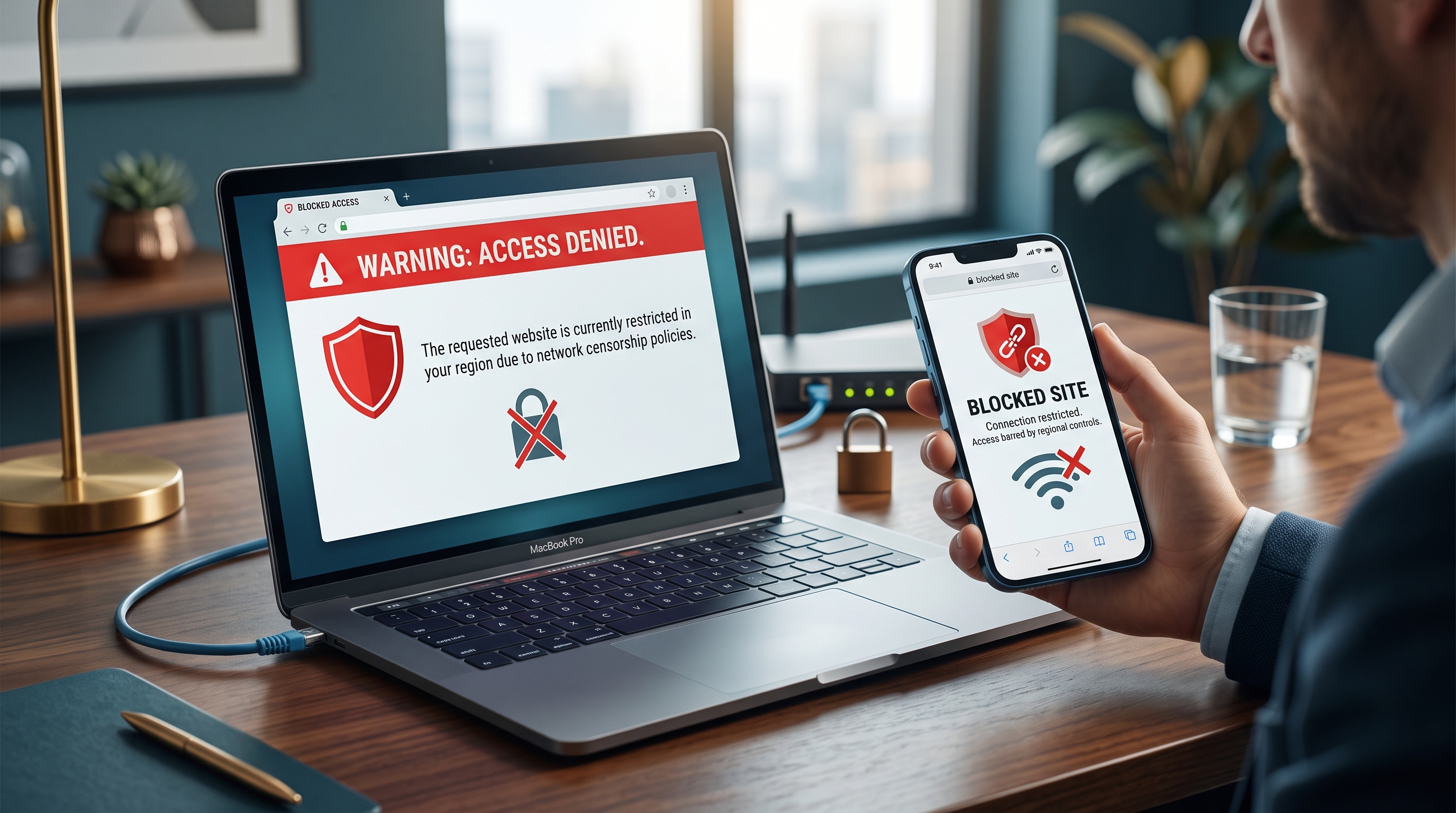
Hotels, schools, offices, mobile carriers, and some home routers can time out long-lived encrypted sessions or restrict particular protocols. If the VPN works everywhere except one network, changing the phone or Mac repeatedly will not solve the underlying policy.
Complete any captive-portal sign-in before enabling the VPN, try another approved network, and follow local or organizational rules. A VPN can protect traffic after it connects, but it cannot repair a failing Wi-Fi signal or override a network policy safely in every environment.
Frequently asked questions
Why does my VPN disconnect when my iPhone locks?
The device may be changing network state or limiting background activity. Update the app and iOS, test without Low Power Mode, and recreate the trusted VPN configuration if the problem continues.
Why does my VPN disconnect when Wi-Fi changes?
Moving between Wi-Fi and cellular changes the underlying route. A short reconnect is expected, but repeated failure suggests an unstable network or configuration conflict.
Should I delete the VPN configuration?
Only delete a VPN profile you recognize and can safely recreate. Do not remove profiles managed by an employer, school, or device administrator.
Can a VPN fix weak Wi-Fi?
No. A VPN protects traffic after a connection exists, but it cannot improve radio signal strength or repair an unreliable internet service.
Questions worth checking next
Use these short answers to confirm the safest next step for your setup.
Related privacy guides
Use Free VPN US on iPhone and Mac
Add an encrypted network layer when you browse on public or unfamiliar networks. Keep device settings, app permissions, and account security working alongside the VPN.
- Simple connection controls
- Multiple VPN regions
- Built for Apple devices