
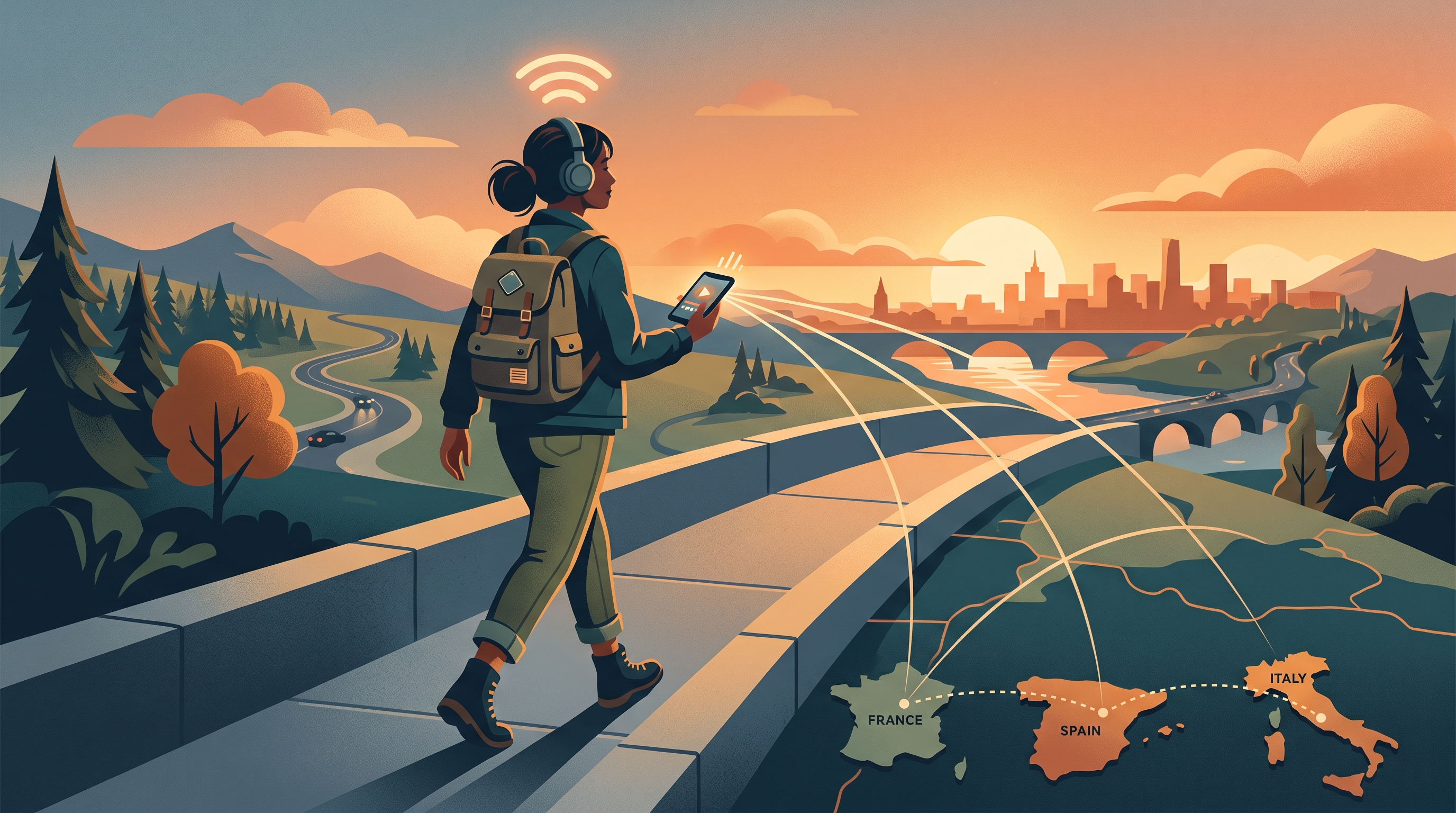
Why Your Netflix US Library Changes Abroad
Netflix libraries change because streaming rights are licensed country by country. Your Netflix account may still work while traveling, but the catalog can switch based on your current location, payment region, device, app store, or IP address. That is why a title available at home may disappear once you land abroad.
People searching “watch Netflix US abroad,” “Netflix library changed while traveling,” or “VPN for Netflix US on iPhone” usually want two things: consistent access to familiar content and safer streaming on public Wi-Fi. Those are related, but not identical. Access depends on Netflix licensing and detection systems; privacy depends on how your network traffic is protected.
A good travel setup avoids fake streaming portals, keeps account credentials safe, protects hotel and airport Wi-Fi sessions, and understands that streaming services can enforce their own terms and region rules.
Use official streaming apps only
Sites that promise free Netflix access, shared accounts, or guaranteed US catalogs often steal passwords or payment details. Use the official Netflix app or website.
How to Diagnose Netflix Region or Travel Problems
First, confirm your Netflix account works on a trusted network. If the account fails everywhere, solve the account issue before changing VPN or device settings. If only certain titles are missing, the issue is probably regional licensing rather than a broken account.
Second, check whether the local network blocks streaming. Hotels, campuses, offices, airports, and event Wi-Fi may throttle or restrict video services to save bandwidth. A block may look like endless loading, low quality, login loops, or app errors.
Third, watch for security alerts. Travel can trigger unusual-login warnings or verification prompts. Always verify through the official Netflix app or website, not through emails, texts, or popups that ask you to re-enter payment details.
Practical checks to run
- Confirm the subscription is active and the app is updated.
- Compare hotel Wi-Fi with mobile data or another trusted network.
- Check whether one title is missing or the whole app fails.
- Avoid third-party streaming mirrors and shared-account offers.
- Sign out of hotel TVs and borrowed devices after use.
What these checks cannot prove
These checks narrow the problem, but they do not reveal every backend rule, account control, device-management setting, or legal restriction. Use them to avoid unsafe assumptions and pick the safest next step.
How Free VPN US Helps Travelers Stream More Privately
Free VPN US helps protect streaming traffic on shared networks. Hotel, airport, cafe, and conference Wi-Fi can be crowded, monitored, or poorly secured. Turning on a VPN before signing into Netflix helps encrypt traffic between your device and the VPN server, reducing local network visibility.
A VPN may also help when a local network blocks or throttles streaming traffic, as long as VPN use is allowed. This is useful for travelers who want safer access to their own accounts on iPhone or Mac while away from home.
Streaming platforms may still detect VPN use and enforce regional licensing. Free VPN US should be treated as a privacy and secure-network tool first, not a guaranteed catalog-unlocking promise.
What Free VPN US is best at
- Encrypting traffic on public, shared, or unfamiliar Wi-Fi.
- Reducing local network visibility into browsing and DNS activity.
- Adding a practical privacy layer for iPhone and Mac users.
- Helping with legitimate access issues where VPN use is allowed.
What still needs your attention
Free VPN US does not replace account security, careful link checking, app-permission hygiene, or local law. For the best result, combine the VPN with official apps, strong passwords, updated devices, and privacy-aware browsing habits.
Netflix Travel Issues and Safer Fixes
| Signal | What it may mean | Best next step |
|---|---|---|
| Catalog changed | Netflix sees a different region. | Understand licensing and check official app settings. |
| App will not load | The local Wi-Fi may block or throttle streaming. | Try Free VPN US where allowed or use another trusted network. |
| Login verification | Travel may trigger account security checks. | Verify only through official Netflix routes. |
| Hotel TV still signed in | A shared device may keep account access. | Sign out remotely or remove the device from account settings. |
Streaming Safety Tips for Hotels, Airports, and Shared Devices
Use these habits to make the guide useful beyond a one-time fix. They improve privacy, reduce account risk, and help readers avoid common traps around blocked websites, phishing pages, location tracking, public Wi-Fi, and private browsing myths.
Prefer your own devices
Streaming on your iPhone, iPad, or Mac gives you more control than logging into a hotel TV.
Download before travel
When possible, download shows at home inside the official app so you are less dependent on unstable Wi-Fi.
Keep payment pages protected
Never update payment details through an email link or pop-up while traveling. Navigate directly to Netflix.
Use Free VPN US on public Wi-Fi
Turn it on before signing in, especially in hotels, airports, stations, cafes, and event venues.
Streaming access and streaming privacy are different goals
A VPN can protect the network session, but Netflix controls catalogs, licensing, and VPN detection.
Step-by-Step Netflix Travel Streaming Plan
- Update and verify at home. Make sure Netflix works before the trip and download priority titles if available.
- Protect the travel network. Turn on Free VPN US before signing in on hotel or airport Wi-Fi.
- Use official apps only. Avoid streaming mirrors, shared accounts, and fake payment pages.
- Clean up devices. Sign out of hotel TVs, borrowed devices, and old browser sessions after travel.
This plan keeps the article focused on safe, legitimate privacy improvements. It also gives search visitors a clear path from diagnosis to action without sending them toward risky shortcuts.
Frequently Asked Questions
Why does Netflix show different movies when I travel?
Netflix licenses content by region, so your visible library can change when your location changes.
Can a VPN guarantee Netflix US abroad?
No. Streaming services can detect VPNs and enforce licensing rules. A VPN is best treated as a privacy layer for travel networks.
Is hotel Wi-Fi safe for Netflix login?
It is safer with HTTPS and a VPN, but you should still avoid suspicious captive portals and sign out of shared TVs.
Should I use free streaming mirror sites abroad?
No. They can steal account credentials, payment details, and device information. Use official Netflix apps and websites only.
Still Have Questions?
These quick answers cover common follow-up situations after using the guide.
Related Reading
Protect Your Connection With Free VPN US
Free VPN US helps encrypt browsing on iPhone and Mac so shared networks, hotspots, and local Wi-Fi operators see less of your activity.
- Encrypted public Wi-Fi
- iPhone and Mac support
- No-cost VPN option