
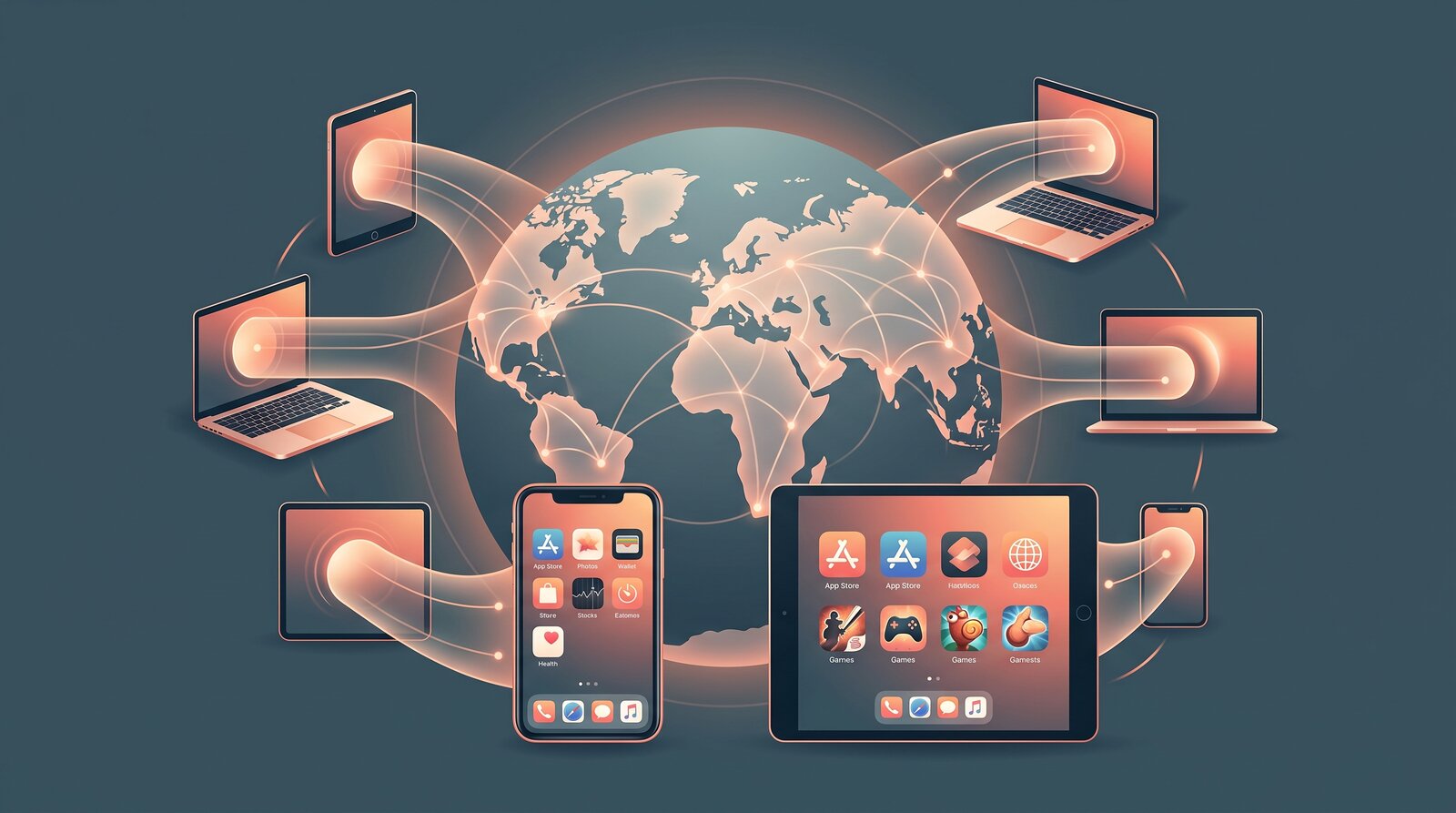
Why Apps and Games Are Region-Locked
Regional restrictions usually come from licensing agreements, staged product launches, legal requirements, pricing, language support, or publisher decisions. A service may compare your public IP address with the regions where it is allowed to operate.
Many platforms also check signals beyond the network: your Apple Account country, billing address, payment card, GPS permission, SIM country, or the region recorded when the account was created. That is why changing an IP address works in some cases but not all.
Check the rules before you connect
VPN use is legal in many places, but laws and service terms vary. Do not use a VPN to evade purchases, licensing obligations, sanctions, age controls, or rules that apply where you are located.
What a VPN Can Change
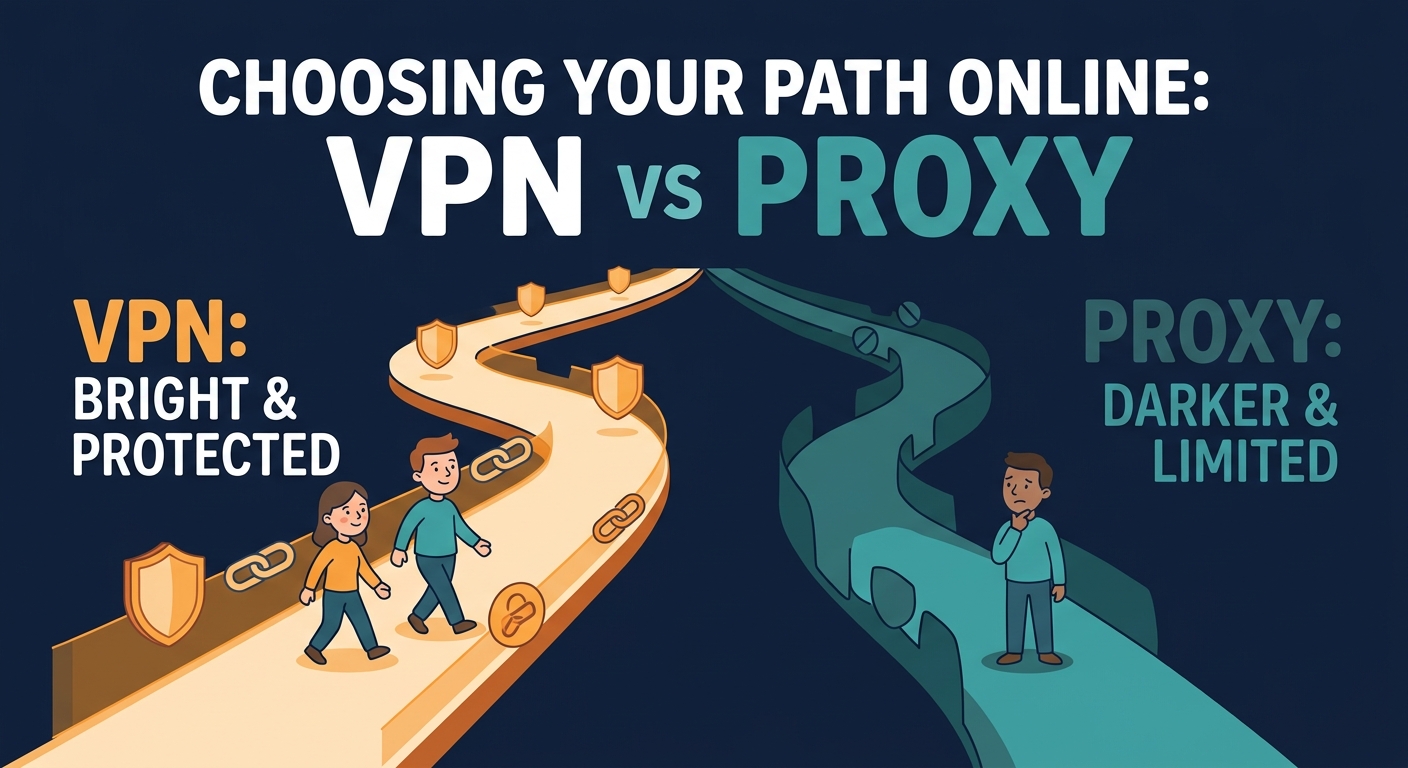
A VPN creates an encrypted tunnel to a remote server. Websites and network services normally see the server’s public IP address instead of the one assigned by your current network.
A VPN may help when access depends on
- The country or city associated with your public IP address.
- A school, workplace, hotel, or ISP network filter that blocks the service.
- Routing problems between your current network and a regional game server.
- Privacy on public Wi-Fi while signing in or downloading an app.
What it cannot change
A VPN does not automatically change your Apple Account country, payment method, subscriptions, GPS coordinates, device language, SIM country, or existing account entitlements.
Account and App-Store Checks That Still Matter
On iPhone and Mac, availability can be tied to the country or region assigned to your Apple Account. Changing that setting may require canceling subscriptions, spending store credit, leaving a family group, and adding a valid payment method for the new country.
Before changing any account setting
- Confirm the app is legitimately offered in the destination region.
- Read the publisher’s support page and regional terms.
- Protect saves, purchases, subscriptions, and recovery information.
- Expect some games to place you on higher-latency regional servers.
Avoid disposable or mismatched profiles
False billing details or rapid region changes can trigger fraud checks and put purchases or accounts at risk. Use accurate information and official account controls.
Which Restriction Are You Facing?
| Signal | What you may see | Appropriate next step |
|---|---|---|
| IP address | The website says the service is unavailable in your location. | Check the rules, then test an allowed VPN server region. |
| Store country | The app does not appear in search or cannot be downloaded. | Review official Apple Account region requirements. |
| Payment profile | A purchase fails despite the app loading. | Use a valid supported billing method; a VPN will not fix it. |
| Game account | A title, server, or reward is tied to the account region. | Ask the publisher whether region migration is supported. |
Common Access Scenarios
Start with the least disruptive option and avoid changing permanent account settings unless the publisher explicitly supports it.
The app works in a browser but not in the App Store
That usually points to an Apple Account region restriction. Use the service’s web version if permitted, or follow Apple’s official region-change process rather than creating false account details.
A game opens but cannot reach its servers
Check the publisher status page first. If your network blocks the server, an approved VPN route may help; if the publisher blocks VPNs or the account region, it may not.
The app asks for location permission
An IP change cannot override a required GPS check. Do not spoof device location. Decide whether the permission and service are appropriate for you.
Performance becomes slow after connecting
Choose the nearest server that meets the access requirement, close background transfers, and compare latency. Long-distance game connections naturally add delay.
Think in layers
Regional access can depend on the network, store, payment profile, device, and account at the same time. A VPN only changes the network layer and adds encryption.
A Safe Step-by-Step Check
- Confirm availability. Verify that the app or game is offered in the region and that using it there is permitted.
- Identify the blocking signal. Distinguish an IP-based message from an App Store, payment, GPS, or account-region restriction.
- Test the least invasive option. For an IP or network restriction, connect Free VPN US to an appropriate server before reopening the service.
- Stop if the account is at risk. Do not invent billing details, repeatedly switch countries, or bypass a publisher’s security controls.
If access still fails, the restriction probably relies on more than your IP address. Use the publisher’s supported regional process or contact support.
Frequently Asked Questions
Can a VPN really unlock region-locked apps?
A VPN can help when the restriction is based on your public IP address. It cannot guarantee access when the service also checks your store country, payment method, GPS location, or account region.
Is it legal to use a VPN for region-restricted apps?
VPN use is legal in many countries, but local laws and service terms vary. Check both before connecting, and do not use a VPN to access unlawful content or evade account and payment rules.
Does changing VPN location change my App Store country?
No. Your Apple Account country and billing profile are separate from your network IP address. Use Apple’s official region settings if you legitimately need to move countries.
Can a VPN get my gaming account banned?
Policies differ by publisher. Some games allow VPN connections, while others block them or restrict region switching. Read the game rules before connecting.
A Few More Questions
Use these details to troubleshoot the most common edge cases before changing accounts or device settings.
Related Reads
Browse More Privately with Free VPN US
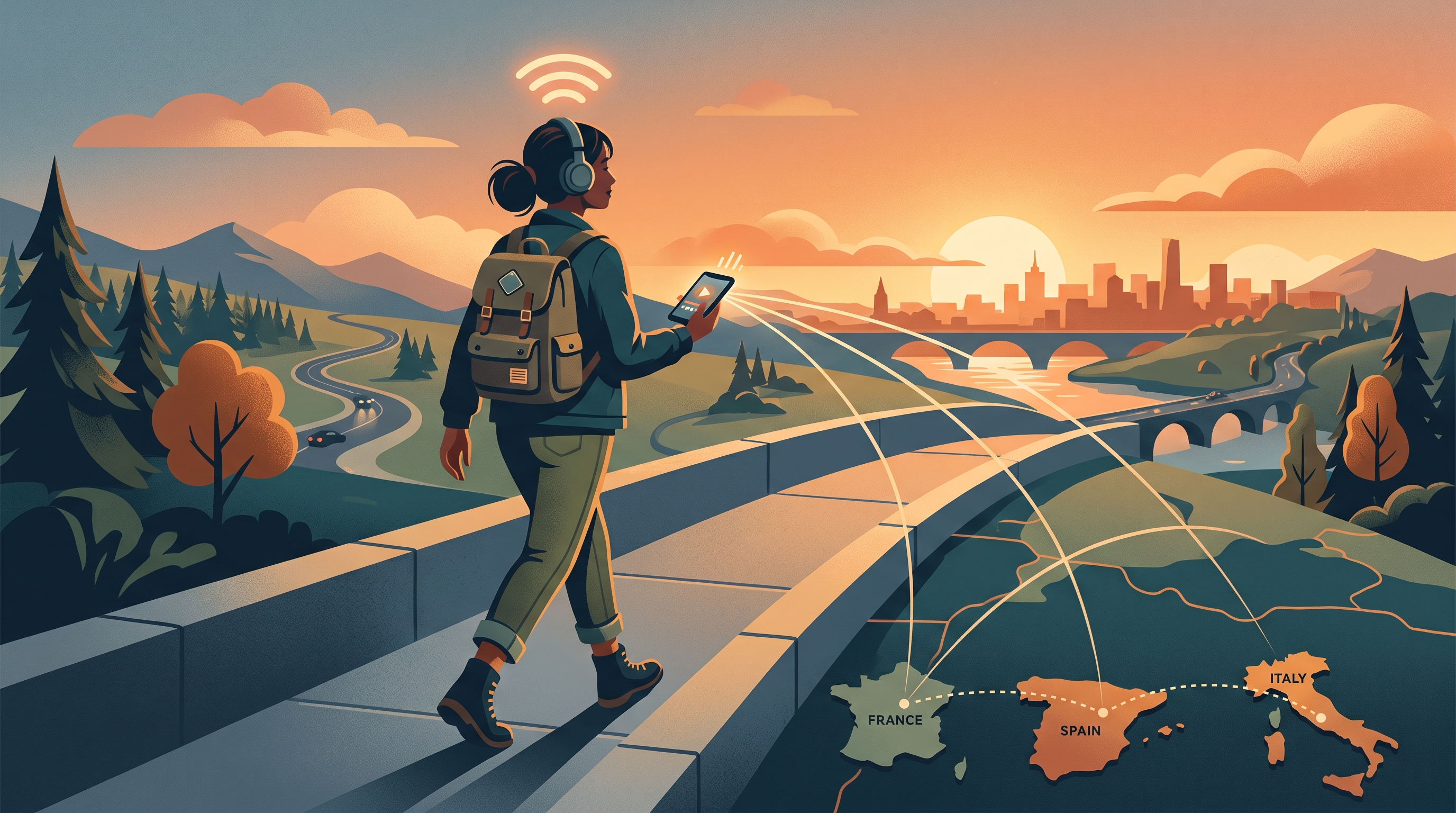
Free VPN US encrypts your connection and masks your public IP address on iPhone and Mac. It is a useful privacy layer on public or restricted networks, while app rules and local laws still apply.
- Fast setup on iPhone and Mac
- Encrypted traffic on untrusted Wi-Fi
- No activity logs