
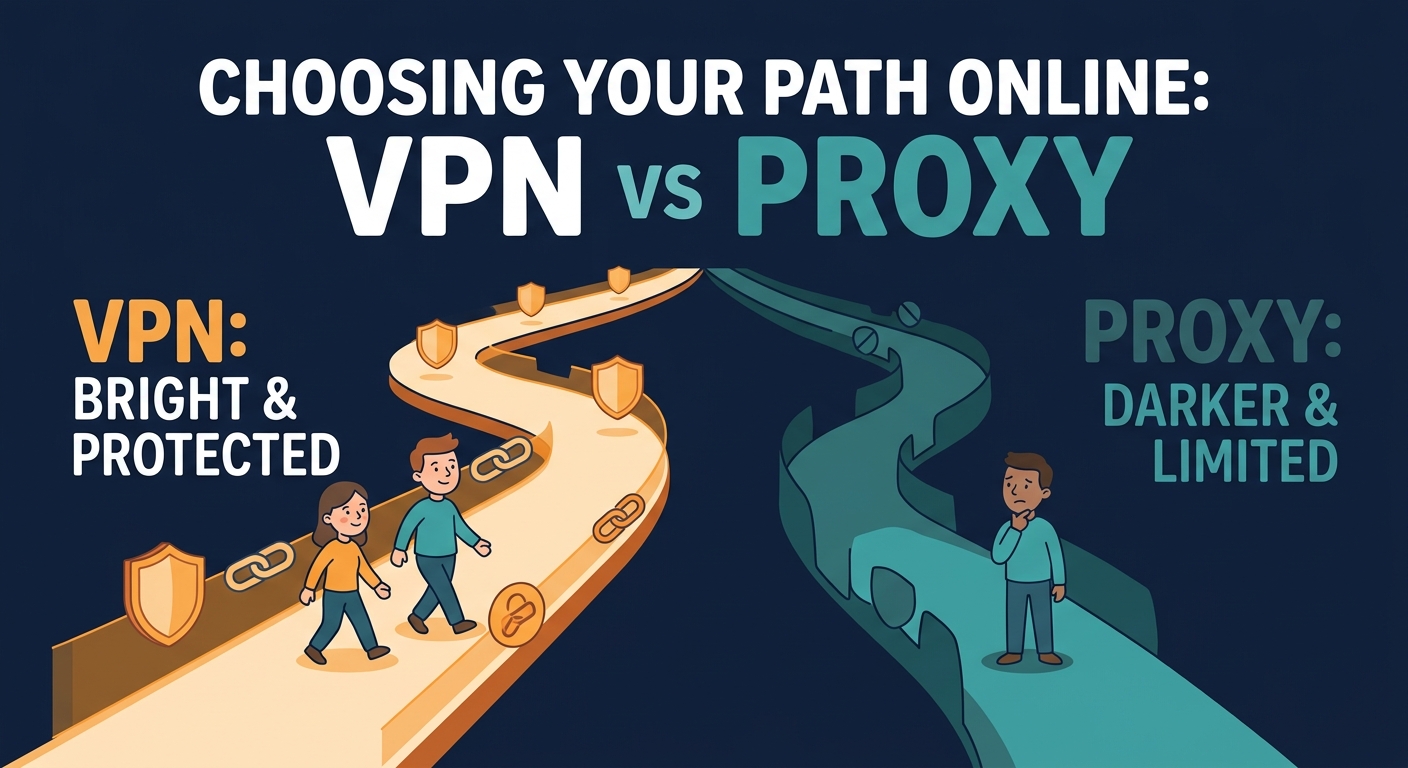
How VPNs Work
Editorial note
Settings and service behavior can change. Check current device guidance and avoid removing managed security controls without authorization.
A VPN creates an encrypted tunnel between your device and a VPN server. When you browse with a VPN enabled, websites see the VPN server's IP address instead of yours. The VPN also encrypts the data traveling between your device and that server, so your internet service provider (ISP) and others on your network can't see the sites you're visiting or the data you're sending.
On iPhone and Mac, VPN apps typically integrate at the system level, meaning they protect all traffic from every app—email, messaging, browsing, streaming, everything. You turn it on once and it covers your entire connection.
How Proxies Work
A proxy sits between your device and the websites you visit. Instead of connecting directly to a website, your browser (or app) connects to the proxy server first, which then connects to the website on your behalf. The website sees the proxy's IP address, not yours.
Most proxies do not encrypt your traffic. That means your ISP and anyone on your network can still see what sites you're visiting—they just can't see the website's view of your IP. Proxies often work at the browser or application level, so they only protect traffic from that specific app, not your entire device.
Speed Comparison
Speed depends on many factors: the server location, network congestion, your ISP connection, and the service itself. VPNs and proxies each add a connection step, which can add latency. Neither is inherently "faster" than the other—real-world speed varies by implementation and your network conditions.
A proxy that doesn't encrypt might feel faster than a VPN because it does less processing, but this speed comes at the cost of less privacy. A well-built VPN is designed to minimize slowdown, though noticeable delay is possible on slower connections or distant servers.
The best approach: test with your own device and connection. Speed matters only if it affects your browsing experience.
Encryption & Privacy Trade-offs
VPN: Encrypts your data in transit and hides your IP address. Your VPN provider can see your traffic (though reputable providers use no-log policies). Websites can't see your real IP, but they can still identify you through other signals like logins, cookies, and browser data.
Proxy: Usually unencrypted. Your ISP, network administrator, and the proxy provider can potentially see your traffic. Websites see a different IP but can still identify you through other means.
When you need privacy from your ISP or network, a VPN is stronger. When you only need to mask your IP for a specific app or browser, a proxy might be sufficient—but be aware it offers less protection.
Ease of Setup on iPhone & Mac
VPN on iPhone: Download a VPN app from the App Store, open it, and tap to connect. VPN protection applies to all apps. Some VPNs require a subscription; others offer ad-supported free options.
VPN on Mac: Similar process. Download, install, open, connect. System-level protection for all traffic.
Proxy on iPhone: iOS allows proxy configuration for Wi-Fi networks, but it's cumbersome and app-level proxies are limited. Most iPhone users use a VPN if they need IP masking.
Proxy on Mac: Proxies can be set up in System Preferences for all traffic or in browser preferences for specific apps. Configuration is more technical than a VPN app.
For most users on iPhone and Mac, a VPN app is simpler and more practical.
Cost Comparison: Free vs Paid
Free VPNs: Exist, but most have trade-offs. Some offer ad-supported access; others limit speeds or server locations. Free proxy services are also available but often less reliable.
Paid VPNs: Monthly or annual subscriptions. Often feature more server locations, different speed options, and dedicated support.
Free Proxies: Widely available but often unstable or unsafe. Many collect user data to monetize free access.
Cost isn't the only factor. A free VPN or proxy that works is better than a paid service that doesn't fit your needs. Evaluate based on reliability, speed, and privacy policy—not just price.
When to Use a VPN
Use a VPN when:
- You're on public Wi-Fi and want to prevent others on the network from seeing your traffic
- You want to hide your real IP address from websites and services
- You want your ISP to see less detail about your browsing activity
- You need consistent protection across all apps and services on your device
- You're in a region where your ISP or network is heavily monitored
A VPN doesn't make you completely anonymous and won't prevent websites from identifying you through other signals, but it's an effective layer of privacy.
When to Use a Proxy
Use a proxy when:
- You need to mask your IP for a single app or browser only
- You want a lighter-weight solution than a full VPN for specific use cases
- You're technically comfortable configuring network settings
- You're already using it for a specific service that requires it
Proxies work best when you have a specific, limited need. For general privacy across your entire device, a VPN is usually more practical.
Key Takeaway
VPNs and proxies serve different purposes. For iPhone and Mac users seeking device-wide privacy, a VPN is the practical choice. For single-app privacy needs, a proxy works, but be aware it typically doesn't encrypt your data.
Common Myths: What They Don't Protect
Myth: A VPN or proxy makes you invisible online.
Reality: They hide your IP address and may encrypt your data, but websites can still identify you through login information, device fingerprinting, and browsing patterns. Browser fingerprinting is a separate tracking method that neither VPNs nor proxies fully prevent.
Myth: Proxies are more secure than VPNs.
Reality: Proxies typically don't encrypt, so they're less secure. VPNs encrypt your connection, which is why they're preferred for privacy.
Myth: VPNs guarantee complete privacy.
Reality: VPNs are one tool. Your device can still be identified through account logins and cookies. Websites can still track you in other ways. An ISP can infer VPN usage from connection metadata but cannot see the encrypted traffic inside it.
Myth: Free proxies and VPNs are always unsafe.
Reality: Some free services are reliable; others are not. Any free service should be evaluated based on its privacy policy, speed, and reliability. Be cautious with unknown providers.
FAQ
Does a proxy hide my IP address?
Yes. A proxy routes your request through another server, so the website sees the proxy's IP instead of yours. However, a proxy typically doesn't encrypt your traffic, so your ISP and network administrator can still see your activity.
Is a proxy faster than a VPN?
Not necessarily. Both add a connection step. A proxy *might* feel faster because it often doesn't encrypt data, but speed differences depend on the specific service, server location, and your network. Test with your own connection to know for sure.
Do I need both VPN and proxy?
For most users, no. A VPN provides broader protection across your entire device. A proxy is useful only for specific applications. If you need device-level privacy, a VPN alone is typically sufficient. Some advanced users combine them, but it's rarely necessary.
Can I use a proxy on iPhone?
iOS supports proxy configuration for Wi-Fi networks in Settings, but it's limited and cumbersome. App-level proxies depend on individual apps. For privacy on iPhone, a VPN app is more practical and user-friendly than configuring proxies manually.
More Questions?
Still wondering about the differences between privacy tools? Here are answers to additional scenarios.
Related Reading


Protect Your Privacy with Free VPN US
Understanding your privacy options is the first step. Free VPN US offers system-level encryption and IP masking on iPhone and Mac—with an ad-supported option so you don't need a subscription.
- No logs policy
- Ad-supported free access
- Simple one-tap connection
- System-level protection