
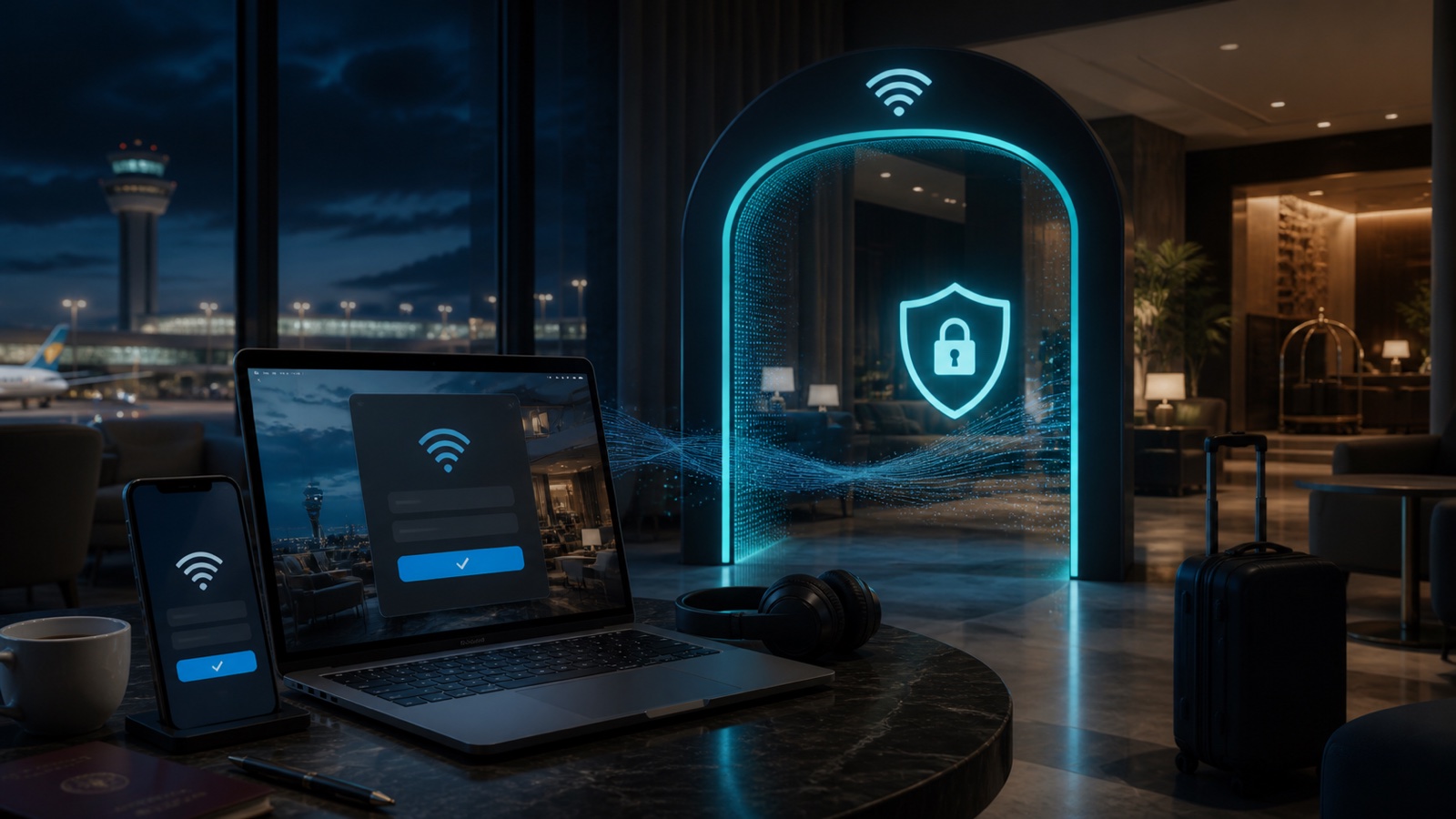
Why a captive portal blocks the VPN
A captive portal allows only limited traffic until you accept terms, enter a room code, or complete another sign-in step. A VPN tries to build an encrypted connection immediately, but the network may refuse that traffic because the device has not yet been authorized.
The result can look like a broken VPN: endless connecting, no internet, or a portal that never appears. In many cases the VPN is fine; the Wi-Fi gateway simply needs to register the device first.
- Confirm the network name with the venue.
- Connect with the VPN temporarily off.
- Open a new browser window and trigger the sign-in page.
- Enable the VPN as soon as normal internet access works.
The login page is the risky moment
Your VPN may need to be off briefly before authorization. Keep that window short and do not open sensitive apps until the protected connection is active.
How to complete a captive portal safely
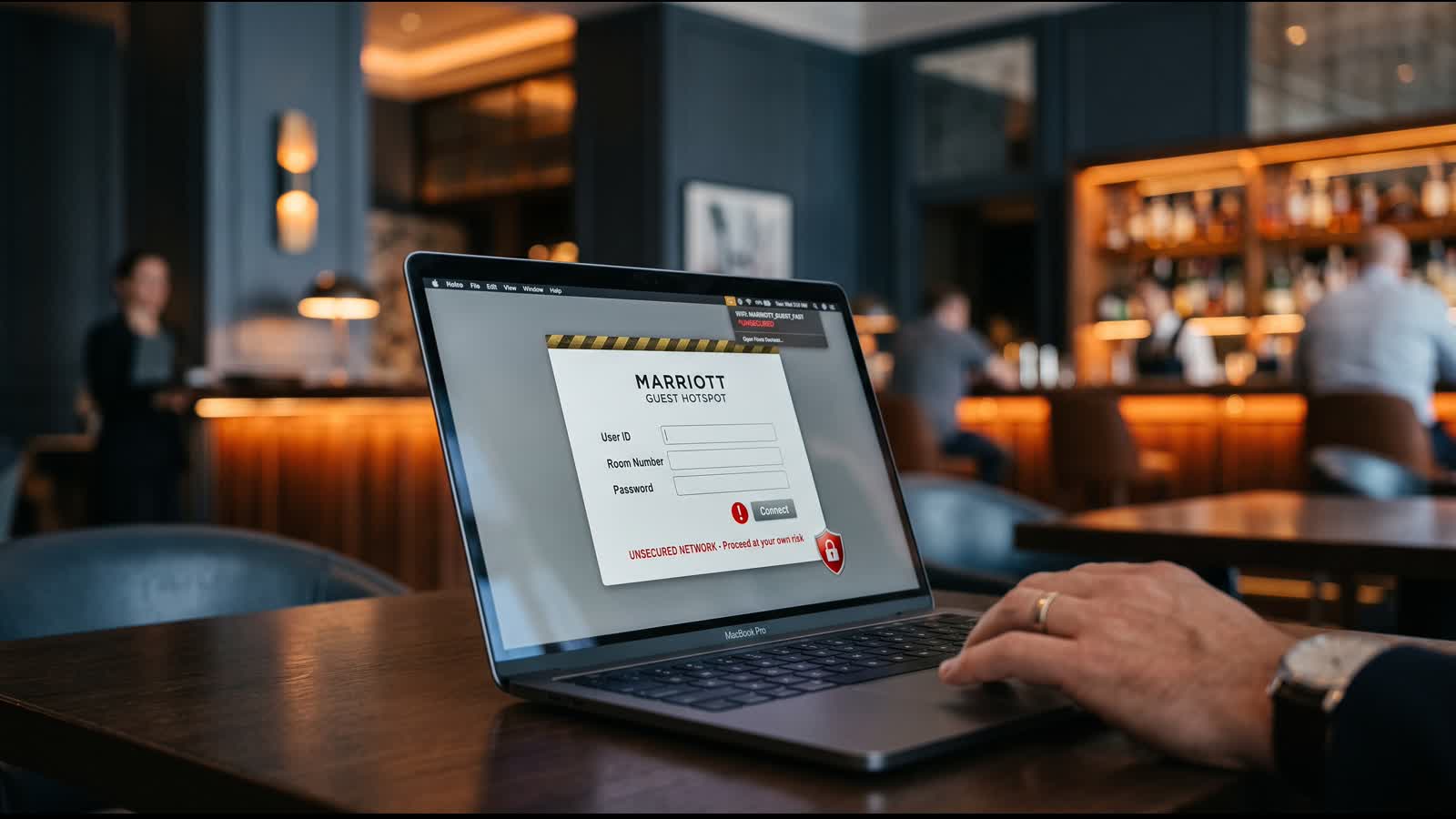
Look closely at the network name before connecting. Attackers create evil-twin hotspots with names that resemble the venue network. If staff says the network is Hotel_Guest, do not assume Hotel_Free_Guest is equivalent.
On the portal, provide only information the venue reasonably needs. A free airport network should not require a bank password, email password, or device-management profile. Leave immediately if the page asks you to install an unknown certificate or security app.
- Use official signage or staff confirmation.
- Check that the portal branding and request make sense.
- Never reuse an important account password as a Wi-Fi code.
- Do not install profiles or certificates from an unexpected prompt.
Troubleshooting steps for iPhone and Mac
If the page does not appear, forget and rejoin the verified network, then open a fresh browser page. Disable the VPN only long enough to complete the portal. Some privacy settings or custom DNS profiles can also prevent the local gateway from responding, so test one change at a time.
After sign-in, reconnect the VPN and confirm that a normal website loads. If the VPN remains blocked, try another permitted region or use cellular data. Do not repeatedly bypass restrictions on a network whose terms prohibit VPN use.
- Forget and rejoin the verified Wi-Fi.
- Restart Wi-Fi before restarting the entire device.
- Complete the portal before opening sensitive apps.
- Use a personal hotspot if the venue network remains untrustworthy.
A VPN cannot authenticate you to the Wi-Fi
The captive portal and the VPN solve different problems: the portal grants network access; the VPN protects traffic after access is available.
What to do after the VPN connects
Treat public Wi-Fi as untrusted even when the portal looks professional. Keep file sharing and device discovery off, use HTTPS, install updates from trusted networks, and avoid approving unexpected account prompts.
A VPN reduces what the local network can observe after the tunnel is active. It does not verify the portal, protect information typed into a phishing page, or make a malicious hotspot legitimate.
Frequently asked questions
Why does my VPN block the hotel Wi-Fi login page?
The network may allow only captive-portal traffic before authorization. Temporarily disconnect the VPN, complete the verified portal, and reconnect immediately afterward.
How can I force the captive portal to appear?
Forget and rejoin the verified network, open a new browser window, and visit a simple webpage. If it still fails, ask venue staff for the official instructions.
Is it safe to enter my room number on hotel Wi-Fi?
Only use the verified hotel portal and provide the minimum information required. Do not enter important account passwords or payment credentials into an unexpected page.
What if the network blocks VPN connections after login?
Try another approved region or use cellular data or a personal hotspot. Respect venue policies and avoid sensitive activity on a network you cannot protect.
Questions worth checking next
Use these short answers to confirm the safest next step for your setup.
Related privacy guides

Use Free VPN US on iPhone and Mac
Add an encrypted network layer when you browse on public or unfamiliar networks. Keep device settings, app permissions, and account security working alongside the VPN.
- Simple connection controls
- Multiple VPN regions
- Built for Apple devices