
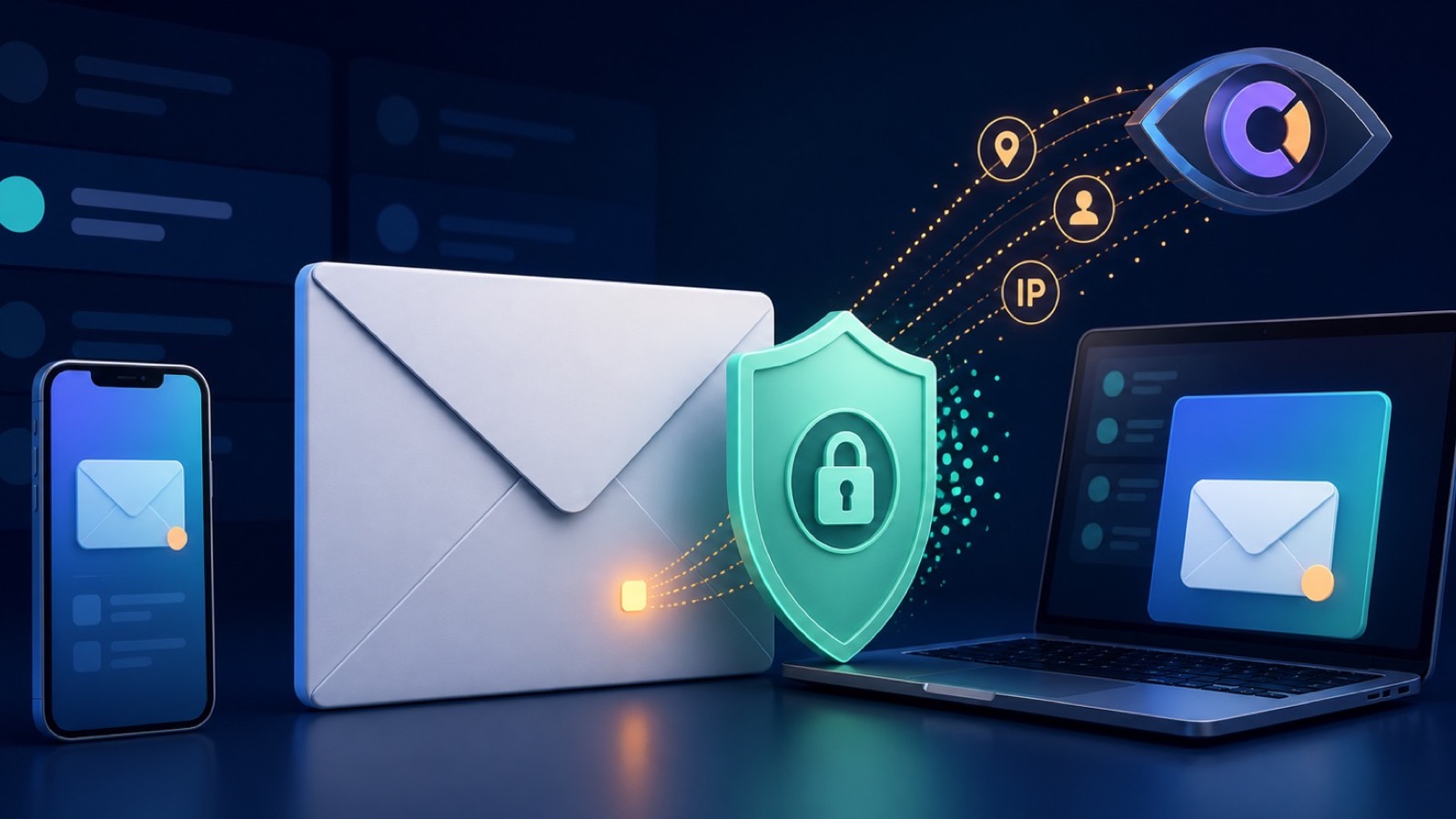
A tracking pixel is not reading your whole inbox
An email can contain a one-pixel image or another remote resource hosted by the sender. Its URL may include a unique recipient or campaign identifier. When your mail app requests that resource, the sender's server can record the request as an apparent open.
That signal is imperfect. Image caching, security scanners, forwarding, proxies, and privacy features can cause an image to load without a person reading the message. A pixel also does not reveal the text of other emails, but it can contribute to a wider marketing profile when combined with link clicks and account data.
Treat open rates as an estimate
A sender may know that remote content was requested, not that you carefully read or acted on a message. Modern privacy proxies deliberately weaken the connection between a request and a specific reader.
Use Mail Privacy Protection on iPhone and Mac
Apple says Mail Privacy Protection hides your IP address and prevents senders from learning whether you opened a message. It fetches remote content privately in the background instead of exposing a direct request from your device.
Where to turn it on
- On iPhone: Settings, Apps, Mail, Privacy Protection, then enable Protect Mail Activity.
- On Mac: Mail, Settings, Privacy, then select Protect Mail Activity.
- Keep iOS, macOS, and the Mail app updated so privacy behavior matches current settings.
- For other mail apps, look for remote image, external content, or tracking protection settings.
What Mail Privacy Protection does not cover
It does not remove tagged links, prevent account-level analytics, hide information you submit on a landing page, or stop a sender from knowing that you replied, unsubscribed, or bought something. Read Apple's iPhone guidance and Mac guidance for current controls.
Where a VPN fits into email privacy
If a mail app loads remote content directly, a VPN can replace your network's public IP with the VPN server's address and reduce local-network visibility. Apple Mail Privacy Protection already proxies protected Mail content, so the two controls overlap for that specific request.
Useful VPN contributions
- Masks the original public IP for supported traffic routed through the VPN.
- Encrypts supported traffic between the device and VPN server on untrusted networks.
- Provides broader network protection beyond the Mail app.
- Reduces location inference based only on the original network IP.
A VPN does not block the pixel
The sender may still receive a request from the VPN address, and unique URLs can still associate activity with an email address. A VPN also cannot strip tracking parameters from links or erase account analytics.
Which privacy control addresses which signal?
| Tracking signal | Best control | Remaining limitation |
|---|---|---|
| Remote image open | Mail Privacy Protection | A proxy load may still occur, but it is less tied to you. |
| Direct IP exposure | Mail protection or VPN | The proxy or VPN address can still be recorded. |
| Tagged link click | Inspect and clean the URL | The destination may identify your account after sign-in. |
| Newsletter profiling | Aliases and subscriptions control | Purchases, replies, and forms remain direct signals. |
Common email tracking situations
Different mail apps and actions expose different signals, so use the relevant control.
You read newsletters in Apple Mail
Enable Protect Mail Activity. It privately fetches remote content and makes reliable per-person open tracking harder while hiding your real IP from the sender.
You use a third-party mail app
Check whether it blocks remote images or includes tracking protection. If it loads images directly, a VPN can mask the original network IP but cannot prevent the request itself.
You clicked a long marketing link
Review the destination before proceeding. Tracking parameters can identify the campaign or recipient even when the IP is masked, and signing in identifies the account directly.
A suspicious email asks you to enable images
Do not enable content merely to inspect the message. Verify the sender through a known channel, report junk or phishing, and delete it if it is not legitimate.
Network privacy and identity privacy are different
Masking an IP reduces one signal. Unique links, logged-in accounts, replies, and purchases can identify you without the original IP address.
Reduce email tracking in four steps
- Enable protection. Turn on Protect Mail Activity in Apple Mail or the closest remote-content control in your mail app.
- Inspect links. Preview the destination, avoid unexpected shortened links, and remove obvious tracking parameters when practical.
- Separate addresses. Use an email alias for newsletters or low-trust sign-ups so your main address is less exposed.
- Unsubscribe safely. Use the mail app's trusted unsubscribe control for legitimate senders; report suspicious messages instead of interacting.
These steps reduce passive tracking without breaking normal email. Review settings again after changing mail apps or major operating-system versions.
Email tracking pixel FAQ
Can a tracking pixel tell exactly where I am?
It may receive an IP address that suggests an approximate network location, but proxies, VPNs, mobile networks, and Mail Privacy Protection can make that location inaccurate or replace it entirely.
Does Apple Mail Privacy Protection block tracking pixels?
It privately downloads remote content and hides your real IP, preventing senders from reliably learning whether and when you personally opened the message. The remote resource may still be fetched through Apple's privacy infrastructure.
Will a VPN stop email open tracking?
Not by itself. A VPN can mask your original IP for direct remote-content requests, but the unique tracking URL can still be requested and associated with the recipient or campaign.
Is clicking an unsubscribe link safe?
Use trusted unsubscribe controls for newsletters you recognize. For obvious spam or phishing, report junk and delete the message because interacting can confirm that the address is active or lead to a malicious site.
Questions worth checking next
These answers separate pixel tracking from other forms of email analytics.
Related privacy guides


Add a private network layer with Free VPN US
Free VPN US encrypts supported device traffic between your iPhone or Mac and the VPN server. It is useful on networks you do not control, but it does not replace account security, careful link checking, or trusted apps.
- Encrypted traffic on supported iPhone and Mac connections
- A different public IP address while the VPN is connected
- Simple protection for everyday and travel networks