
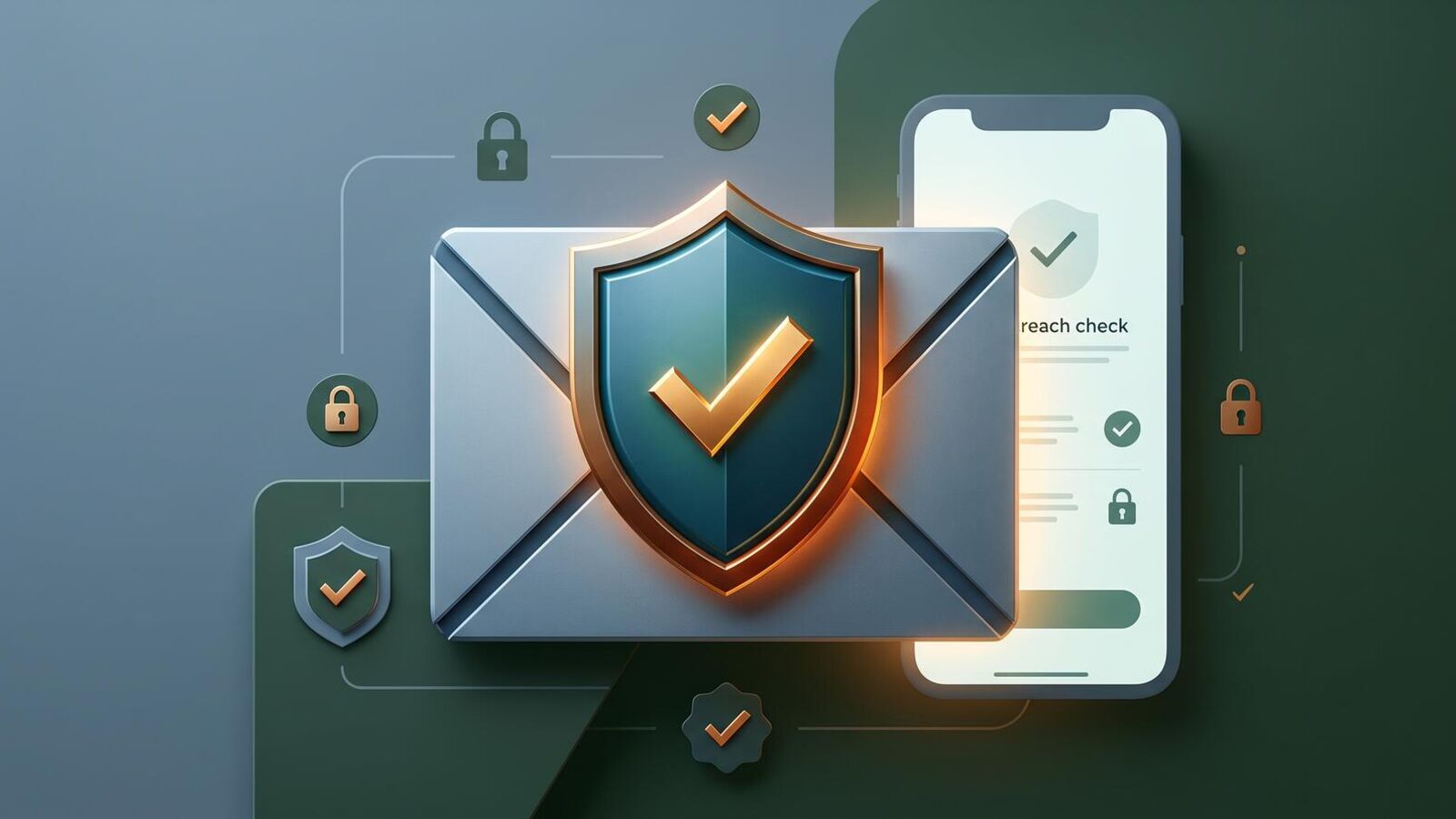
What Is a Data Breach?
A data breach occurs when hackers gain unauthorized access to a company's database and steal customer information. This can include email addresses, passwords, phone numbers, payment details, and personal identifiers. Once extracted, this data is often sold on underground markets or published in public forums.
Major companies including retailers, financial institutions, and social platforms have experienced breaches. Even small businesses storing customer information can be targets. The stolen data remains accessible indefinitely unless specifically removed, which is rare.
Why Breaches Matter to You
If your email appears in a breach, attackers can use it to attempt account takeovers on other services where you have reused passwords, or sell it to spam and phishing lists. This is why checking and reacting quickly is important.
How to Check If Your Email Was in a Data Breach
The easiest and most reliable method is to use a free online breach-checking tool. These services maintain databases of publicly leaked data and allow you to search by email address.
Step-by-Step: Using HaveIBeenPwned
- Visit the official site (haveibeenpwned.com) directly via a bookmark or by verifying the URL in your browser address bar.
- Enter your email address in the search box. You do not need to create an account.
- Click the search button. The tool searches its database instantly.
- Review the results. If your email appears, the page lists which breaches include your information and what data was exposed (passwords, usernames, addresses, etc.).
Is It Safe to Use These Tools?
Yes, reputable services like HaveIBeenPwned are safe. They do not store your email address, request a password, or charge fees. The tool simply searches historical breach data that has already been made public by hackers or security researchers. To verify authenticity, always confirm the URL is correct and uses HTTPS (secure connection).
Understanding Your Breach Results
If your email is found in one or more breaches, the report shows which companies or services were compromised and what data was stolen. This information helps you decide what action to take next.
Common Data Exposed in Breaches
- Email and username: Your login identifier, often public and searchable.
- Password: Sometimes stored as encrypted hashes, sometimes as plain text.
- Payment information: Credit card numbers, expiration dates, CVV codes.
- Personal details: Full names, phone numbers, addresses, date of birth.
- Security questions and answers: Information used to recover accounts.
What Each Data Type Means for You
If only your email and username leaked, the risk is moderate: attackers can attempt phishing or account takeover on other services. If passwords are included, the risk is higher, especially if you reused that password. If payment data leaked, immediately check your credit card statements and consider fraud monitoring.
What to Do If Your Email Is in a Breach
Finding your email in a breach does not mean your accounts are automatically compromised, but it signals you should act quickly to secure them.
Immediate Actions (Do These First)
- Change your password for that service. If you still use an account with the affected company, log in and change your password immediately to a strong, unique one you have not used before.
- Check if you reused that password. If you used the same password elsewhere, change it on all those accounts too. This is critical if any accounts handle payments or personal data.
- Enable two-factor authentication (2FA). Turn on 2FA for critical accounts (email, banking, social media). This requires a second code from your phone to log in, even if someone has your password.
- Review recent account activity. Log into your email and check login history, connected apps, and forwarding rules. Remove any unrecognized devices or access.
Ongoing Monitoring
After taking these steps, watch your accounts for suspicious activity over the next few months. Monitor credit card and bank statements for unauthorized charges. Consider enabling email notifications from HaveIBeenPwned so you are alerted if your address appears in a newly discovered breach.
Password Reuse Is the Real Risk
The biggest danger from a breach is not the initial leak, but that attackers can try your leaked password on thousands of other websites. If you use the same password everywhere, one breach exposes all your accounts. Unique passwords per account protect you even if one service is breached.
Why Do Companies Get Breached?
Breaches happen for several reasons. Companies may fail to patch known security vulnerabilities in their software, use weak or outdated encryption, or lack proper access controls. Social engineering (tricking employees into revealing credentials) is also common. Once attackers are inside, they can steal data and remain undetected for months or years.
Even companies with good security practices can be breached. The goal is not to be impossible to breach, but to recognize quickly, contain the damage, and notify users. Unfortunately, some breaches are discovered only after data appears on sale in underground markets.
The Role of Data Brokers
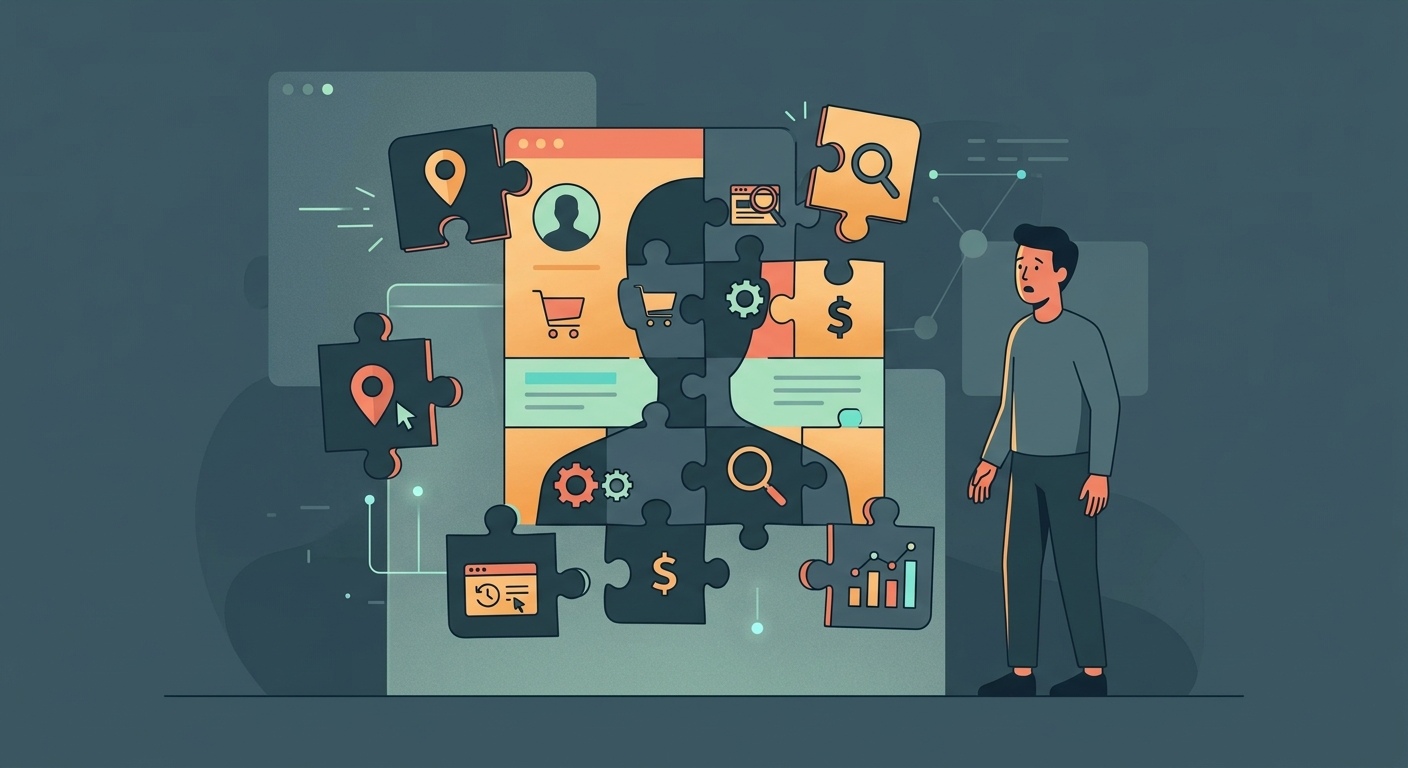
In addition to breaches, companies called data brokers buy and sell personal information legally. They collect data from public records, transactions, and other sources. This is separate from breaches but creates another avenue for your email and information to be compiled and shared. For more on this, see how data brokers track you.
Can a VPN Prevent Me From Being in a Breach?
No. A VPN changes the IP address that websites see and encrypts your connection between your device and the VPN server. However, it cannot prevent the company's database from being breached. If you enter your email on a company's website, they store it on their server. A VPN does not secure their internal systems or prevent hackers from stealing that data.
Think of it this way: a VPN is like a secure tunnel to get to a store. Once you are in the store (the website), the store's own security is what matters. A VPN protects your privacy on the route, not the store's data protection.
What a VPN Does Help With
Free VPN US and similar tools can help protect you on public Wi-Fi, prevent ISP tracking of your browsing, and change the public IP websites see. This reduces tracking and protects sensitive data in transit. But for comprehensive privacy, combine VPN use with strong passwords, two-factor authentication, and regular breach checks. See what a VPN actually hides for more details.
Additional Privacy Steps for iPhone and Mac
Beyond checking for breaches, strengthen your security on your Apple devices using built-in tools and best practices.
Use iCloud Keychain
Enable iCloud Keychain on your iPhone and Mac to store unique passwords for every account. You only need to remember one strong master password. This makes using unique passwords per account effortless, greatly reducing breach impact.
Monitor Security Recommendations
On iOS and macOS, go to Settings > [Your Name] > Password & Security to view compromised password alerts. Apple notifies you if a password appears in a known breach, making it easy to change them.
Check Connected Devices
Regularly review Settings > [Your Name] > Devices & Sessions to see what devices are signed into your account. Remove any you do not recognize or no longer use.
Enable Sign In with Apple
When available, use "Sign In with Apple" instead of creating new accounts. This option hides your real email address from companies, reducing the data they collect and store.
Staying Safe From Breaches While Traveling
Travelers face extra risk. On shared or public networks, your login credentials and data can be intercepted. If you are traveling and discover a breach or need to change passwords, use a VPN to encrypt your connection before entering sensitive information. See protecting your location and data while traveling for a complete guide.
Additionally, consider using a separate travel email address with minimal personal information for booking travel services and one-off accounts. This limits what data is at risk if those services are breached.
What if Your Phone Number Is in a Breach Too?
Phone numbers are often leaked in the same breaches as emails. If your phone number is exposed, attackers can attempt SIM swapping (taking over your phone number to reset passwords) or selling it to spam lists. Check if your phone number has been in a breach using the same tools that check emails. For detailed steps, see how to check if your phone number was hacked.
Common Questions About Data Breaches
Can I check if my email is in a data breach for free?
Yes. Services like HaveIBeenPwned and similar tools offer free breach checks. You enter your email address, and they search their database of publicly leaked data. No payment or account is required.
What should I do if my email appears in a breach?
Change your password immediately, especially if you used the same password on other accounts. Activate two-factor authentication, monitor your accounts for suspicious activity, and consider placing a fraud alert with credit bureaus if financial accounts are involved.
Why do data breaches happen?
Breaches occur when attackers gain unauthorized access to company databases through exploited software vulnerabilities, weak security practices, or social engineering. Once inside, they can extract stored customer data including emails, passwords, and personal information.
Will a VPN stop me from being in a data breach?
No. A VPN protects your connection to a website but cannot prevent the company's database from being breached. It changes the IP address websites see, but it does not secure the company's internal systems or prevent hackers from stealing data stored on their servers.
Is it safe to enter my email into a breach-checking tool?
Reputable services like HaveIBeenPwned are safe. They do not store your email or require a password. Always verify you are on the official site, use HTTPS, and review the privacy policy. If you are unsure, use a temporary email address to test.
Should I change passwords for accounts that were not in the breach?
If you used the same password across multiple accounts, change it everywhere immediately. If you use different passwords per account, only change the password for the affected account.
How often should I check if my email is in a breach?
Check at least once quarterly, or more often if you use many online services. You can also enable notifications with tools like HaveIBeenPwned to receive alerts if your email appears in a newly discovered breach.
Can I protect myself from being in a data breach?
You cannot directly prevent a company from being breached, but you can reduce your risk by using unique, strong passwords per account, enabling two-factor authentication, minimizing data shared with services, and reviewing privacy policies of companies you trust with your information.
Going Deeper on Email Security
These additional topics expand on breach response and email privacy strategies for iPhone and Mac users.
Related Privacy Topics
Get Free VPN US for iPhone and Mac
Secure your browsing, hide your IP address, and encrypt your connection on public Wi-Fi. Free VPN US provides ad-supported access with no bandwidth limits.
- Free ad-supported access
- No bandwidth caps
- Encrypts your connection