
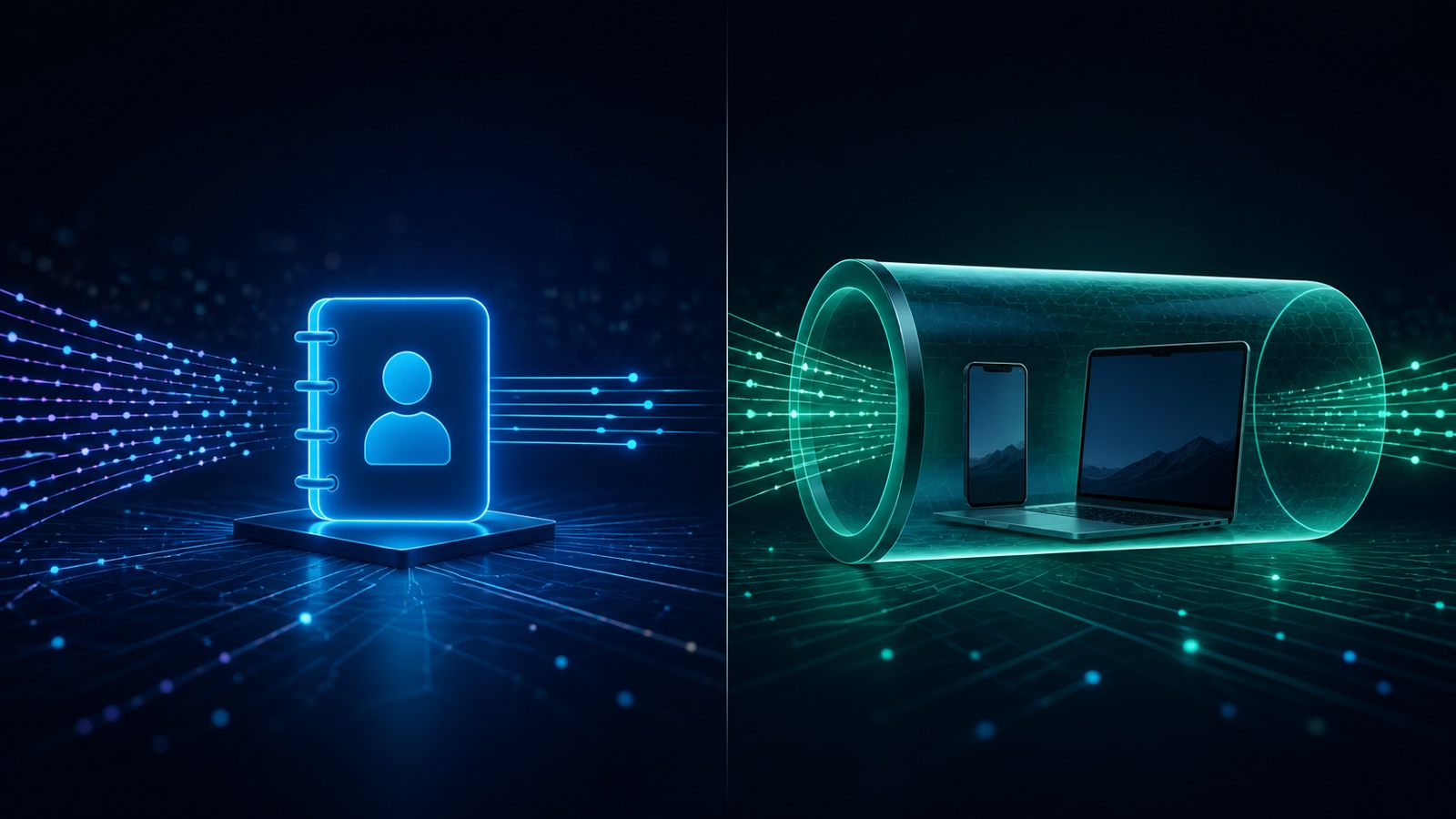
What encrypted DNS actually protects
DNS over HTTPS and DNS over TLS encrypt the request between your device or browser and a chosen DNS resolver. That makes it harder for someone on the local network to read or alter a plain-text lookup. The resolver still receives the domain request, so trust moves from the local network provider to the selected resolver.
Encrypted DNS does not automatically hide your public IP from websites, protect every app connection, or change the region websites infer from your address. It is a focused defense for the name-resolution step.
- Protects DNS queries in transit.
- Can reduce local DNS interception and tampering.
- Does not replace HTTPS for page content.
- Does not by itself create a new public IP address.
More layers can create less clarity
Two tools competing to control DNS may make a leak test harder to interpret. Use a deliberate configuration with one clear resolver path.
What a VPN protects instead
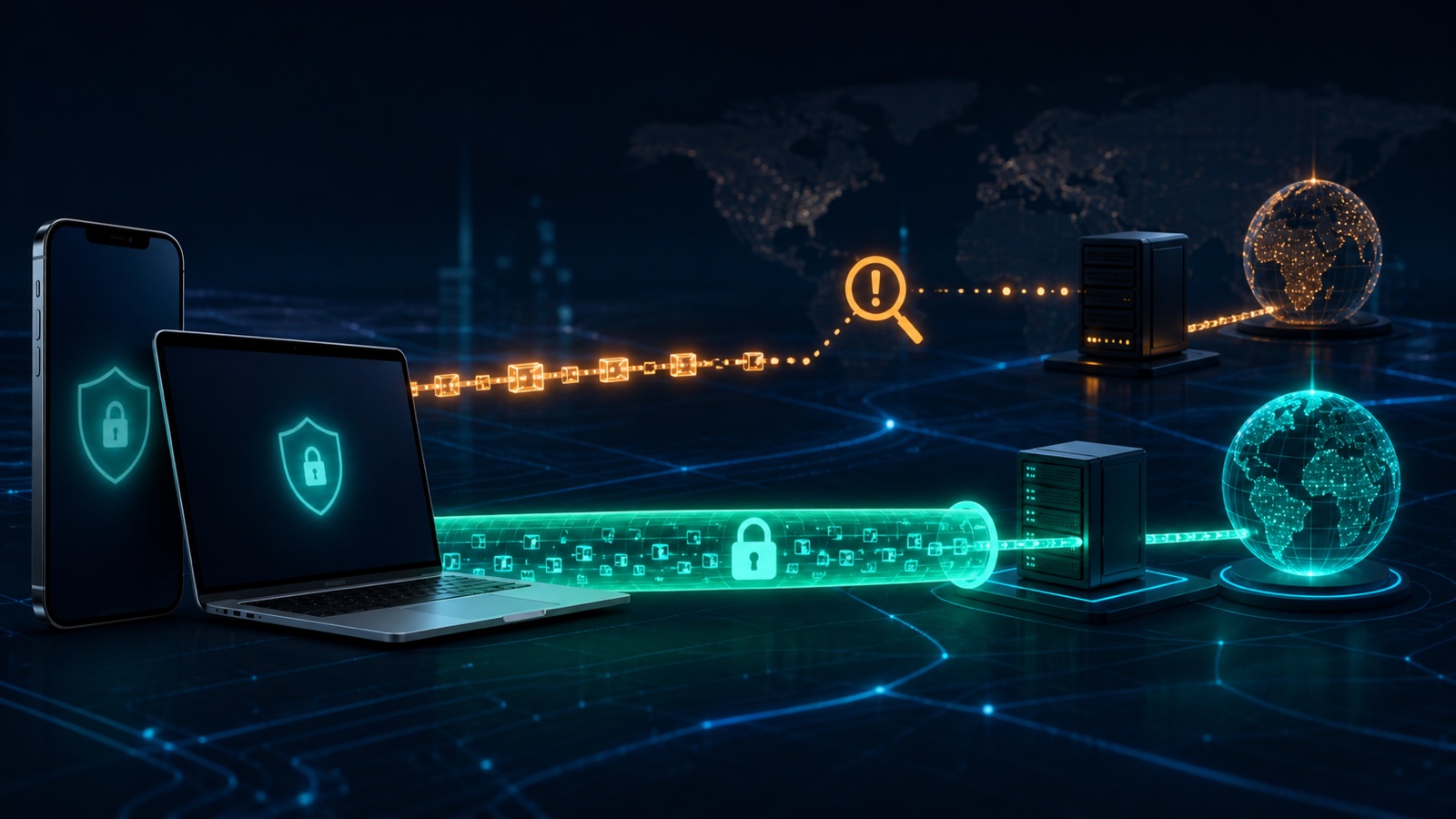
A VPN creates an encrypted tunnel from the device to a VPN server. The local network sees a connection to that service rather than each compatible destination, and websites generally see the VPN server public IP. DNS requests may also travel through the tunnel when the VPN is configured to handle them.
Protection ends at the VPN server. Websites can still see information you submit, account logins, cookies, and browser signals. A VPN is a network privacy layer, not an anonymity guarantee or a replacement for account security.
- Protects more than DNS on compatible traffic.
- Masks the device public IP from destination sites.
- Helps on untrusted Wi-Fi after the tunnel connects.
- May be affected by network restrictions or configuration conflicts.
Which should you use on iPhone or Mac?
Use encrypted DNS when your main goal is protecting lookups and you do not need a different public IP. Use a VPN when you want a broader encrypted path on public networks, want to reduce ISP visibility, or need an IP associated with the selected VPN region.
Using both is not always additive. A browser-level secure DNS setting may send queries outside the resolver chosen by a VPN, while some operating systems let the VPN take priority. Test the final configuration instead of assuming that more switches always mean more privacy.
- Decide which provider should answer DNS queries.
- Connect one primary VPN at a time.
- Run a DNS and IP test after configuration.
- Keep browser and operating-system privacy settings updated.
Match the tool to the threat
Encrypted DNS protects a specific lookup step. A VPN protects a broader route. Browser privacy controls still matter with either choice.
Where iCloud Private Relay fits
Apple describes iCloud Private Relay as a Safari privacy feature that uses two relays to separate identity from browsing destinations. It is available with iCloud+ in supported regions and does not cover all app traffic like a traditional device VPN.
Third-party VPN or filtering settings can be incompatible with Private Relay. Choose the tool that matches the traffic you need to protect and follow Apple or provider guidance instead of assuming both services will stack.
Frequently asked questions
Is encrypted DNS the same as a VPN?
No. Encrypted DNS protects DNS queries to a resolver, while a VPN generally encrypts a broader traffic path and changes the public IP seen by websites.
Does a VPN always prevent DNS leaks?
A correctly configured VPN can route DNS through its tunnel, but browser settings, profiles, or software conflicts can create unexpected resolver paths. Test the configuration.
Can I use encrypted DNS and a VPN together?
Sometimes, but the result depends on the operating system, browser, and VPN. One may override the other, so verify which resolver is actually used.
Is iCloud Private Relay a full VPN?
No. Apple describes it as a Safari browsing privacy feature. It does not provide the same all-app traffic coverage as a traditional device VPN.
Questions worth checking next
Use these short answers to confirm the safest next step for your setup.
Related privacy guides
Use Free VPN US on iPhone and Mac
Add an encrypted network layer when you browse on public or unfamiliar networks. Keep device settings, app permissions, and account security working alongside the VPN.
- Simple connection controls
- Multiple VPN regions
- Built for Apple devices