
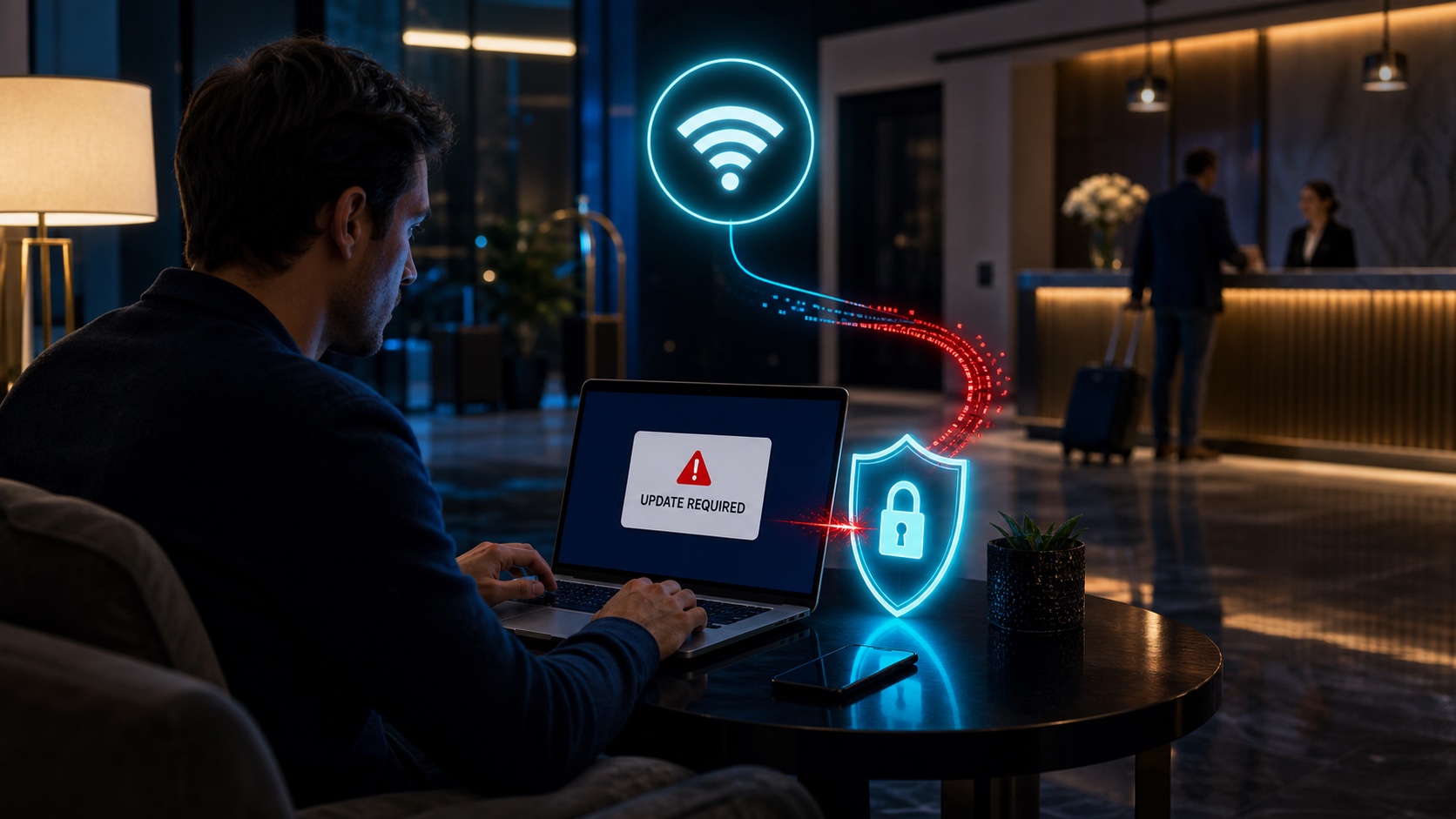
What Microsoft reported about CaptiveCrunch
In a July 31, 2026 threat-intelligence report, Microsoft said it had observed Storm-2945 manipulating DNS and HTTP traffic from networks served by captive portals since early May. Microsoft assesses Storm-2945 to be a sub-cluster of Midnight Blizzard, a Russia-based cyberespionage actor.
Microsoft observed affected hospitality networks in several countries and said other researchers identified activity at hotels, conference centers and shared venues. The company was still investigating how the captive-portal networks were initially compromised. Similar equipment and management systems across affected networks suggested the campaign might involve shared parts of the captive-portal ecosystem rather than only isolated venue compromises.
This was targeted activity, not proof that every hotel network is infected
CaptiveCrunch is a documented campaign, but its existence does not mean every guest network is malicious. The practical lesson is narrower: a familiar venue, a correct Wi-Fi name and a normal-looking portal are not enough to justify an unexpected download or sign-in request.
How a legitimate guest network can become the trap
A classic evil-twin attack lures people onto a fraudulent hotspot that copies a trusted name. CaptiveCrunch is different. Microsoft says the attackers gained a position that allowed them to manipulate traffic on networks served by real captive-portal infrastructure.
The attack path in plain language
- You join guest Wi-Fi. Your browser or operating system performs an automatic connectivity check to discover whether a sign-in portal is required.
- Traffic is redirected. The manipulated network sends the device toward attacker-controlled infrastructure instead of the page it expected.
- A convincing prompt appears. It may pretend to be a browser update, operating-system repair, security check or failed verification.
- The user completes the attack. The page asks for a download, an installation, a pasted command or a device code entered on a legitimate Microsoft sign-in page.
That last step matters. Many modern attacks do not break encryption directly; they manufacture enough urgency and familiarity to persuade the person to authorize the next action.
Fake updates and device-code phishing
Microsoft found malware presented as browser or operating-system updates. The reported Windows implant could steal credentials and session tokens, log keystrokes, collect files, take screenshots and provide remote access. Microsoft also saw indications that some landing pages instructed Android users to install an APK.
The report did not describe equivalent malware for iPhone or Mac. Apple users should still reject the same social-engineering pattern. A fake portal can try to steal a password, request a configuration profile, send a user to a fraudulent sign-in page or persuade someone to approve an authentication flow.
Why a real Microsoft page can still be part of phishing
In device-code phishing, an attacker starts an authentication request and convinces the victim to enter the attacker's code on a legitimate Microsoft page. The domain may be real, but the code links the victim's approval to the attacker's session. Never enter a device code merely because hotel Wi-Fi, a pop-up or an unsolicited message tells you to.
What protects you—and what does not
| Protection | What it helps with | What it cannot solve |
|---|---|---|
| Cellular data or personal hotspot | Avoids the venue's guest-network path | Phishing pages and malicious downloads can still exist online |
| Free VPN US | Encrypts supported traffic after the VPN tunnel connects and changes the public IP websites see | The captive-portal step, malware you install or a phishing request you approve |
| Passkeys and phishing-resistant MFA | Reduce reliance on reusable passwords and resist common credential phishing | Malware running on the device or an authorization the user deliberately grants |
| Official update settings | Provides a trusted route for operating-system and app updates | A person ignoring the official route and running a portal download |
A VPN is still useful on guest Wi-Fi, but timing and expectations matter. Captive portals often appear before a VPN tunnel can be established. Complete only a portal you have verified with the venue, close the portal, connect Free VPN US, confirm the VPN is active and then start ordinary browsing.
Hotel Wi-Fi checklist for iPhone and Mac
Before joining
- Ask hotel or conference staff for the exact Wi-Fi name and sign-in method. Do not rely on a sign posted where anyone could copy it.
- Prefer your iPhone's cellular connection or Personal Hotspot for banking, work administration and software updates when practical.
- Install important updates before travel through System Settings, iPhone Settings or the App Store.
At the captive portal
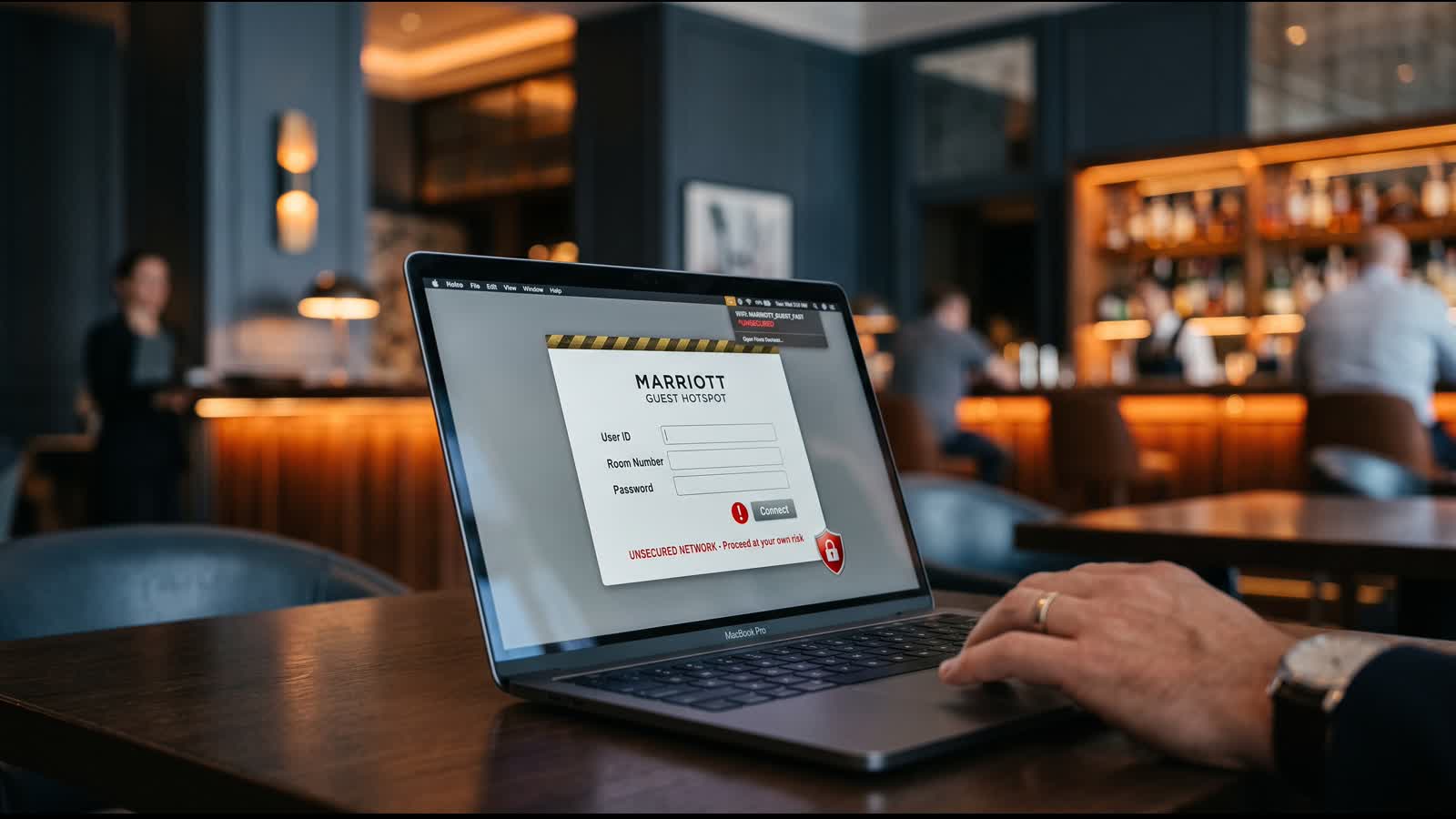
- Expect ordinary access details such as a room number, surname, event code or acceptance of terms—not an app, certificate, profile or repair tool.
- Do not use your work or email password as the Wi-Fi registration password.
- Leave immediately if the page asks you to open Terminal, paste a command, disable security, install a profile or enter a Microsoft device code.
After the portal
- Close the captive-portal window and connect Free VPN US before browsing.
- Confirm the VPN shows an active connection. If the Wi-Fi forces the portal to reopen, stop and verify the network with staff again.
- Disable automatic joining for unfamiliar networks and forget the guest network when the trip ends.
The most useful rule
A guest portal may ask you to sign in or accept terms. It should never diagnose your device, install a browser update or tell you to run a command. Treat that change of role as a stop sign.
What to do if you clicked or installed something
- Disconnect. Turn off Wi-Fi and stop using the affected device for email, banking or work accounts.
- Do not keep troubleshooting through the prompt. More instructions may be part of the same attack.
- Use a clean device. Change any password you entered, revoke active sessions and review MFA methods and recent sign-ins.
- Escalate work-device incidents. Contact your organization's security or IT team immediately and preserve the page address, time, hotel and network name if safe to do so.
- Get the device inspected. Unknown software, configuration profiles or commands can require professional cleanup or a full reset.
If you only opened the page and did not download, install, paste, approve or enter credentials, the risk is lower. Still close it, forget the network and report the behavior to venue staff.
Hotel Wi-Fi fake update FAQ
Can a legitimate hotel Wi-Fi network be compromised?
Yes. Microsoft reported that CaptiveCrunch manipulated DNS and HTTP traffic on hospitality networks served by captive portals. The investigation into the initial compromise method was still ongoing, so a familiar network name alone does not prove the connection is safe.
Should a hotel captive portal ask me to install an update?
No. Do not install browser updates, operating-system updates, certificates, network repair utilities or security tools presented by a captive portal or unexpected webpage. Verify updates through the device's official Settings or App Store.
Does a VPN protect me from hotel Wi-Fi fake update attacks?
A VPN encrypts supported traffic after its tunnel is established and reduces what the local network can inspect. It cannot make a fake update safe, stop malware you install, or reverse a phishing approval. Complete only a verified portal, then connect the VPN before ordinary browsing.
What should I do if I installed a hotel Wi-Fi update?
Disconnect from the network, stop using the affected device for sensitive accounts, and contact your organization's security team if it is a work device. From a clean device, change exposed credentials, revoke active sessions and review multifactor authentication methods. Seek qualified technical help to inspect or reset the affected device.
Questions travelers ask next
Safe guest Wi-Fi depends on both the network and the choices made before sensitive activity begins.
Related hotel Wi-Fi guides
Encrypt your connection after the portal
Once you have completed a verified hotel captive portal, connect Free VPN US before browsing on your iPhone or Mac. It encrypts supported traffic and changes the public IP websites see—an important layer on networks you do not control.
- Encrypted supported traffic
- Public IP privacy
- iPhone and Mac apps