
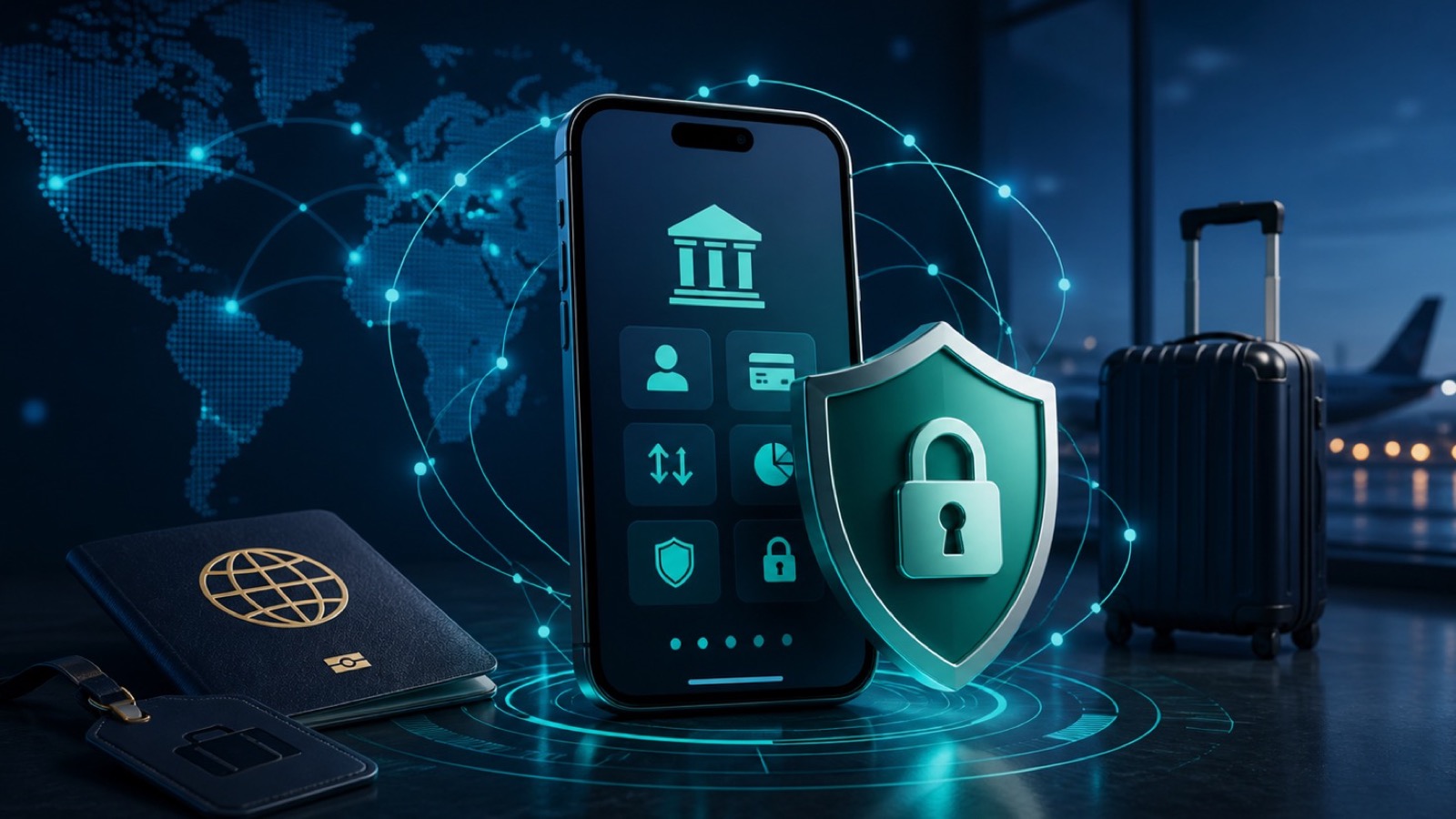
What actually keeps mobile banking safe while traveling?
Banking apps and modern websites normally encrypt their own connections, but travel adds risks around fake networks, stolen devices, rushed decisions, and phishing messages. The strongest protection comes from combining a trusted app, an updated device, a unique password, multi-factor authentication, and real-time transaction alerts.
Network choice still matters. CISA recommends avoiding open Wi-Fi for banking and using cellular data when a sensitive transaction cannot wait. A VPN helps protect traffic from local network observers, but it does not make a fake banking site legitimate.
Do not change locations to evade your bank
A sudden foreign sign-in or rapidly changing IP address can trigger a legitimate fraud check. Use one stable connection, respond only through the official app, and contact the bank directly if access is restricted.
Prepare your accounts and devices before travel
A ten-minute setup at home prevents most last-minute account recovery problems abroad. Complete it while you still have reliable access to your normal phone number, email, and trusted devices.
Pre-travel checklist
- Install operating-system and bank-app updates from the official app store.
- Turn on multi-factor authentication, transaction alerts, and new-device sign-in alerts.
- Store the bank fraud number from the back of your card and confirm recovery details.
- Use a strong device passcode and enable Find My plus automatic screen locking.
A travel notice is not universal
Some banks no longer require travel notices, while others still provide them. Check your bank's current policy in its app or by calling the number on your card instead of following advice from an unsolicited message.
Choose a safer connection for banking
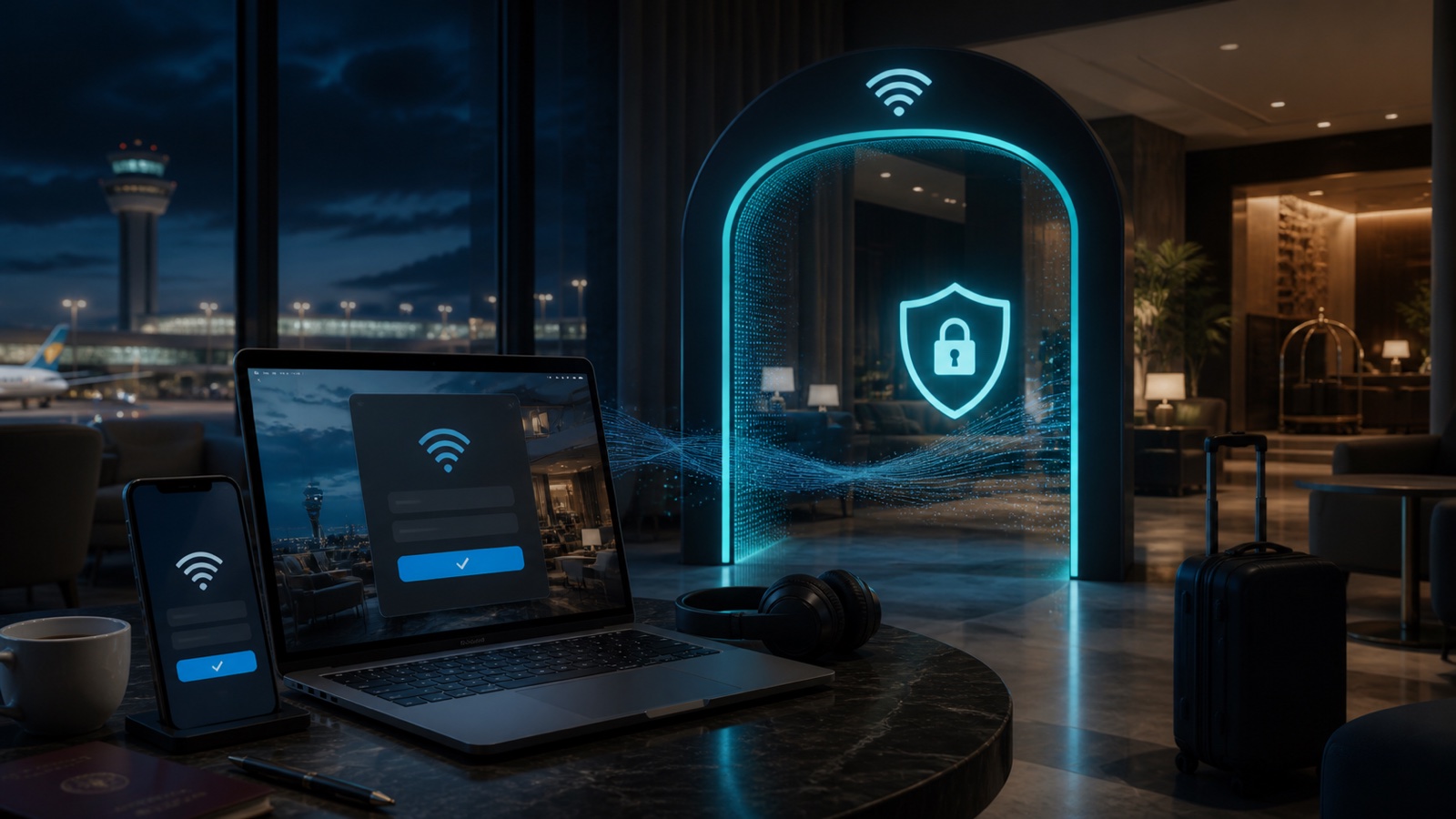
Use cellular data when practical. On hotel or airport Wi-Fi, verify the exact network with staff, finish any captive-portal sign-in, and then connect Free VPN US before opening the official bank app.
What Free VPN US contributes
- It encrypts supported traffic between your device and the VPN server.
- It reduces what the local hotspot can learn from routed traffic.
- It masks your public IP with the VPN server's address while connected.
- It gives you a consistent protection step on networks you do not control.
What a VPN cannot do
A VPN cannot detect every fake app or phishing page, reverse an authorized transfer, protect an unlocked stolen phone, or guarantee that a bank will accept a login. Account controls and careful verification remain essential.
Which connection should you use?
| Situation | Best first choice | Reason |
|---|---|---|
| Quick balance check | Cellular data | Avoids an unfamiliar local Wi-Fi network. |
| Hotel Wi-Fi only | Verified Wi-Fi plus VPN | Reduces local-network visibility after portal sign-in. |
| Shared computer | Do not bank | You cannot trust the device, browser, or saved session. |
| Urgent fraud alert | Official app or card number | Avoids links and phone numbers supplied by an attacker. |
Common travel banking situations
Use the situation, not convenience alone, to choose the next action.
The bank app blocks a foreign sign-in
Do not cycle through many VPN locations. Keep one stable connection and contact the bank through its official app or the number printed on your card. The block may be a legitimate fraud control.
A text says your card was frozen
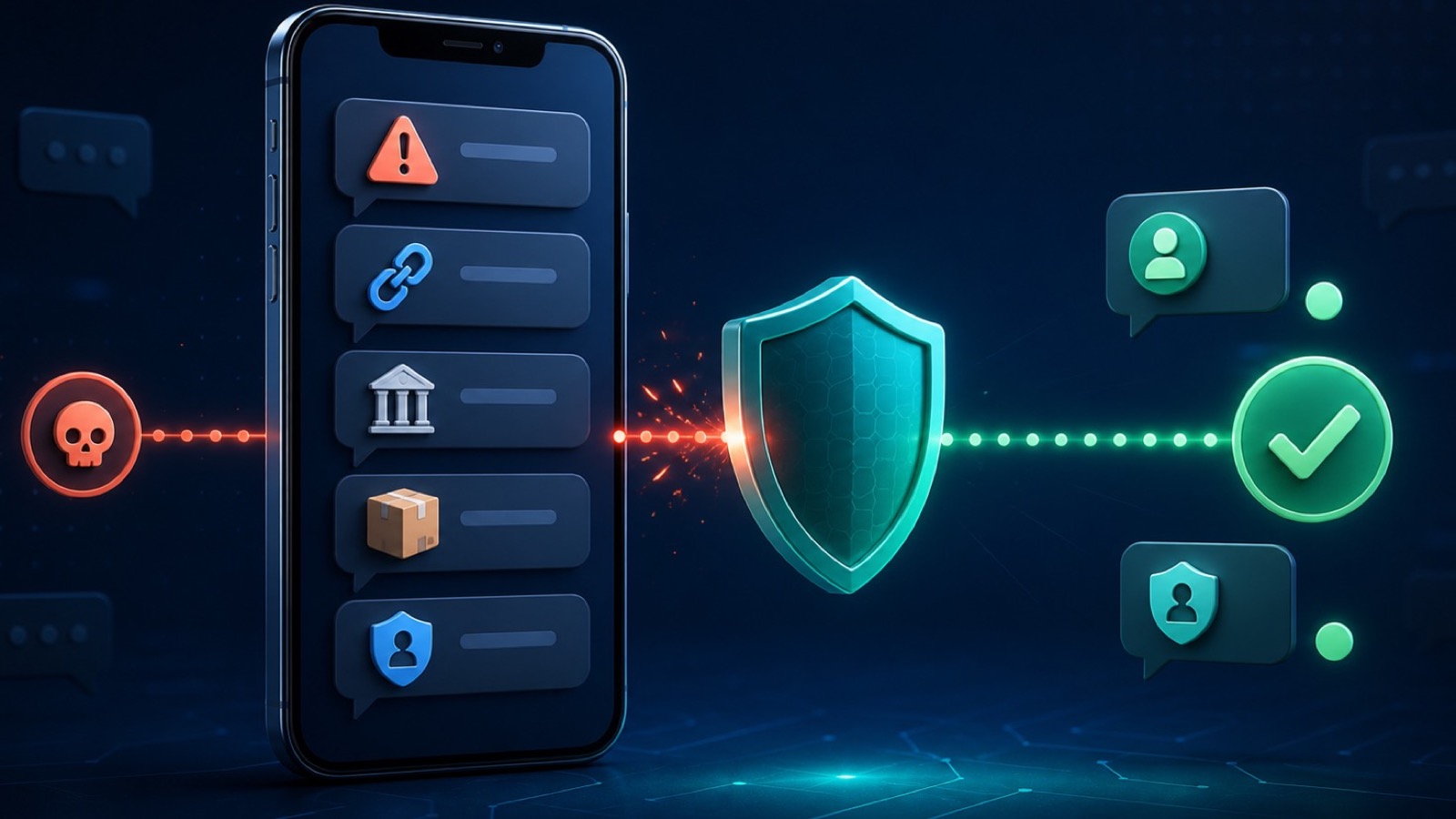
Do not tap its link or call its number. Open the banking app yourself and check notifications, or call the known fraud number. Urgency is a common phishing tactic.
The hotel Wi-Fi requires a login page
Complete the captive portal without entering banking credentials, then connect the VPN. If the network behaves strangely or repeatedly redirects you, switch to cellular data.
Your phone is lost or stolen
Use Find My to mark it lost, contact your carrier and bank, revoke unfamiliar sessions, and monitor transactions. A VPN cannot protect an unlocked device in someone else's hands.
Security is a chain
The connection, device, bank account, and your verification habits all matter. A VPN strengthens one link; it does not replace the others.
A four-step travel banking routine
- Prepare. Update devices, enable alerts and MFA, and save official recovery contacts.
- Choose. Use cellular data first; otherwise verify Wi-Fi and connect the VPN after any captive portal.
- Verify. Open the bank app directly and confirm the domain, transaction, amount, and recipient.
- Respond. If anything is unfamiliar, stop and contact the bank through a known channel immediately.
This routine is deliberately simple enough to repeat in airports, hotels, trains, and cafes without relying on memory under pressure.
Mobile banking while traveling FAQ
Is it safe to use a banking app on hotel Wi-Fi?
A legitimate updated banking app normally encrypts its connection, but a fake hotspot or compromised device still creates risk. Prefer cellular data. If hotel Wi-Fi is your only option, verify the network, complete its portal, connect a VPN, and open the bank app directly.
Will a VPN stop my bank from locking my account?
No. A bank may challenge a sign-in because of location, device, IP address, or transaction behavior. Use a stable connection and contact the bank through an official channel rather than repeatedly changing VPN servers.
Should I tell my bank before international travel?
Check your bank's current policy. Some institutions no longer require travel notices, while others offer them in the app. Confirm through the official app or the number on your card.
What should I do after entering bank details on a suspicious page?
Contact the bank immediately through a trusted number, change the affected password from a trusted device, review transactions, revoke unfamiliar sessions, and follow the bank's fraud instructions.
Questions worth checking next
Use these answers to choose the safest next step for your situation.
Related privacy guides
Add a private network layer with Free VPN US
Free VPN US encrypts supported device traffic between your iPhone or Mac and the VPN server. It is useful on networks you do not control, but it does not replace account security, careful link checking, or trusted apps.
- Encrypted traffic on supported iPhone and Mac connections
- A different public IP address while the VPN is connected
- Simple protection for everyday and travel networks