
What Private Browsing Actually Hides
Private browsing mode is useful, but it is often misunderstood. In Safari, Chrome, Firefox, and other browsers, private mode mainly limits what is saved locally after the session: browsing history, cookies, form entries, and some cached data. It is designed for local privacy on the device, not full anonymity on the internet.
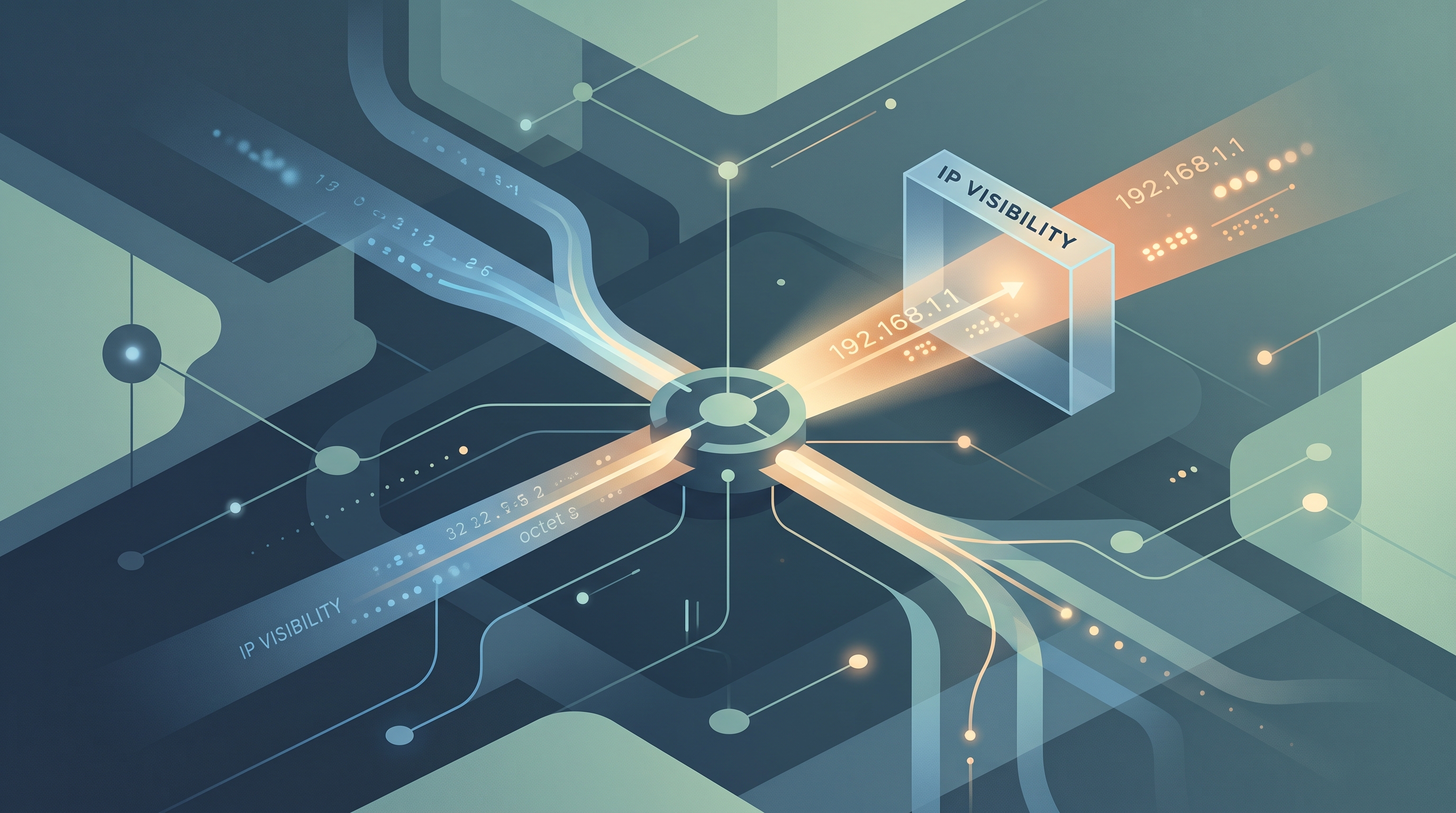
Websites still need an IP address to send pages, images, videos, and login responses back to you. Private browsing does not replace that address. Your internet provider, school, workplace, Wi-Fi operator, and websites you visit can still see or infer network-level information.
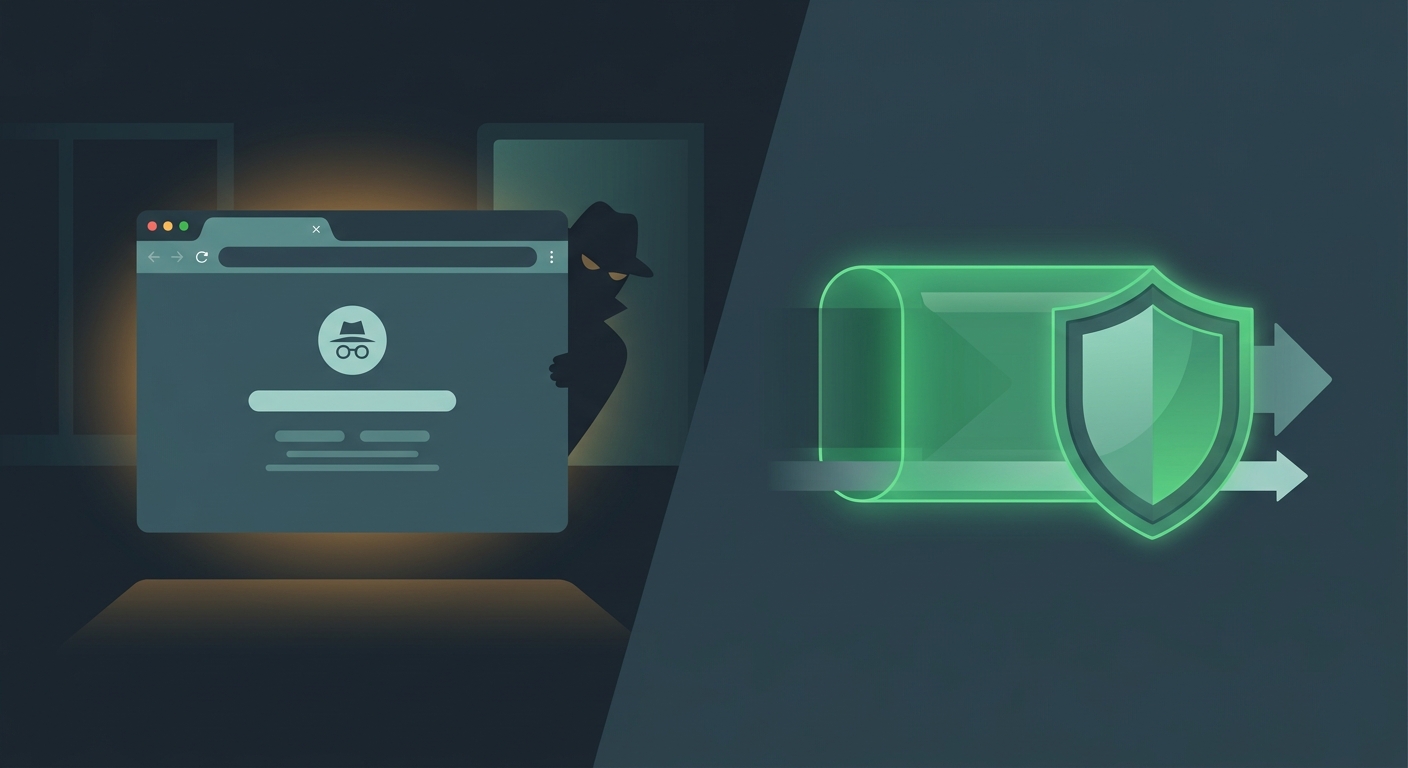
For searches like “does private browsing hide IP,” “why websites see my real IP in incognito,” or “private browsing vs VPN,” the answer is clear: private mode helps clean local traces, while a VPN helps protect the network path.
Private mode is not anonymous mode
It is good for keeping a session out of local browser history, but it does not hide your IP address, account logins, employer network monitoring, or all fingerprinting signals.
How Websites Still See Your Real IP Address
You can test this yourself by opening a private window and searching “what is my IP.” The website will still show a public IP address and approximate location. That location may not be exact, but it is enough for region detection, fraud scoring, analytics, and content personalization.
Websites can also see browser details such as language, screen size, operating system, time zone, extensions, and login status. Combined, those signals may create a browser fingerprint that persists even when cookies are cleared.
Private browsing also does not hide activity from the network owner. If you are on school, work, hotel, or cafe Wi-Fi, local systems may still see DNS requests, connection metadata, or traffic categories unless you add encryption with a VPN and use HTTPS.
Practical checks to run
- Open a private window and check your public IP address.
- Compare private mode with and without Free VPN US active.
- Review browser extensions, because they can increase fingerprinting.
- Avoid logging into personal accounts when you want separation.
- Use HTTPS and a VPN on shared networks.
What these checks cannot prove
These checks narrow the problem, but they do not reveal every backend rule, account control, device-management setting, or legal restriction. Use them to avoid unsafe assumptions and pick the safest next step.
How Free VPN US Adds the Missing Network Privacy Layer
Free VPN US changes the network privacy layer. When active, websites see the VPN exit IP instead of your local network IP, and shared Wi-Fi operators see encrypted VPN traffic instead of normal browsing destinations.
This pairs well with private browsing. Private mode reduces local browser traces; Free VPN US reduces IP and network exposure. Together, they are stronger than either tool alone for everyday privacy on iPhone and Mac.
A VPN still does not make you invisible. If you log into Google, Netflix, Reddit, banking, or social media, those services know the account is yours. Browser fingerprinting, payment details, device IDs, and behavioral patterns can also identify sessions.
What Free VPN US is best at
- Encrypting traffic on public, shared, or unfamiliar Wi-Fi.
- Reducing local network visibility into browsing and DNS activity.
- Adding a practical privacy layer for iPhone and Mac users.
- Helping with legitimate access issues where VPN use is allowed.
What still needs your attention
Free VPN US does not replace account security, careful link checking, app-permission hygiene, or local law. For the best result, combine the VPN with official apps, strong passwords, updated devices, and privacy-aware browsing habits.
Private Browsing Signals and Privacy Fixes
| Signal | What it may mean | Best next step |
|---|---|---|
| Private mode only | Local history is reduced but IP remains visible. | Use it for shared-device privacy. |
| VPN only | Network IP is masked but browser history may remain. | Use it for network privacy. |
| Private mode plus VPN | Local traces and network exposure are both reduced. | Use this on public Wi-Fi or sensitive browsing. |
| Logged-in accounts | The account identifies the session. | Log out or separate profiles when identity matters. |
How to Browse More Privately in Real Life
Use these habits to make the guide useful beyond a one-time fix. They improve privacy, reduce account risk, and help readers avoid common traps around blocked websites, phishing pages, location tracking, public Wi-Fi, and private browsing myths.
Use private mode for local separation
It helps when sharing a device, researching gifts, checking accounts briefly, or avoiding saved cookies in the main browser profile.
Use Free VPN US for network privacy
Turn it on before browsing from hotels, cafes, airports, schools, coworking spaces, or unfamiliar Wi-Fi.
Reduce fingerprinting inputs
Limit extensions, avoid unnecessary permissions, keep browsers updated, and use privacy settings that block trackers where possible.
Separate identities intentionally
Do not mix personal logins, work accounts, anonymous research, and social posting in the same browser profile if privacy matters.
Private browsing cleans the room, not the road
It reduces what remains on your device. A VPN protects more of the route your traffic takes across the network.
Step-by-Step Private Browsing Privacy Plan
- Use private mode for local traces. Open a private window when you do not want the session saved in the normal browser profile.
- Turn on Free VPN US. Mask your local IP and encrypt traffic before browsing on shared Wi-Fi.
- Avoid unnecessary logins. Accounts identify you regardless of private mode or VPN use.
- Review browser settings. Limit extensions, block trackers, and clear permissions you no longer need.
This plan keeps the article focused on safe, legitimate privacy improvements. It also gives search visitors a clear path from diagnosis to action without sending them toward risky shortcuts.
Frequently Asked Questions
Does private browsing hide my IP address?
No. Websites still see a public IP address unless you use a VPN, proxy, or privacy network.
Can my ISP see private browsing activity?
Private mode does not hide traffic from your ISP or Wi-Fi operator. HTTPS and a VPN reduce what they can see.
Is private browsing the same as a VPN?
No. Private browsing controls local browser storage. A VPN protects the network connection and changes the IP address websites see.
What is the best setup for everyday privacy?
Use private mode when local history matters, Free VPN US when network privacy matters, and avoid logging into accounts when you want separation.
Still Have Questions?
These quick answers cover common follow-up situations after using the guide.
Related Reading

Protect Your Connection With Free VPN US
Free VPN US helps encrypt browsing on iPhone and Mac so shared networks, hotspots, and local Wi-Fi operators see less of your activity.
- Encrypted public Wi-Fi
- iPhone and Mac support
- No-cost VPN option