
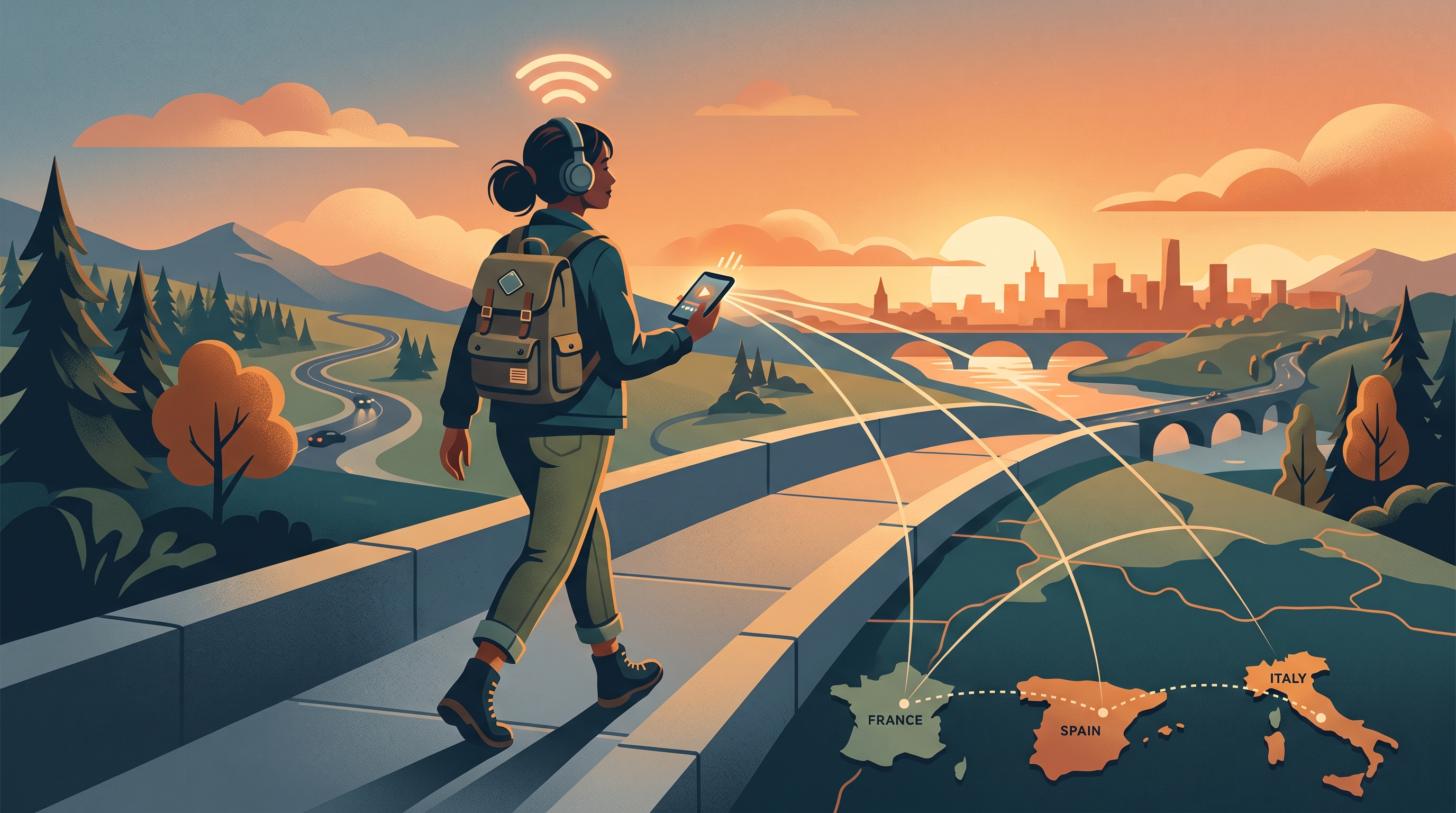
Why BBC iPlayer Is Blocked Outside the UK
BBC iPlayer uses geo-blocking technology to detect your location. The service checks your IP address—a unique identifier assigned by your internet provider—to confirm you're connecting from the UK. If your IP shows a non-UK location, BBC iPlayer refuses to load.
This restriction exists for licensing reasons. The BBC licenses content (shows, films, sports) for UK viewing only. Broadcasting rights agreements prevent the BBC from streaming some content internationally, even though iPlayer itself is free and funded by UK tax. The same geo-blocking applies to other UK streaming services like ITV Hub and All 4.
Why BBC Licenses Matter
International rights holders (studios, sports leagues, production companies) restrict content to protect their own regional licensing deals. BBC's licensing agreements don't cover international distribution, so the service must block non-UK viewers.
How a VPN Unblocks BBC iPlayer
A VPN (Virtual Private Network) routes your internet traffic through a server in another location. When you connect to a UK server via VPN, your IP address appears to be from the UK, even though you're physically abroad. BBC iPlayer sees a UK IP and grants access.
The process is straightforward: your device connects to Free VPN US, selects a UK server, and all web traffic passes through that server. To BBC iPlayer, you look like a UK user. The service loads, and you can log in with your BBC account to stream anything available.
Why Your VPN Choice Matters
Not every VPN unblocks BBC iPlayer. The service actively blocks VPN IP addresses it detects. Many VPN providers use old or poorly maintained server infrastructure, making their UK IPs easy to detect and block. Free VPN US maintains fresh, optimized UK servers specifically for streaming reliability, making it far more likely to work when you need it.
Key Difference: Speed vs. Blocking
Cheaper or free VPNs often route through overcrowded servers, causing lag and buffering. Free VPN US focuses on both speed and access—your VPN connection is fast enough for HD streaming without interruption.
Setting Up Your BBC Account from Abroad
Before connecting via VPN, you'll need a BBC account. The tricky part: BBC requires a UK postcode during registration, and you can't use a fake postcode (the system validates it). Here's how to do it properly:
Step-by-Step Account Creation
- Connect to VPN first: Open Free VPN US and select a UK server. This makes BBC think you're registering from the UK.
- Visit BBC.com: Go to the BBC website's sign-up page (you can also sign up within the iPlayer app).
- Provide real details: Use your actual name, email, and password. The system requires these to be real.
- Enter a UK postcode: Use any real UK postcode (searching "random UK postcode" gives options). Many people use postcodes from areas they've lived in or popular city postcodes like SW1A 1AA (London) or M1 1AD (Manchester).
- Verify your email: Check your inbox and click BBC's verification link to confirm your account.
- Start streaming: Open BBC iPlayer (app or website) and log in. You'll now see all available content.
Once your BBC account is set up, you can log in from anywhere with the VPN connected. Your account stays active as long as you can authenticate with your email.
Watching BBC iPlayer on iPhone & Mac
Free VPN US is designed for both iOS and macOS, making it simple to stream BBC content on your Apple devices.
iPhone & iPad Setup
- Download Free VPN US from the App Store (search "Free VPN US").
- Open the app and tap the large connect button.
- Select a UK server from the available locations list.
- Tap "Connect" and wait for the connection to establish (usually 2–3 seconds).
- Open BBC iPlayer app or Safari and browse or search for shows.
- Tap a show and it will play with smooth streaming (assuming your internet is 2.5+ Mbps).
macOS Setup
On Mac, the process is identical. Download the Free VPN US app from the App Store, connect to UK, then open iPlayer in your browser or app (if synced from iPhone). Mac users often prefer the web version at iPlayer.bbc.com for larger screens and full keyboard control.
App vs. Web: Which to Use?
The BBC iPlayer app offers a cleaner interface and better offline features (download shows to watch later). The web version works in any browser and doesn't require an app installation. Both work equally well with a VPN connection.
Troubleshooting BBC iPlayer with VPN
Most BBC iPlayer and VPN issues are simple to fix. Here are the most common problems and solutions:
BBC iPlayer Won't Load or Says "Not Available"
Cause: Your IP address is not recognized as being in the UK, or BBC has blocked that particular VPN server.
Fix: Switch to a different UK server in Free VPN US. Each server has a unique IP address, and some may be blocked while others aren't. Try 2–3 different servers until one works.
Video Buffers or Plays Slowly
Cause: Your VPN connection is slow, or your internet bandwidth is insufficient.
Fix: First, check your base internet speed (without VPN) at speedtest.net. BBC needs at least 2.5 Mbps for standard definition and 5+ Mbps for HD. If your speed is fine, try switching to a less congested UK server (free VPN servers can get busy during peak hours). Watch during off-peak times (early morning or late night) for better performance.
Can't Log Into BBC Account
Cause: Your BBC account exists but may be region-locked, or cookies/cache are blocking login.
Fix: Clear your browser cache and cookies for BBC.com, then try again. If the app won't log in, try the web version at iPlayer.bbc.com instead. If neither works, ensure you're connected to the UK VPN before attempting login.
Server Rotation Tip
BBC rotates which servers and IPs it blocks regularly. If your favorite server stops working, Free VPN US automatically updates with fresh UK connections. If you find a server that works well, note it mentally—it may stay stable for weeks.
What Content Can You Watch on BBC iPlayer?
BBC iPlayer includes thousands of hours of content across multiple genres. Here's what you'll find:
Main Content Categories
- Drama & Series: Line of Duty, Killing Eve, The Fall, Luther, and hundreds of other British dramas.
- Documentaries: Nature documentaries, true crime, history, and science shows (often BBC's flagship David Attenborough productions).
- News & Current Affairs: Live BBC News coverage, Newsnight, Panorama, and special events.
- Sports: Rugby, tennis, cricket, and snooker coverage (rights-dependent; some sports content is time-limited).
- Entertainment & Comedy: Strictly Come Dancing, panel shows, comedies, and talent shows.
- Children & Family: CBeebies and CBBC content for younger audiences (ad-free).
- Films & Movies: BBC broadcasts films regularly, with a rotating library.
Content availability varies. Some shows are available for 30 days, then rotate off. Sports events are often time-limited to the event window. Films and documentaries stay longer. Check individual titles for their "Available until" date on the iPlayer page.
Is Using a VPN to Watch BBC iPlayer Legal?
This is the question every expat asks, and the answer is nuanced.
The Legal Gray Area
Using a VPN itself is completely legal in most countries (with rare exceptions like China and Russia). However, BBC iPlayer's terms of service explicitly state that the service is only for UK residents, and using a VPN to bypass geo-blocking technically violates those terms.
In practice, BBC is unlikely to pursue individual viewers. The service focuses on blocking VPN IPs rather than hunting down users. Many UK expats use VPNs to access iPlayer without issue. That said, BBC reserves the right to suspend or ban accounts that violate their terms.
What You Should Know
- Service suspension: BBC could suspend your account if they detect systematic abuse (selling access, sharing account widely, etc.).
- Local laws: Some countries (very few) discourage VPN use; check your specific location's laws before using a VPN.
- Personal use is common: The vast majority of expats and travelers use VPNs to access home country services without legal consequence.
Bottom line: Use a VPN responsibly for personal viewing. Don't sell access, don't share your account, and understand that you're technically violating BBC's terms (though enforcement is rare).
Other Ways to Watch British Content Abroad
BBC iPlayer isn't your only option for British TV. Depending on where you're traveling, some alternatives may be available:
BritBox
BritBox is a subscription service (£5.99/month or $15.99/month in the US) that streams British and Irish TV internationally, including many BBC shows. It's available in the US, Canada, Australia, and other countries without geo-blocking. If you're a frequent BBC watcher, BritBox might be a better long-term option than relying on VPN access to iPlayer.
ITV Hub & All 4
These are the iPlayer equivalents for other UK broadcasters. ITV Hub (ITV shows and films) and All 4 (Channel 4 content) are also geo-blocked and require the same VPN + UK postcode approach as BBC.
International Licensing
Some BBC shows are licensed internationally and available on Netflix, Disney+, Amazon Prime, or other services in your region. Check what's available in your country before assuming you need a VPN.
Frequently Asked Questions
Is it legal to watch BBC iPlayer outside the UK with a VPN?
BBC iPlayer's terms of service restrict access to UK residents. While using a VPN to unblock geo-restricted content exists in a legal gray area, using a VPN itself is legal in most countries. Most personal use goes unenforced, but BBC reserves the right to suspend accounts that violate their terms.
Can I watch BBC iPlayer on iPhone with a VPN?
Yes. After connecting to a VPN on your iPhone, open the BBC iPlayer app or visit iPlayer.bbc.com in Safari. The VPN routes your traffic through a UK server, making BBC services think you're in the UK. Free VPN US works on iOS, making it easy to connect with one tap.
Which VPN reliably unblocks BBC iPlayer?
Not all VPNs unblock BBC iPlayer—many UK IP addresses are blocked by the service. A reliable VPN needs fresh, well-maintained UK servers. Free VPN US maintains optimized UK connections designed for streaming access, giving you a dependable option without subscription fees.
How do I stop BBC iPlayer buffering when using a VPN?
Buffering happens when your VPN connection is slow or congested. Try: switching to a different UK VPN server, closing background apps consuming bandwidth, ensuring your internet speed is at least 2.5 Mbps for standard definition, or watching during off-peak hours when servers are less crowded.
Do I need a BBC account to watch iPlayer abroad?
Yes. BBC iPlayer requires a free BBC account, which is only available to UK residents. You'll also need a UK postcode during registration. Once your account is set up, connecting through a VPN from abroad lets you access your account and stream available content.
Will BBC iPlayer work on Mac with a VPN?
Yes. Free VPN US works on macOS the same way it does on iOS. Connect your Mac to a UK server via the app, then open iPlayer.bbc.com or the iOS app synced to your Mac. You'll have full access to stream your favorite British shows.
Still Have Questions?
Expand any question below to learn more about BBC iPlayer, VPNs, and streaming from abroad.
Some BBC content (especially sports) has time-based or international licensing restrictions. Even with a UK VPN, certain shows or live events may not be accessible due to rights agreements. Check the show's page for availability. If it says "not available," it's a licensing restriction, not a VPN issue.
BBC iPlayer adjusts bitrate based on your connection: Standard Definition uses ~0.5–1 GB/hour, HD uses ~2.5–3 GB/hour. If you're traveling on a limited mobile plan, use WiFi or watch in SD. One hour of SD viewing is roughly equivalent to 30 minutes of web browsing.
Any VPN adds a small amount of latency (typically 10–50ms) because your traffic travels through an extra server. Free VPN US is optimized for speed, with fast UK servers designed for streaming. For most people, the speed difference is imperceptible, and HD streaming works smoothly.
Related Reads
Ready to Watch BBC iPlayer Abroad?
Free VPN US gives you instant access to British TV from anywhere. No subscription fees, no complicated setup—just download the app, connect to UK, and start streaming.
Download Free VPN USDownload from the App Store and connect in seconds.
Optimized for BBC iPlayer and smooth streaming.
Start using the VPN instantly without signing up.
Encrypt your traffic while maintaining streaming speeds.