
FREE VPN US team · Reviewed 27 October 2026
Start with these three checks
Can your iPhone get online?
On a trusted network, disconnect the VPN briefly and open a familiar website. That check uses your normal connection. If the page still will not load, try another trusted Wi-Fi network or compare mobile data, keeping your data plan in mind.
Did you finish the Wi-Fi sign-in?
Hotel, café and airport Wi-Fi may need a sign-in page before anything else works. Complete the network’s own sign-in, then return to FREE VPN US. If the page looks wrong or shows a security warning, check with the network operator.
What does the app say?
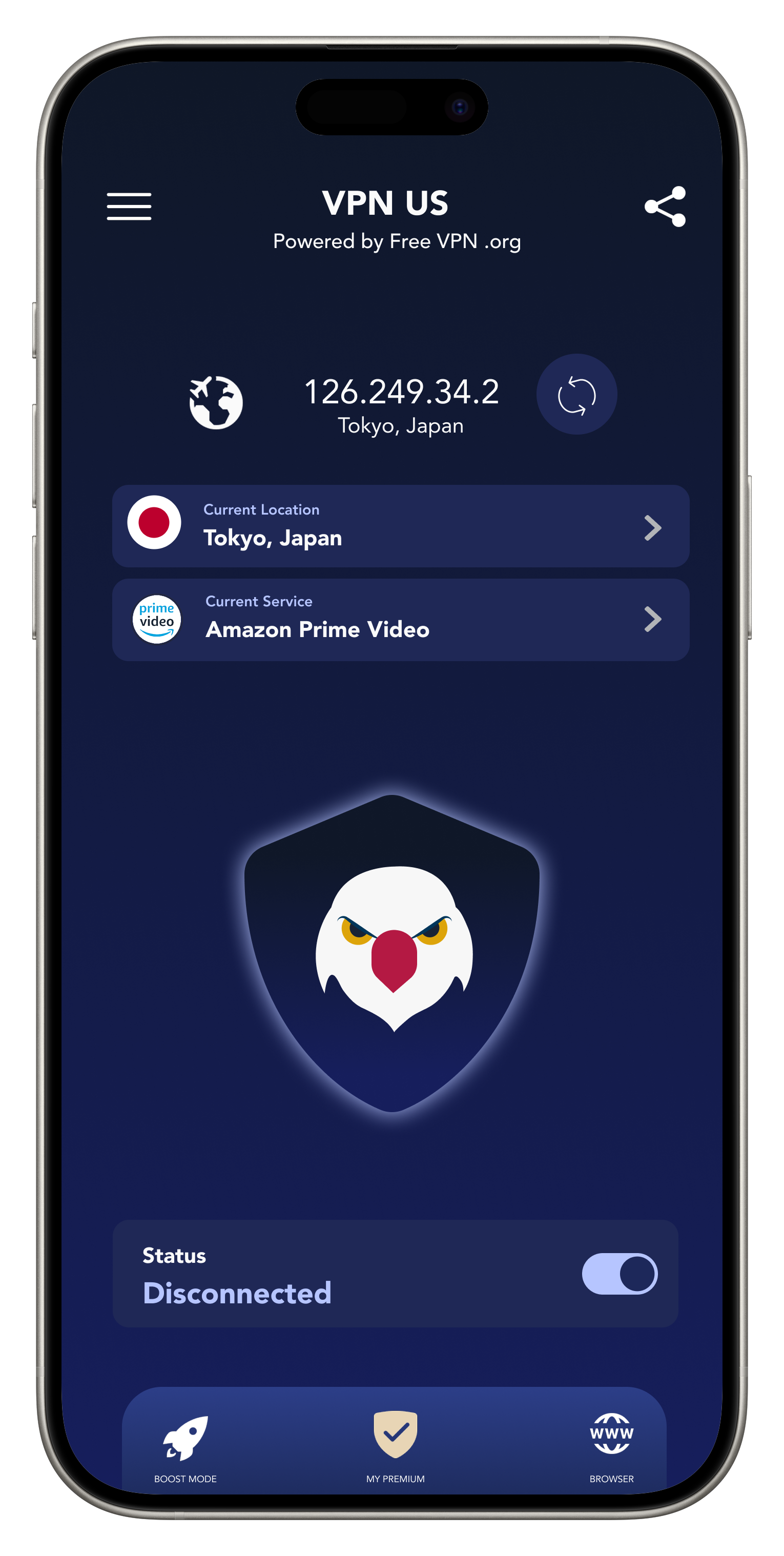
Open FREE VPN US and check whether it says disconnected, connecting or connected. If you have used Pause VPN, check whether the connection is intentionally paused. Keep any error message so you can tell us exactly what happened.
If your iPhone asks to add a VPN configuration
That is the system permission the app needs to create its VPN connection. If you want to use FREE VPN US, allow its request, then return to the app and connect. You do not need to search online for a server address or password: the app manages its own configuration.
If you dismissed the request, reopen FREE VPN US and try connecting again. You can also search for “VPN” in iPhone Settings to see the current configuration. If the device belongs to work or school, check with its administrator before changing managed settings.
For a first-time walkthrough, use our iPhone VPN setup guide. A Free VPN signup account is not required to begin.
Try one connection change, then check again
Choose another available region in the app and reconnect. Wait for the connected state, then open a familiar HTTPS website. If it works, you can stop troubleshooting and get back to what you were doing.
If the app shows that free access needs renewing, follow the free access choices displayed in your version. You do not need to purchase Premium just to carry out these checks. Optional paid features and their terms are shown before you choose them.
If another VPN is active, use its normal controls to disconnect it before trying FREE VPN US. Update our app through the App Store and restart the iPhone if the problem continues. Apple’s network connectivity guidance also recommends checking software updates, the network and related settings.
Choose the help that matches what you see
It connects, then drops
Does it happen when the screen locks or when you move between networks? Our disconnection guide starts there.
It started after an update
Keep your iOS and app versions handy, then follow the iOS update checks.
Only one website fails
Try a second site. If that works, check the first service’s account message and availability. A VPN does not replace its login or subscription.
If Kill Switch is enabled, a dropped VPN can leave traffic blocked as intended. Check the connection status and the controls shown in your app before assuming the phone’s internet connection has failed.
Still stuck? You can ask us
You do not have to work out the cause before contacting us. Tell us your iPhone model, iOS version, FREE VPN US version, Wi-Fi or mobile network, selected region and the exact message you see. Mention which check changed the result.
Use the app’s support option or contact our team. Please leave out passwords, verification codes and private browsing history. A cropped screenshot of the connection error is enough.
We have kept a full network reset out of these first steps because it changes saved network settings. If you need more help, let’s start with what you have already tried.
Your questions, answered
Why is my VPN not connecting on iPhone?
The network may need a sign-in, the VPN permission may not be approved, a region may be unavailable or another VPN may be active. Check the normal connection and the exact app status first, then change one thing at a time.
Do I need to enter manual VPN configuration details?
Not for the normal FREE VPN US app setup. The app manages its configuration after you approve the iOS VPN request. Manual workplace or school VPN settings are a separate setup.
Will deleting the app fix the connection?
It is not the first step. Check the network, permission, app status and updates first. If the issue remains, contact support with the exact error and the checks you have tried.
At your pace
Need the app first? We’ll start there.
Install FREE VPN US from the App Store, allow the VPN configuration and make your first connection without creating a Free VPN account.
Get FREE VPN US for iPhone